State and actions
SwiftUI: conditionally show items in the view
Learn how to conditionally show or hide views in a SwiftUI form, using an if statement and a Toggle to reveal extra options only when it is enabled.
A very common pattern in forms: a toggle, and when the toggle is on, a bunch of extra options appear under it.
You see it all the time in the Settings app. Turn on Wi-Fi and the list of networks shows up.
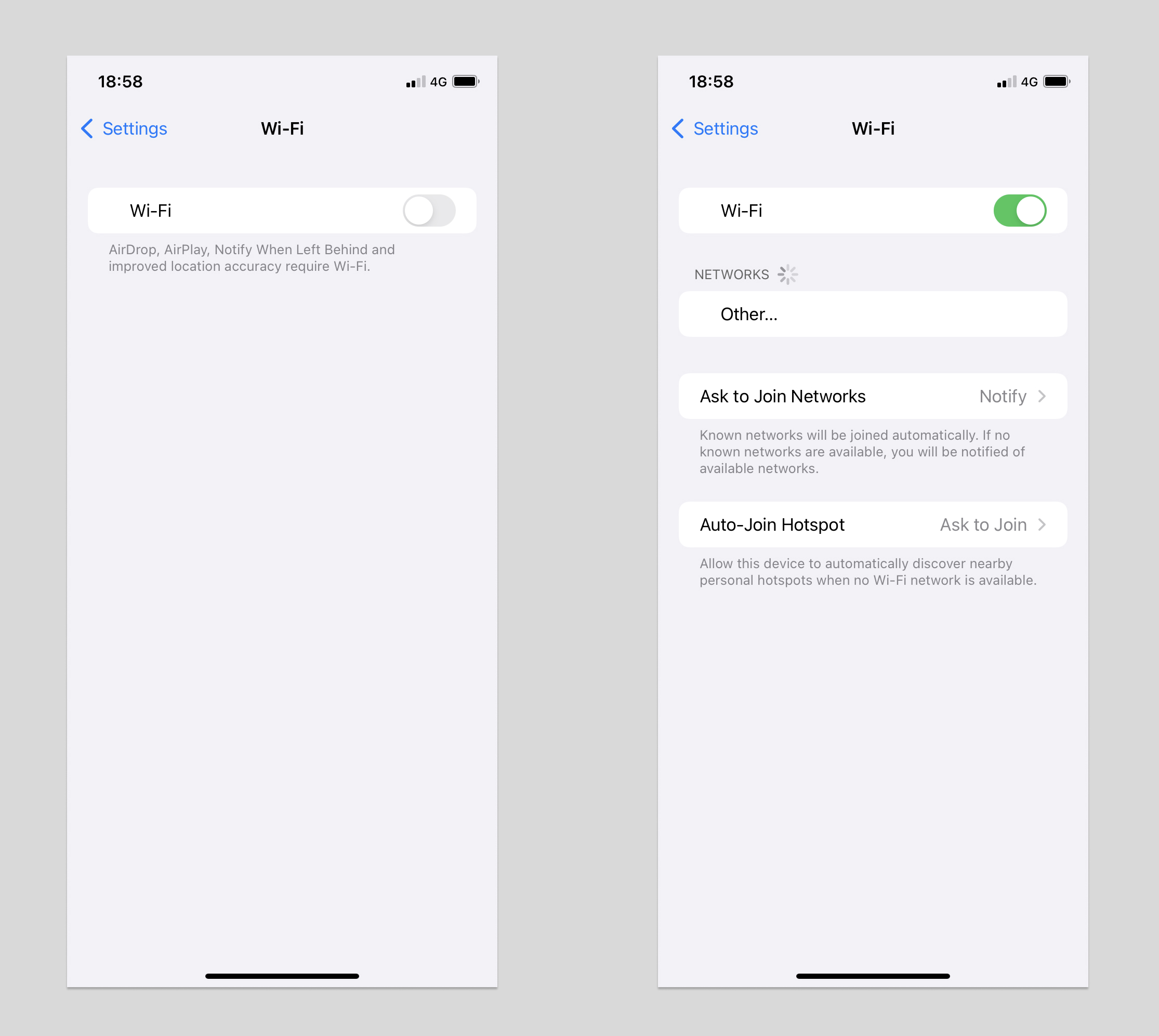
In SwiftUI this takes one if statement. Let’s build it.
First create a Form with a Toggle. The toggle needs a Bool to read and write, so we store one in a @State property:
struct ContentView: View {
    @State private var enabled = false

    var body: some View {
        Form {
            Toggle("Enable?", isOn: $enabled)
        }
    }
}
Then add this block right after the Toggle:
if enabled {
    Section {
        Text("This appears only if enabled")
    }
}
Here’s the full view:
struct ContentView: View {
    @State private var enabled = false

    var body: some View {
        Form {
            Toggle("Enable?", isOn: $enabled)

            if enabled {
                Section {
                    Text("This appears only if enabled")
                }
            }
        }
    }
}
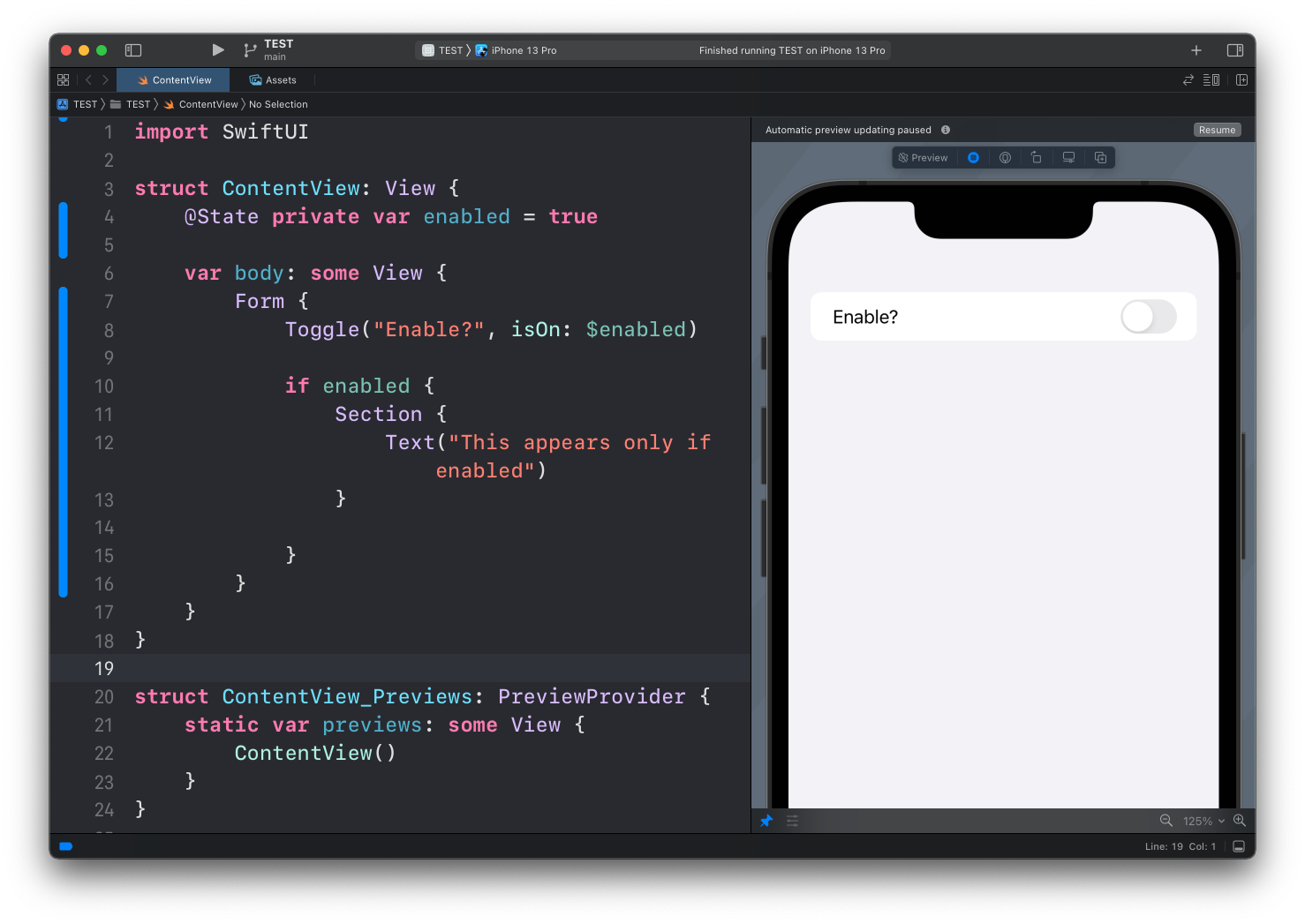
With the toggle off, the Text is not there:
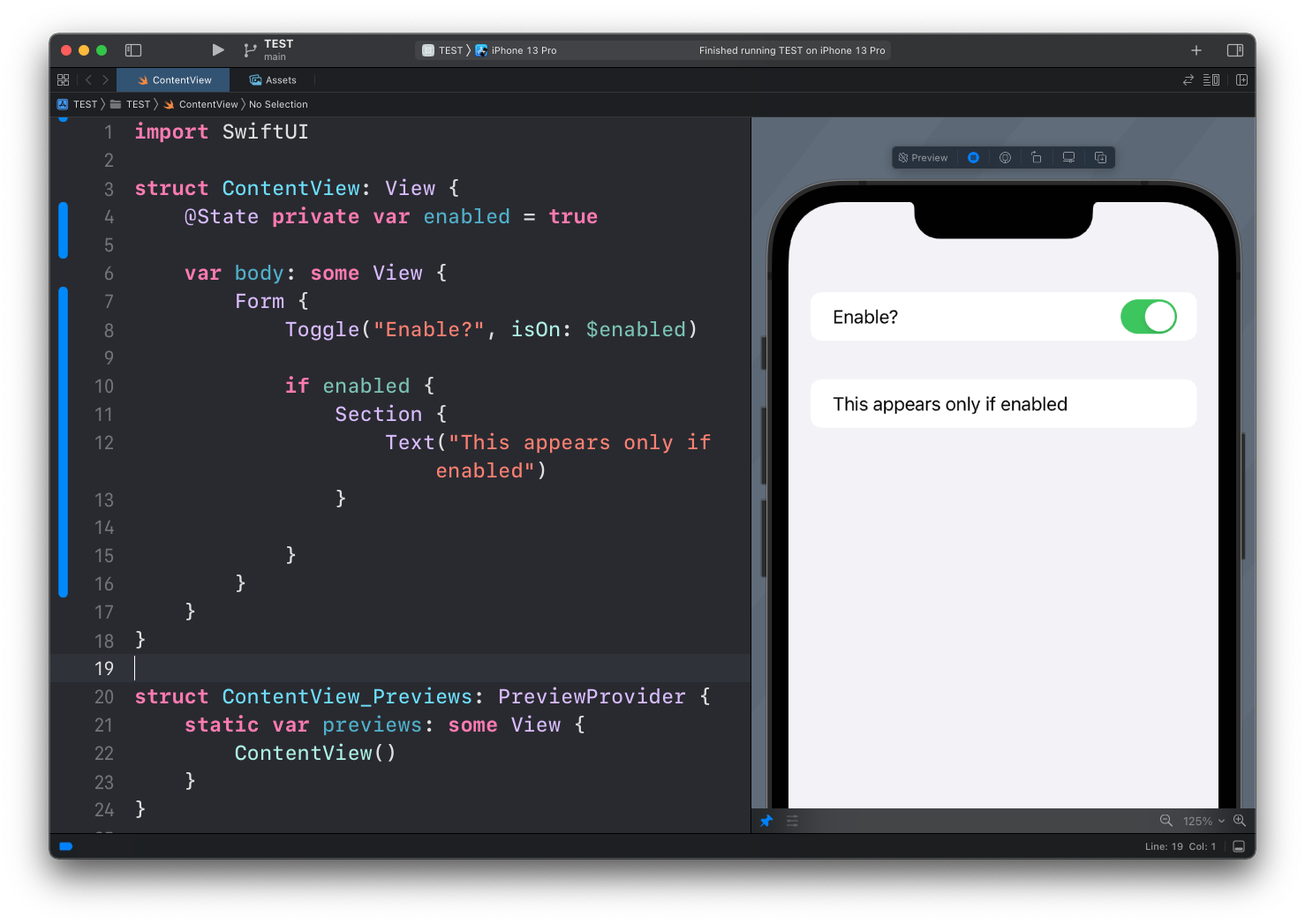
Flip the toggle on and it appears:
How this works
That if is a plain Swift if. It works inside body because body is a view builder, a special closure where SwiftUI lets you use if, if else, and switch to decide which views to include.
When enabled changes, SwiftUI re-evaluates body. If the condition is false, the Section is not part of the view tree at all. It’s not hidden, it doesn’t exist. When the condition becomes true, SwiftUI inserts it.
Inside a Form or a List, the insertion and removal come with a slide animation for free. That’s why the Settings app feels so smooth.
You can also show something different in the two cases with else:
if enabled {
    Text("Notifications are on")
} else {
    Text("You will not receive notifications")
}
One thing to be careful with. Since the hidden view doesn’t exist, any @State it owns is thrown away when it disappears. If a text field inside the conditional section should keep its content while hidden, store that state in the parent view, not inside the section.
Try this on your own project: take a toggle you already have and move one dependent row under an if. It’s the cheapest way to make a long form feel shorter.
Lesson completed