Electronic components: Servo Motors
By Flavio Copes
Learn how a servo motor like the SG90 rotates to any angle within 180 degrees, controlled by the pulse width on its signal wire, then driven from Arduino.
A servo motor is a motor that can programmed to rotate to a position spanning over 180 degrees.
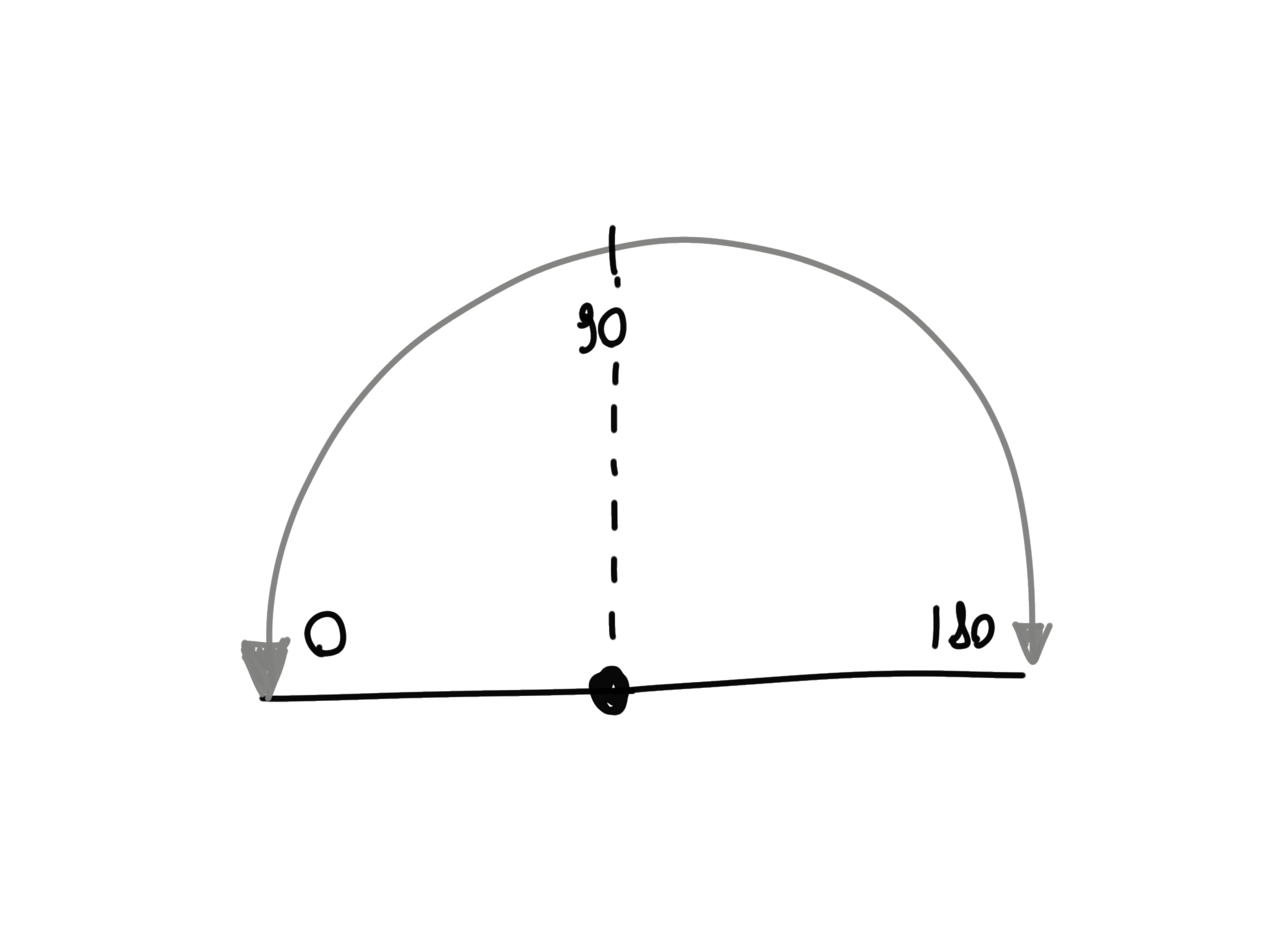
It can be used for many useful applications that involve movement. They come in many different sizes.
Common ones for what we do (Arduino, battery powered applications) are called micro servo or RC servo, like the SG90:
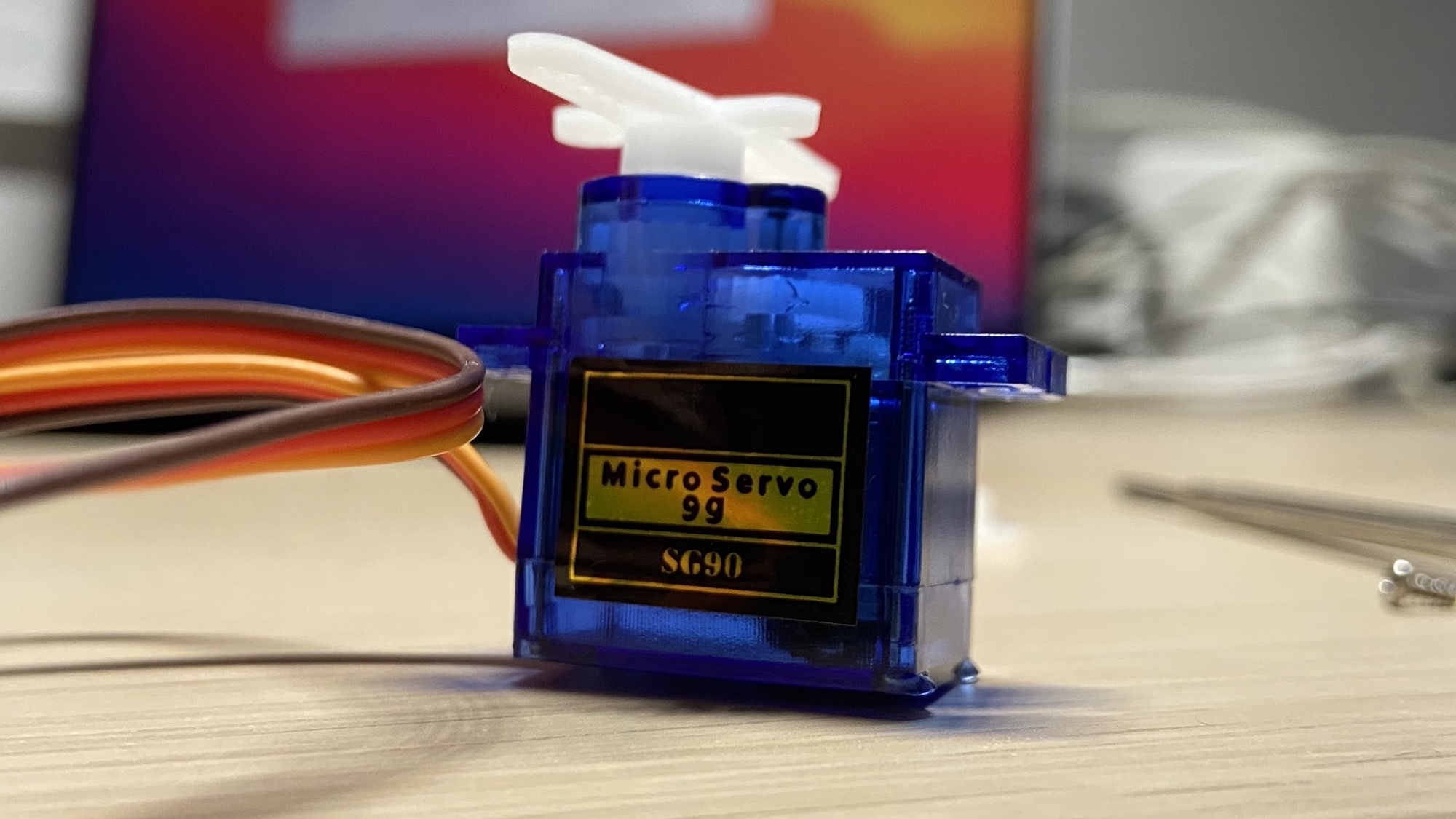
and the MG90S:
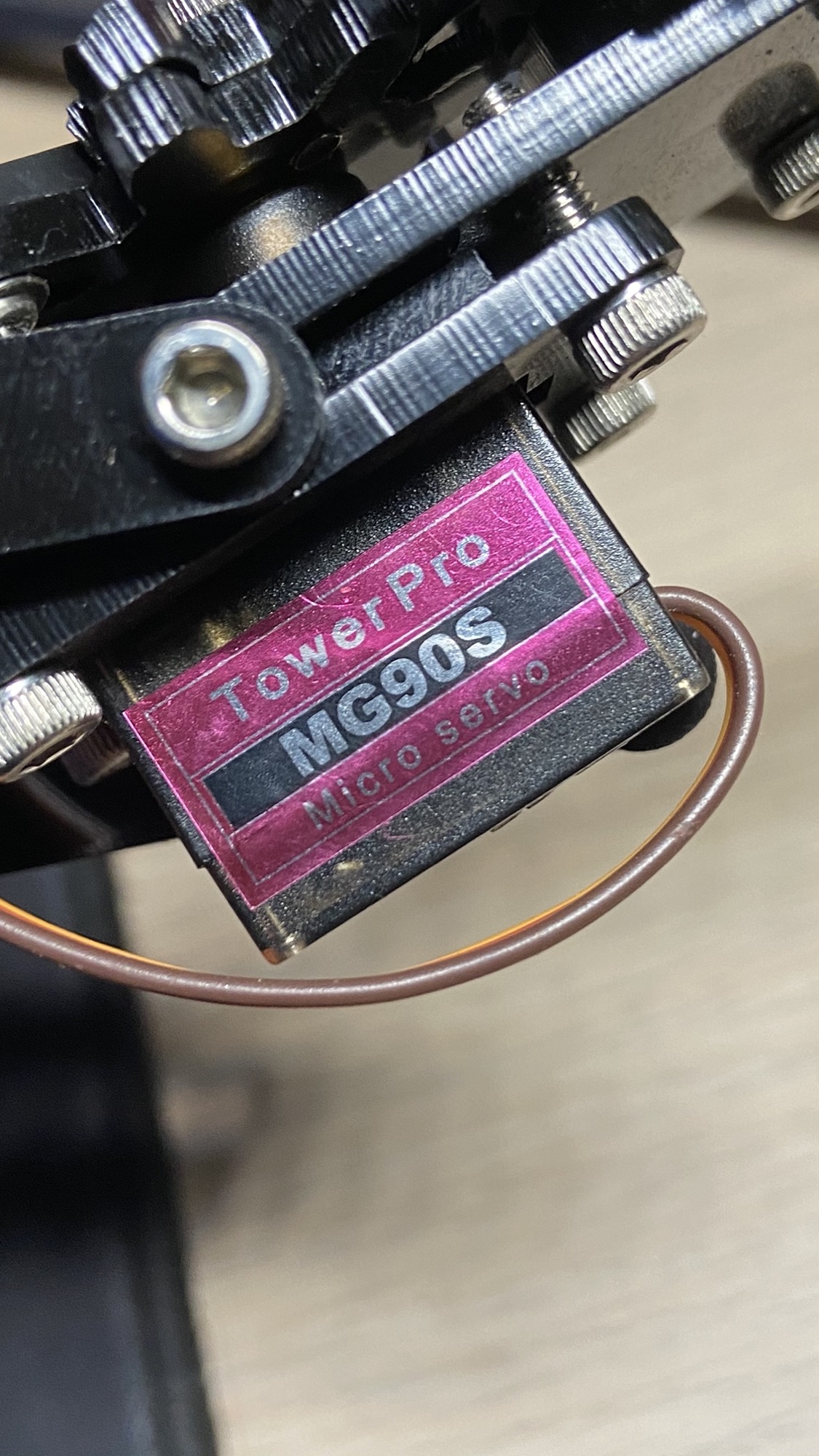
Those 2 I mentioned work in the same way.
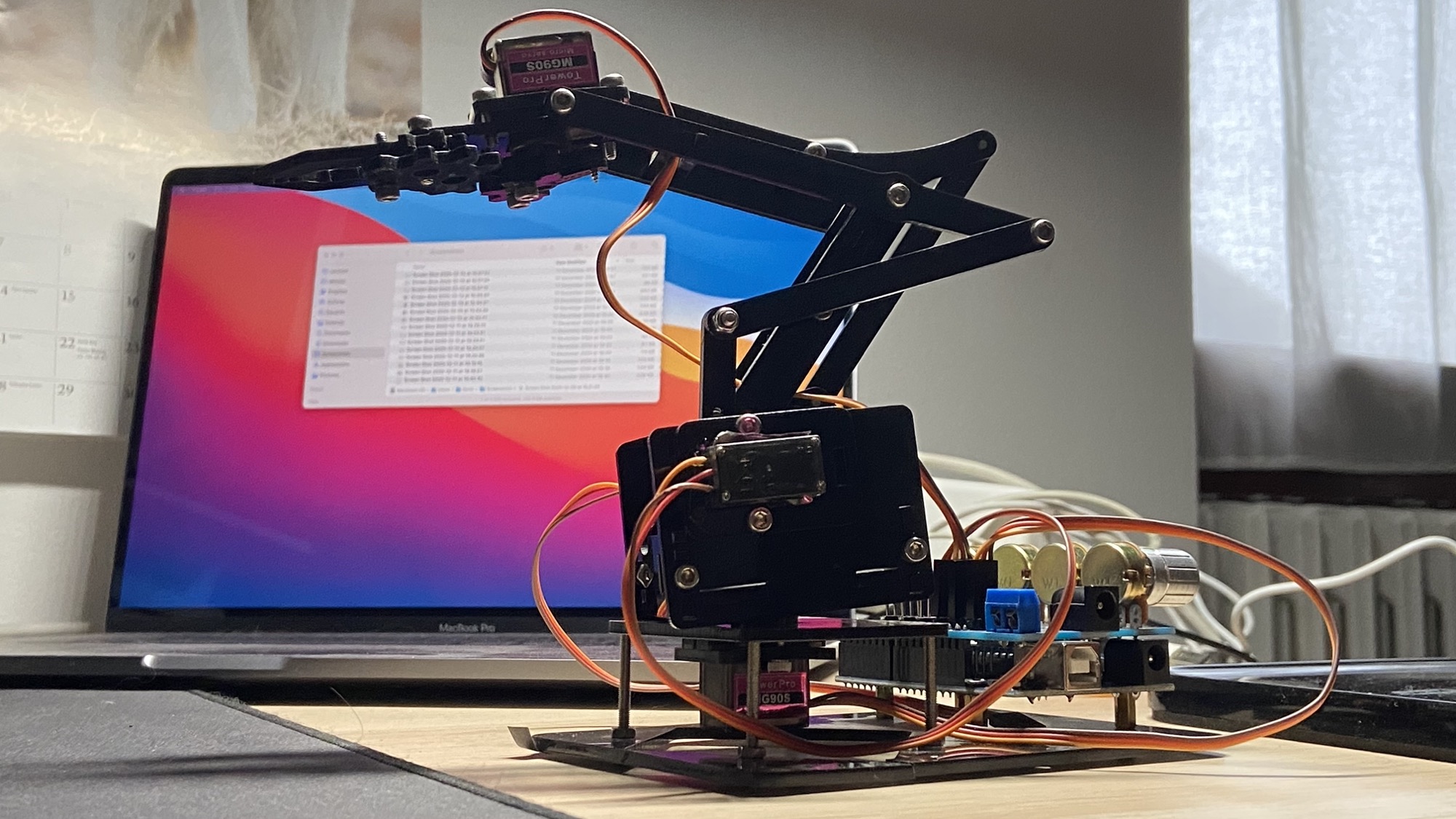
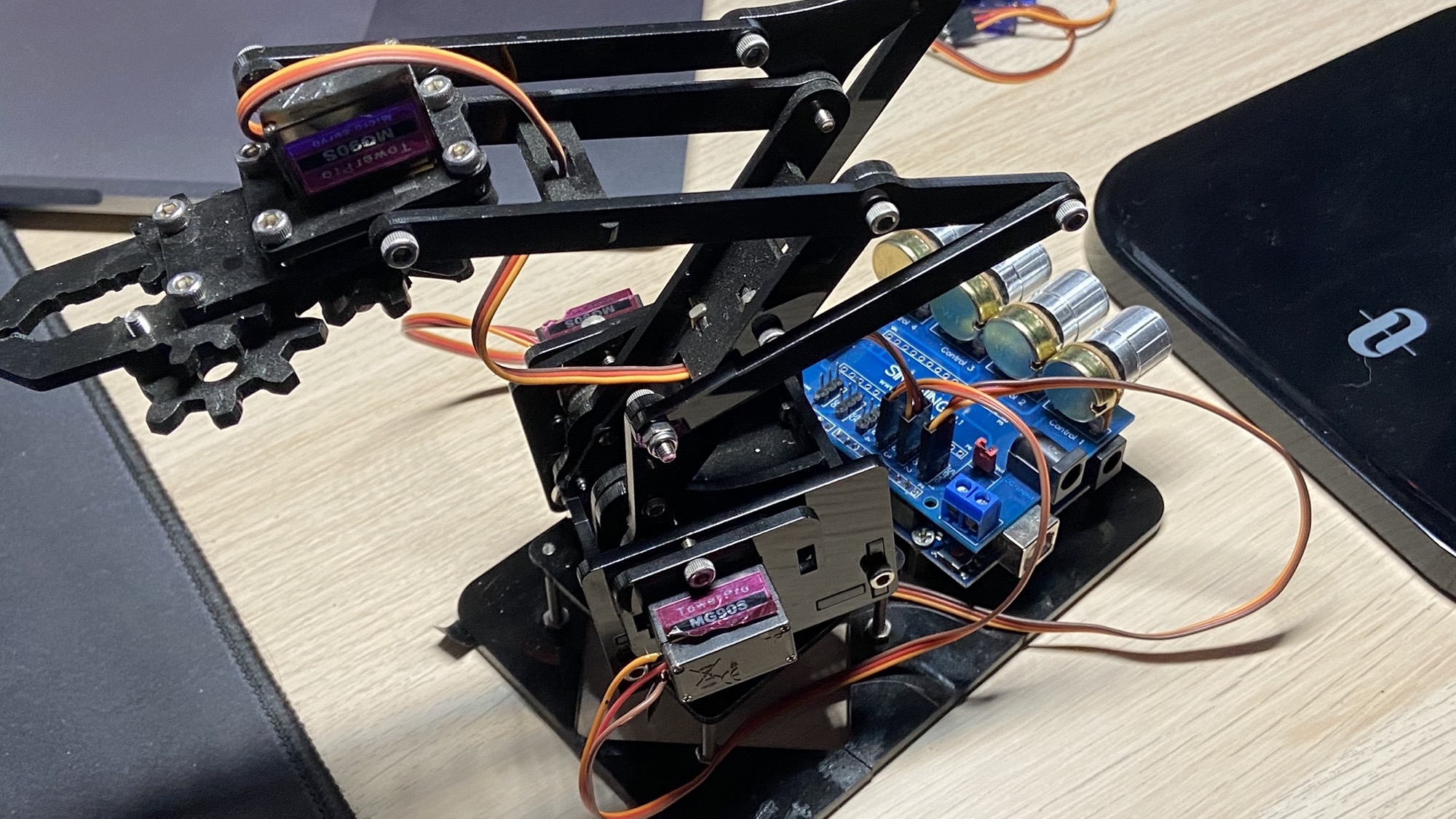
You can see a bunch of MG90S mounted on a mechanical arm here:
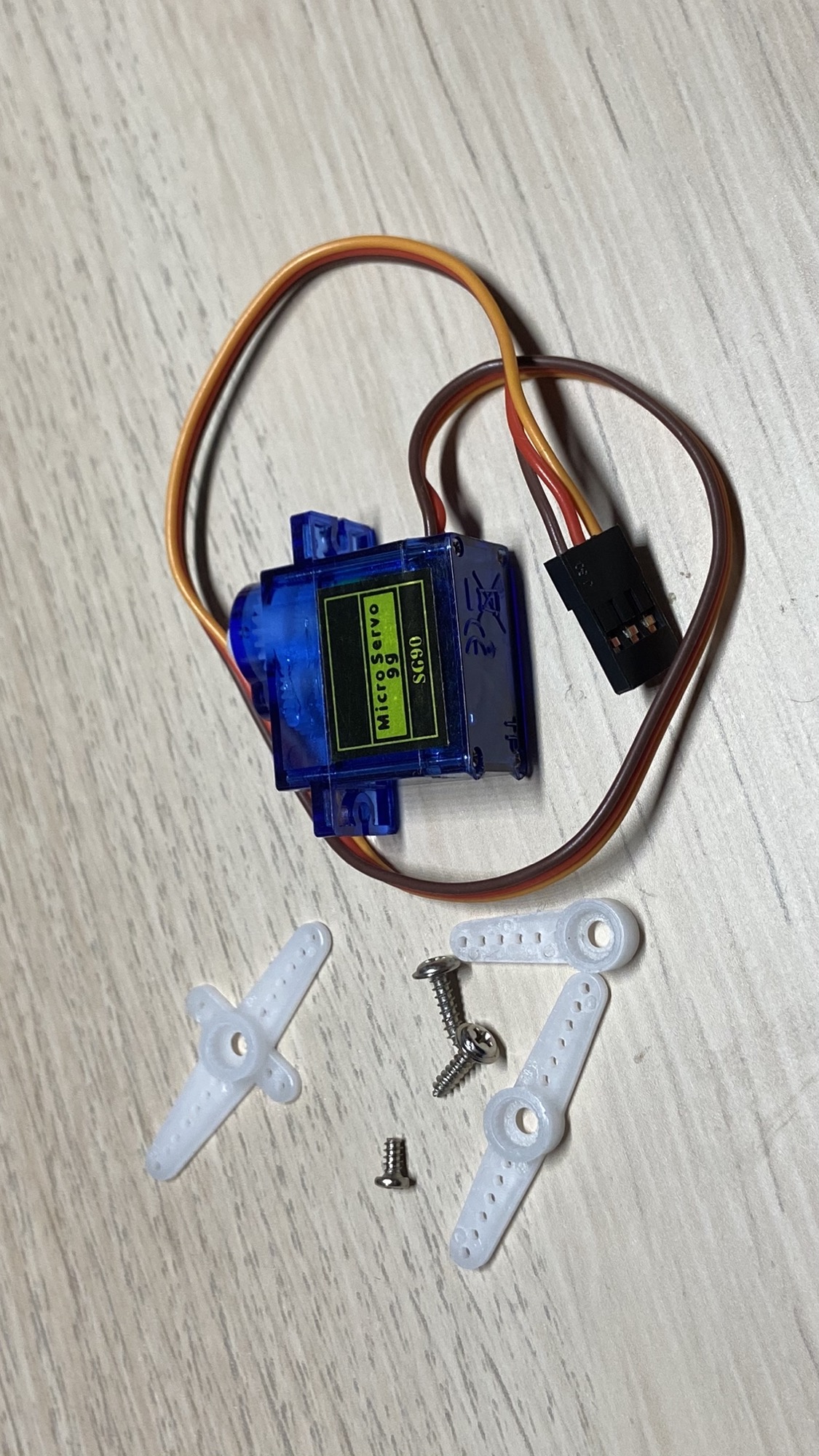
A servo will likely come with several different horns you can attach to it, like these 3 ones I got:
You can choose the one to use depending on the thing you need to do with it:
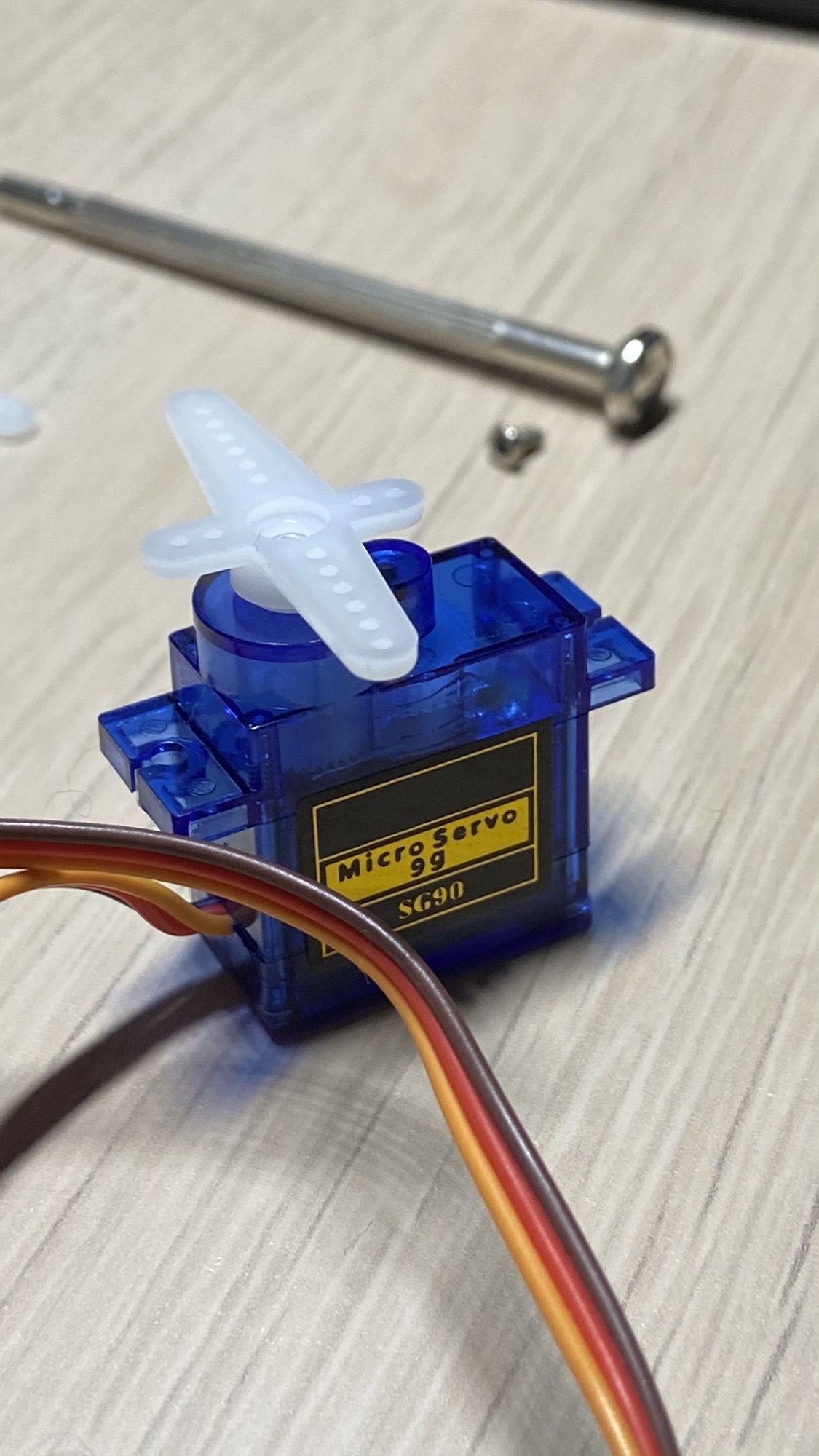
We have 3 wires coming out of their box: the brown cable is negative (0V), red is positive (5V), and the orange wire is the signal.
A servo motor is controlled by sending an electrical pulse on the signal wire.
The pulse width will determine the rotation of the motor.
In particular:
- 1ms pulse will make the servo rotate to 0°
- 1.5ms pulse will make the servo rotate to 90°
- 2ms pulse will make the servo rotate to 180°
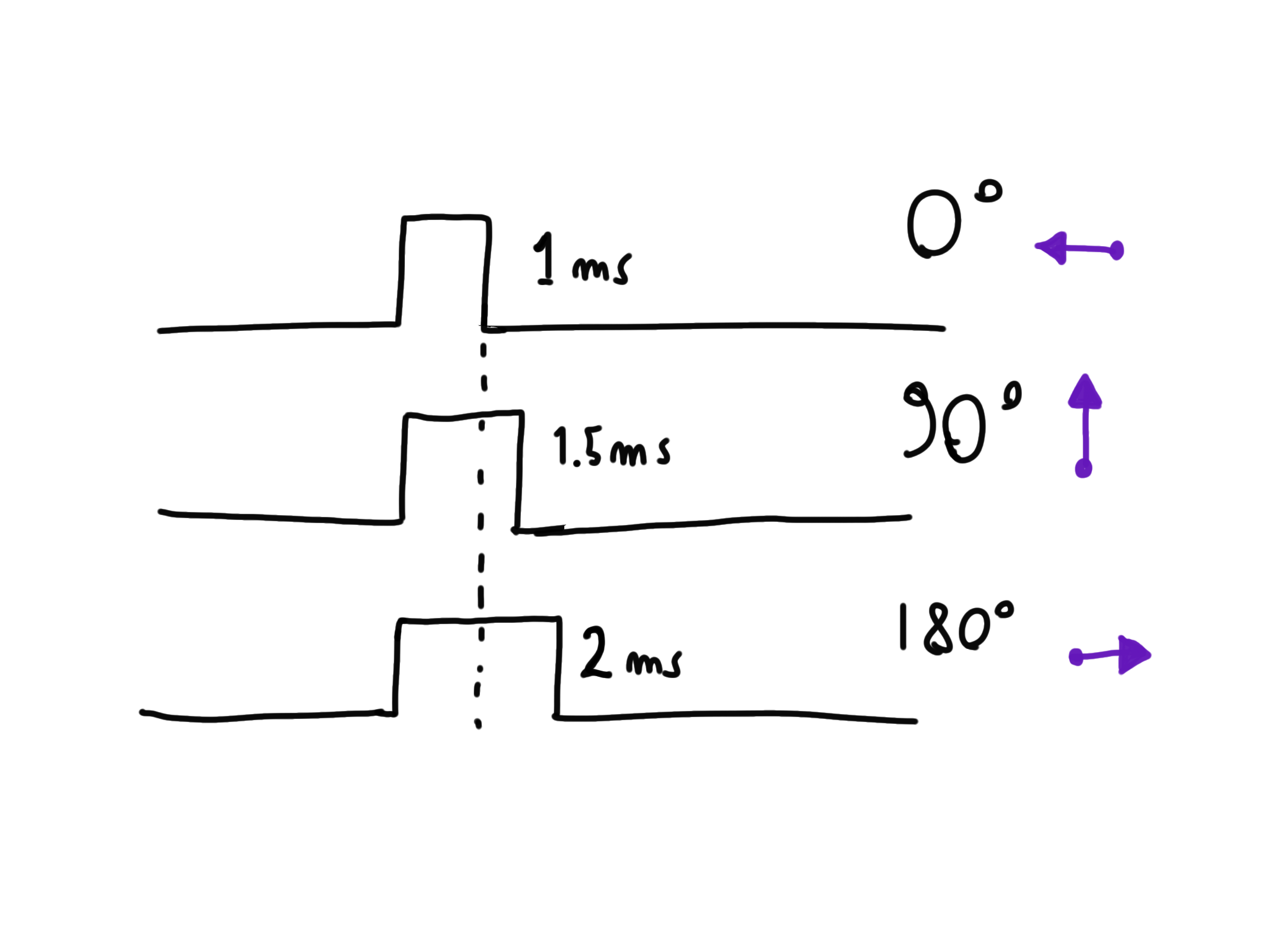
All values in between 1ms and 2ms will cause a rotation relative to that value.
As we’ll see in the projects, using Arduino we will us a library that abstracts this low level signal pulse for us, so we can simply say which angle from 0° to 180° we want it to rotate to.
Want me to talk about your product? You can sponsor this site.
Related posts about electronics: