The Arduino MKR WiFi 1010
By Flavio Copes
Explore the Arduino MKR WiFi 1010 hardware, including its SAMD21 processor, WiFi and Bluetooth radio, 3.3V I/O, memory, and battery support.
I recently added to my set of electronics “stuff” an Arduino MKR WiFi 1010 board.
If you are wondering, I found out that MKR is pronounced “Maker”, and 1010 is pronounced “ten ten”.
It has WiFi and Bluetooth connectivity built in, and I’m very excited about the opportunities and possibilities it enables.
In this post I want to give an overview of the board, and compare it to the Arduino Uno, which is the other Arduino board I currently have, and the one most commonly used by beginners, too.
Form factor
Let’s start from the appearance.
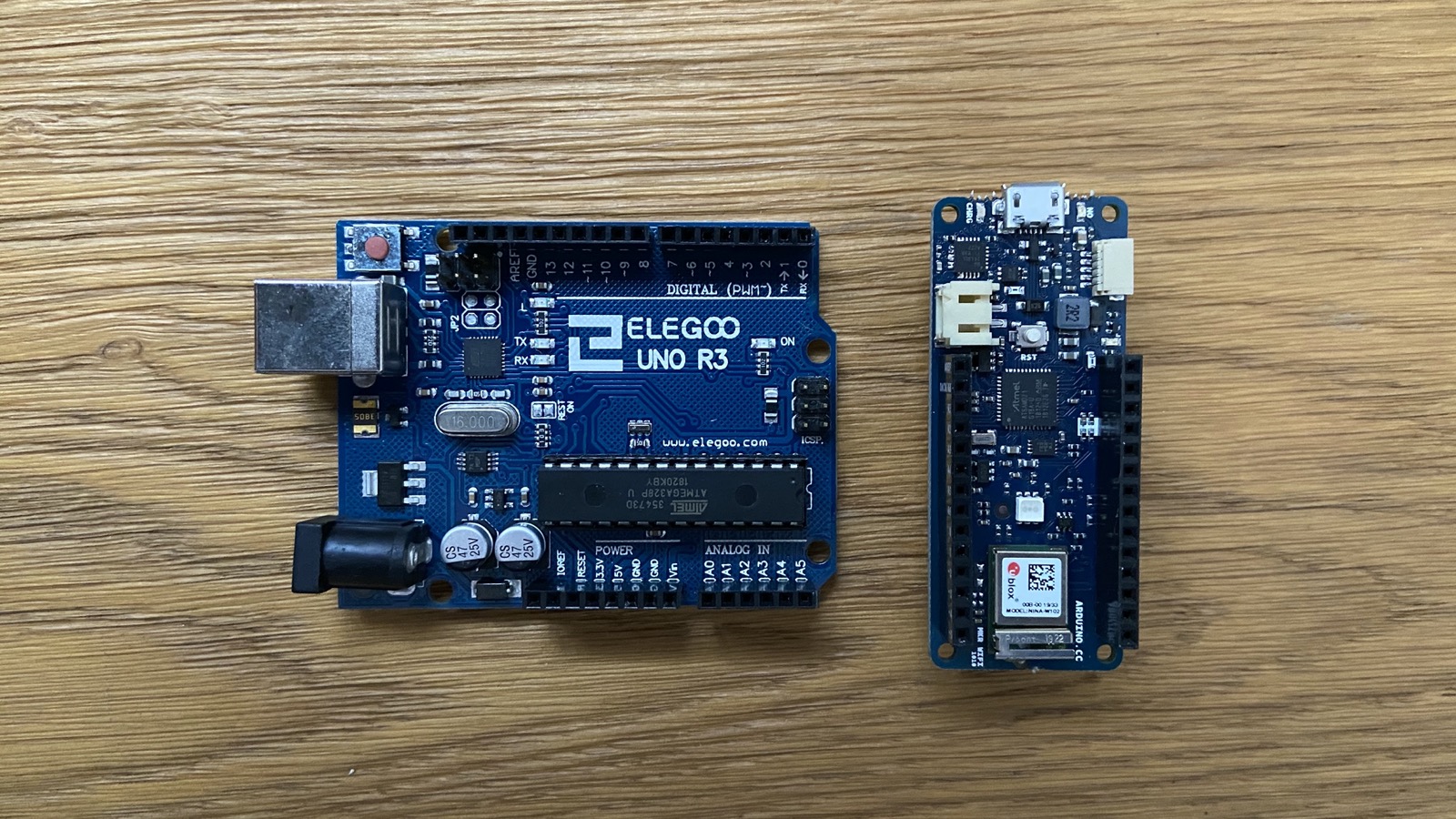
It measures 61.5mm x 25mm and weighs 32 grams.
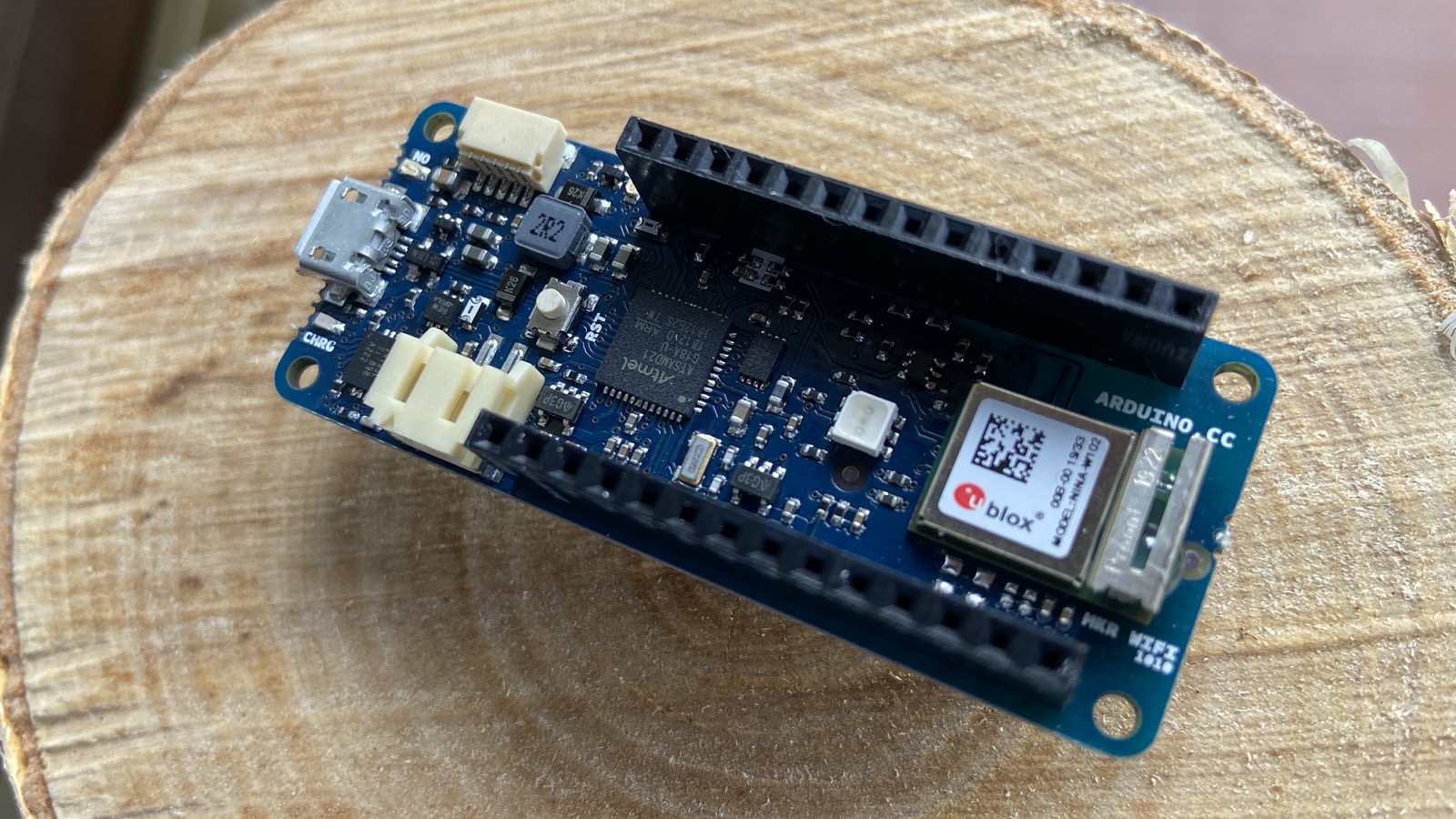
Compared to the Arduino Uno board, the Arduino MKR WiFi 1010 is much smaller.
Power
The Arduino MKR WiFi 1010 can be powered through its Micro-USB connector, through a regulated 5V supply on VIN, or by a compatible Li-Po battery.
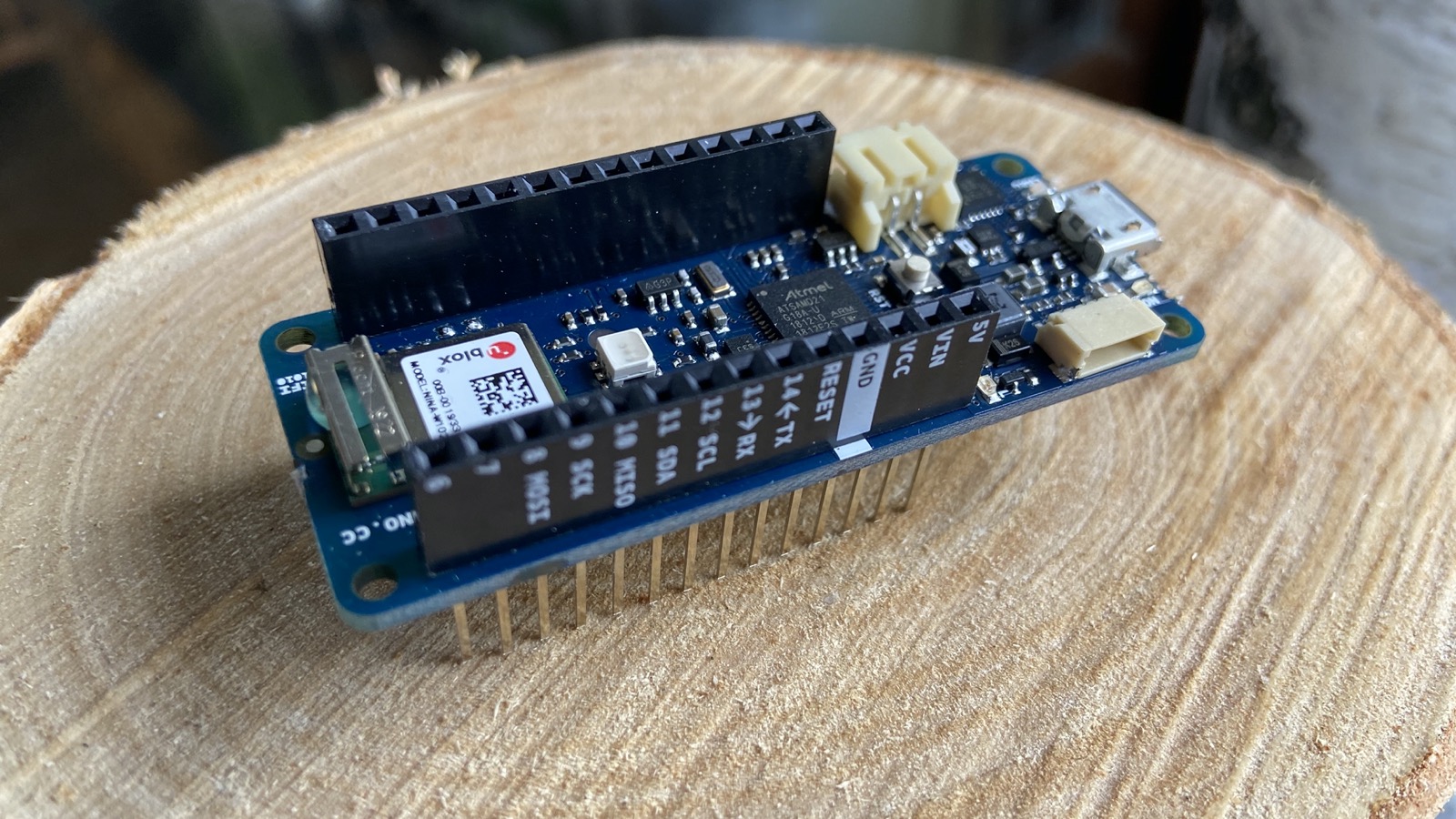
The board and its I/O operate at 3.3V. This is a very important distinction from an Arduino Uno, which uses 5V logic.
The MKR WiFi 1010 pins are not 5V tolerant. Never send a 5V signal directly into an I/O pin.
Processor
The Arduino MKR WiFi 1010 comes with a low-power Microchip SAMD21 Cortex-M0+ 32-bit ARM processor running at 48MHz.
The processor is 32-bit. The Arduino Uno board features the ATmega328P processor, which is 8-bit.
Memory
The board has 256KB of Flash Memory and 32KB of SRAM.
It does not have EEPROM.
I/O Pins
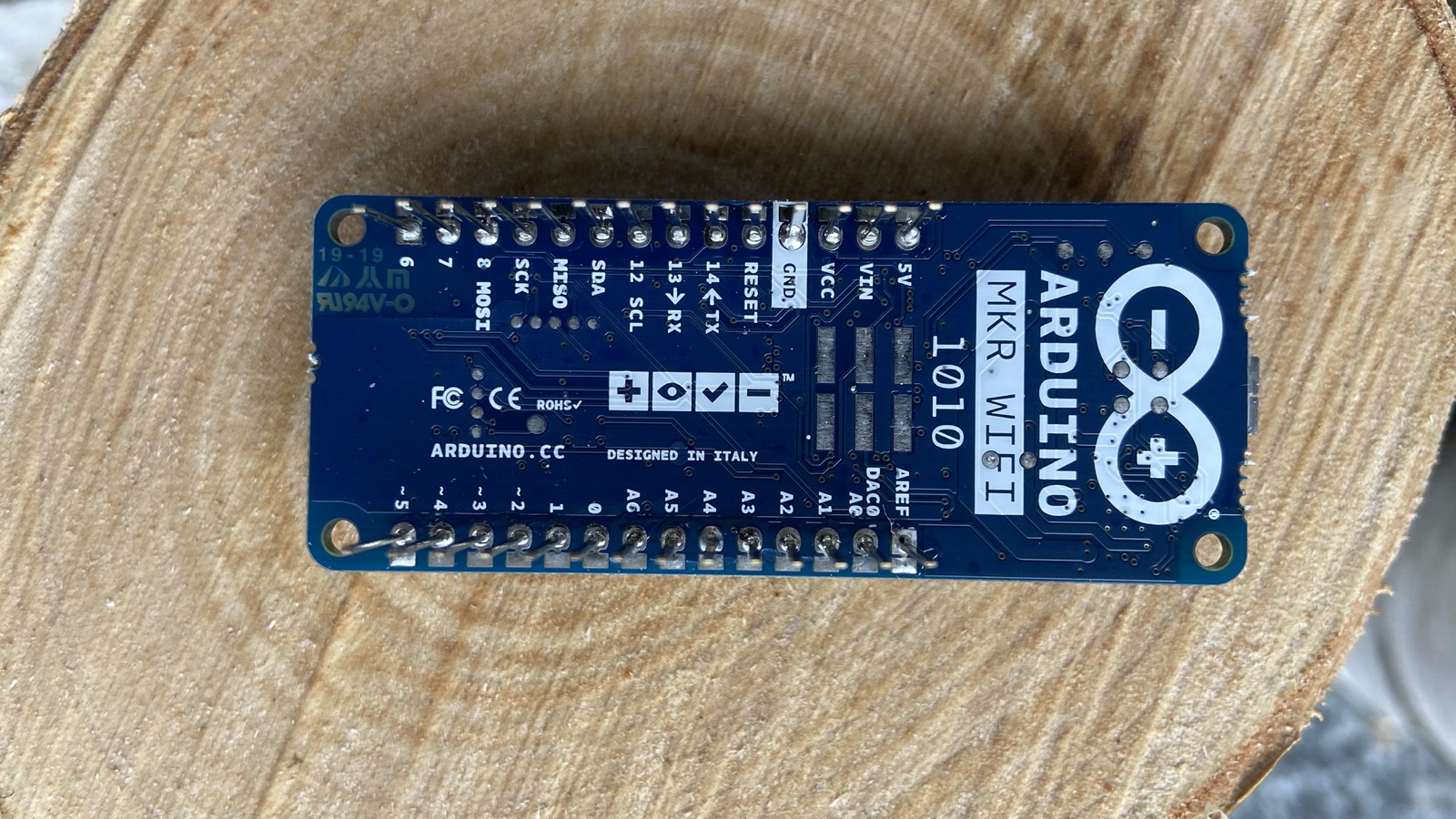
The official specifications list:
- 8 digital I/O pins
- 13 PWM-capable outputs across the available I/O pins
- 7 analog input pins
- 1 analog output with a 10-bit DAC
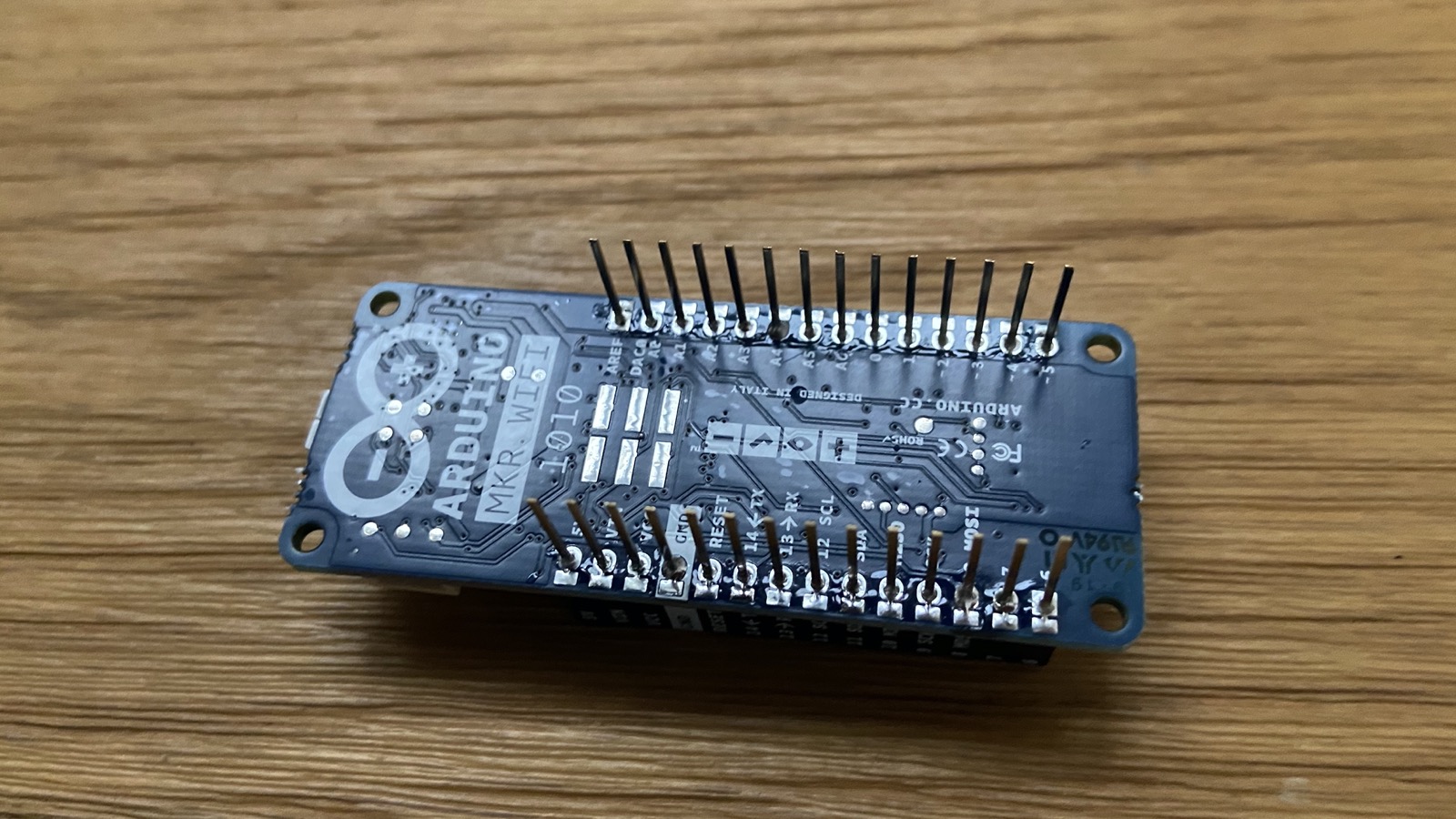
The DC current per I/O pin is 7mA. That is a small current budget, so use an appropriate driver circuit for loads such as motors, relays, and high-power LEDs.
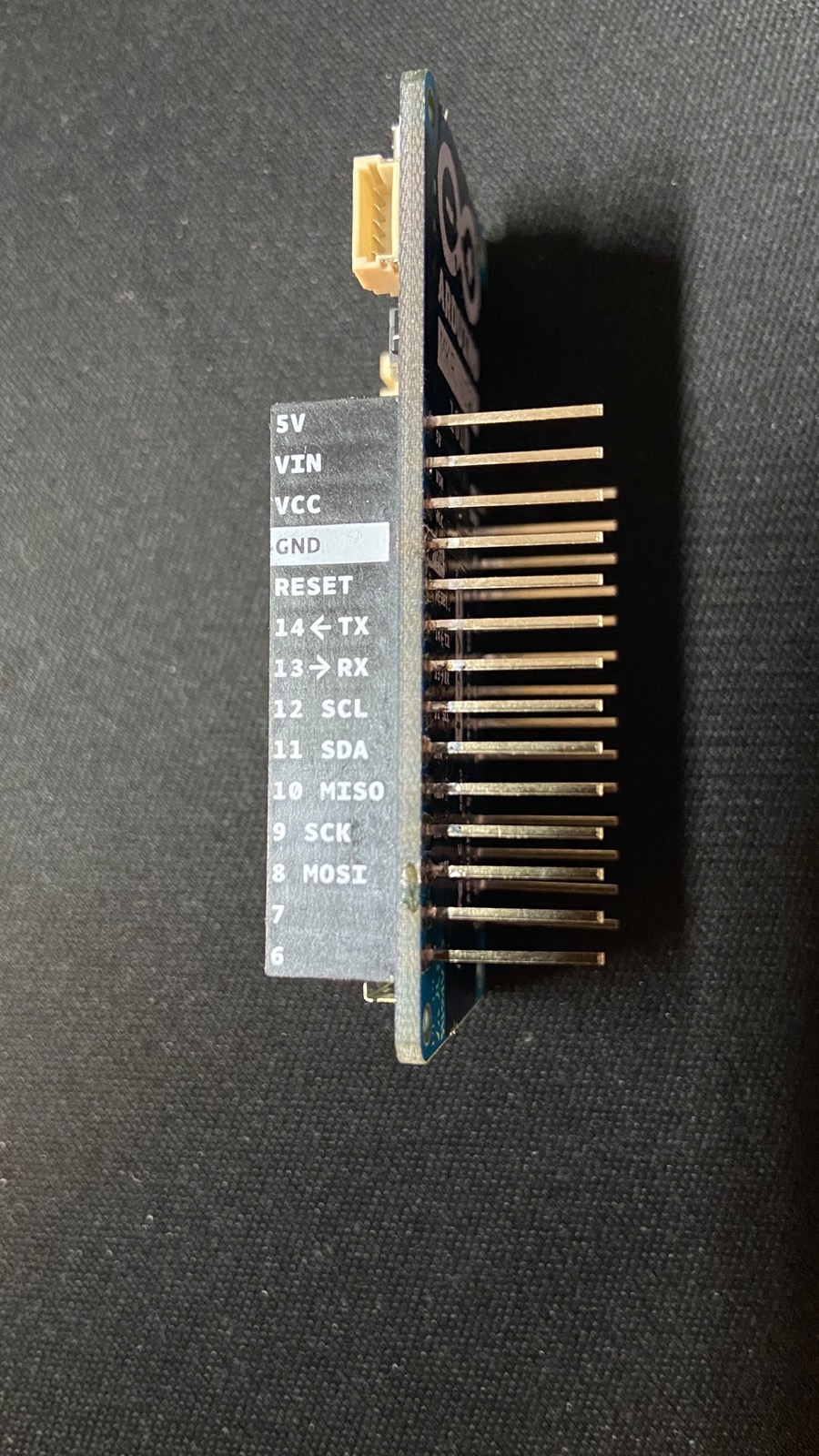
Use the official pinout diagram before wiring a circuit.
IoT connectivity
The board uses a u-blox NINA-W102 radio module. It supports 2.4GHz WiFi 802.11 b/g/n and Bluetooth, including Bluetooth Low Energy.
Arduino provides the WiFiNINA library for WiFi and the ArduinoBLE library for Bluetooth Low Energy.
Security
The board includes an ATECC508 secure element. It can store cryptographic keys and support authentication workflows without exposing private keys directly to your sketch.
Li-Po charging circuit
When charging the board through the Micro-USB port, the Arduino MKR WiFi 1010 can charge an external battery through its Li-Po charging circuit.
The current official specification calls for a single-cell 3.7V Li-Po battery with a minimum capacity of 1024mAh.
When the USB power is disconnected, the device will switch to the external battery automatically.
Battery connectors are not universally wired with the same polarity. Check the battery polarity against the board connector before plugging it in, and never use a damaged or swollen Li-Po battery.
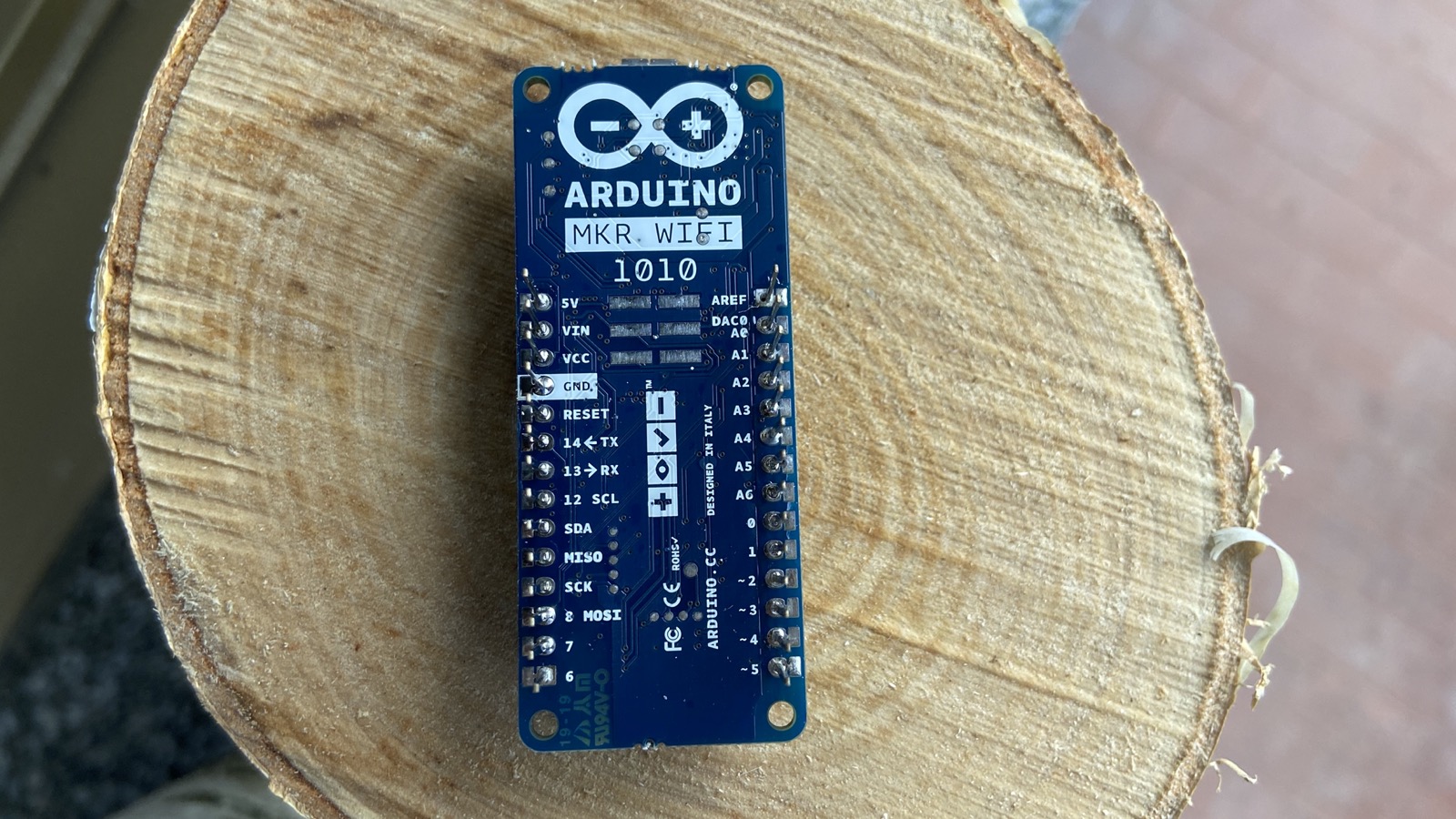
You can find the current technical files and getting-started resources on the official MKR WiFi 1010 documentation page. The Arduino store specification is also useful, but price and availability can change.
Want me to talk about your product? You can sponsor this site.
Related posts about electronics: