Arduino project: build a digital thermometer
By Flavio
Tagged: Arduino
Learn how to build an Arduino digital thermometer by combining a DHT11 temperature and humidity sensor with a 1602 LCD display to show live readings.
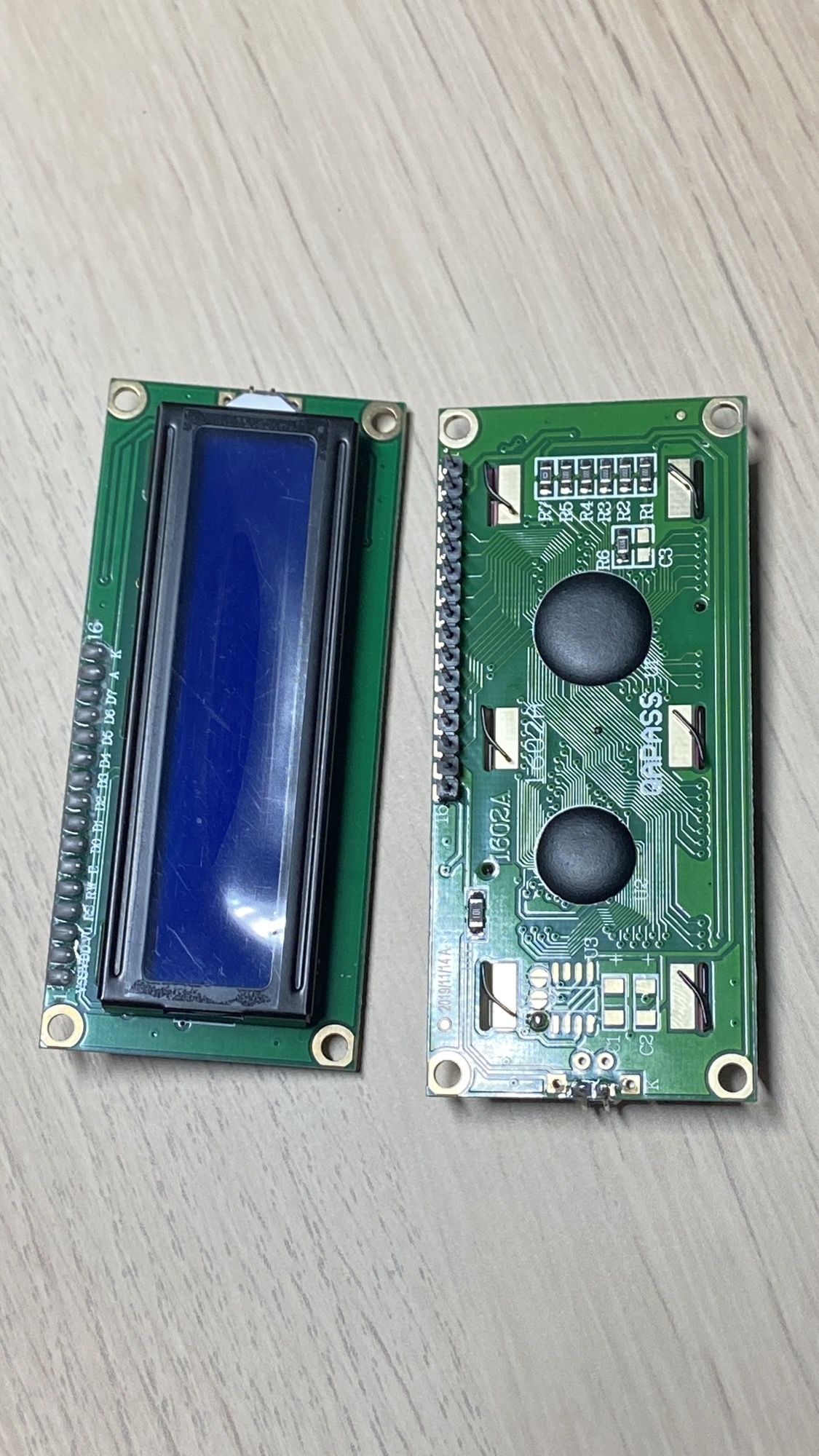
In this project I want to combine 2 components, the 1602 LCD Display
and the DHT11 temperature and humidity sensor
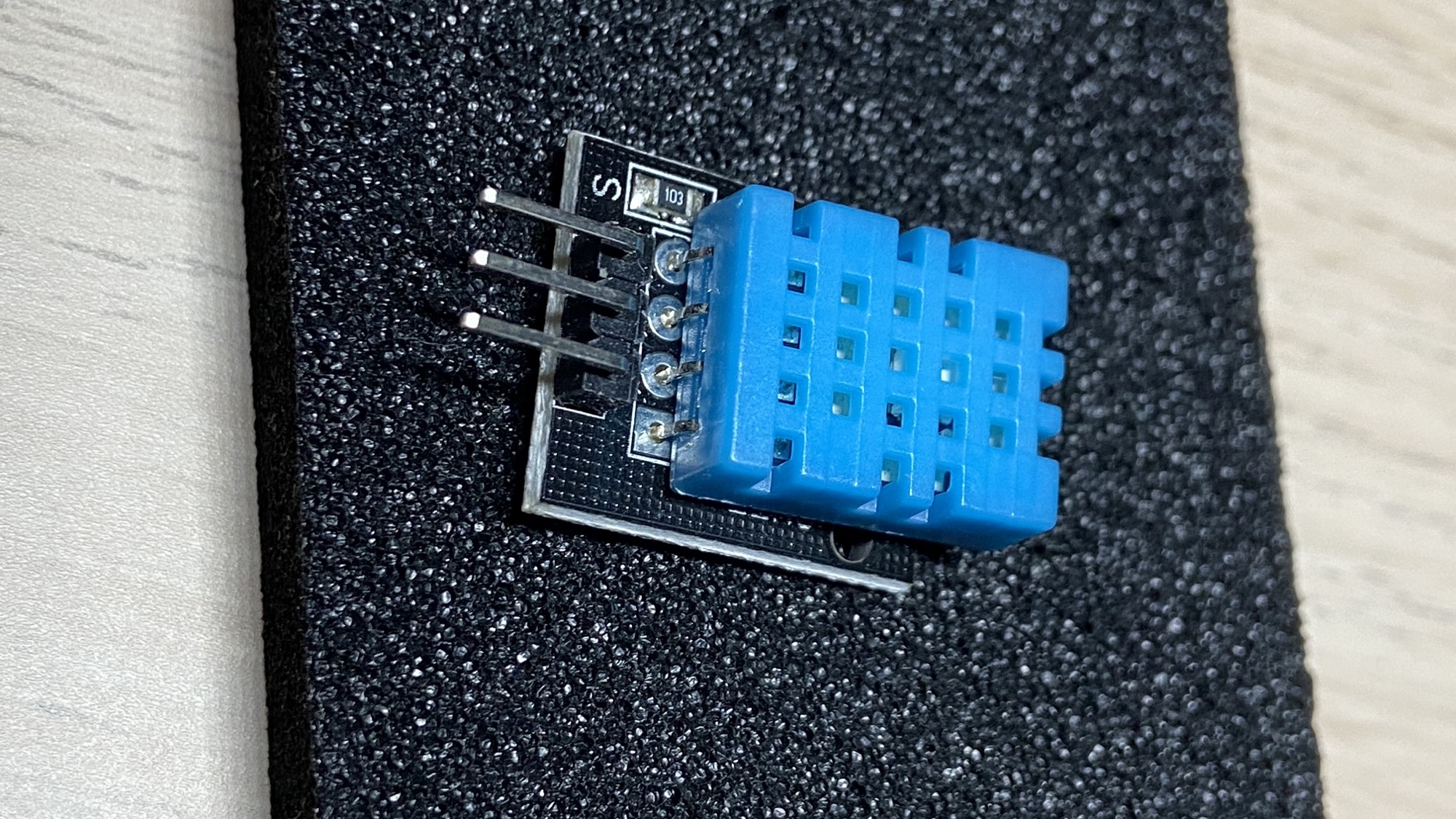
to create a digital thermometer we could actually use in the real world.
The circuit
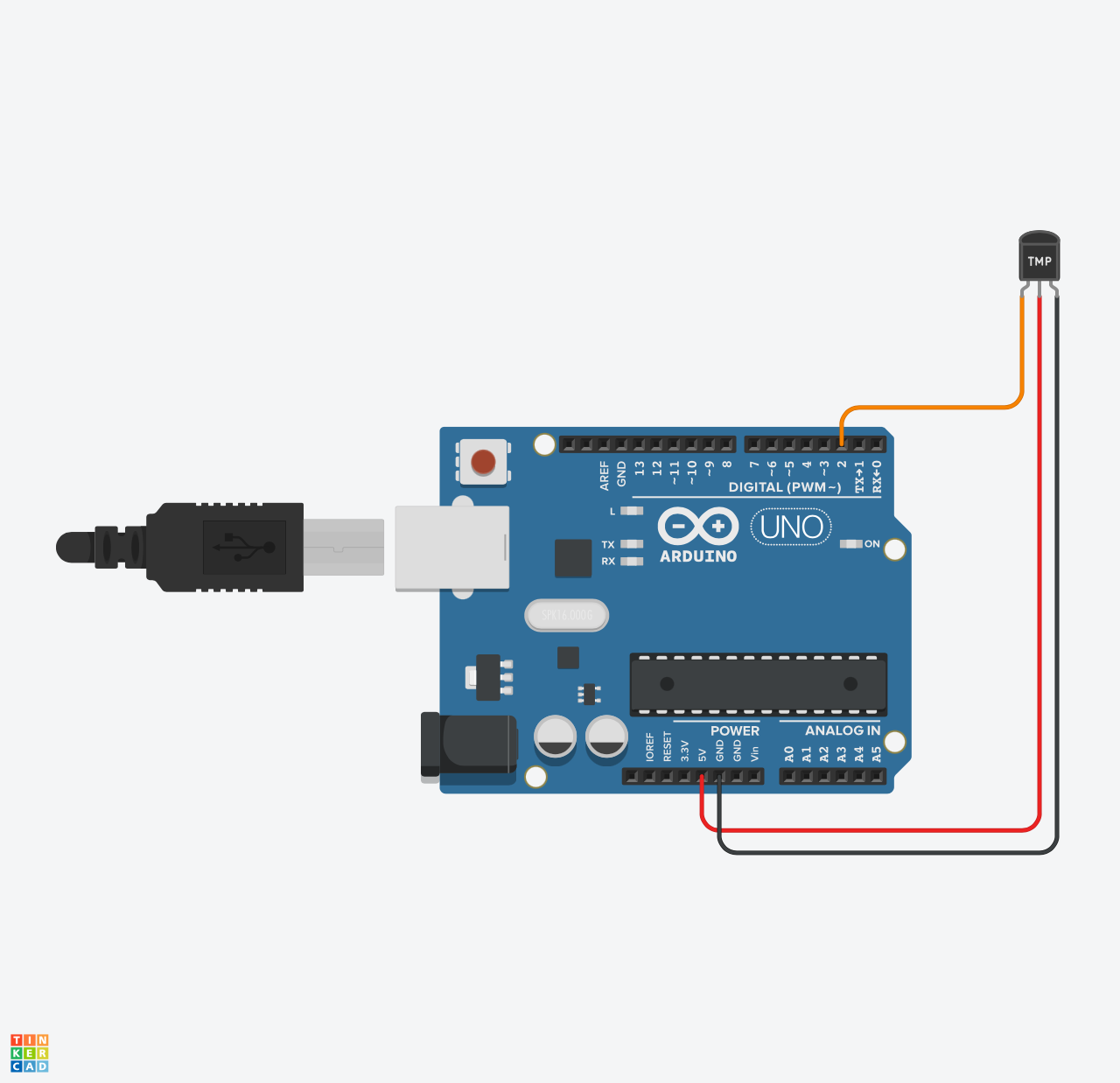
Before we start, read the DHT11 tutorial where we write a program that reads the data from the sensor:
and also read the 1602 LCD tutorial where I explain how to write to the display:
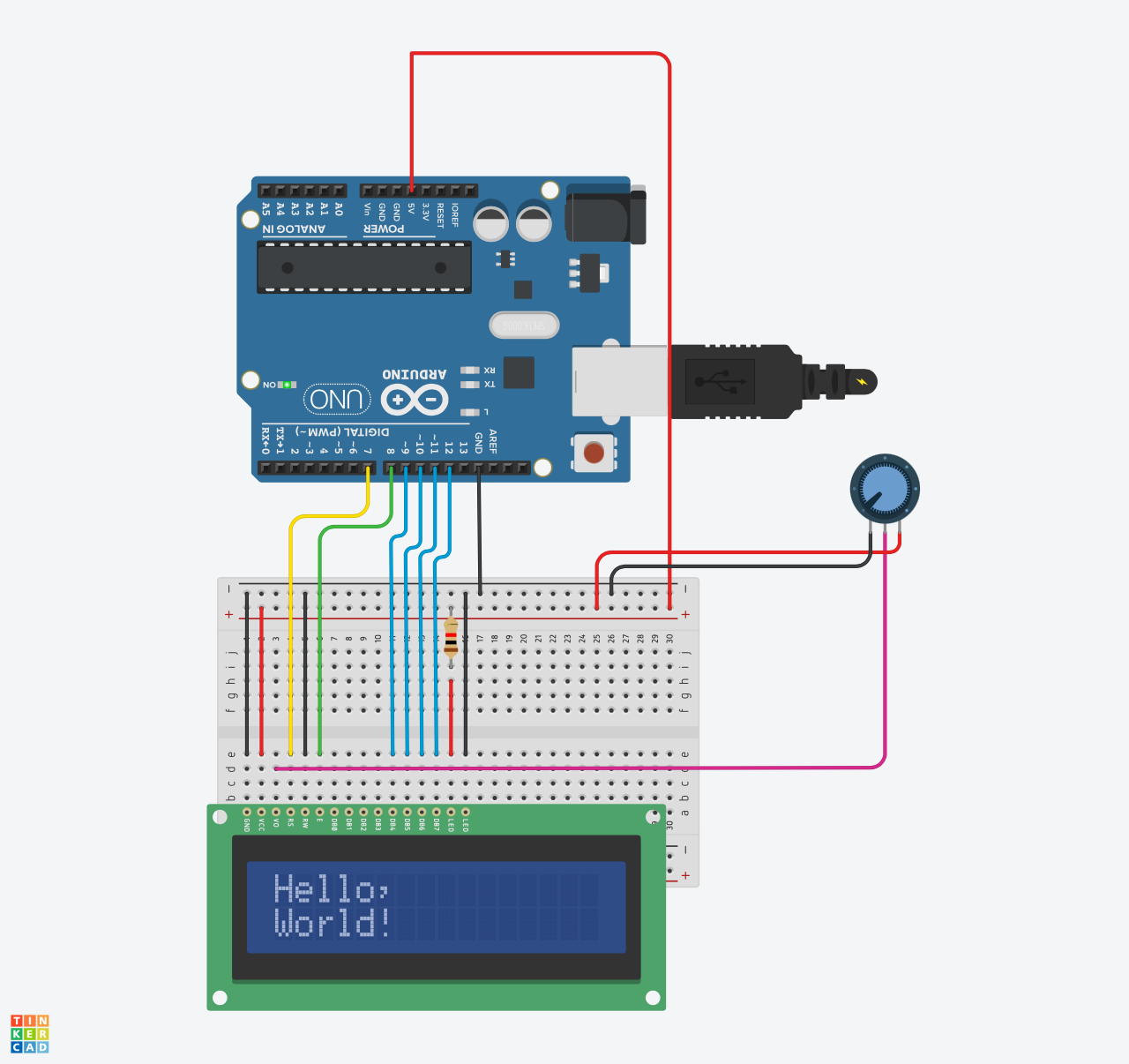
Once you do so, all you need to do from the circuits perspective is to add both circuits to the same Arduino based project:
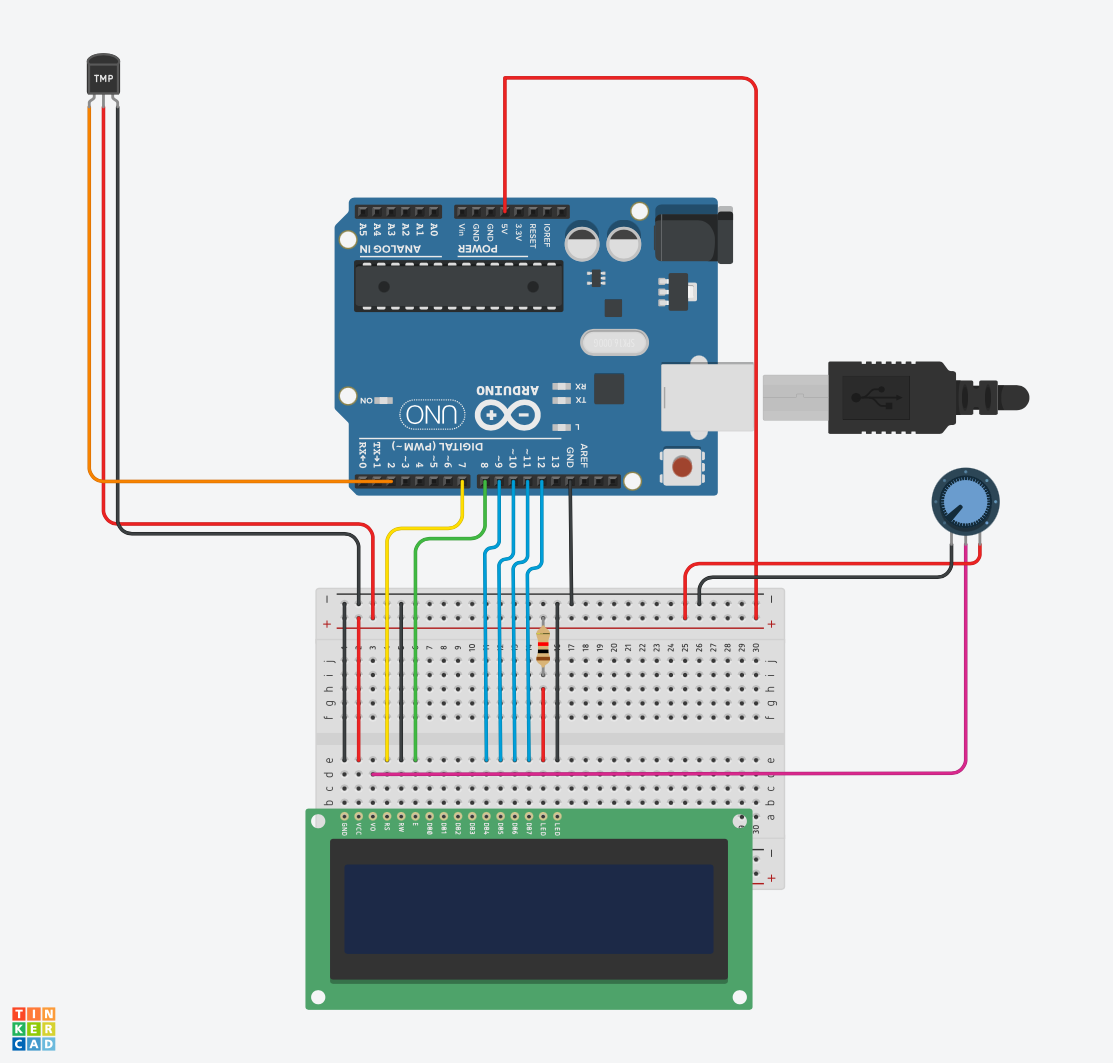
The two components don’t fight over pins: the DHT11 data line goes to digital pin 2, and the LCD uses pins 7 through 12.
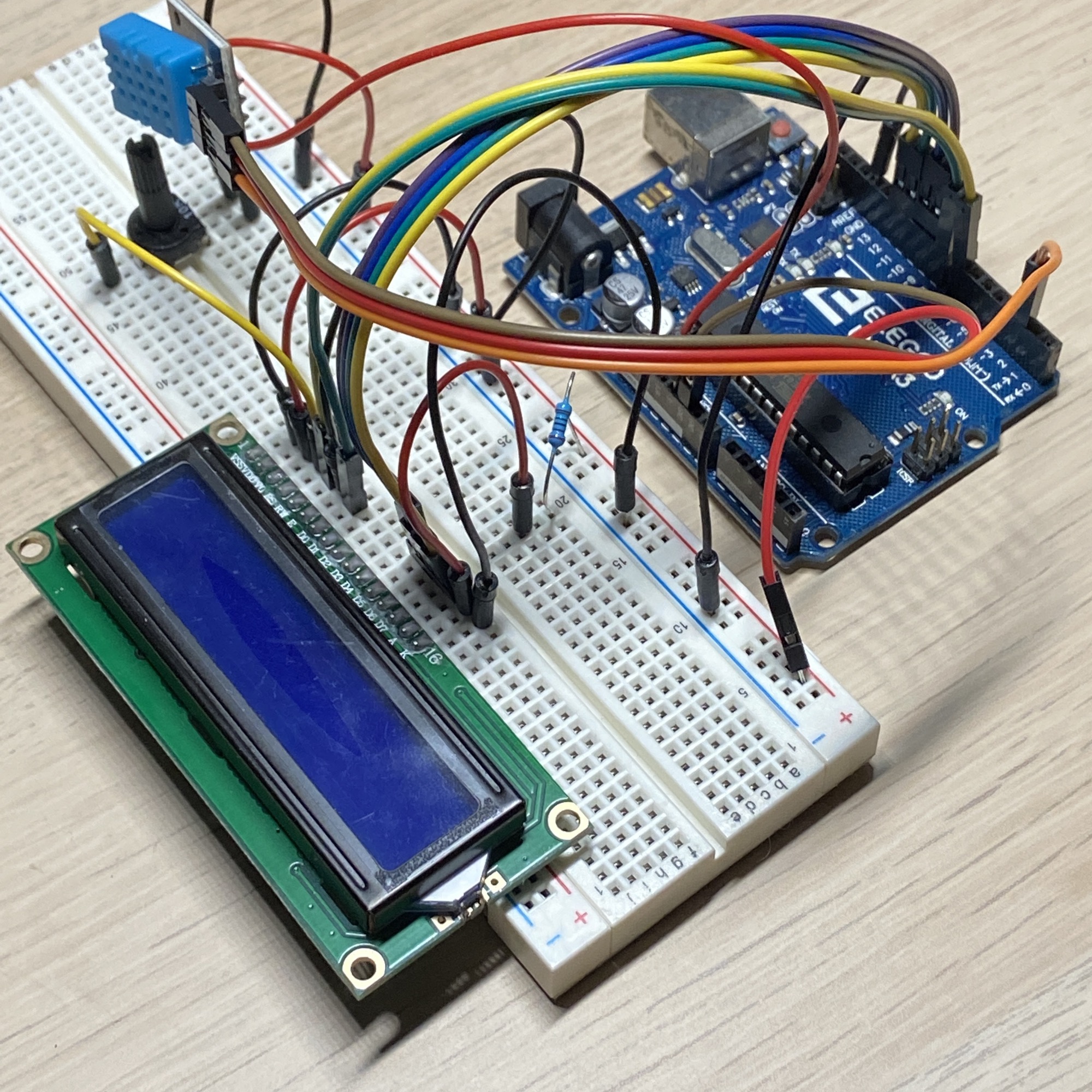
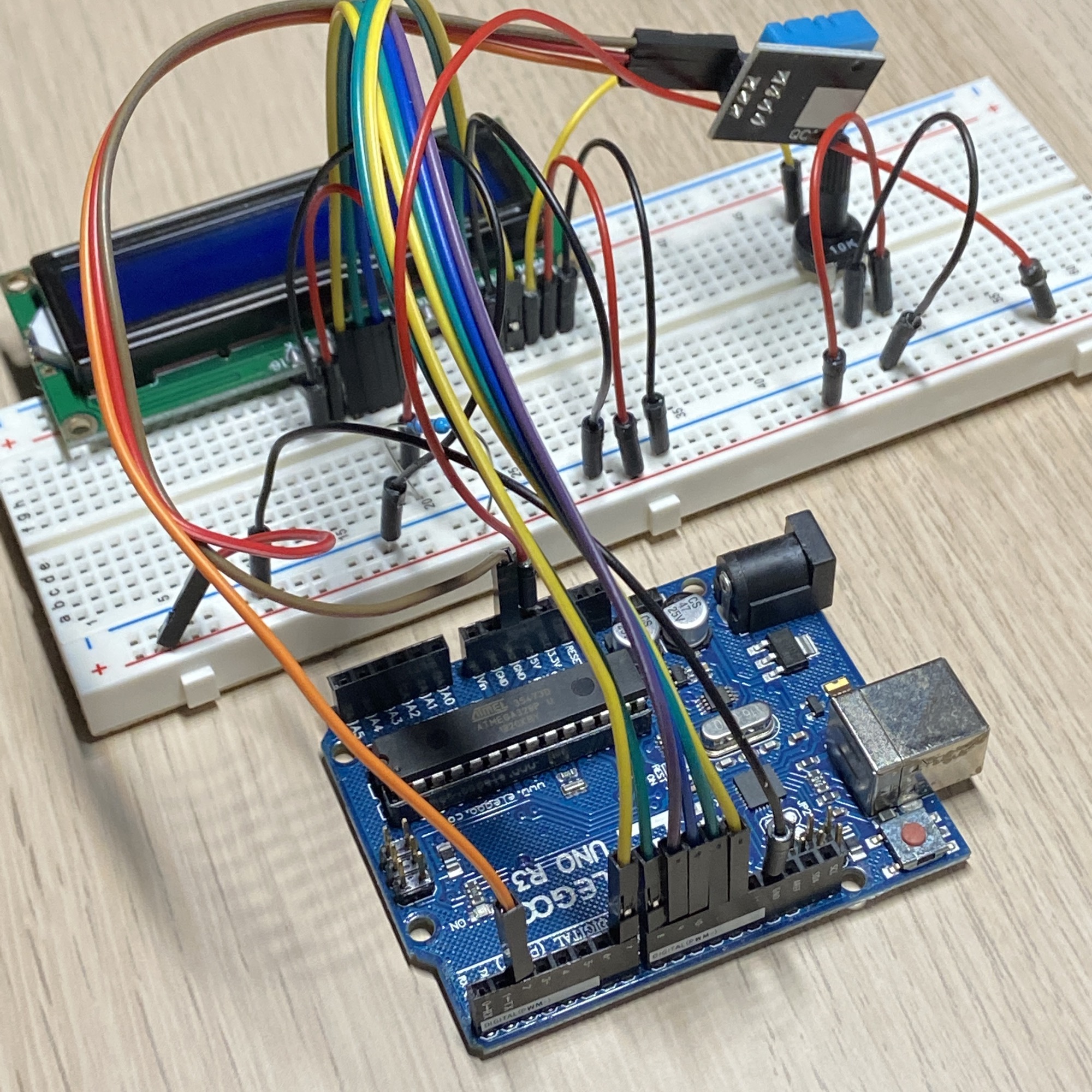
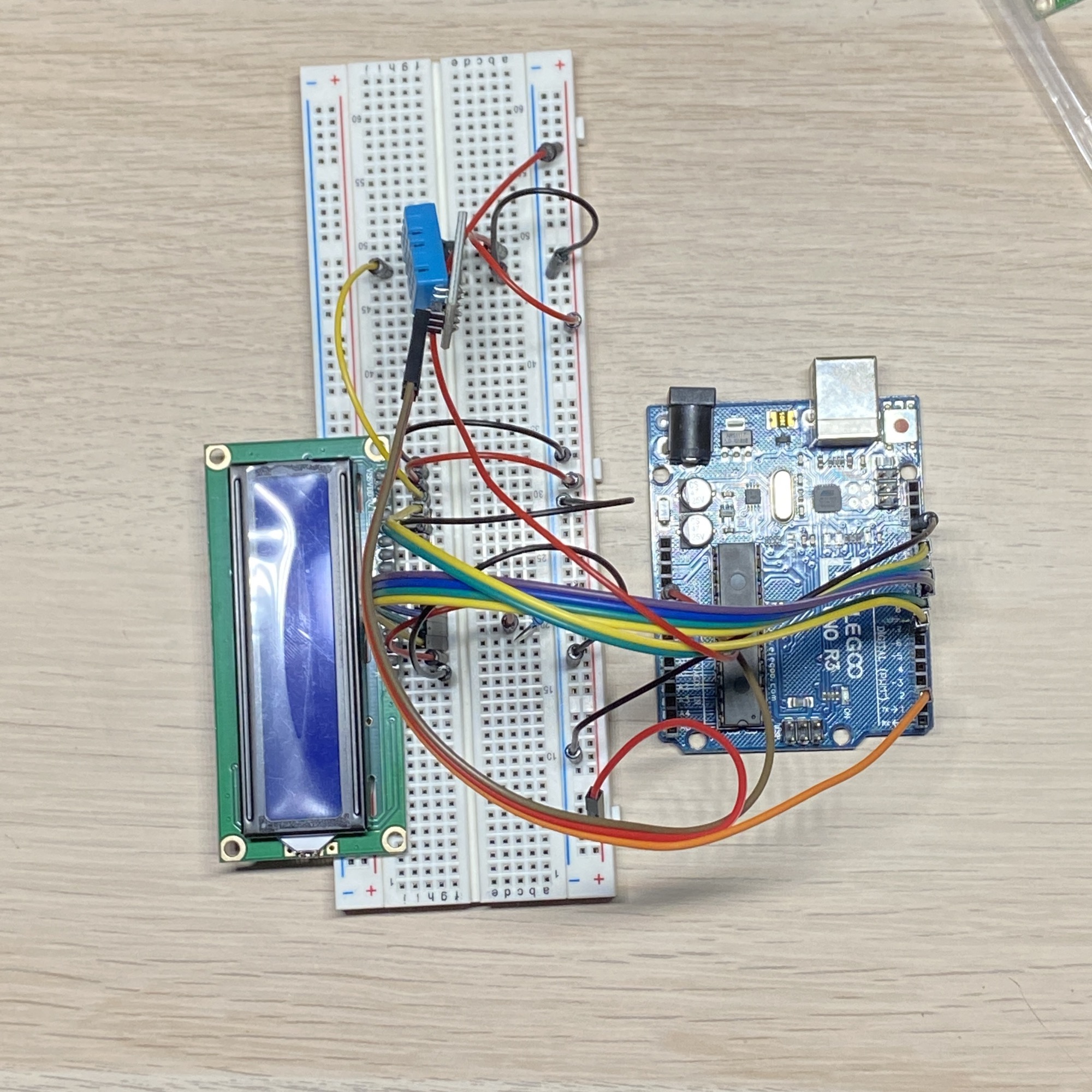
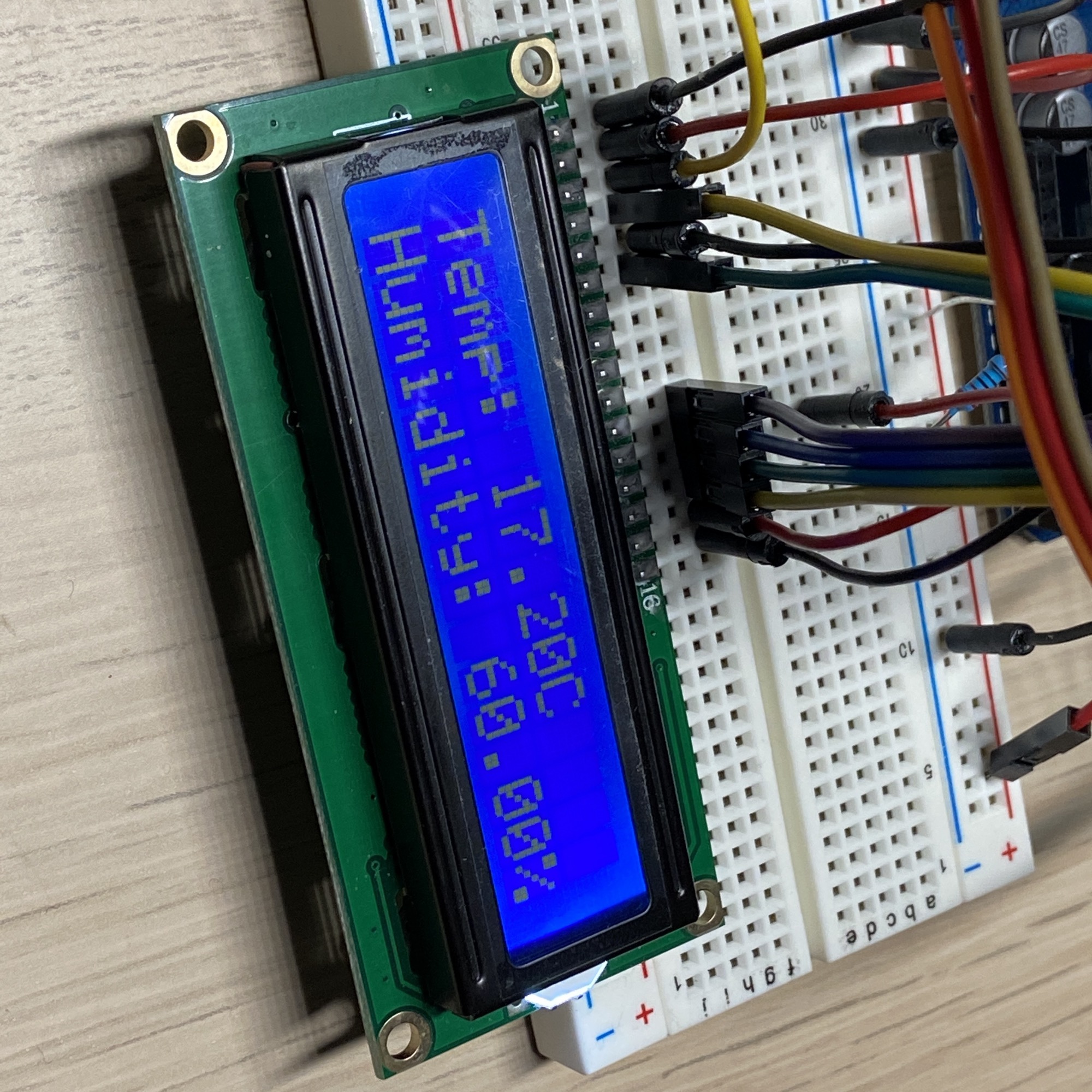
Here it is in practice:
The code
On the code side, we do a similar thing. We include both the DHT and the LiquidCrystal libraries first, then we initialize the 2 components.
DHT dht(2, DHT11) tells the library which pin the sensor data line is on, and which sensor model we’re using. LiquidCrystal lcd(7, 8, 9, 10, 11, 12) lists the pins the display is wired to, and lcd.begin(16, 2) declares its size: 16 columns, 2 rows.
We initialize them in setup() and in loop() we check every 2 seconds the data coming from the sensor, and we print it to the LCD display:
#include <LiquidCrystal.h>
#include <DHT.h>

DHT dht(2, DHT11);
LiquidCrystal lcd(7, 8, 9, 10, 11, 12);

void setup() {
  dht.begin();
  lcd.begin(16, 2);
}

void loop() {
  delay(2000);
  float h = dht.readHumidity();
  float t = dht.readTemperature();

  if (isnan(h) || isnan(t)) {
    return;
  }

  lcd.setCursor(0, 0);
  lcd.print((String)"Temp: " + t + "C");
  lcd.setCursor(0, 1);
  lcd.print((String)"Humidity: " + h + "%");
}
Notice the isnan() check. The DHT11 is a slow sensor and a read can occasionally fail, returning “not a number”. When that happens we skip the update and keep the previous reading on the screen. The 2 second delay also matters: it gives the sensor time between readings.
One thing that can trip you up: if the sketch runs but the display shows nothing, or a row of solid blocks, the contrast is likely off. The 1602 has a contrast pin (V0), usually wired to a potentiometer. Turn it until the characters appear.
Here is the project running:
Want me to talk about your product? You can sponsor this site.
Related posts about electronics: