First steps with Redis
By Flavio Copes
Take your first steps with Redis using redis-cli, learning the SET and GET commands, key expiration with SETEX and TTL, and atomic INCR and DECR operations.
When you have Redis up and running, you can start using it!
The simplest way is to use redis-cli, an application installed when you install Redis.
It’s a built-in way to write commands to Redis without having to set up an application in order to do so.
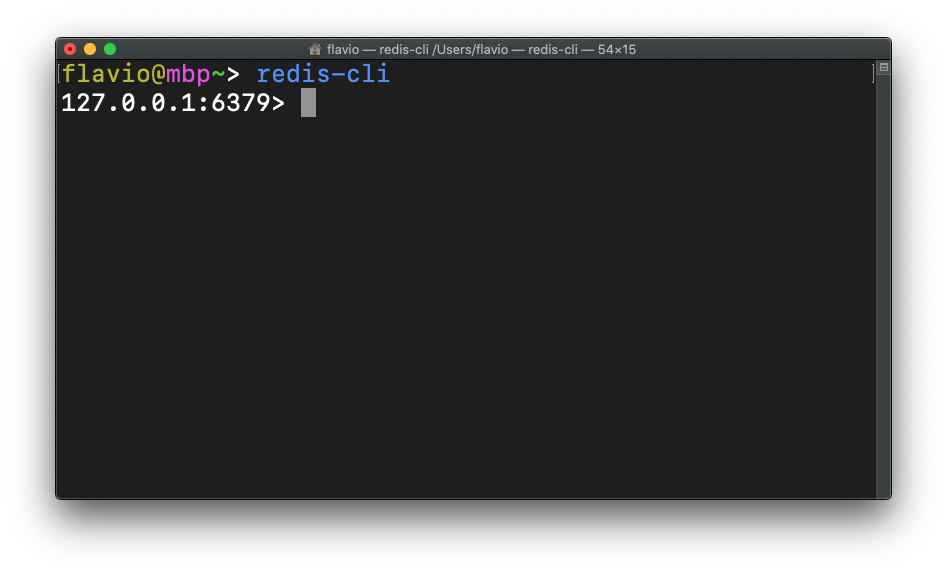
You can connect to a remote Redis server using
redis-cli -h <host> -p <port> -a <password>
Once you’re in the Redis CLI app, you can start storing data into it.
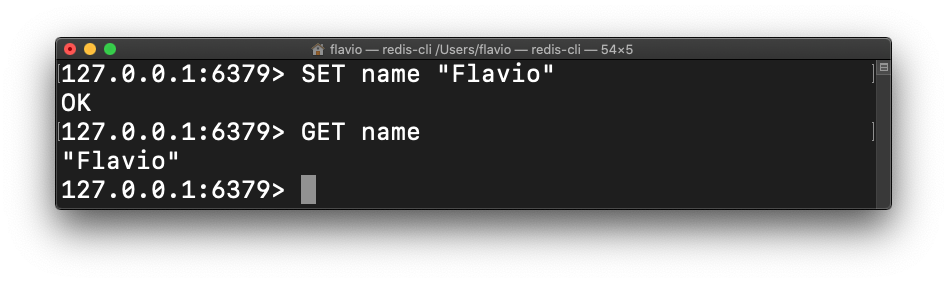
Add a value using the structure SET <key> <value>:
SET name "Flavio"Retrieve a value
Retrieve a value using the structure GET <key>:
Check if a key exists
We can also check if a key exists using EXISTS <key>:
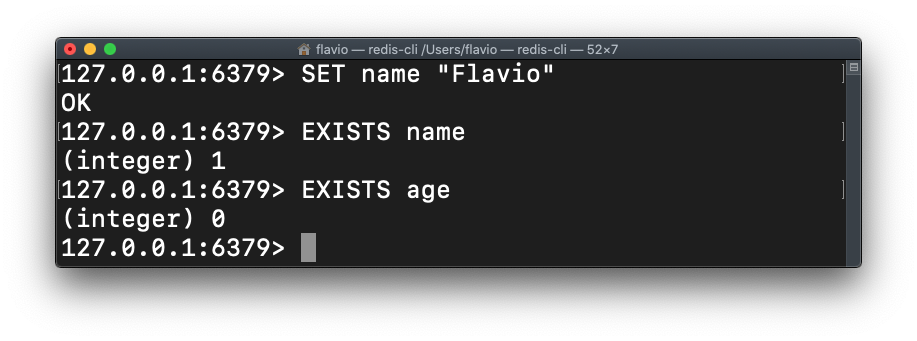
The command returns either 1 (exists) or 0 (does not exist).
Set if not exists
A variation of SET allows us to only set a key if it does not exist yet:
SETNX name "Roger"Delete a key
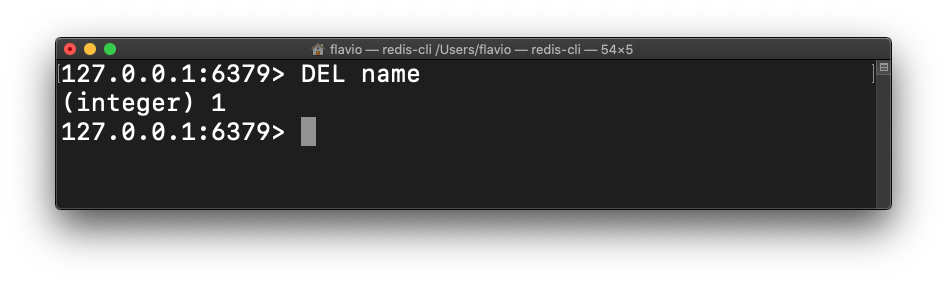
Delete a key using DEL <key>:
Listing existing keys
You can list all keys inserted using KEYS *
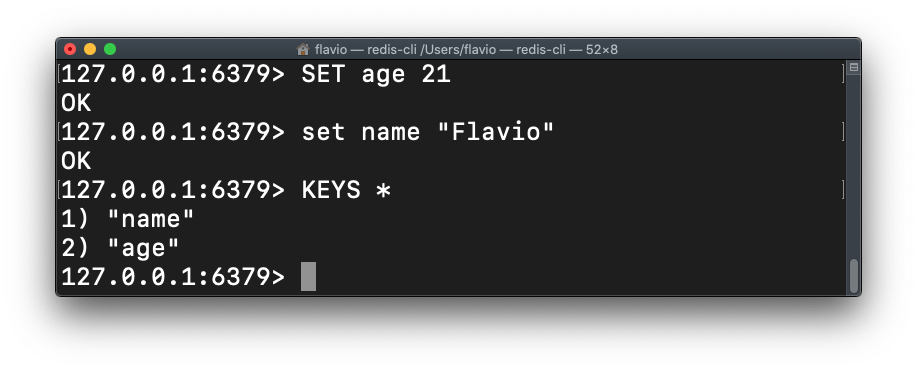
Or you can filter using a pattern like KEYS n* to only list keys starting with n, for example.
Each value stored can hold up to 512 MB in value.
Expiring keys
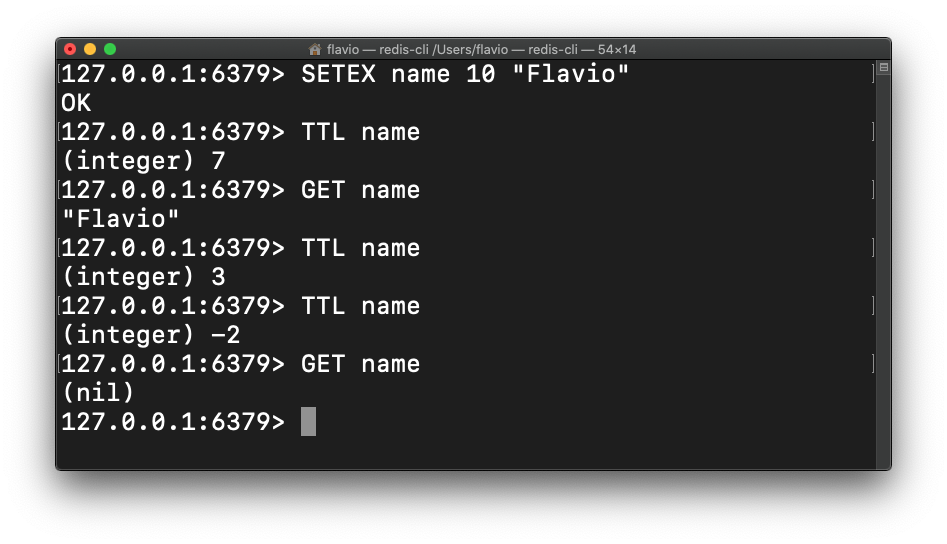
A key can be temporarily stored, and removed automatically when the timer ends:
SETEX <key> <seconds> <value>
You can get the time remaining for a key to be cleared using TTL <key>
In this example I set a name key with Flavio as value, and using TTL I can check how much time is left until the key will return the value. Once the timer expires, it results in a null value (nil):
You can also set an existing key to expire using EXPIRE <key> seconds>.
Increment and decrement
A numeric value can be incremented using INCR <key> and decremented using DECR <key>. You can also use INCRBY <key> <amount> and DECRBY <key> <amount> to increment a key value by a specific amount:
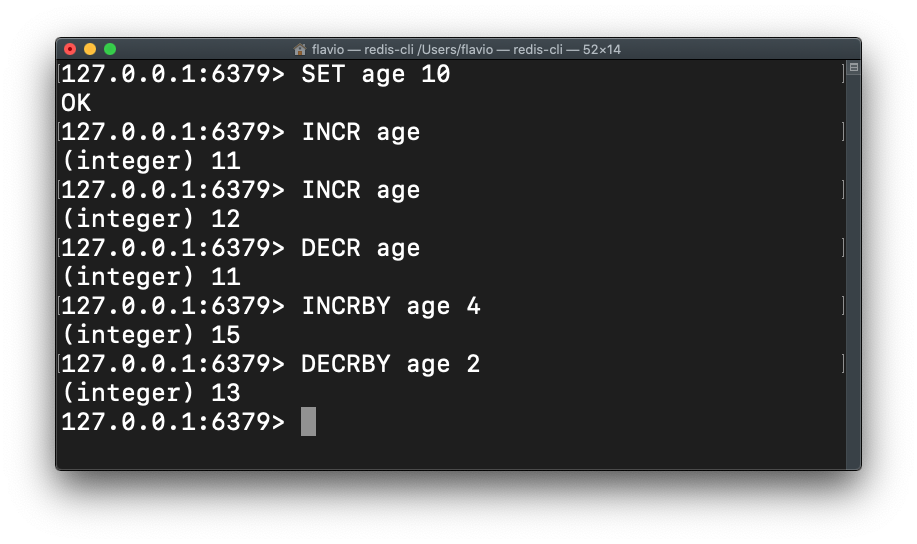
Those commands are very well suited for high concurrent operations where many clients might interact with the same data, to ensure atomic transactions.
The most common example is when 2 different clients try to increment the same number.
On a database like PostgreSQL or MongoDB you first get the number value, you increment it, then you make a request to the server to increment it.
Say the value is 1. If two clients read the value using GET then they call SET to increment it independently, in the end if there is nothing preventing the concurrent change to happen, the result will be 2. Redis prevents this problem at the root.
More complex data structures
So far we’ve worked with simple data types like integers and strings.
Redis can support more complex structures.
Let’s see in the next lessons how to work with:
- Lists
- Sets
- Sorted sets
- Hashes
Want me to talk about your product? You can sponsor this site.