How to create your first PHP program
By Flavio
Tagged: PHP
Write your first PHP program, a Hello World that uses echo inside PHP tags, run it with the built-in PHP server or MAMP, and see how the server executes it.
When learning a new programming language we have this tradition of creating a “Hello, World!” application. Something that prints those strings.
You can follow along with MAMP, or with the web server built into PHP. For the built-in server, create a folder, add an empty index.php file, open the terminal in that folder and run:
php -S localhost:8000Then open http://localhost:8000.
If you prefer MAMP, make sure MAMP is running, and open the htdocs folder as explained in the setup post.
Open the index.php file in a code editor.
I recommend using VS Code, it’s a very simple code editor. See https://flaviocopes.com/vscode/ for an introduction.
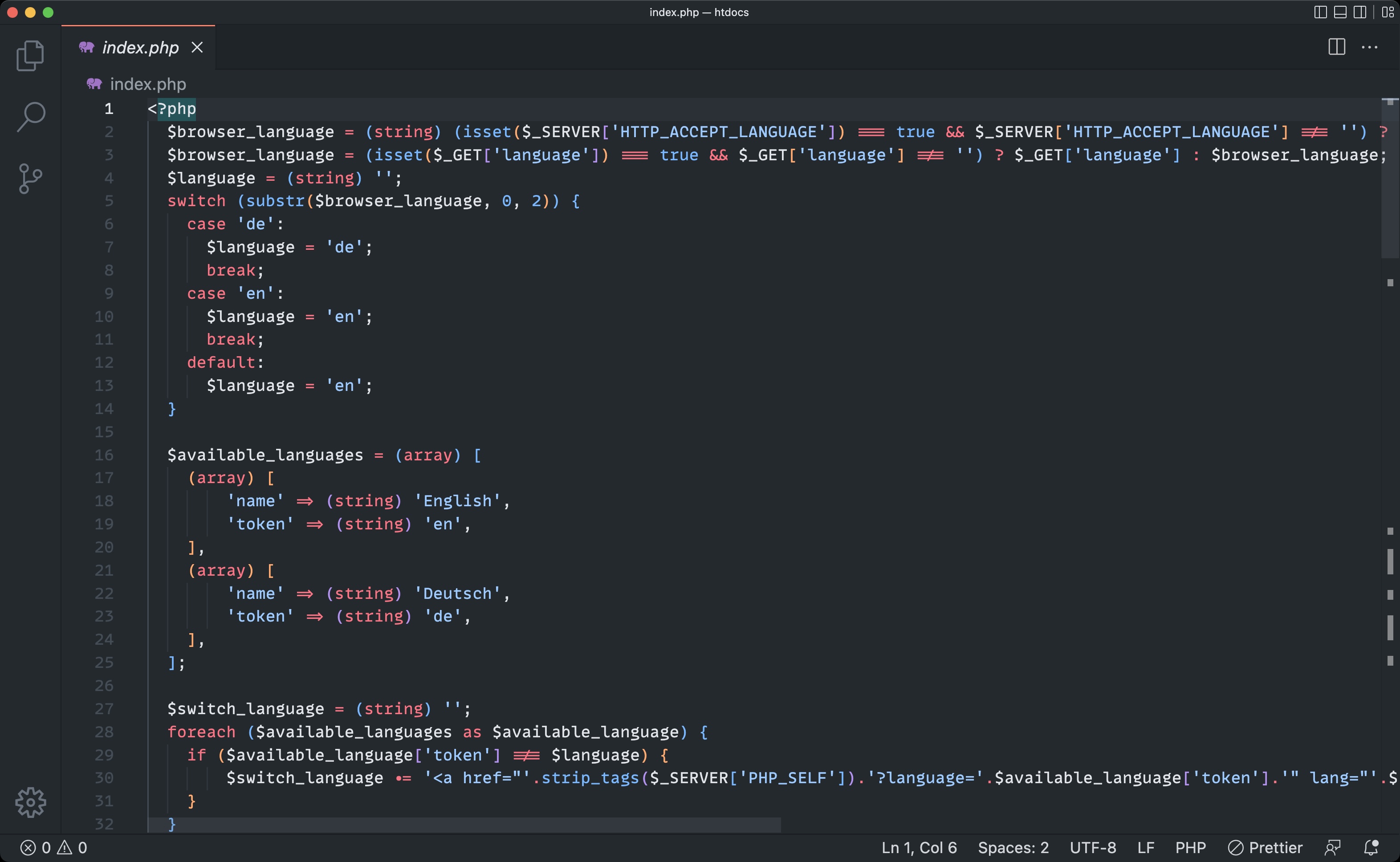
This is the code that generates the “Welcome to MAMP” page you saw in the browser (skip this if you started from an empty file with php -S).
Delete everything and replace that with:
<?php
echo 'Hello World';
Notice there is no closing ?>. When a file contains only PHP, the PHP manual recommends leaving it out, so no stray whitespace after the tag ends up in the output.
Save, refresh the page on http://localhost:8000 (or http://localhost:8888 with default MAMP), you should see this:
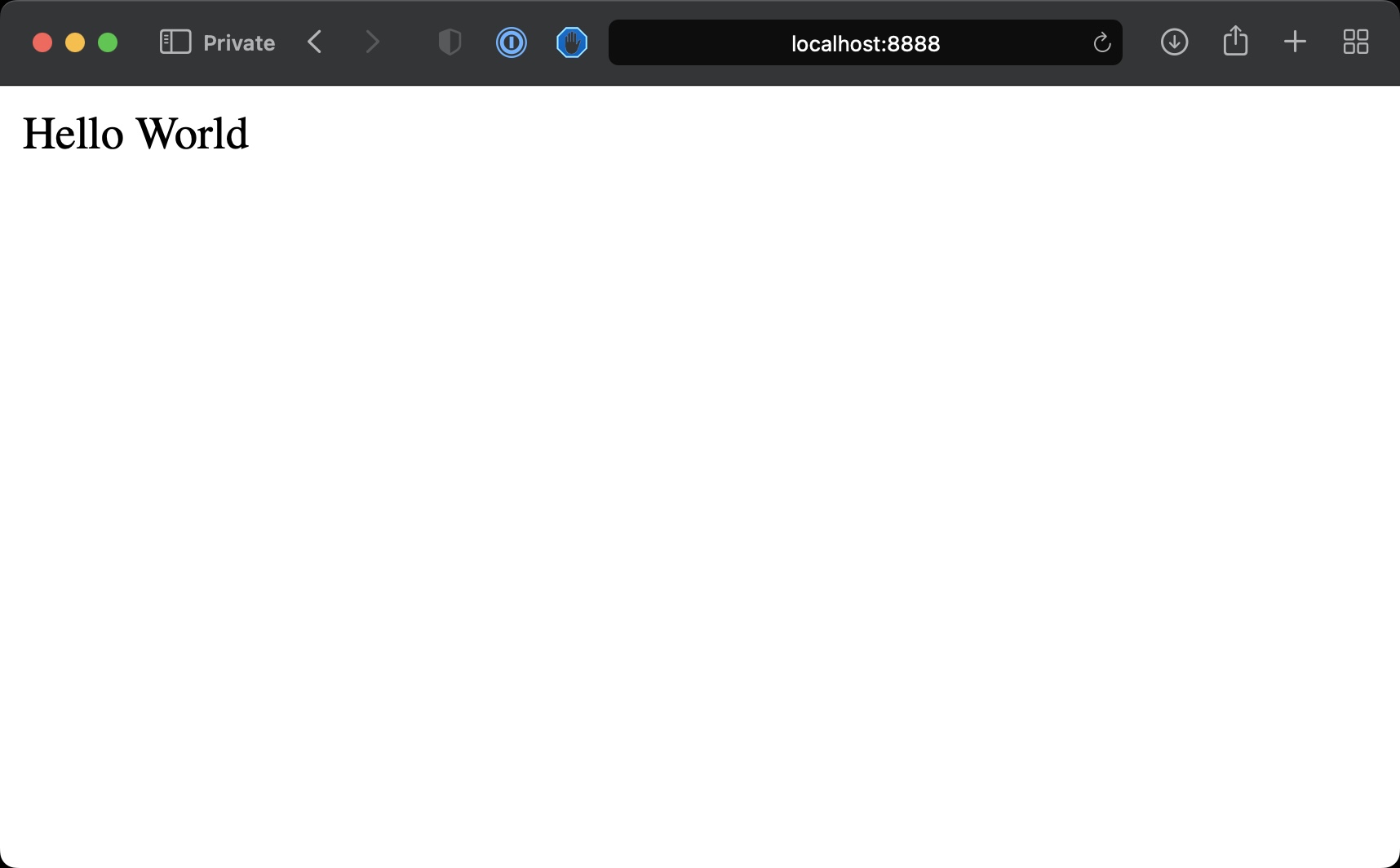
Great!
That was your first PHP program.
Let’s explain what is happening here.
With php -S, PHP itself is listening on port 8000. With MAMP, Apache is listening on port 8888 and hands .php files to PHP. Apache can also run a compiled C program the same way, through CGI.
When we access that URL with the browser we’re making an HTTP request, asking for the content of the route /, the base URL.
The server looks for index.php, runs the PHP code server-side, then sends the result back to the browser.
In the PHP file, we have a <?php opening, which says “here starts some PHP code”.
Inside it, we use the echo instruction to print the string enclosed into quotes into the HTML.
A semicolon is required at the end of every statement.
We have this opening structure because we can embed PHP inside HTML. PHP is a scripting language, whose goal is to be able to “decorate” an HTML page with dynamic data. Closing ?> is useful when you mix PHP into an HTML file. For a file that is only PHP, leave it out.
Note that with modern PHP, we generally avoid mixing PHP into the HTML, and instead PHP is used as a “framework to generate the HTML”, for example using tools like Laravel. But we discuss plain PHP in this book, so it makes sense to start from the basics.
For example, something like this will give you the same result in the browser:
Hello
<?php
echo 'World';
?>
To the final user, that looks at the browser and has no idea of the code behind the scenes, there’s no difference at all.
The page is technically an HTML page, even though it does not contain HTML tags but just a
Hello Worldstring, but the browser can figure out how to display that in the window.
Want me to talk about your product? You can sponsor this site.