How to add days to a date in JavaScript
By Flavio Copes
Learn how to add days to a Date object in JavaScript by combining the setDate() and getDate() methods to get a date like 30 days from now.
To add days to a date in JavaScript, call setDate() on the Date object, passing it the current day of the month from getDate() plus the days you want to add.
Working with dates in JavaScript is always kind of fun. I wrote on this topic countless times, but there’s always more to learn.
Make sure you check out my JavaScript Dates Guide
Today I have the solution to this problem: you have a Date object in JavaScript, and you want to add some days to it.
How do you do that?
Here is a date that represents today:
const my_date = new Date()Suppose we want to get the date that’s “30 days from now”.
We use the setDate() and getDate() methods, in this way:
my_date.setDate(my_date.getDate() + 30)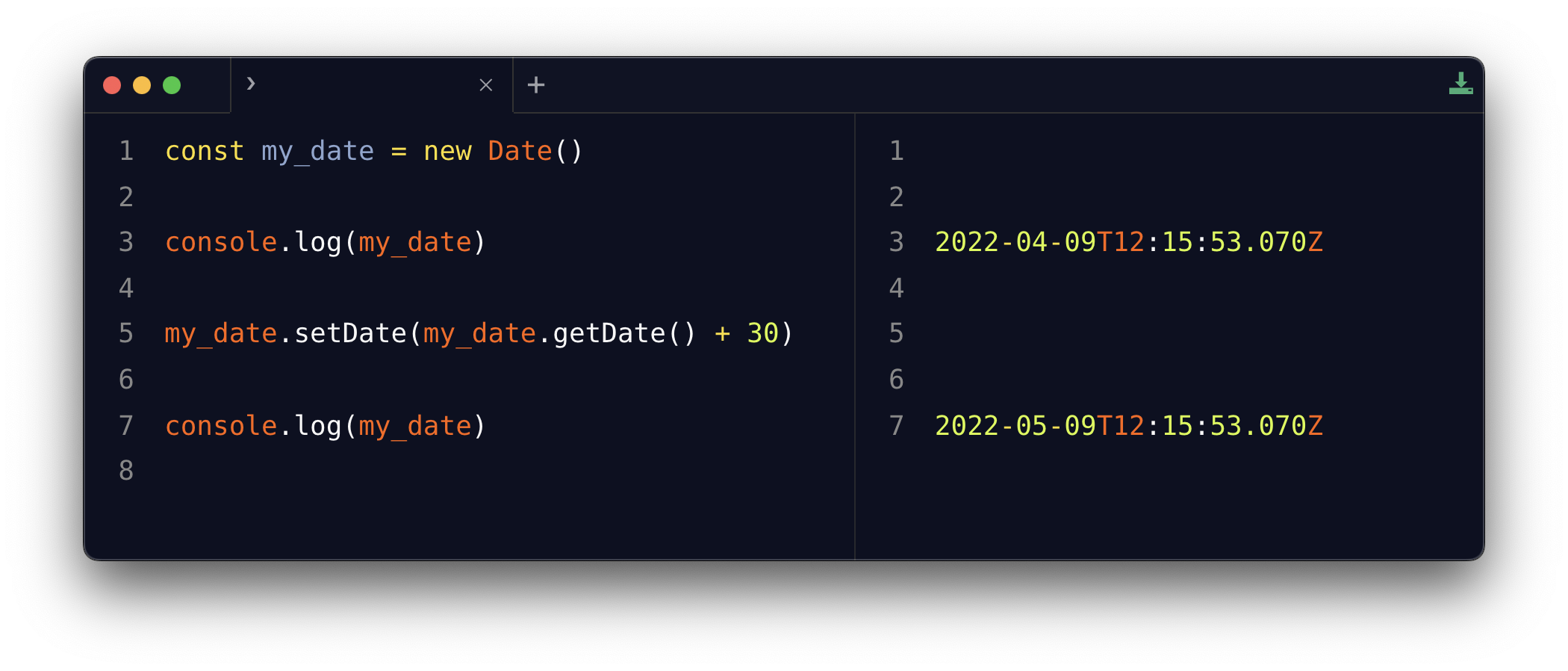
getDate() returns the day of the month, a number from 1 to 31. We add 30 to it and hand the result to setDate(), which updates the date.
What if we go past the end of the month?
This is the part I like. setDate() accepts values outside the valid range, and rolls the date over for us. Say today is August 7:
const my_date = new Date('2026-08-07')
my_date.setDate(my_date.getDate() + 30)
my_date.toDateString() //'Sun Sep 06 2026'
August 37 does not exist, so JavaScript turns it into September 6. It works across year boundaries too, and even across daylight saving time changes. No manual math with month lengths or leap years.
Watch out: setDate() mutates the date
Here’s the pitfall. setDate() changes the Date object in place. If some other part of your code holds a reference to my_date, it now sees the new value too. And setDate() returns a timestamp (a number), not a Date, so you can’t chain it or assign its result to get a new date.
When I want to keep the original date untouched, I copy it first:
const addDays = (date, days) => {
  const result = new Date(date)
  result.setDate(result.getDate() + days)
  return result
}

const today = new Date()
const inThirtyDays = addDays(today, 30)
today stays what it was, and inThirtyDays is a brand new Date object 30 days later.
The same technique works for subtracting days. Pass a negative number, like addDays(today, -7), and you get the date one week ago.
Want me to talk about your product? You can sponsor this site.
Related posts about js: