I built VM Monitor, a Mac app that shows what your coding agents do in the test VM
By Flavio Copes
VM Monitor is my free, open source Mac app that shows what coding agents do in a macOS test VM: its screen live, which agents are using it and for what, and every command they ran.
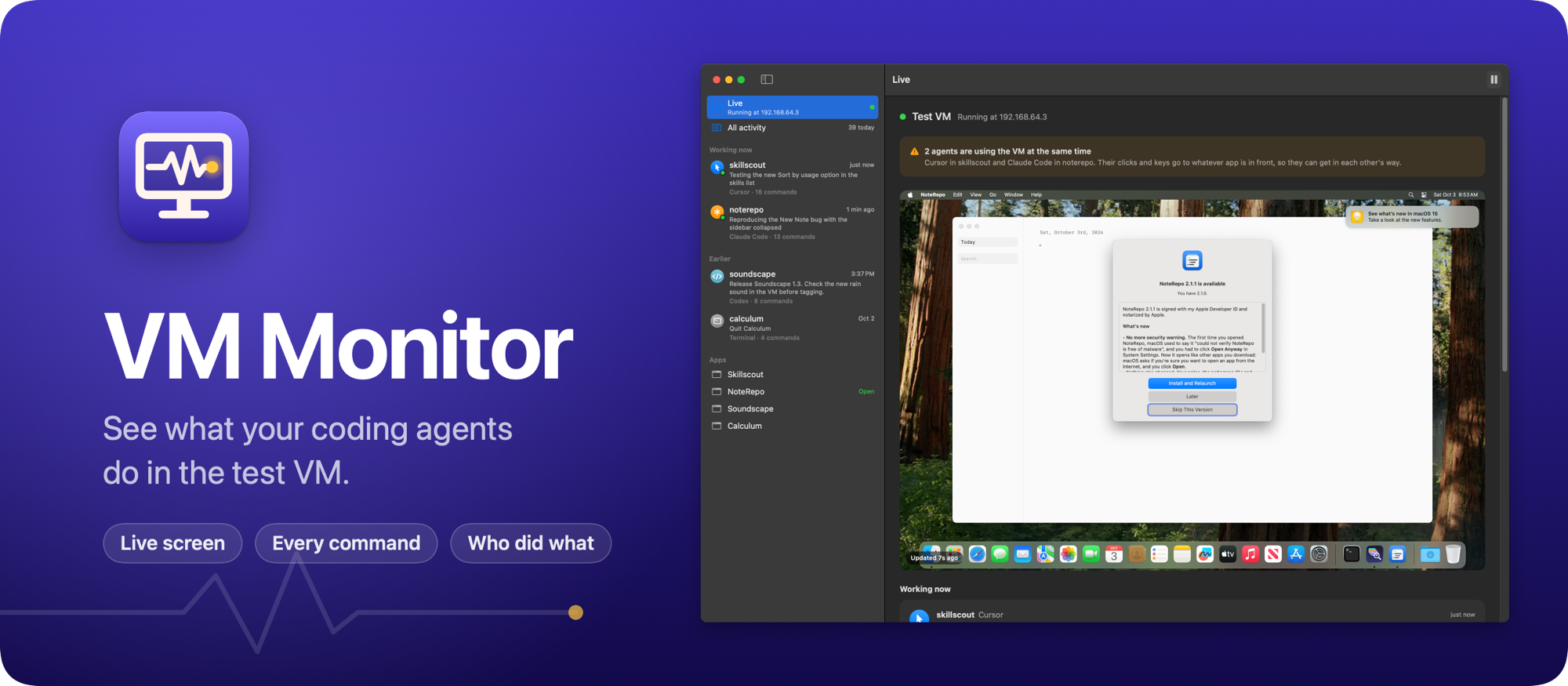
My coding agents now test the Mac apps they build in a virtual machine, so they never take over my screen while I work. They drive it with testvm, a small shell script that copies an app into the VM, launches it, takes screenshots and clicks through it.
It works, but the VM has no window. I couldn’t see what the agents were doing in there, which agent was testing what, or whether two of them were in the VM at the same time.
So I built VM Monitor, a free and open source Mac app that shows me. Here it is in 30 seconds:
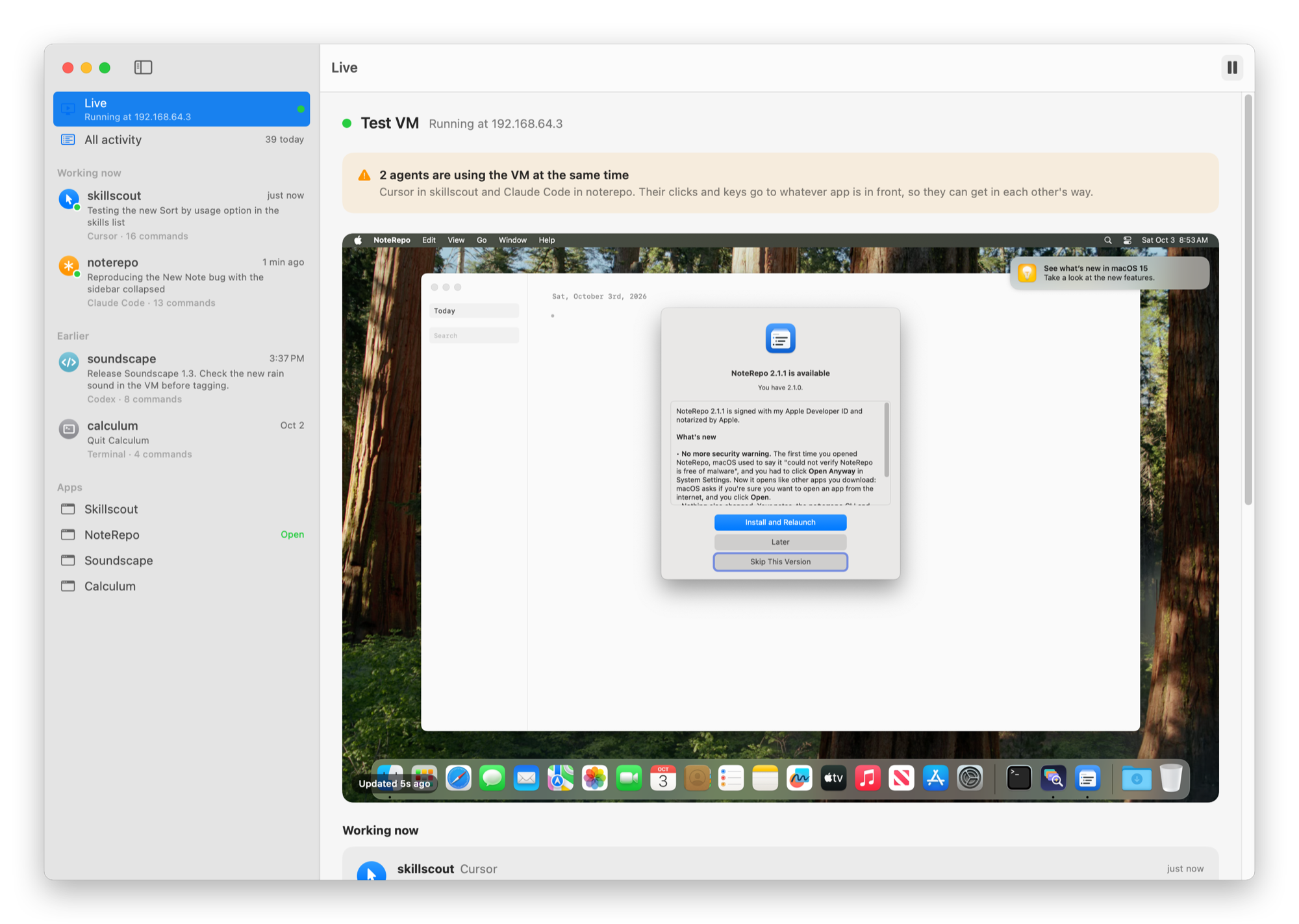
The Live view shows the VM’s screen, refreshed every 2 seconds while the window is visible. Under it are the agents that used the VM in the last 3 minutes. Each one shows the prompt that started its chat, the note it left, and the command it’s running right now.
When two chats use the VM at once, an orange banner says so. Their clicks and keys go to whatever app is in front, so one agent can end up clicking in another agent’s app.
It already happened twice. While I was building VM Monitor, another Cursor chat spent four and a half minutes in the VM rendering screenshots for one of my other apps, while I clicked around in the same VM, and neither of us knew. Later, while I made the screenshots for the README, another agent opened its app in front of mine halfway through, and that’s the app my screenshot caught. This time the log VM Monitor reads told me which agent it was.
Every command, in plain words
The sidebar lists every chat, with the agent that ran it and the project it works on. Click one and you get its timeline, the newest command first.
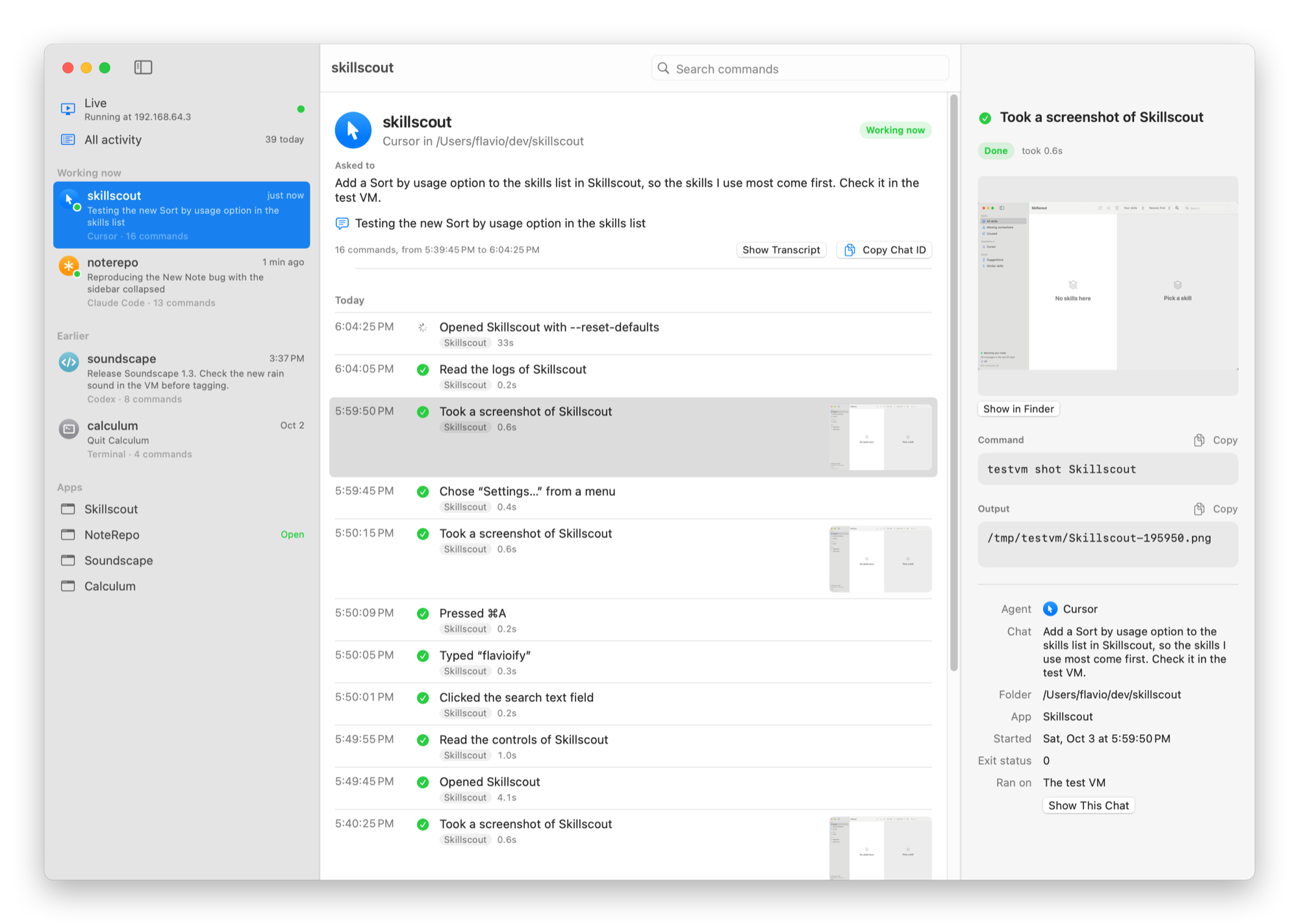
Commands read like sentences: “Opened Skillscout”, “Took a screenshot of Skillscout”, “Pressed ⌘A”. A click names the control it hit, like “Clicked “Find repeated tasks””. The agent clicks by coordinates, so VM Monitor finds the control at that point in the list of controls the agent read just before.
Screenshots show up as thumbnails. Click any command to see it in full: the screenshot, the exact command line, what it printed, and who ran it. There’s also a timeline per app, which tells me which agent put the latest build in the VM before I trust a screenshot of it.
How it knows who’s who
Since every agent goes through testvm, I changed it to log every command to a file in ~/Library/Logs/testvm, with a line when the command starts and one when it ends.
Each line says which agent ran it. Cursor and Codex put the chat’s id in the environment of every command they run. Claude Code doesn’t, so testvm looks for the claude process up the process tree. Anything else counts as me in a terminal.
VM Monitor reads the new lines every second. To say what each agent is working on, it finds the chat in the agent’s own transcripts and reads the first prompt.
Agents can also say what they’re testing:
testvm note 'Checking the new sort menu'The note shows up next to the chat. My skill for the test VM tells every agent to start with one.
The screen comes over the same SSH connection testvm uses. VM Monitor only watches: it never clicks, types or opens anything in the VM.
Get it
The code is on GitHub at flaviocopes/vm-monitor, MIT licensed. testvm is in the repo too.
Download the zip from the latest release, unzip it, and drag VM Monitor to your Applications folder. It runs on macOS 15 Sequoia or later. It’s signed with my Apple Developer ID and notarized by Apple, so it opens like any other app you download.
The VM itself runs under Tart, which needs an Apple silicon Mac. The README shows how to install Tart and testvm, create the VM with testvm setup, and tell your agents to use it.
After that, VM Monitor updates itself. It checks GitHub once a day, and Install and Relaunch puts the new version in place.
Want me to talk about your product? You can sponsor this site.
Related posts about news: