A support workflow with Grok Bot, Executor and T3 Code
By Flavio
Tagged: AI
A design for turning an app support ticket into a fix on a branch and a drafted reply, using Grok Bot, Executor and T3 Code.
Joel Hooks posted that he was setting up “the t3code, executor, grok bot loop across the fleet”, and that it takes some setup but the ergonomics are immaculate. He didn’t share the setup, so I worked out what that loop would look like for a job I have every day: answering support questions about my Mac apps.
This is a design. I haven’t wired it up yet, but every command and setting below comes from the tools as they are installed on my Mac.
The three pieces
Each tool does one job in the loop.
| Tool | Role | Where it runs | What it can’t do |
|---|---|---|---|
| Grok Bot | The manager: reads the ticket, decides, delegates, writes the reply | Its own cloud computer, plus shell access to my Mac if I allow it | Accept a coding agent’s command approvals for me |
| Executor | The accounts: one catalog of tools for GitHub, email and my own APIs | A local service on port 4789, or hosted at executor.sh | Run a tool marked for approval without someone saying yes |
| T3 Code | The workers: Claude Code, Codex or Gemini (via Antigravity) threads, each in its own git worktree | My Mac, or any machine running its server | Notice that a ticket exists |
The manager never touches code, the workers never talk to the customer, and Executor is the only place that holds credentials.
Where the tickets come from
My apps have a support portal at support.flaviocopes.com. It’s one Cloudflare Worker with a D1 database, and Resend handles mail in both directions. A buyer signs in with the email they bought with and asks a question about an app they own. I get it by email and answer by replying.
That last part matters for this design. The Worker only posts an answer to the buyer when the mail comes from one of my addresses, with DKIM or DMARC passing. A bot can’t answer a customer even if it wanted to. It can only hand me a draft, and the reply goes out when I send it.
So the portal needs one change: when a new question arrives, also tell Grok Bot.
Waking up Grok Bot
A Grok Bot routine can start from a webhook. You ask the Bot in chat to add a webhook trigger, then open the routine to copy its URL and key. A POST with Authorization: Bearer <key> starts a run.
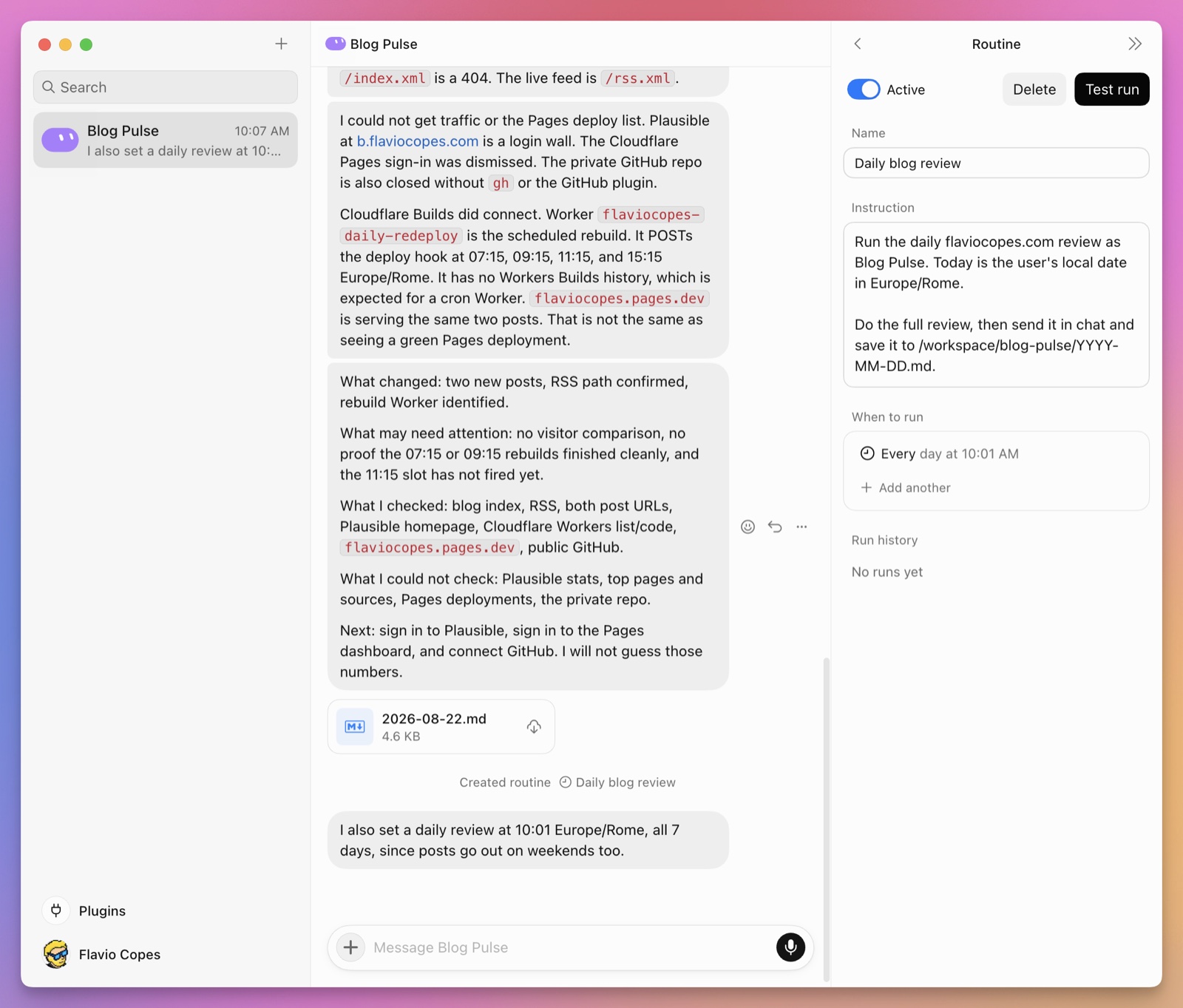
That’s a scheduled routine I already use for the blog. The support one would have a webhook trigger instead of a time.
In the Worker, a new question already ends with notifyFlavio(), which emails it to me. The webhook would be one more function next to it:
export function wakeSupportBot(env: Env, conv: Conversation) {
  return fetch(env.GROKBOT_ROUTINE_URL, {
    method: 'POST',
    headers: {
      Authorization: `Bearer ${env.GROKBOT_ROUTINE_KEY}`,
      'Content-Type': 'application/json'
    },
    body: JSON.stringify({ conversation: conv.id, app: conv.app_slug })
  })
}
Calling it as ctx.waitUntil(wakeSupportBot(env, conv)) keeps the buyer’s request fast, because the POST finishes after the page has answered. The handler would need its ctx argument for that.
I’d send only the conversation id and the app, not the buyer’s message or email address. The Bot fetches the rest through Executor, where I decide what it can read.
A 200 means the run started, not that it finished. A routine can run up to 200 times an hour, and a Bot can have 50 routines, so volume isn’t a concern for an indie app business.
If you’d rather not put the manager in xAI’s cloud, OpenBot is an open source alternative you host yourself with a desktop app, Docker or Kubernetes. It supports routines too. I compared the two in What are your agents doing all night?.
Reading the context through Executor
Executor puts every account behind one catalog. Once the portal is in it, the Bot asks for a tool by what it does, reads its arguments, and calls it:
executor tools search "read support conversation"
executor tools describe support.conversations.get
executor call support conversations get '{"id":412}'
For this loop the catalog needs three sources:
- the support portal itself, added as an OpenAPI integration, read-only
- GitHub, for the app’s repo, open issues and recent releases
- the app’s changelog, which the site already publishes as JSON
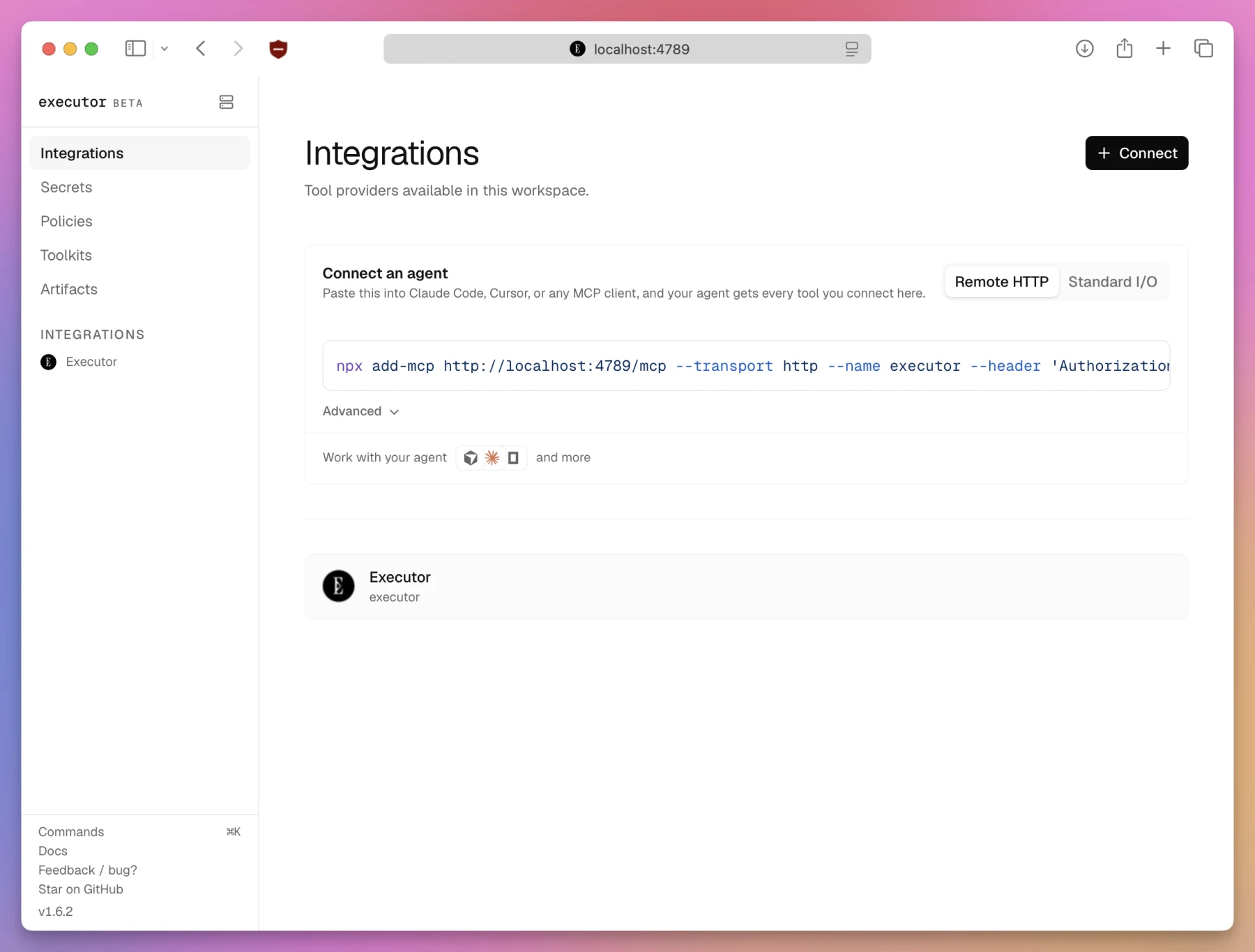
Executor also pauses on tools that write. When I asked it to add GitHub’s REST API to the catalog, it stopped and waited:
Execution paused: Add an OpenAPI integration
...
Approve in browser:
  http://localhost:4789/resume/exec_9fc89397-6131-4033-9c4e-fad7e5f54d07
The same output also prints an executor resume command, so an agent with a shell on that machine can approve its own call. When an agent tried that from Claude Code, Claude Code’s permission check blocked it. Grok Bot’s shell may not stop it, so keep anything that writes out of the support Bot’s catalog entirely.
Deciding what the ticket is
Most support mail isn’t a bug. It’s “where’s my download”, “does it work on Intel”, “how do I do X”. Those already have answers in the app guides on the portal, so the Bot only needs to draft a reply with the right link.
Billing and refunds skip the agent entirely. Those go to me untouched.
Handing the bug to T3 Code
T3 Code ships a t3 CLI that drives its server. t3 status shows how this Mac is set up today:
This machine
  Service        not installed
  T3 Connect     off
  Local network  off
There are two ways for Grok Bot to reach it.
| Shell on my Mac | T3 Connect + MCP | |
|---|---|---|
| Setup | Allow “Execution on this computer” in Grok Bot | Turn on T3 Connect, add T3’s MCP as a Remote HTTPS connector |
| How the Bot starts work | Runs t3 thread start | Calls t3_thread_launch |
| Other machines | Only this Mac | Any machine linked to T3 Connect |
| What the Bot can also do | Anything my shell allows | Only T3’s tools |
For one Mac I’d start with the shell, because it needs no extra service. For a fleet, Joel’s case, the MCP route is the one that scales, and it gives the Bot a narrower set of tools.
Starting the work is one command. --worktree runs the agent in a fresh git worktree based on main, and --branch names it after the conversation:
t3 thread start \
  --worktree main \
  --branch support/412 \
  --title "Support 412" \
  --json \
  ~/dev/pdf-size-limit - < brief.md
The brief tells the agent to reproduce the problem first, fix it with a test, commit on the branch, and stop. No push, no release.
Going through T3 Code also matters if you want to use Gemini on a Google AI subscription. You can’t wire your Gemini subscription directly into a custom bot or third-party harness, because Google only allows subscription use through Antigravity and bans accounts caught using unofficial shims. T3 Code drives Google’s real Antigravity binary, so a support thread can run Gemini models without risking your account. I covered how that works in the T3 Code guide.
Getting woken up
The Bot shouldn’t sit and watch the thread, because a fix can take 20 minutes and a Grok Bot run costs usage while it waits. There are two options.
--wait makes t3 thread start block until the agent finishes, print its reply, and exit with 1 if the run failed or 2 if the agent is waiting for an answer. That’s fine for a check that takes a minute.
For longer work, a Stop hook in the coding agent calls the routine’s webhook when the turn ends. grokbot-t3-bridge does exactly this for Claude Code and Codex. The brief tells the agent to write a .grokbot file with the Bot’s name in the worktree, and a .grokbot-status file whose first word is done, needs_input or failed. The hook reads them and POSTs to that Bot’s webhook. It also reports approval prompts as needs_input approval, and a sweep reports a thread stalled for 45 minutes.
Approvals are the weak spot. If the agent asks to run a command that needs approval, neither Grok Bot nor T3’s MCP can approve it. The thread sits there until I open T3 Code.
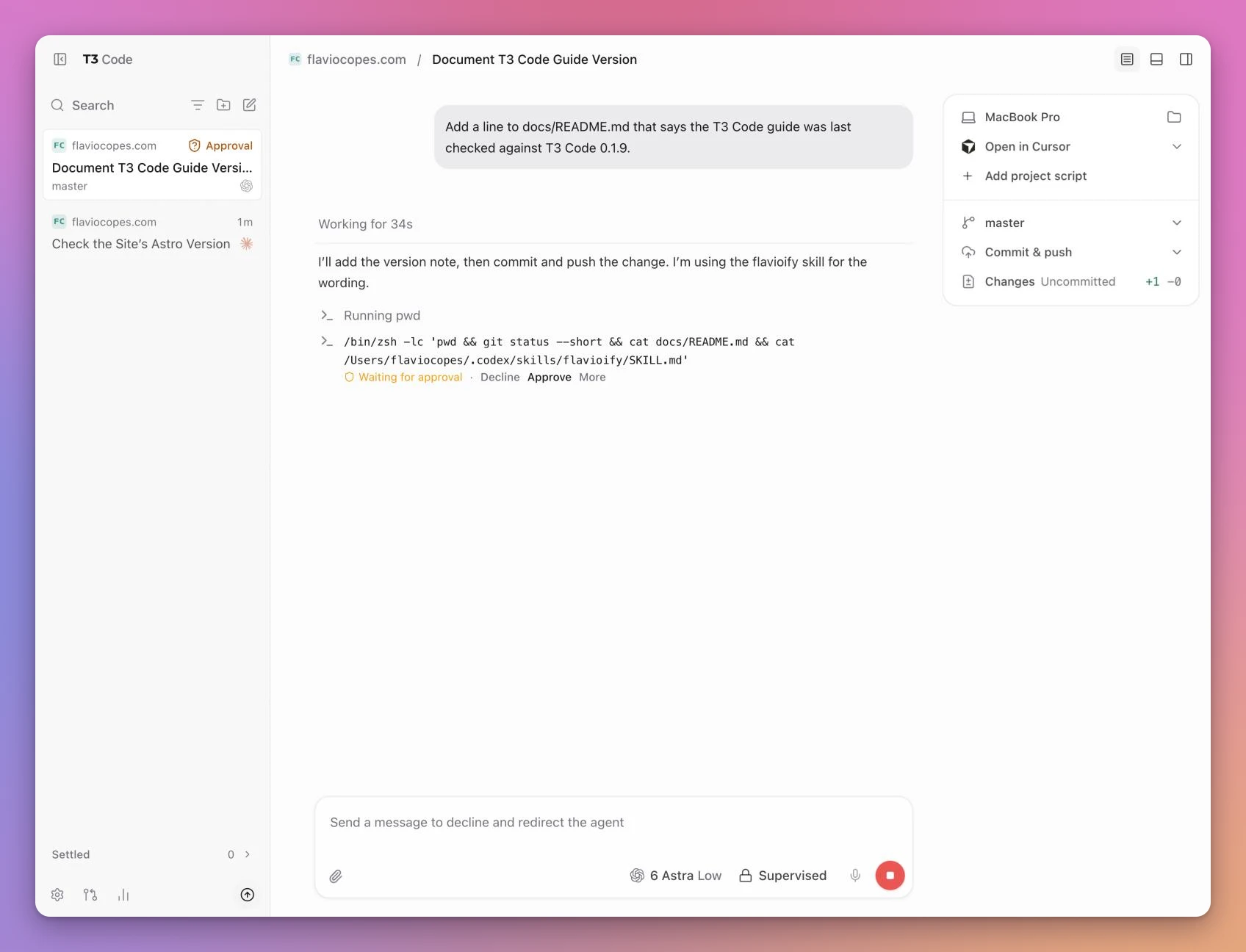
So the worker threads need a permission mode that lets them build and test inside the worktree without asking. The mode should still block pushing, which is the line I care about.
The reply
When the hook fires, the Bot reads the thread’s last message with t3 thread show <id> --messages 1 --json, checks the diff on the branch, and sends me two things: a summary of the fix with the branch name, and a drafted reply to the buyer.
The reply says the fix ships in the next version and links the changelog. I review the diff, merge, run the release, and send the reply from my phone. The Bot did the reading and the first pass. I still own the merge, the release and the words that reach the customer.
Where it can go wrong
- The callback isn’t official. T3 Code doesn’t push events to bots. The bridge is a community project, and its POSTs aren’t retried, so a lost webhook leaves a finished thread unreported. A sweep every 15 minutes catches those, but it isn’t installed by default.
- Bots share one computer. Grok Bot’s docs say Bots are not a security boundary, and custom connectors are shared across the account. Give the support Bot read-only sources and nothing else.
- Shell access is broad. “Execution on this computer” lets the Bot run anything I can. The MCP route is narrower if that worries you.
- It costs on every ticket. A routine run, a T3 thread, and the model behind it. For “where’s my download” that’s a lot of machinery for a link, which is why the triage step answers those without a thread.
When I wouldn’t build it
With a handful of questions a week, I’d answer them myself. The loop pays off when tickets come in while I’m away from the Mac, and when a good share of them are real bugs that an agent can reproduce from the description.
If you already use Claude Code’s scheduled tasks or cloud sessions, most of the coding half is covered there. What this loop adds is a manager that’s always on, takes a webhook, and reads from your accounts without you opening a terminal.
Want me to talk about your product? You can sponsor this site.
Related posts about ai: