Get the last segment of a path or URL in JavaScript
By Flavio Copes
Learn how to get the last segment of a path or URL in JavaScript using substring() together with lastIndexOf('/') + 1, wrapped in a small reusable function.
To get the last segment of a path in JavaScript, combine substring() with lastIndexOf('/'). One line is enough.
While working on a project, I had the need to get the last segment of a path.
In this case it was a filesystem path, but this would work also for URLs.
This is the JavaScript code I used:
const lastItem = thePath.substring(thePath.lastIndexOf('/') + 1)How does this work?
The thePath string contains a path. Like /Users/Flavio/Desktop, for example.
We identify the index of the last / in the path, calling lastIndexOf('/') on the thePath string.
Then we pass that to the substring() method we call on the same thePath string.
This will return a new string that starts from the position of the last /, + 1 (otherwise we’d also get the / back).
Finally, we assign that string to lastItem.
You can make a simple function for it, too:
const getLastItem = thePath => thePath.substring(thePath.lastIndexOf('/') + 1)

getLastItem('/Users') //'Users'
getLastItem('/Users/Flavio') //'Flavio'
getLastItem('/Users/Flavio/test.jpg') //'test.jpg'
getLastItem('https://flavicopes.com/test') //'test'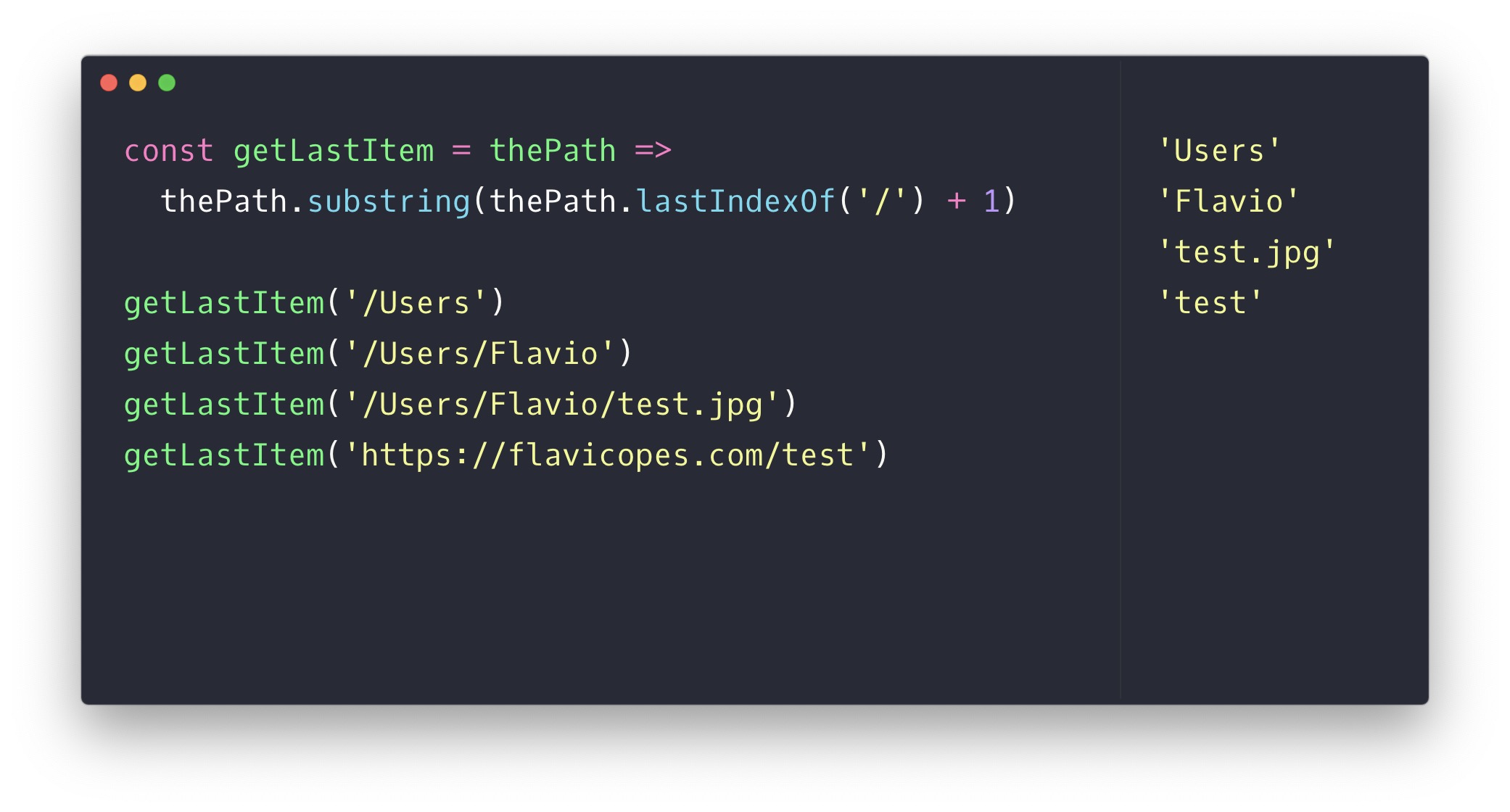
What if there’s no slash at all?
The function still works. lastIndexOf('/') returns -1 when it finds nothing, and -1 + 1 is 0, so substring(0) returns the whole string:
getLastItem('test.jpg') //'test.jpg'That’s what I’d expect: a path with a single segment returns that segment.
Watch out for trailing slashes
There’s one edge case that bites: a path ending with /.
getLastItem('/Users/Flavio/') //''The last / is the final character, so everything after it is an empty string.
If your paths might end with a slash, split the string instead, drop the empty parts, and take the last element:
const getLastItem = thePath => thePath.split('/').filter(Boolean).pop()

getLastItem('/Users/Flavio/') //'Flavio'
getLastItem('/Users/Flavio/test.jpg') //'test.jpg'
filter(Boolean) removes the empty strings the split produces, and pop() returns the last remaining segment.
One more thing to keep in mind for URLs: a query string stays attached to the last segment. getLastItem('https://flaviocopes.com/axios?page=2') returns 'axios?page=2', not 'axios'. If your URLs carry query strings, strip everything from the ? before extracting the segment.
Absolute URLs: use the URL API
For a full URL, the URL constructor gives you pathname without the query or hash. Then take the last segment as usual:
const getLastPathSegment = (absoluteUrl) => {
  const { pathname } = new URL(absoluteUrl)
  return pathname.split('/').filter(Boolean).pop()
}

getLastPathSegment('https://flaviocopes.com/axios?page=2') //'axios'
getLastPathSegment('https://flaviocopes.com/blog/hello/#comments') //'hello'
new URL() needs an absolute URL (or a base). Relative paths like /Users/Flavio/test.jpg still need the string methods above.
Want me to talk about your product? You can sponsor this site.
Related posts about js: