Pre-train and observe
Start a pre-training run
Review the complete run summary, start pre-training, and record the initial measurements before leaving the model to learn.
Open Pre-training and review the summary before pressing Start.
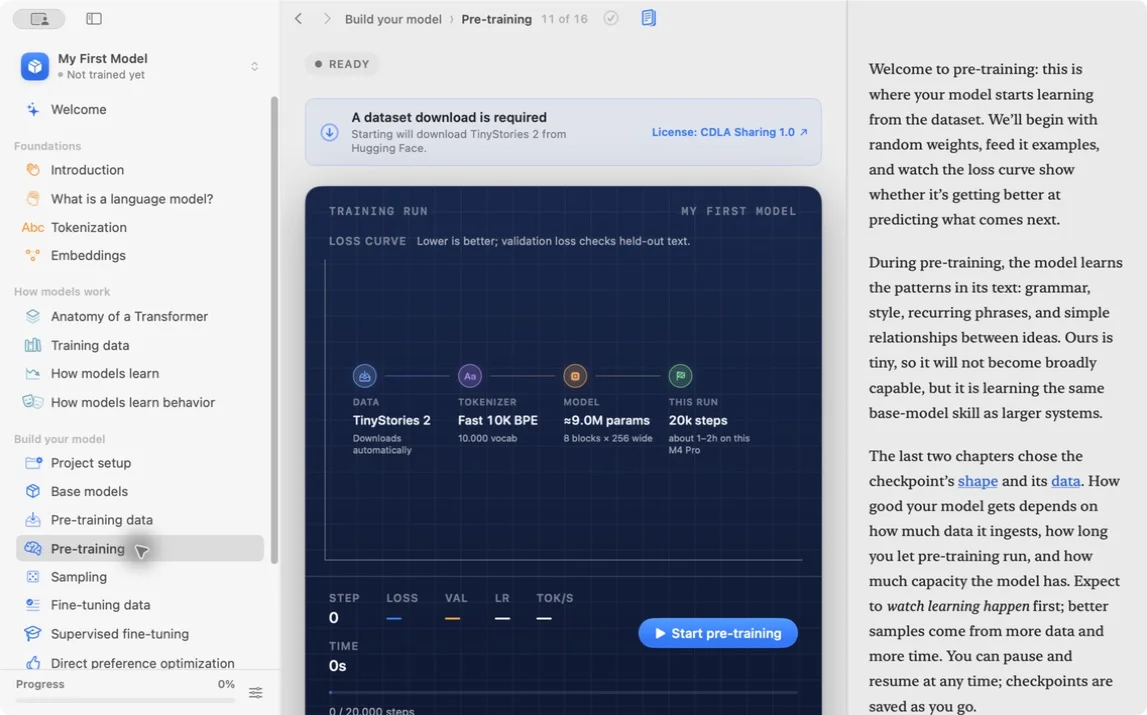
Confirm the dataset, tokenizer, parameter count, number of steps, and estimate match your notebook.
Pre-training creates shifted input and target sequences. For token IDs [11, 24, 8, 5]:
input:  [11, 24, 8]
target: [24, 8, 5]
The model predicts every target from the tokens to its left. Cross-entropy loss penalizes low probability on the actual next token.
A step processes one batch and updates the parameters once. It is not the same as one example or one complete pass through the dataset. Record batch size, sequence length, and step budget so the amount of training is understandable.
Start the run. Record the start time, first reported throughput, initial training loss, and first validation loss when available.
Do not judge text quality from the first sample. Randomly initialized weights need time before output resembles the dataset.
Check the first minutes for broken plumbing:
- loss is finite rather than
NaN - throughput is nonzero and reasonably stable
- validation uses the expected held-out split
- checkpoints and samples appear at the configured interval
- memory pressure does not make the system unusable
A healthy first reading might look like training loss 8.2 and validation loss 8.1 with throughput near 1,800 tokens/s. Exact numbers vary by blueprint and dataset. The pattern matters more than the digits.
If the run fails immediately, preserve the configuration and error before retrying. Changing several settings destroys the evidence about which input caused the failure.
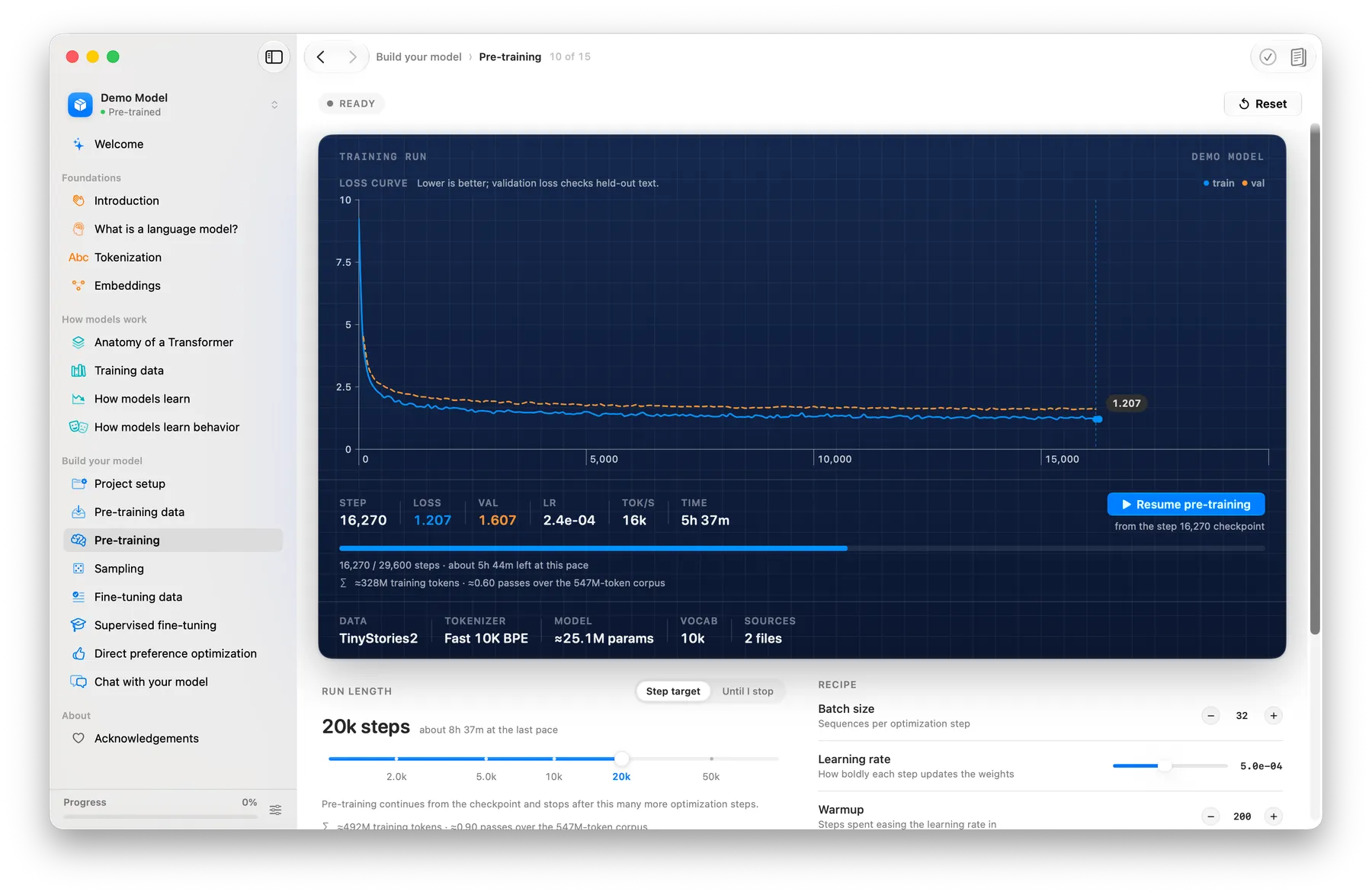
If loss prints NaN on step 1, stop the run and copy the error text into your notebook. Retrying with a lower learning rate is a reasonable next test, but only after you saved the failed configuration.
Lesson completed