How to show hidden files on a USB drive or a memory card on a Mac
By Flavio
Command-Shift-Period shows the hidden files in the Finder, but not all of them. Here's what it shows on a USB stick, what it still hides, and how to see the whole list.
Open a USB stick in the Finder and press Command-Shift-Period (⇧⌘.). The Finder shows the files whose name starts with a dot, dimmed. Press it again and they’re hidden again.
It works in every Finder window at once, and it stays on until you press it again. But on a stick or a card it doesn’t show everything the Mac put there. The ._ files and the .DS_Store files stay hidden even with it on, and those are the ones a car stereo, a TV or a Windows PC shows you.
What does Command-Shift-Period show?
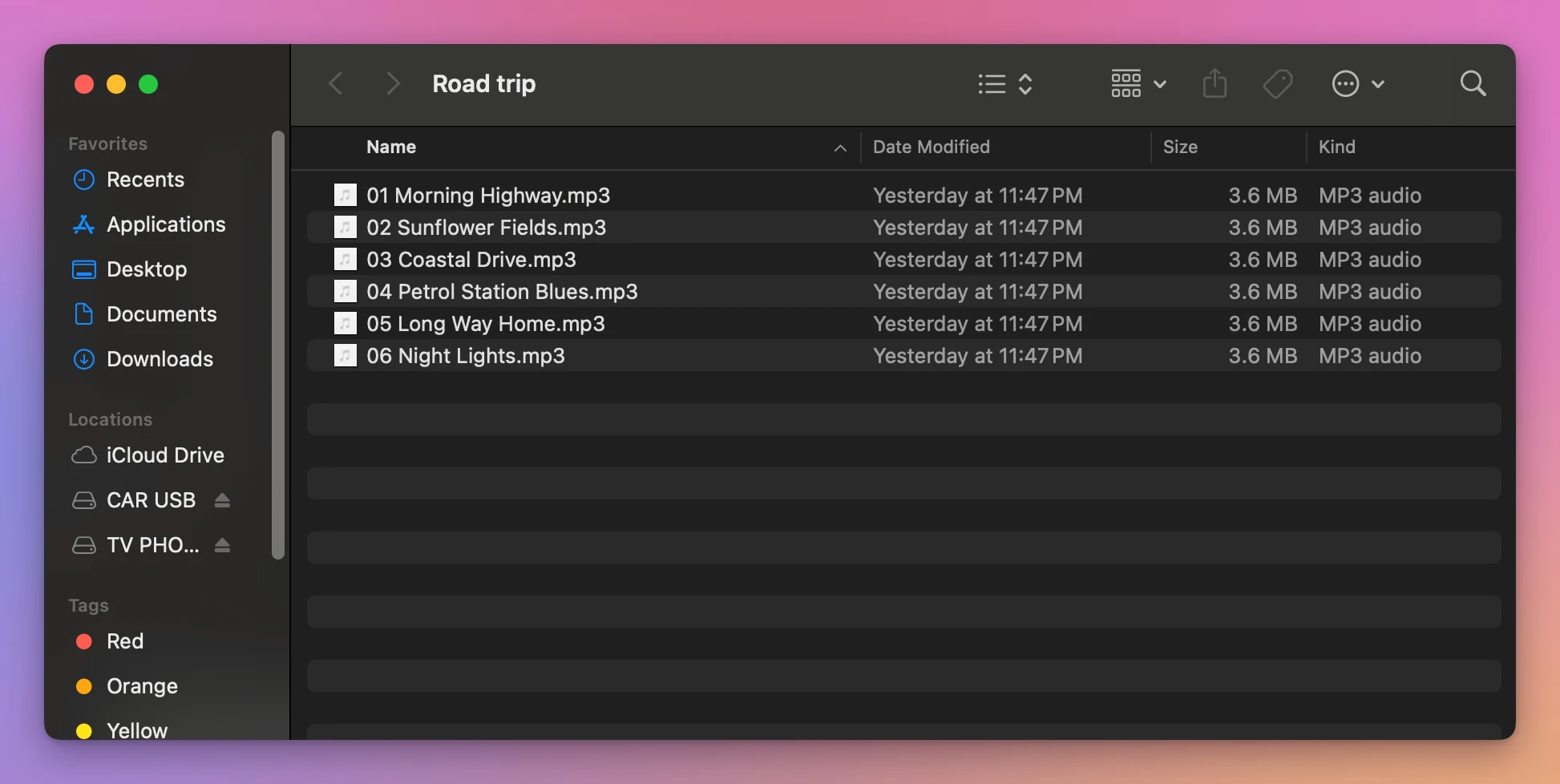
I tried it on a stand-in USB stick: a disk image formatted FAT32 like most sticks, named CAR USB, with a folder called Road trip and six made-up songs in it, copied from the Mac with the Finder. On the Mac it behaves like a real stick. What’s different is that plugging it in and taking it out is opening and closing a file, and Spotlight was off on that test Mac, so I turned it on for the stand-in.
Before I copied the folder, I’d opened two of the songs in QuickTime Player on the Mac. That matters, as you’ll see.
Here’s Road trip on the stick, as the Finder shows it:
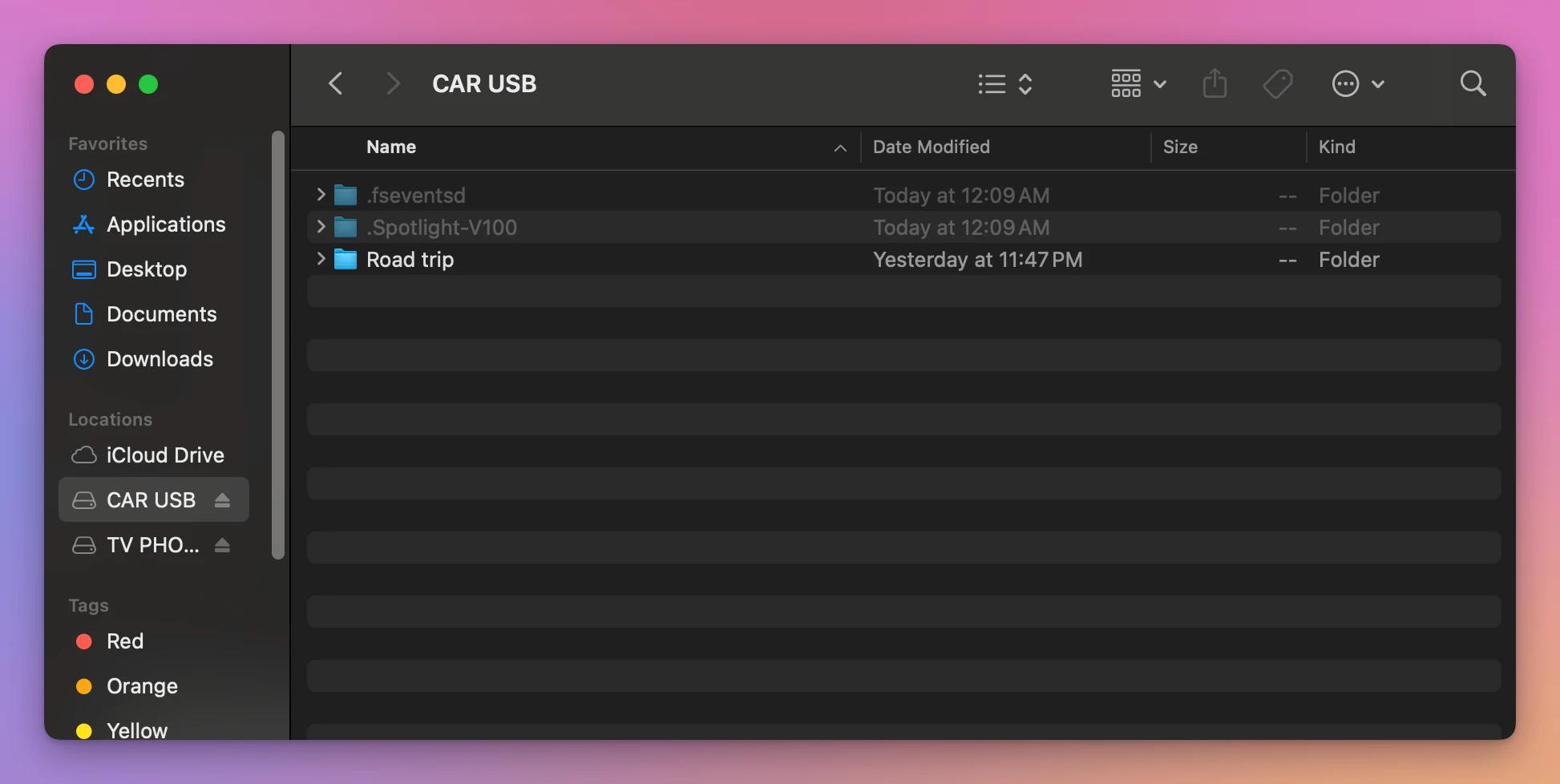
With Command-Shift-Period on, the top of the stick shows two folders it didn’t show before, .fseventsd and .Spotlight-V100, dimmed:
Then I opened Road trip again in a new window. Same six songs, nothing else:
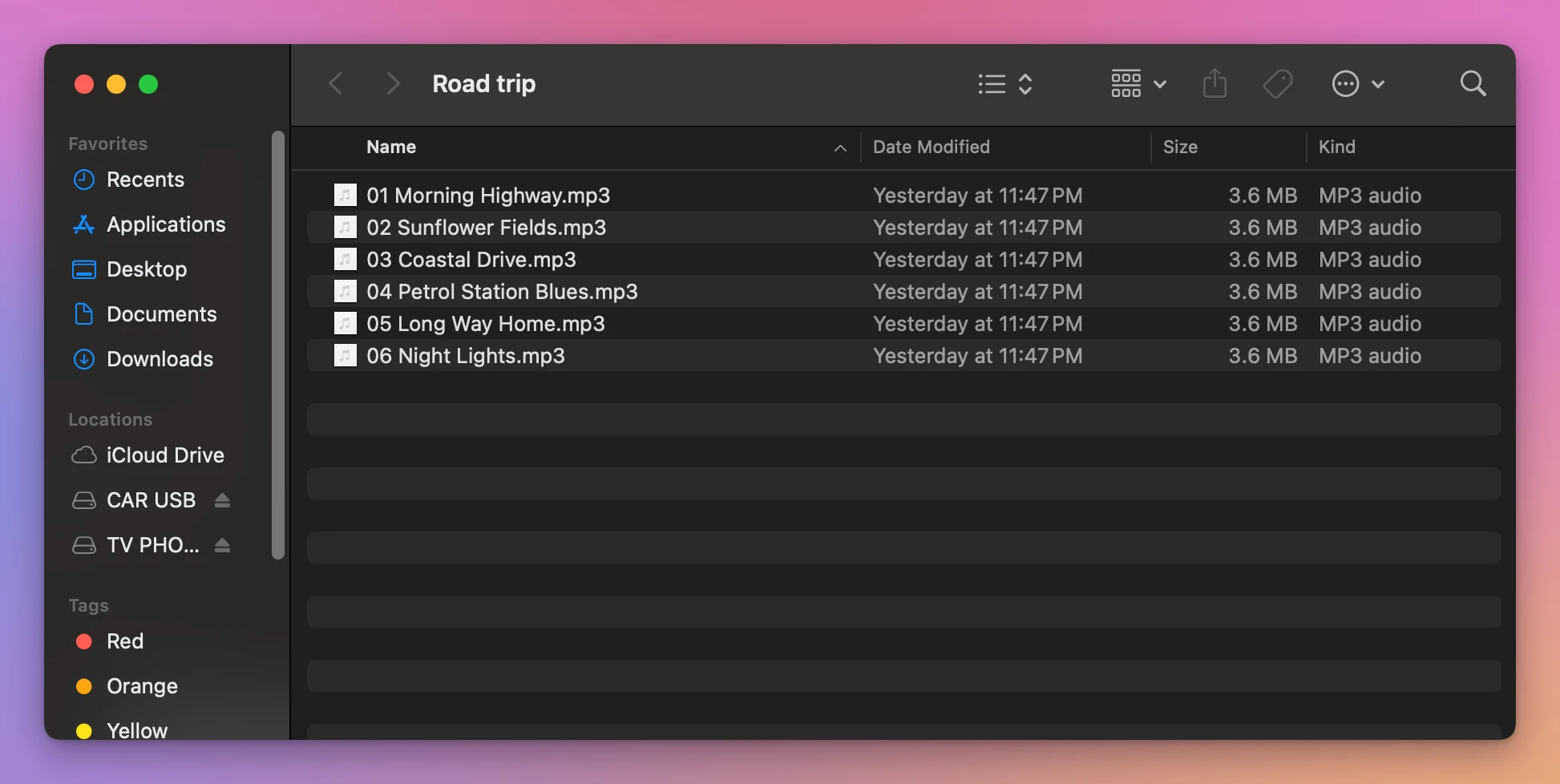
But there were two more files in that folder: ._03 Coastal Drive.mp3 and ._05 Long Way Home.mp3, 4 KB each, one for each song I’d opened on the Mac. The Finder never lists them, hidden files on or off.
What stays hidden?
I did the same with a second stand-in, an exFAT stick named TV PHOTOS, with a Lake holiday folder of eight made-up photos. I’d opened one of them, IMG_2041.JPG, in Preview on the Mac, and I’d opened the folder in the Finder there.
With hidden files on, the folder on the stick shows the eight photos and nothing else:
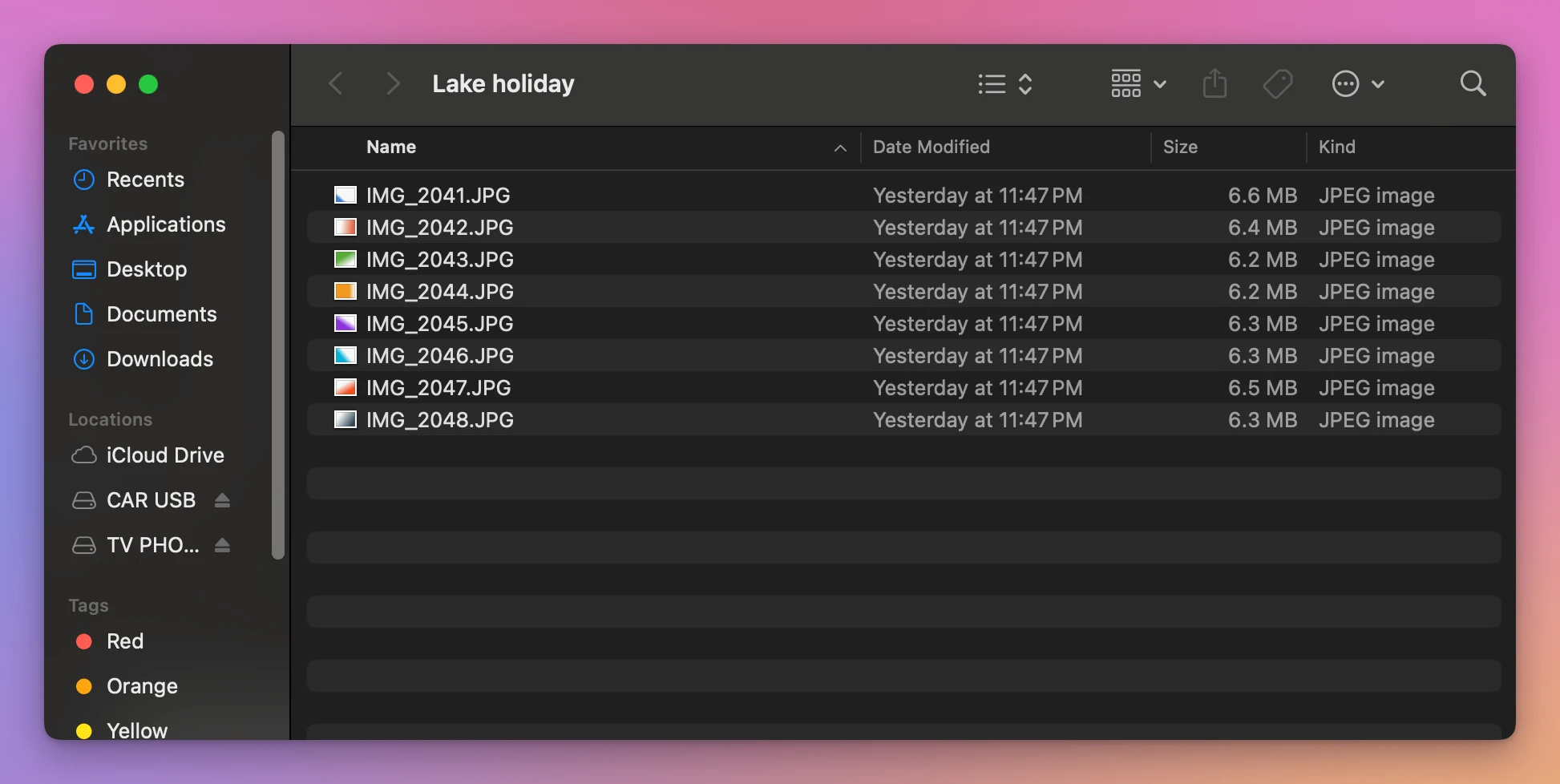
What was really in that folder, next to the photos, was a .DS_Store, a ._.DS_Store and a ._IMG_2041.JPG.
Here’s what the Finder showed on the two sticks, with Command-Shift-Period on:
| On the stick | Where | Shown with ⇧⌘. |
|---|---|---|
.fseventsd | Top of the stick | Yes, dimmed |
.Spotlight-V100 | Top of the stick | Yes, dimmed |
.Trashes, the stick’s Trash | Top of the stick | No |
._03 Coastal Drive.mp3, ._05 Long Way Home.mp3 | Next to the songs | No |
._IMG_2041.JPG, ._.DS_Store | Next to the photos | No |
.DS_Store | Inside Lake holiday | No |
So Command-Shift-Period is good for the two folders at the top of the stick. For the files next to your songs and photos, the Finder is the wrong tool: it treats them as part of the Mac and doesn’t list them.
When you’re done, press Command-Shift-Period once more. Otherwise every Finder window keeps showing the dimmed files, your Mac’s own disk too.
See the whole list with Clean Eject
Clean Eject is a Mac app I made for this. It costs $20, paid once. It lists your cards and drives, and Clean & Eject looks for every file the Mac left on one, then shows them before it removes anything.
On CAR USB it found what the Finder didn’t show:
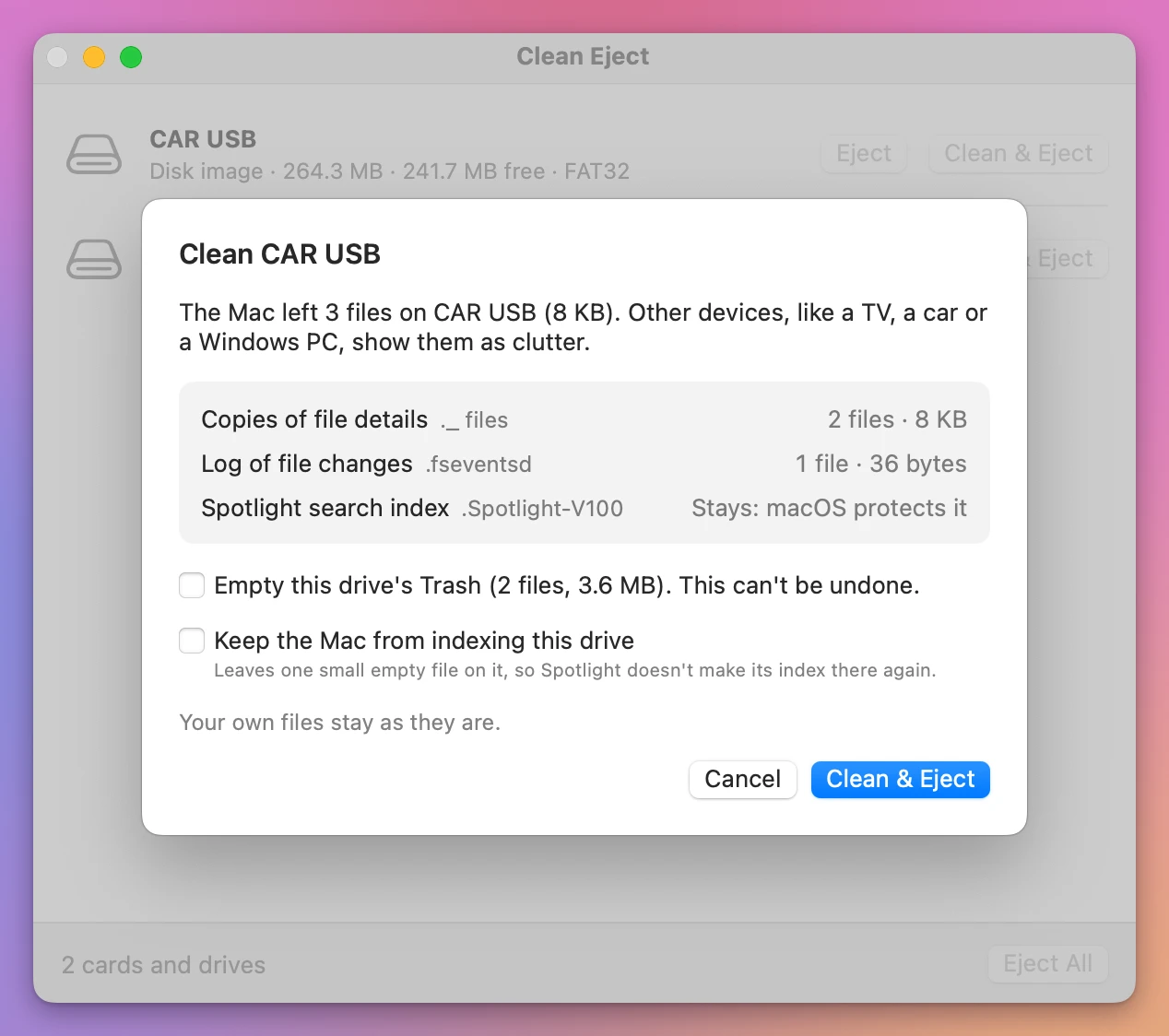
The 2 ._ files, the log in .fseventsd, Spotlight’s folder, which it leaves alone, and the stick’s Trash, with a song I’d moved there, which it only empties if you tick the box. The list shows the stand-in as “Disk image” where a real stick says what it is.
Cancel leaves everything as it is. Clean & Eject removes them and ejects the stick, so you can take it to the car.
If the Trash is why your stick looks full, the tutorial about a card that’s still full after deleting explains where those files went.
Get Clean Eject
Remove the hidden files your Mac leaves on memory cards and USB drives, the ._ and .DS_Store files a TV, a car or a Windows PC shows, then eject. When a drive won't eject, see which apps are using it and quit them.
See Clean Eject → · Read the docs · $20. See the app page for tax details.
Want me to talk about your product? You can sponsor this site.