SwiftUI forms: Slider
By Flavio Copes
Learn how to use the Slider control in SwiftUI to let users drag to pick a value, setting its value, in range, and step parameters to control the range.
The Slider form control in SwiftUI lets us create a bar that the user can swipe left or right to decrease or increase its value.
We initialize a Slider by setting 3 parameters: value, in, step:
@State private var age: Double = 0

//...

Slider(value: $age, in: 0...100, step: 1)
in limits the minimum and maximum values we can use.
step means we can step by a value of 1 at a time, in this case we can go from 0 to 1 to 2 etc. You could use 10, or 0.2, and so on.
Since Slider takes a Double value, by default we increment the decimals too.
Example:
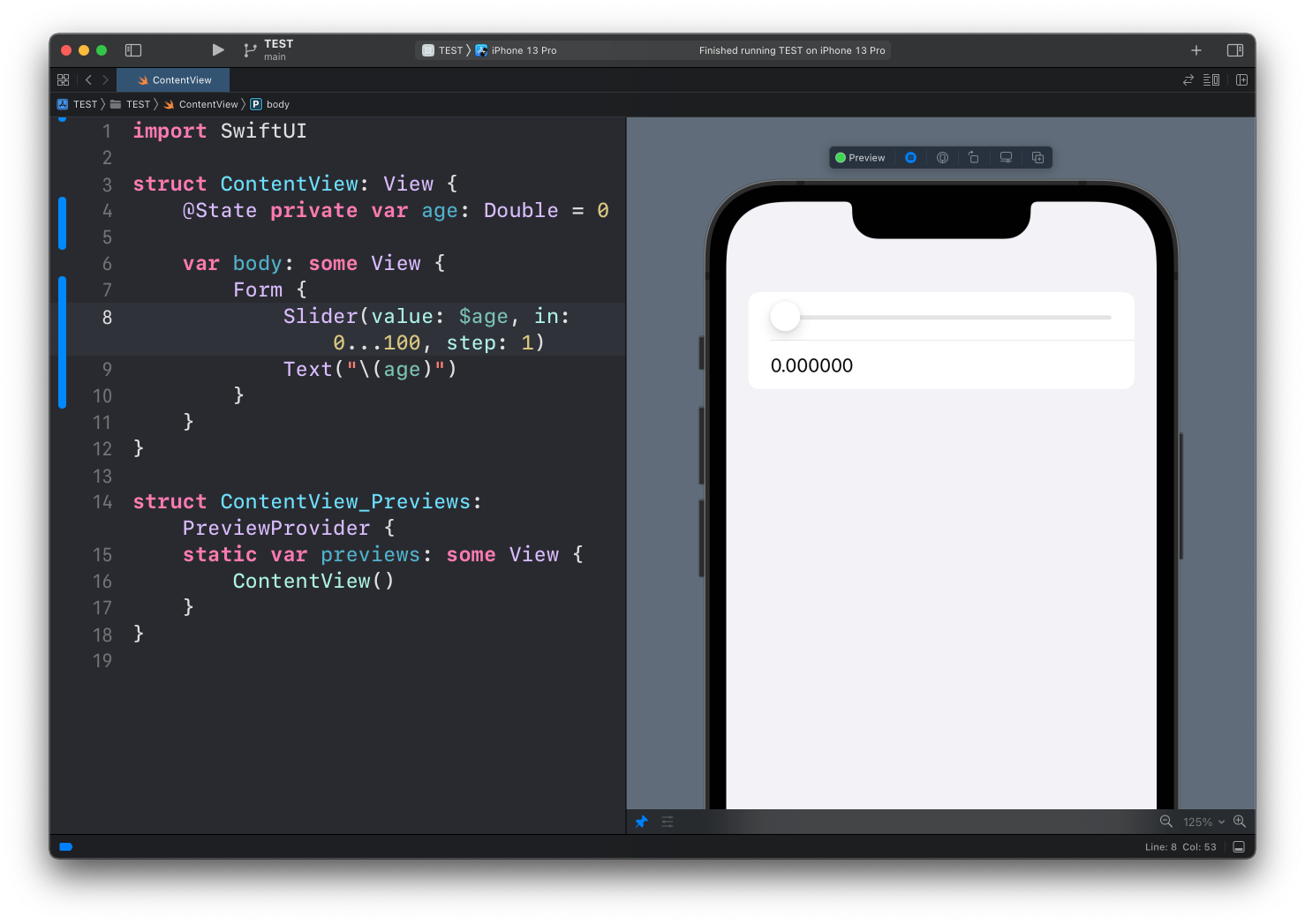
struct ContentView: View {
    @State private var age: Double = 0

    var body: some View {
        Form {
            Slider(value: $age, in: 0...100, step: 1)
            Text("\(age)")
        }
    }
}
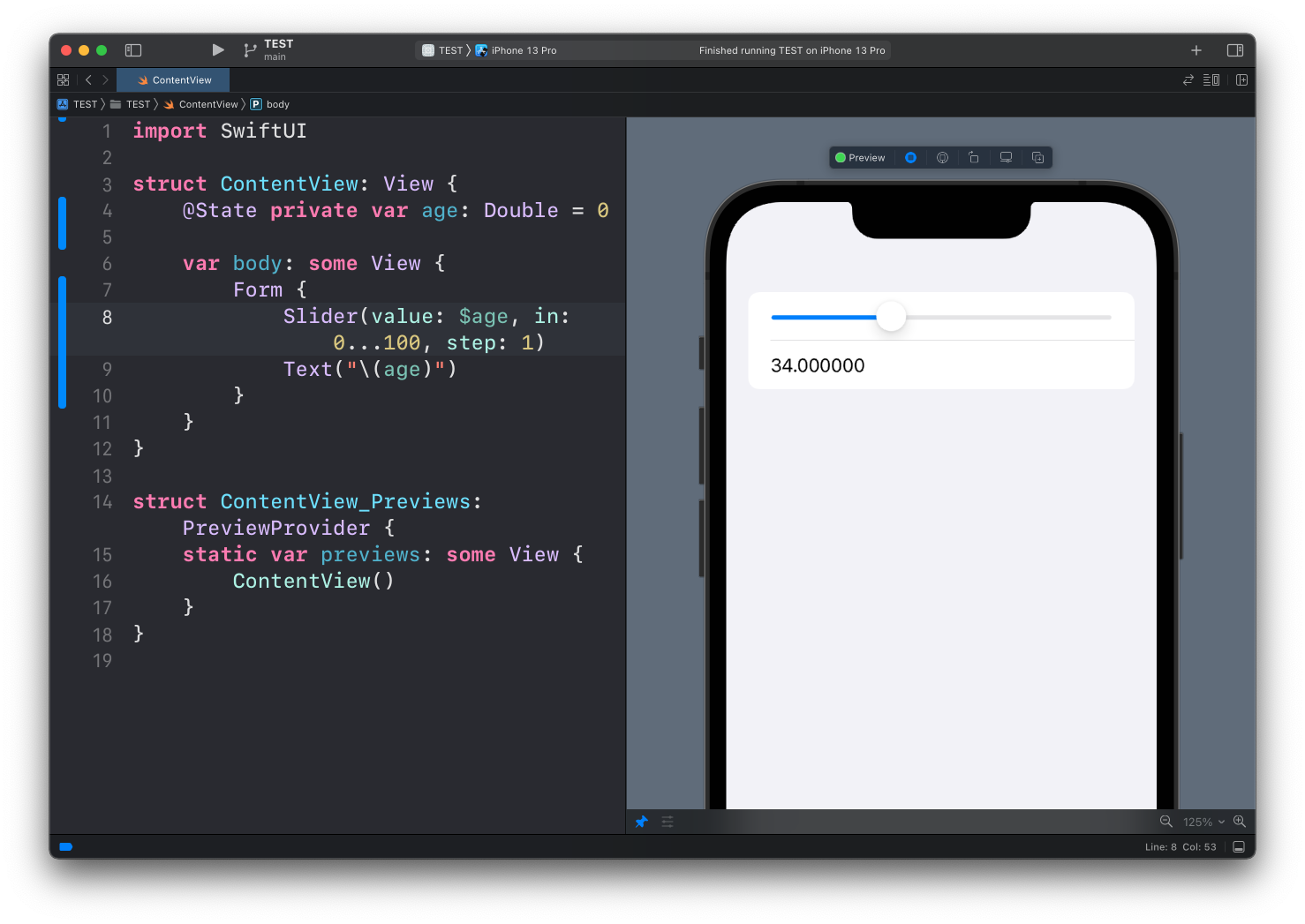
Notice how I added a Text view to show the value of age.
Since it’s a double, we have lots of decimals. Interpolating a Double in a string gives you 34.000000.
To show it as a whole number, add a format specifier, the same trick I use in the Stepper post:
Text("Age: \(age, specifier: "%.0f")")Or use formatted():
Text("Age: \(age.formatted(.number.precision(.fractionLength(0))))")Labels
The slider we built has no label. On screen that’s fine, since the Text below tells you what the number is, but VoiceOver has nothing to read. Pass a label as a trailing closure. You can also add a label at each end of the track, so the range is visible:
Slider(value: $age, in: 0...100, step: 1) {
    Text("Age")
} minimumValueLabel: {
    Text("0")
} maximumValueLabel: {
    Text("100")
}
The min and max labels appear at the two ends of the track. The first closure is the label VoiceOver reads. On iOS it is not drawn on screen, so if you want a visible title, keep a Text next to the slider like we did above.
If the value is a small integer and each tap should move it by exactly one step, a Stepper is a better fit. A slider works when the range is wide and being roughly right is fine.
Want me to talk about your product? You can sponsor this site.
Related posts about swift: