SwiftUI: the ForEach view
By Flavio Copes
Learn how to use the ForEach view in SwiftUI to loop over a range or an array and generate views, including how the id parameter identifies each item.
The ForEach view in SwiftUI is very useful to iterate over an array, or a range, and generate views that we can use.
For example, here we create 3 Text views that print the numbers from 0 to 2:
ForEach(0..<3) {
    Text("\($0)")
}
$0 means the first argument passed to the closure, which in this case it’s (in order) the number 0, 1, and 2.
In this example I embed them in a VStack otherwise they would overlap:
VStack {
    ForEach(0..<3) {
        Text("\($0)")
    }.padding()
}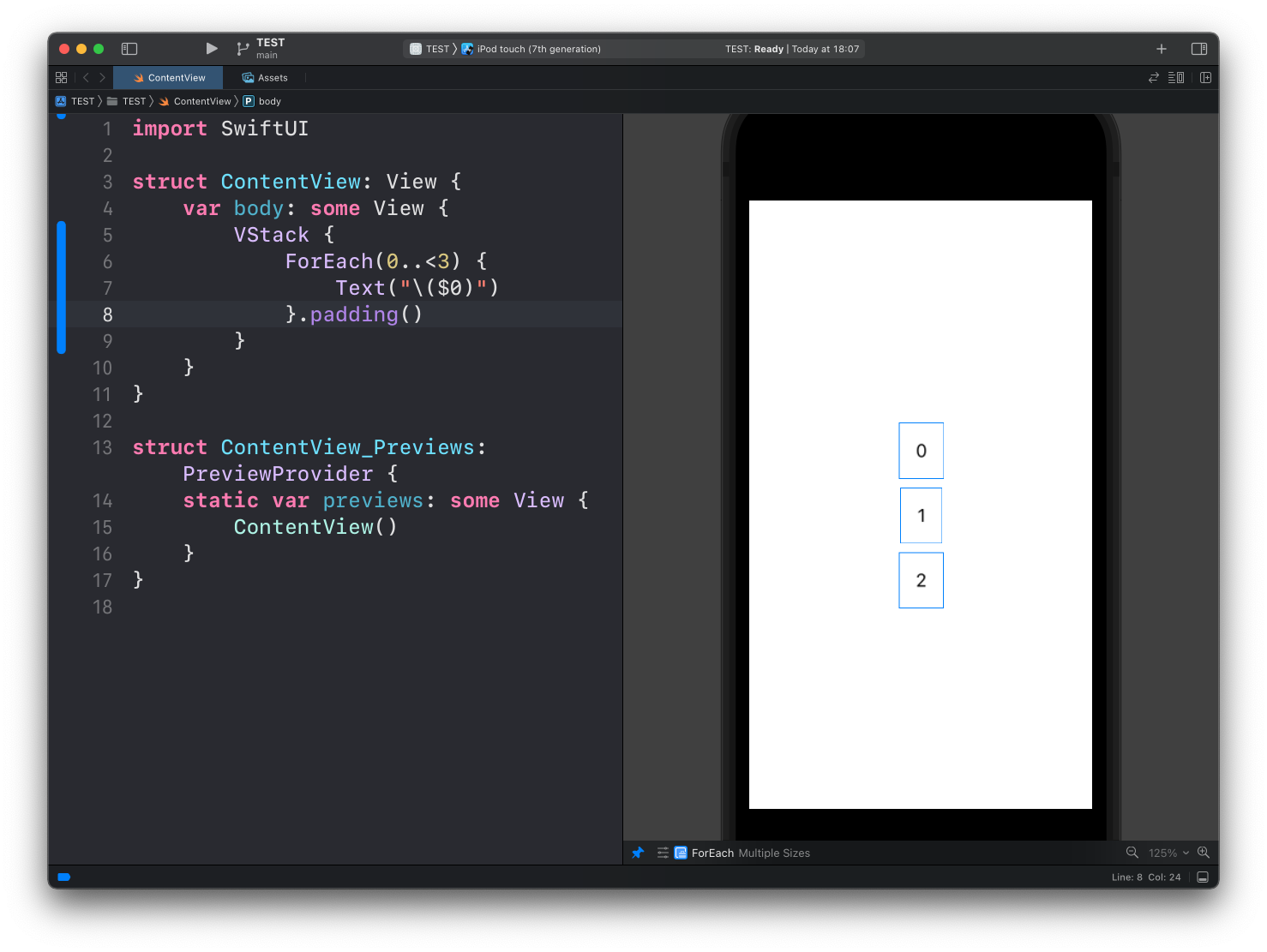
Notice how I used the
padding()modifier to add some spacing
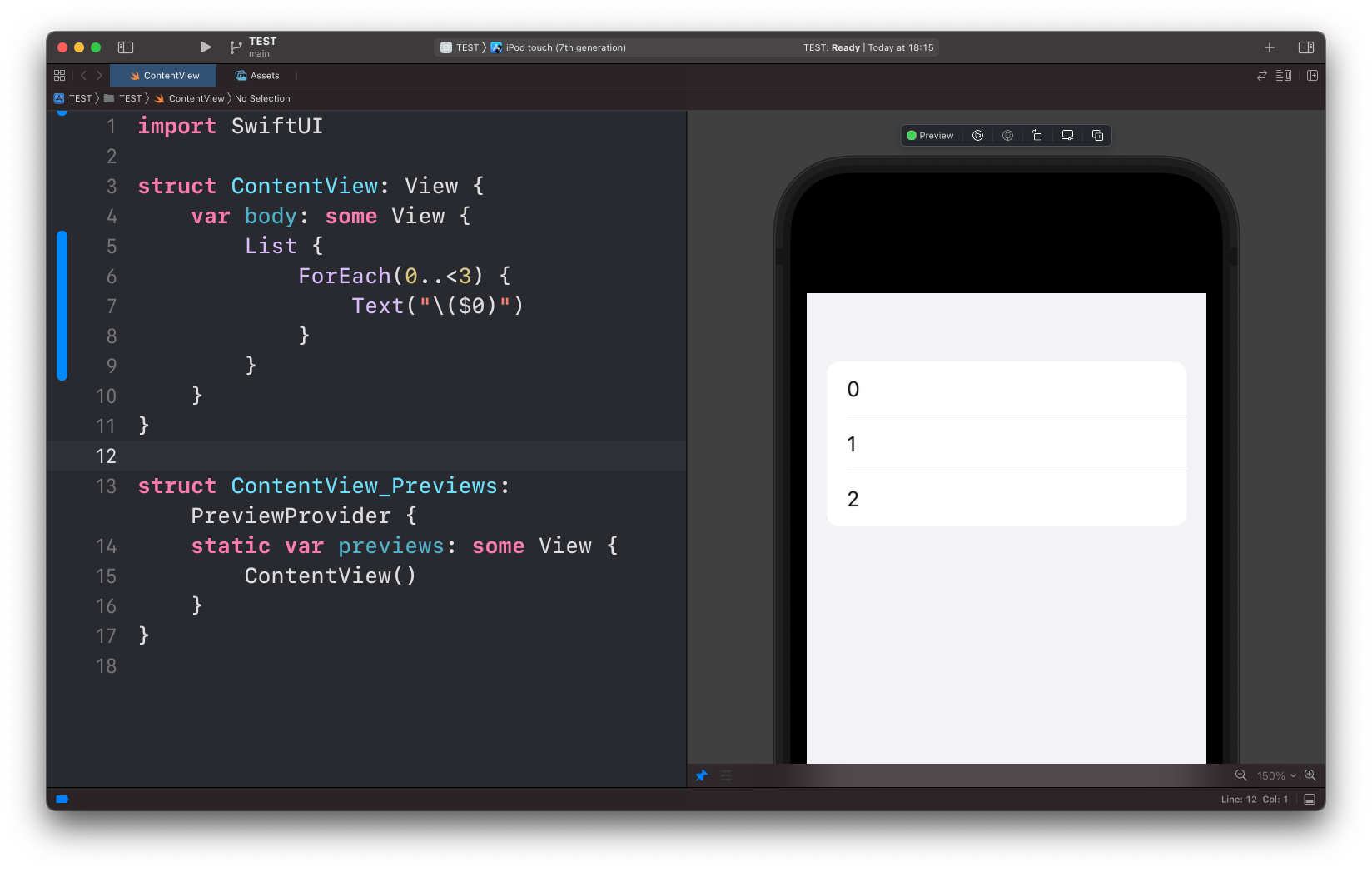
A common way to use ForEach is inside a List view:
List {
    ForEach(0..<3) {
        Text("\($0)")
    }
}
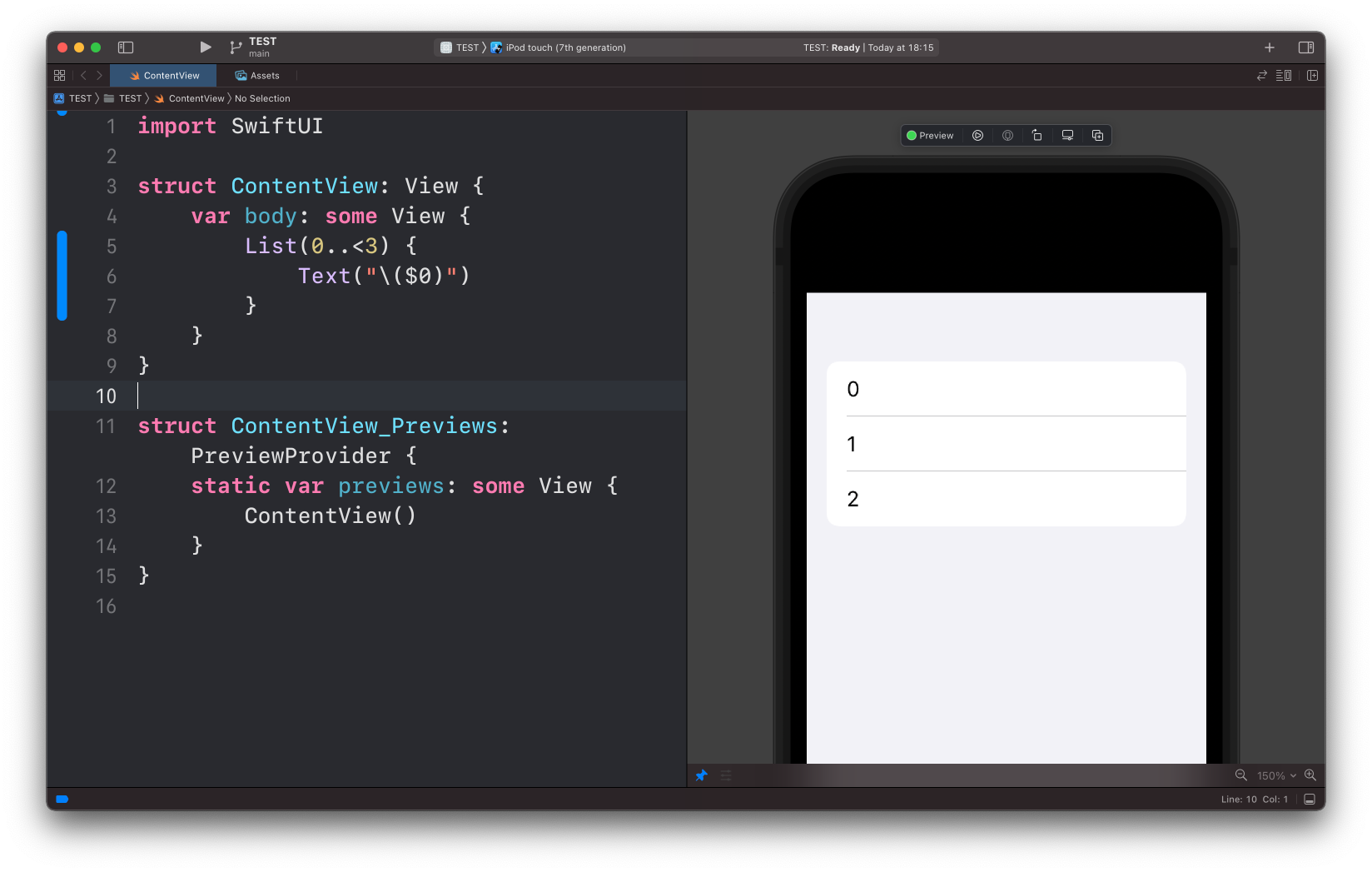
This is such a common thing to do that we can actually omit ForEach and iterate directly from List:
List(0..<3) {
    Text("\($0)")
}
Those 2 examples used a range 0..<3. We can iterate over an array too:
let fruits = ["Apple", "Pear", "Orange"]

//...

List {
    ForEach(fruits, id: \.self) {
        Text("\($0)")
    }
}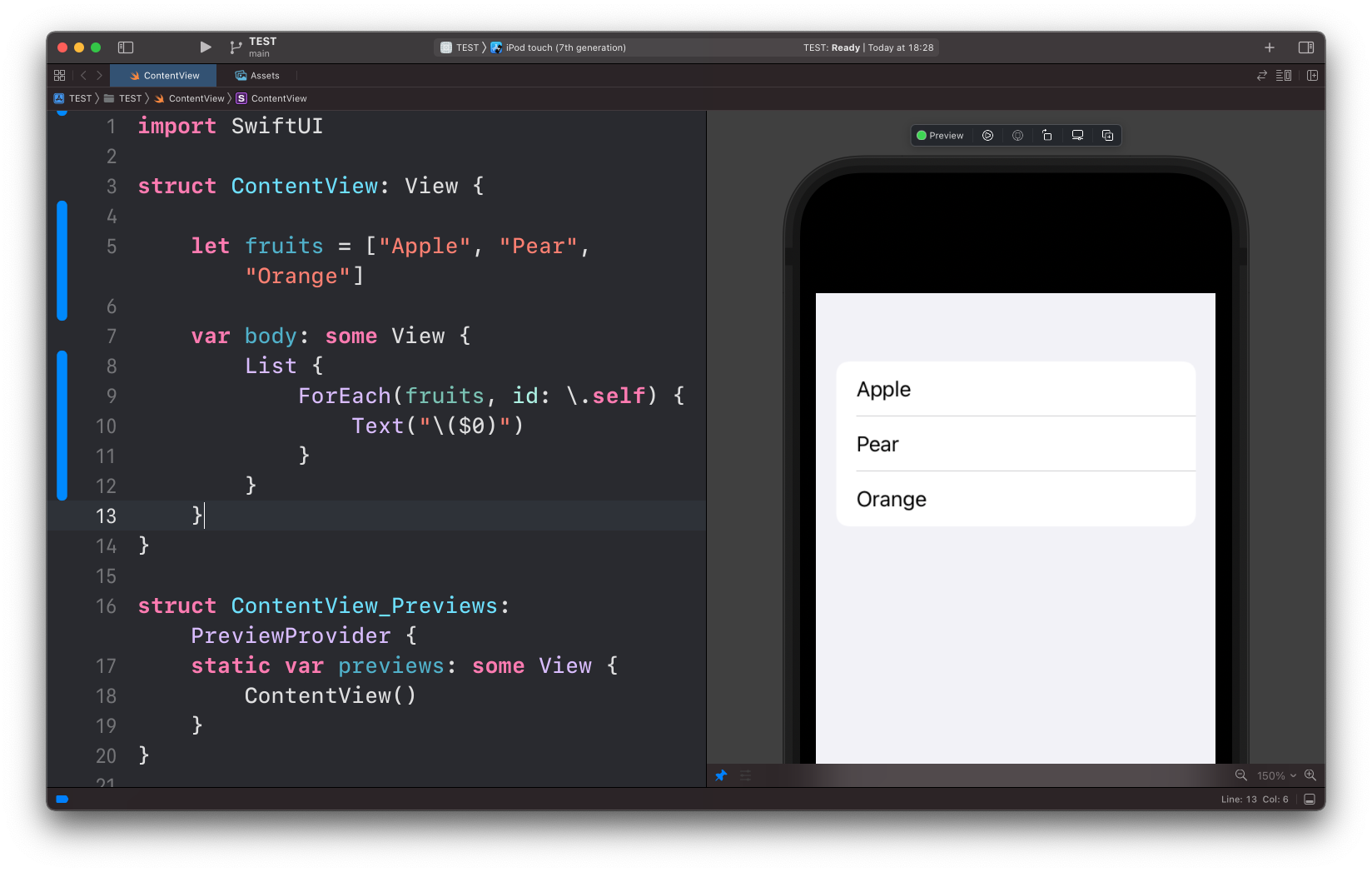
Notice how in this case we have another parameter: id.
This is to uniquely identify the item in the array.
Using \.self for id works for built-in types, in case you are iterating a custom struct you’ll need that to conform to the Identifiable protocol or provide a unique parameter.
Want me to talk about your product? You can sponsor this site.
Related posts about swift: