SwiftUI: formatting decimals in Text view
By Flavio Copes
Learn how to format a decimal number in a SwiftUI Text view using the specifier parameter, so a Double like 34.000000 finally shows as a clean 34.
To format a decimal number in a SwiftUI Text view, pass a specifier parameter in the string interpolation. Text("\(age, specifier: "%.0f")") shows a Double like 34.000000 as a clean 34.
Let’s see where the problem comes from, and how the specifier fixes it.
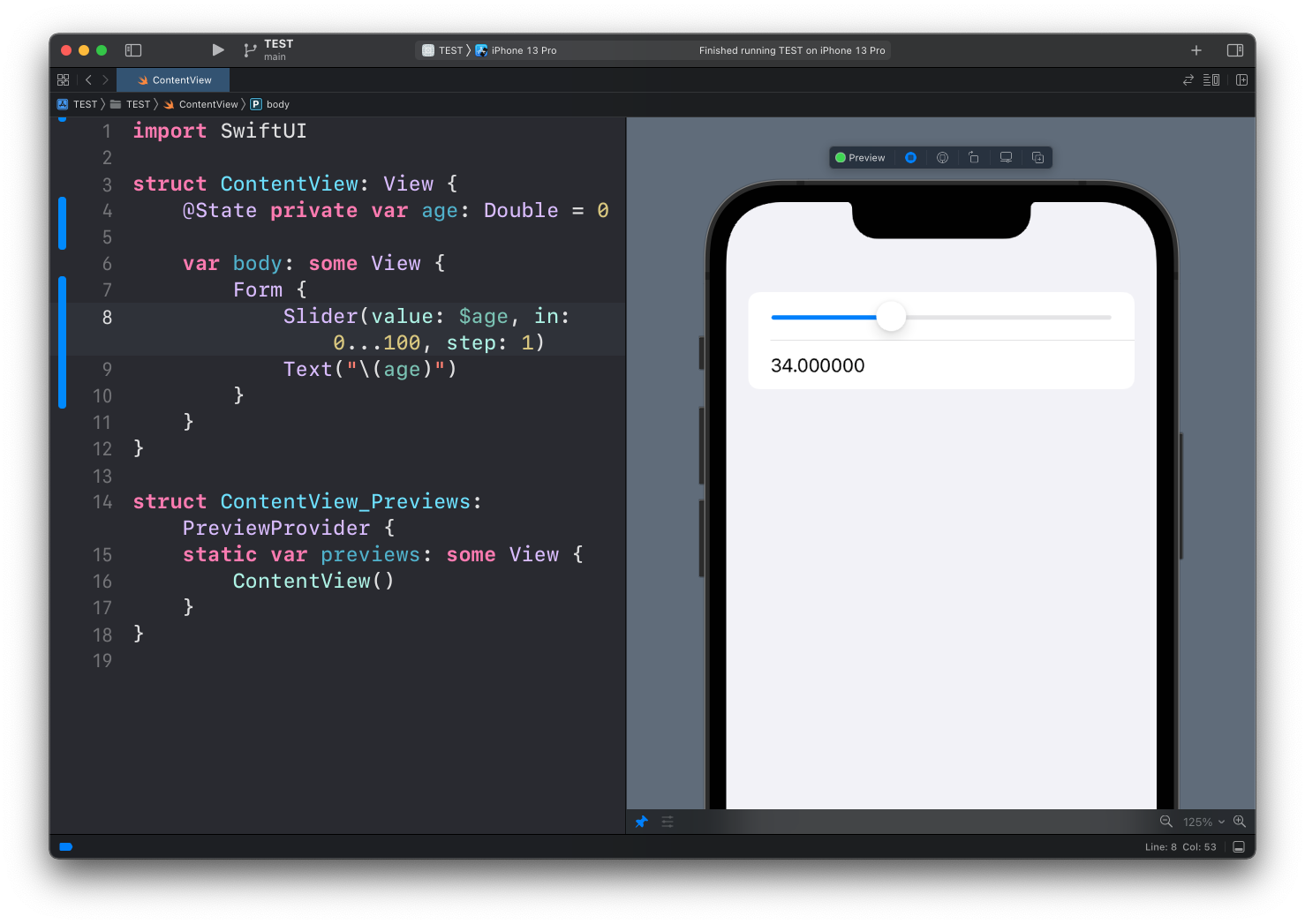
Why does the number show as 34.000000?
When we use the Slider view to select a value, we have to bind it to a Double. Even with a step value of 1, which means we can only select integer values, the state is still a Double. And when we interpolate a Double in a Text view, SwiftUI prints all its decimal digits:
struct ContentView: View {
    @State private var age: Double = 0

    var body: some View {
        Form {
            Slider(value: $age, in: 0...100, step: 1)
            Text("\(age)")
        }
    }
}
The specifier parameter
When we interpolate the value of age in the Text view, we can provide an additional parameter called specifier.
This specifier lets us use a string format specifier, the same ones used by String(format:). You can look up the available options in the Apple documentation for String.
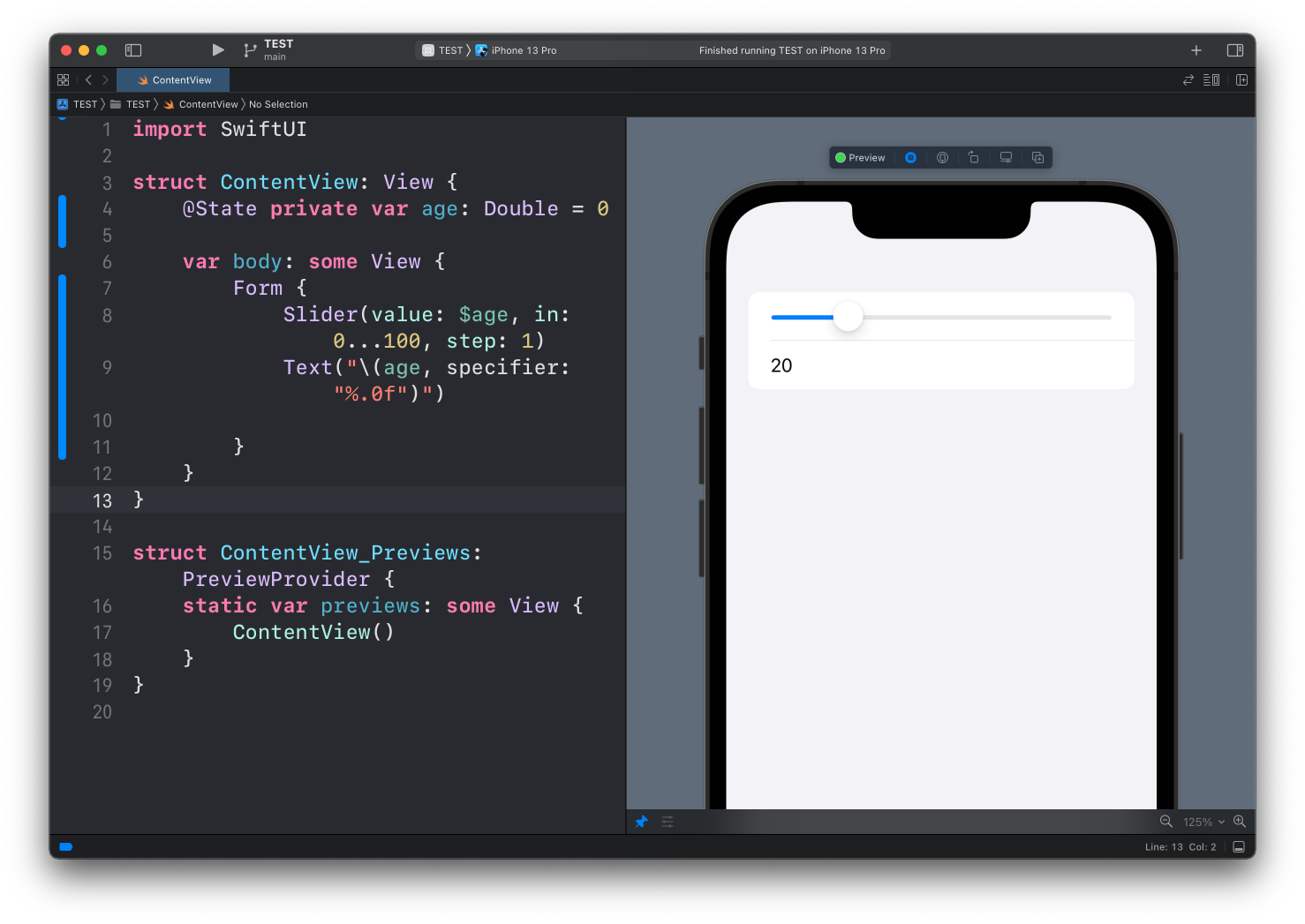
In our case, we can use %.0f:
Text("\(age, specifier: "%.0f")")%f formats a floating point number, and the .0 part means zero digits after the decimal point.
See? Now we get 20 instead of 20.000000:
Other useful specifiers
Change the digit after the dot to control the decimals shown. Two decimals work well for prices:
Text("\(price, specifier: "%.2f")") //34.00Notice that the specifier rounds the value. With %.0f, a value of 34.6 displays as 35, not 34.
The value is still a Double
One thing to be careful with: the specifier only changes how the number is displayed. The age state is still a Double behind the scenes.
If you later send that value to an API or save it, it goes out as a floating point number. When you need an actual integer, convert it explicitly with Int(age) at that point. The formatting in the Text view won’t do it for you.
Want me to talk about your product? You can sponsor this site.
Related posts about swift: