How to set GitHub credentials for macOS
By Flavio Copes
Learn how to set up GitHub authentication on macOS for the git command line and VS Code by installing the gh CLI with Homebrew and running gh auth login.
To set up GitHub credentials on macOS, install the GitHub CLI with Homebrew and run gh auth login. It authenticates your account and configures git for you, so pushes and pulls work from the terminal and from VS Code.
I normally use the GitHub Desktop app to interact with my GitHub account, the only place I use for Git repositories for all my code and websites.
But there are times you need to use the git command line, or perhaps the Git integration in VS Code.
Without these steps, you’d get an authentication issue if you try. GitHub no longer accepts your account password for Git operations over HTTPS. You need a personal access token instead, and creating one by hand, storing it, and pasting it every time is tedious. The gh tool handles all of that for you.
Install the GitHub CLI
I assume you have Homebrew installed.
From the command line, run:
brew install ghand then use the gh tool:
gh auth loginThen answer a few questions.
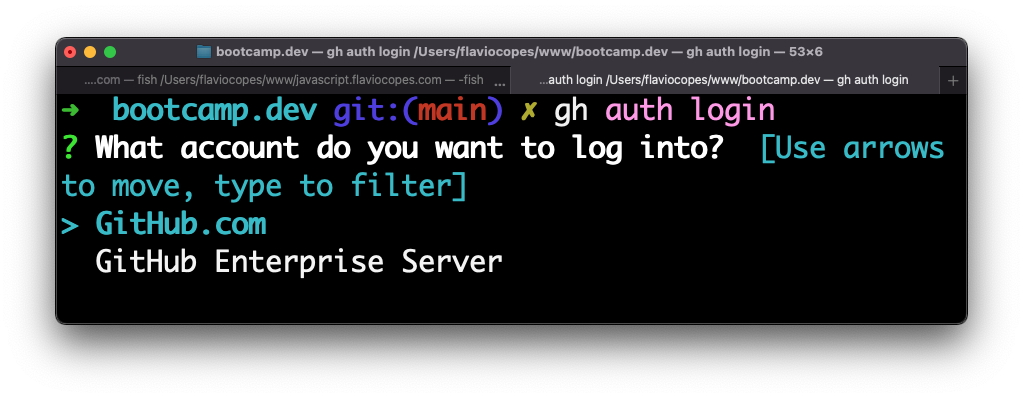
Choose HTTPS:
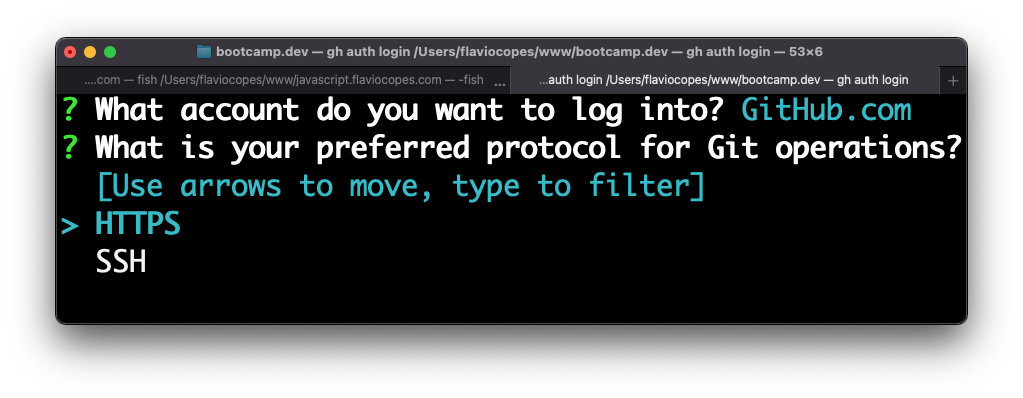
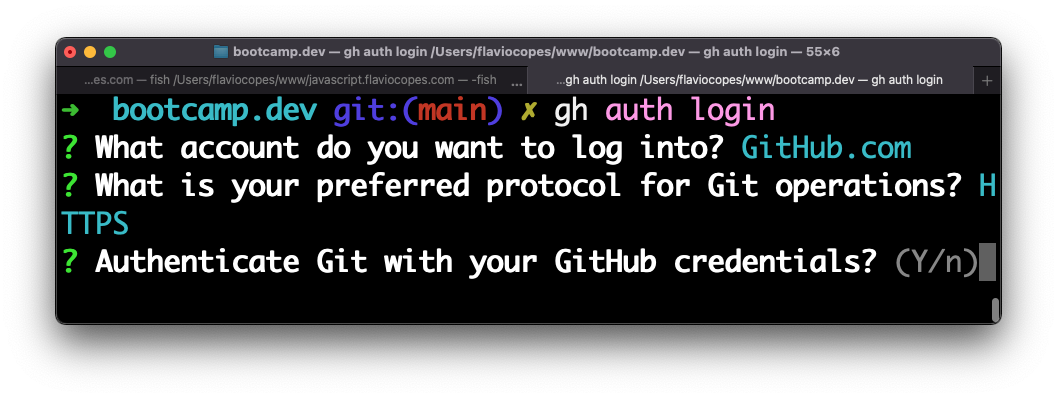
Choose Y:
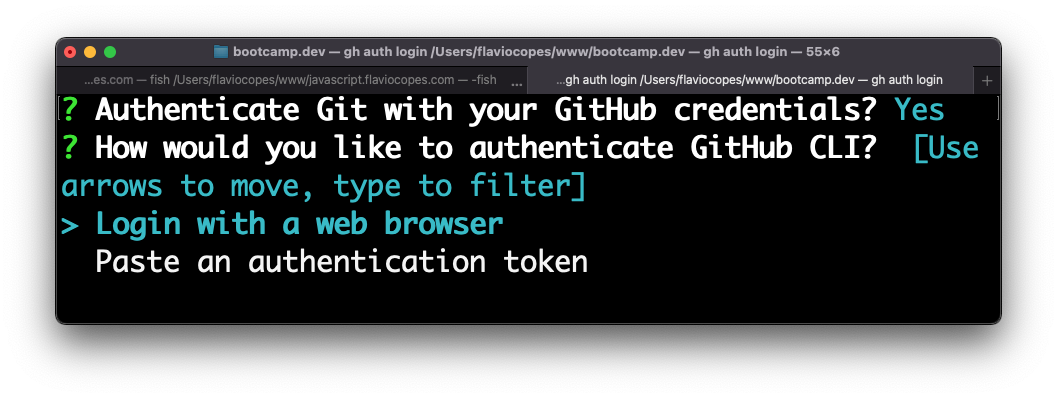
And proceed to login with the browser:
Click Authorize GitHub:
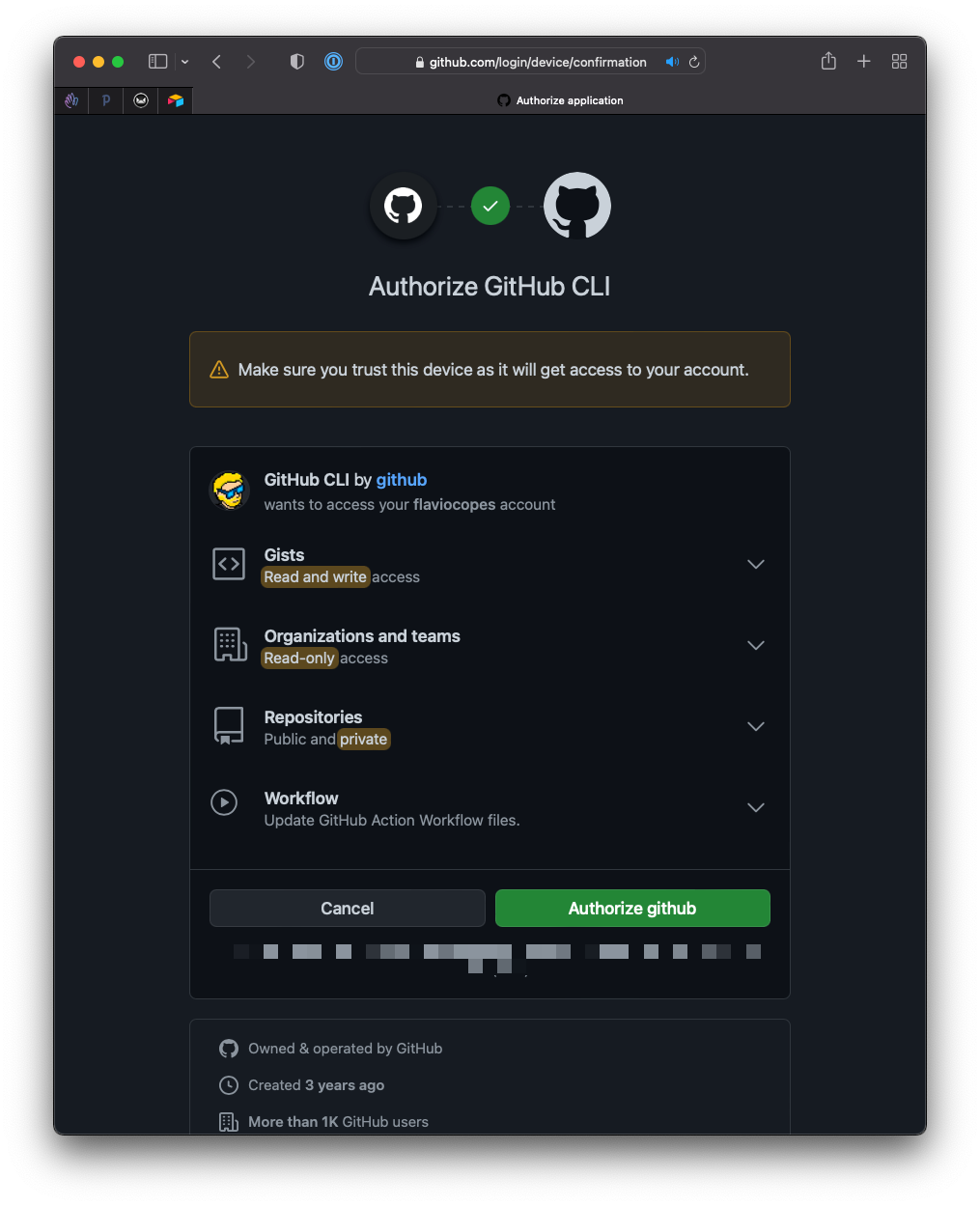
And you’re set:
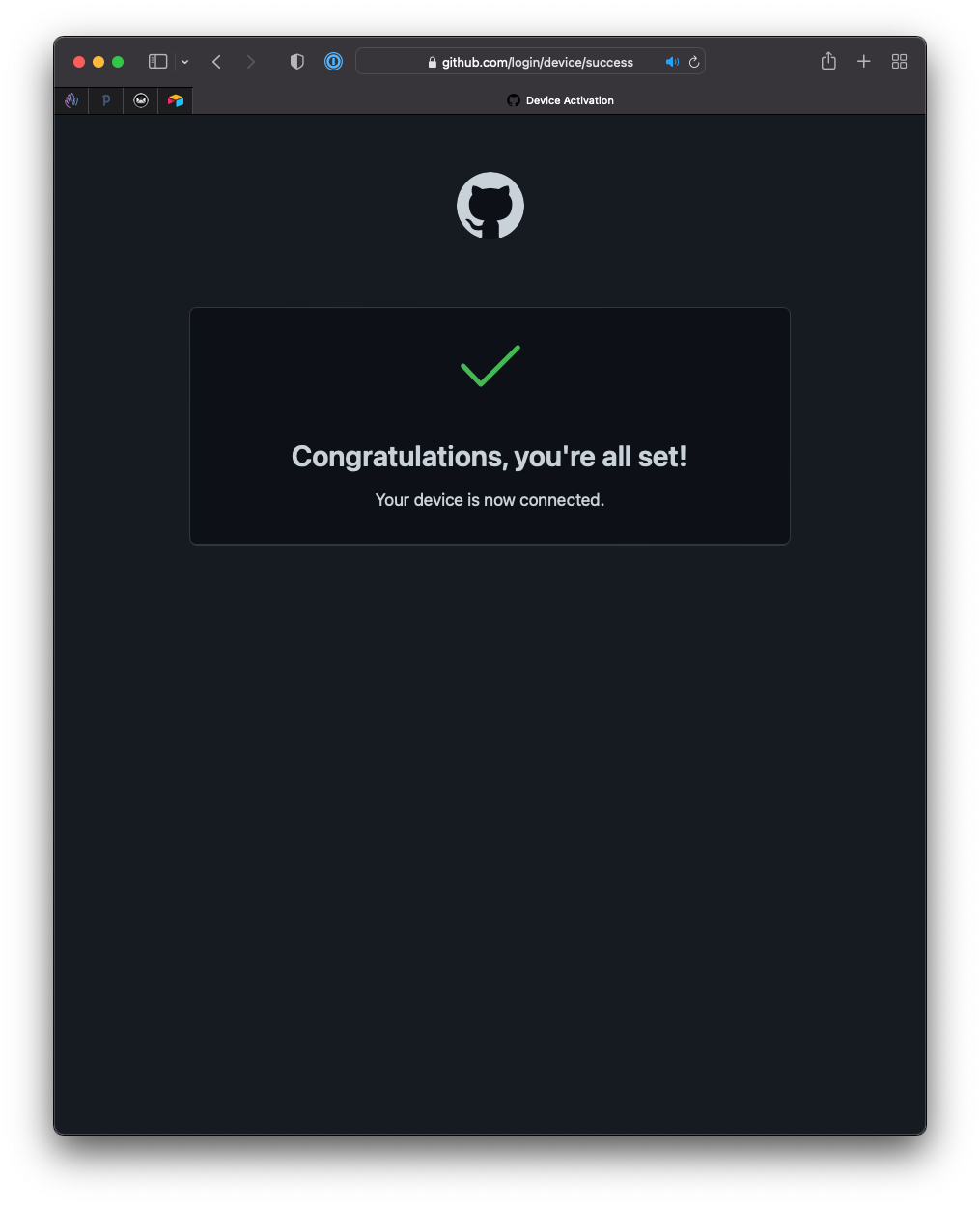
What happened behind the scenes?
gh created an access token for your account and stored it securely on your Mac. It also configured itself as the Git credential helper. Every time git needs to authenticate over HTTPS, it asks gh for the token. No prompts, no passwords to remember.
That’s why the Y answer in the steps above matters. It’s the one that wires gh into git.
You can verify everything worked with:
gh auth statusIt prints the account you’re logged in as, the protocol in use, and the token scopes.
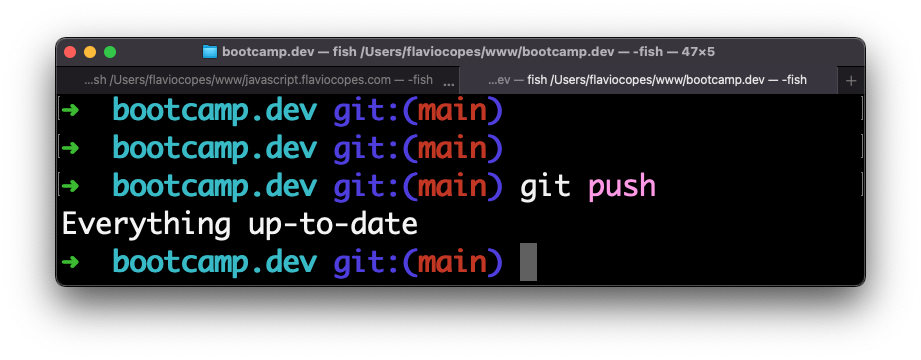
Go back to your terminal or VS Code, and things will work as expected.
If authentication still fails
One thing that can get in the way: old GitHub credentials cached in the macOS keychain. If git push keeps failing with an authentication error after the login, open the Keychain Access app, search for github.com, and delete any stale entries you find there.
Then run gh auth login again and the fresh credentials will take over.
Want me to talk about your product? You can sponsor this site.
Related posts about git: