How to check the current Node.js version at runtime
By Flavio Copes
Learn how to check the current Node.js version at runtime with process.version, and how to read the major version number from the process.versions object.
To check the Node.js version your code is running on, read process.version. It returns a string like v12.13.0, with a leading v.
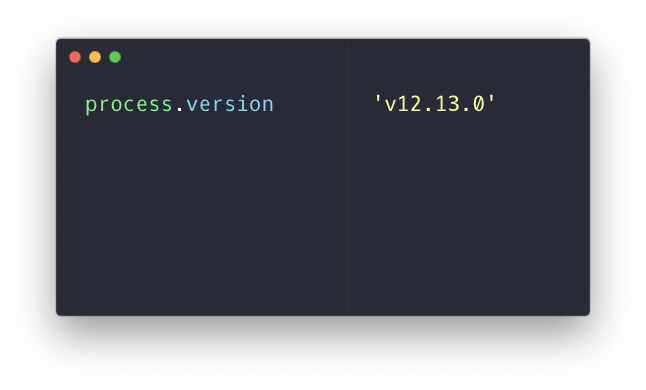
You’d reach for this when your code needs a feature that only exists from a certain Node.js version on, or when you print diagnostics and want to include the runtime version in the output.
The process object is a Node.js global. In the browser it’s not defined, so the same code throws a ReferenceError there:

The process.versions object
Another way is to reference process.versions (plural):
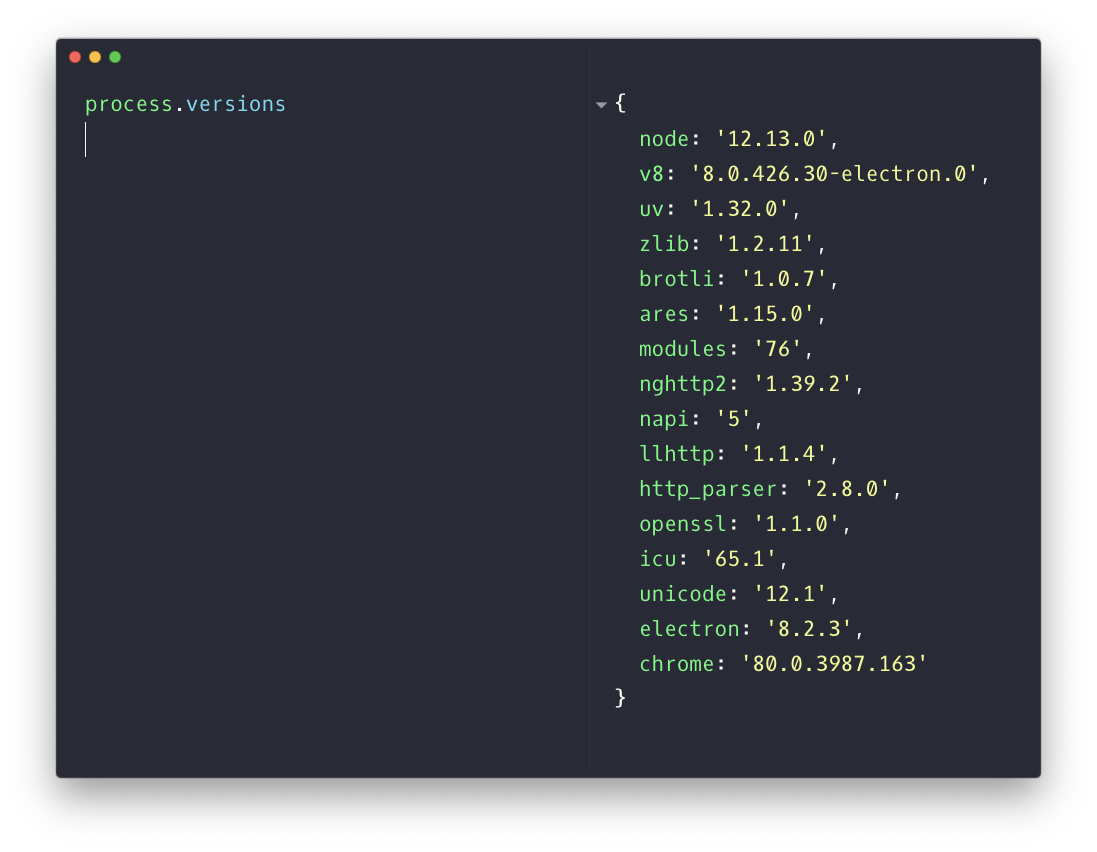
This returns an object with one property per component that Node.js is built from: node itself, the v8 engine, uv, zlib, openssl and so on.
Notice that process.versions.node has no leading v. That makes it the more convenient one to parse.
Getting the major version
Most of the time you only care about the major version. Split the string on the dots and take the first piece:
process.versions.node.split('.')[0]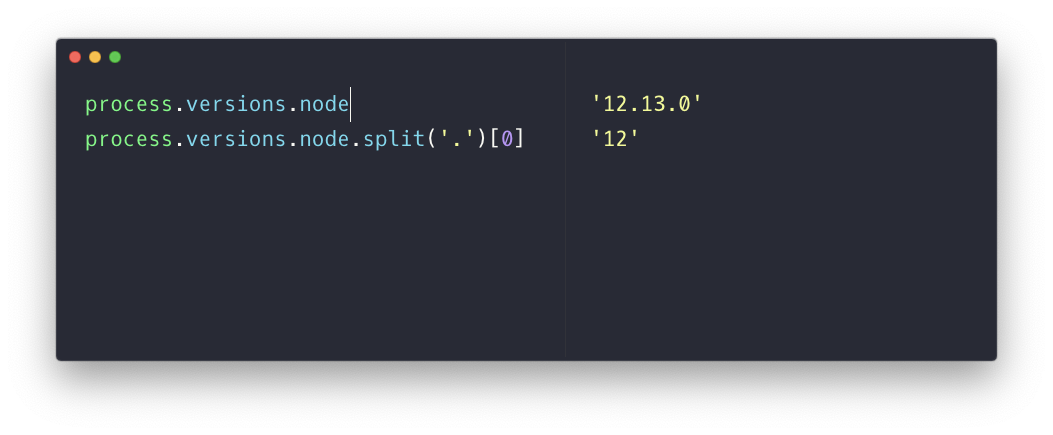
In this example the result is 12.
Watch out: it’s a string
That split() call gives you a string, not a number. Comparing version strings goes wrong in a non-obvious way:
'9' > '10' //trueString comparison works character by character, and '9' comes after '1'. So a check like this would wrongly pass on Node 9 and fail on Node 10.
The fix is converting to a number before comparing:
const major = Number(process.versions.node.split('.')[0])

if (major < 18) {
  console.error('This app requires Node.js 18 or newer')
  process.exit(1)
}
Now the comparison is numeric and behaves as expected.
Runtime checks like this are a good safety net, but if you just want to declare a minimum version for a package, the engines field in package.json does that at install time.
If you’re checking the version to know whether a feature is available, my free Node versions tool tells you which feature shipped in which Node.js version.
Want me to talk about your product? You can sponsor this site.
Related posts about node: