Linux commands: who
By Flavio Copes
Learn how the Linux who command lists the users currently logged in to the system, why you appear multiple times, and what the -aH flags add to the output.
The who command displays the users logged in to the system.
Unless you’re using a server multiple people have access to, chances are you will be the only user logged in, multiple times:
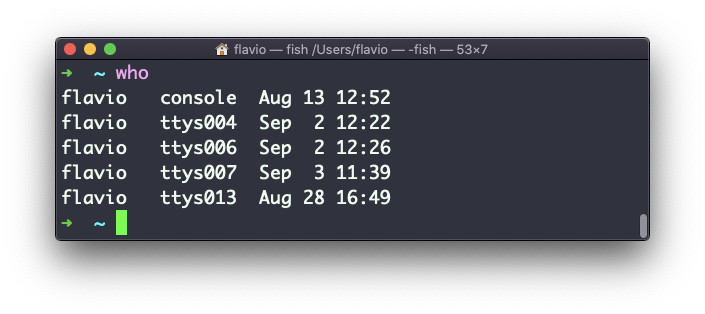
Why multiple times? Because each shell opened will count as an access.
You can see the name of the terminal used, and the time/day the session was started.
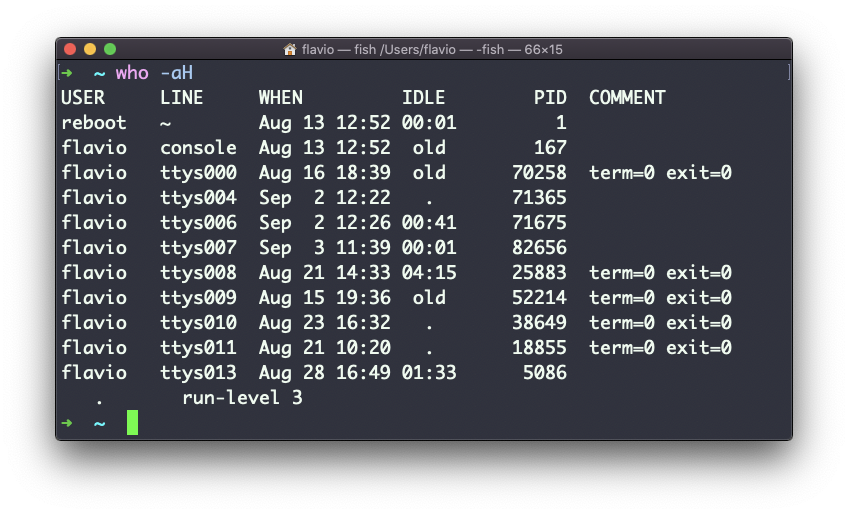
The -aH flags will tell who to display more information, including the idle time and the process ID of the terminal:
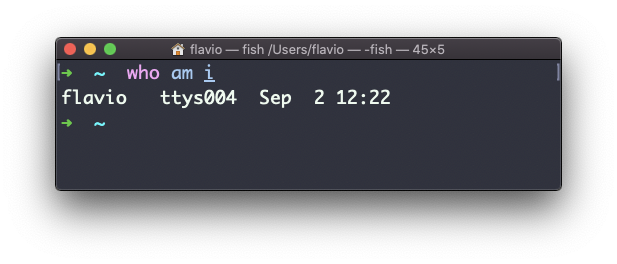
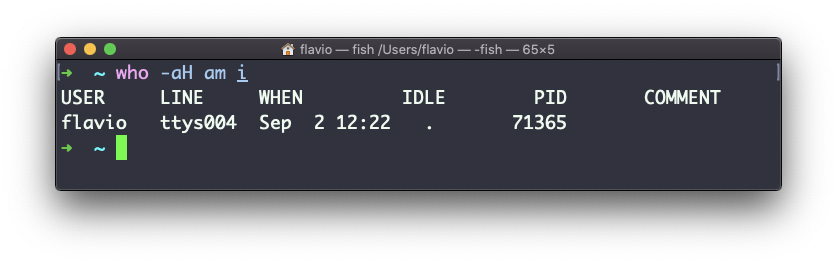
The special who am i command will list the current terminal session details:
The
whocommand works on Linux, macOS, WSL, and anywhere you have a UNIX environment
Want me to talk about your product? You can sponsor this site.