Linux commands: uname
By Flavio
Tagged: CLI
Learn how uname prints the kernel name, release, version, hostname, and machine hardware on Unix systems, and when macOS users should use sw_vers instead.
Running uname without an option prints the kernel name:
uname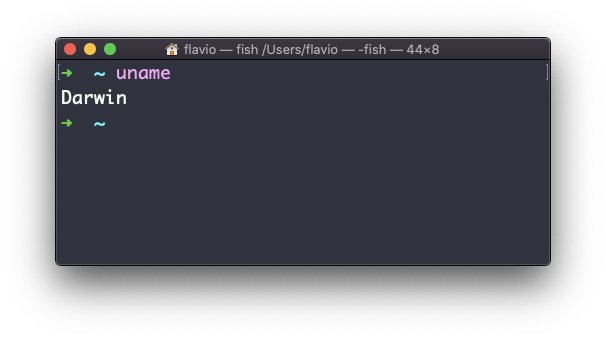
On macOS this prints Darwin. On a Linux system it normally prints Linux.
The -m option prints the machine hardware name:
uname -mOn an Intel Mac or many Linux boxes you still see x86_64. On Apple silicon Macs you see arm64:
uname -m
# arm64
The -p option tries to print the processor type, but it is not portable and can print unknown. Prefer -m in scripts.
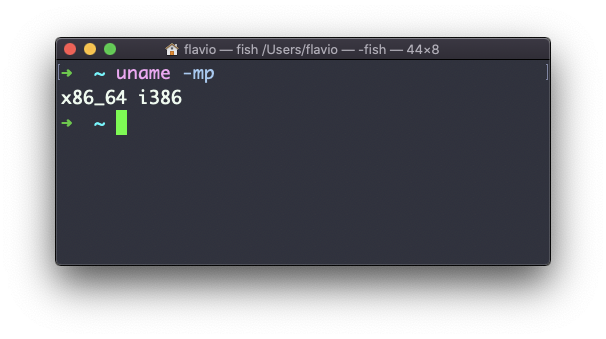
Use -s for the kernel name, -r for its release, and -v for its version:
uname -srv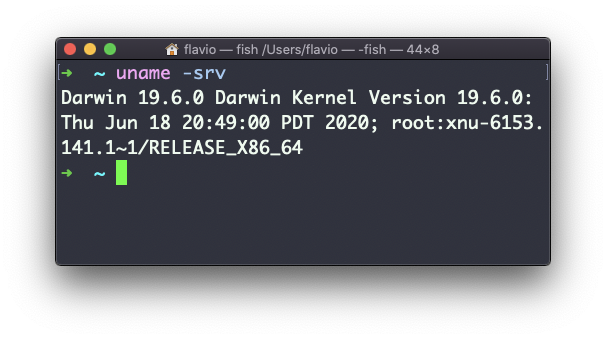
The -n option prints the network node name, which is normally the hostname:
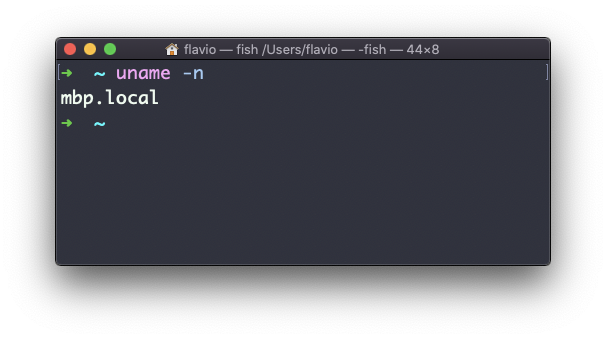
The -a option prints all available fields:
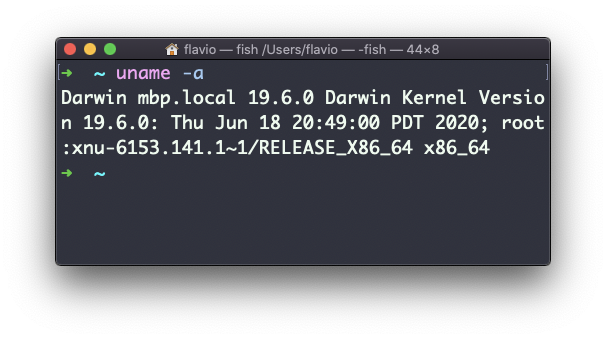
On macOS, use sw_vers when you need the macOS product name, version, and build number. Those values differ from the Darwin kernel version printed by uname. This is the output on my Mac:
sw_vers
# ProductName:		macOS
# ProductVersion:		15.7.9
# BuildVersion:		24G830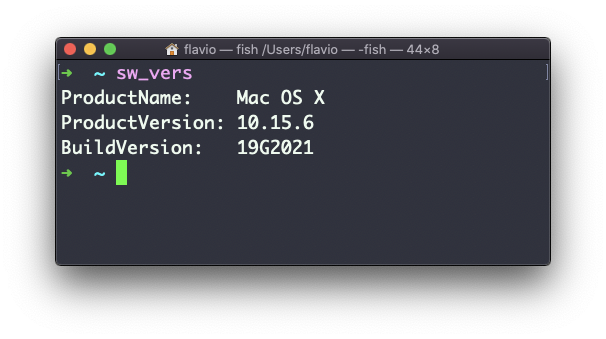
The screenshot is from 2020, when the first line still said Mac OS X. Today it says macOS.
The uname command works on Linux, macOS, WSL, and other Unix-like environments. Stick to -s, -n, -r, -v, and -m when portability matters.
Want me to talk about your product? You can sponsor this site.
Related posts about cli: