Linux commands: df
By Flavio Copes
Learn how the Linux df command reports disk usage for your mounted volumes, with df -h for human-readable sizes and a path to check the volume it lives on.
~~~
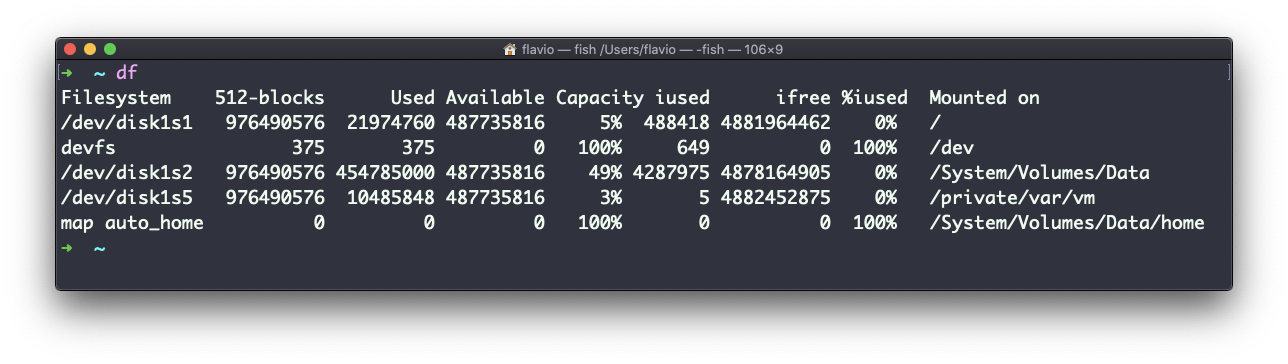
The df command is used to get disk usage information.
Its basic form will print information about the volumes mounted:
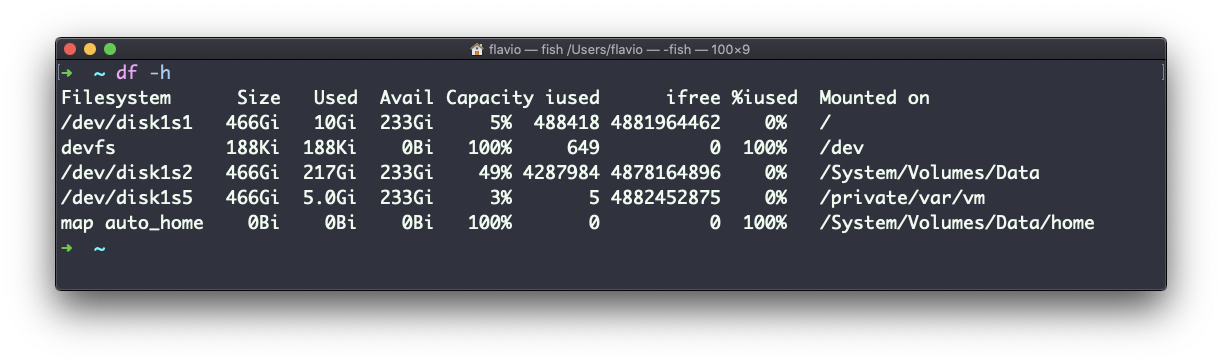
Using the -h option (df -h) will show those values in a human-readable format:
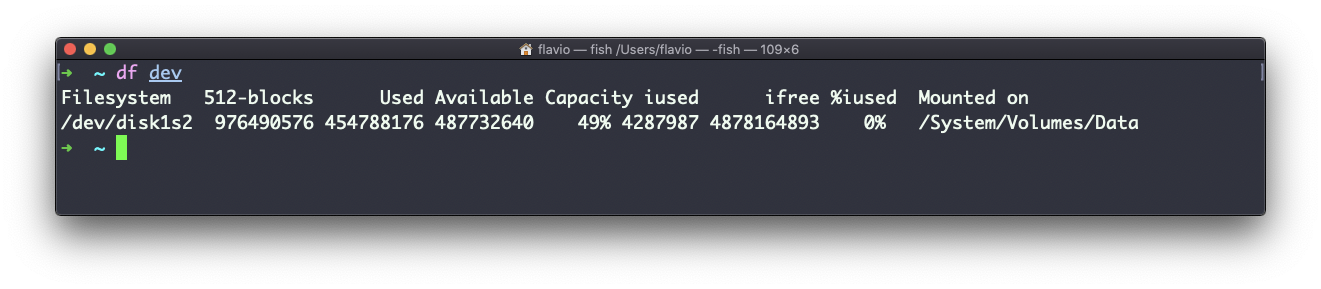
You can also specify a file or directory name to get information about the specific volume it lives on:
The df command works on Linux, macOS, WSL, and anywhere you have a UNIX environment
Want me to talk about your product? You can sponsor this site.