JavaScript, how to get the class name of an object
By Flavio
Published · Updated
Tagged: JavaScript
Learn how to get the class name of an object in JavaScript by reading its constructor name property, plus how to compare the constructor to a class directly.
To get the class name of an object in JavaScript, read object.constructor.name. It returns the name of the class the object was created from, as a string.
Suppose you have an object that’s generated from a class, and you want to get its class name.
For example, let’s use this code as reference:
class Dog {

}

const roger = new Dog()
Of course now we know that roger is an object that’s created from the class Dog.
But how do you get the class name of the object, in case you don’t know it? Maybe the object arrived as a function argument, and you’re debugging what it actually is.
You can lookup the object’s constructor, then reference its name property.
In this example:
class Dog {

}

const roger = new Dog()

console.log(roger.constructor.name) // 'Dog'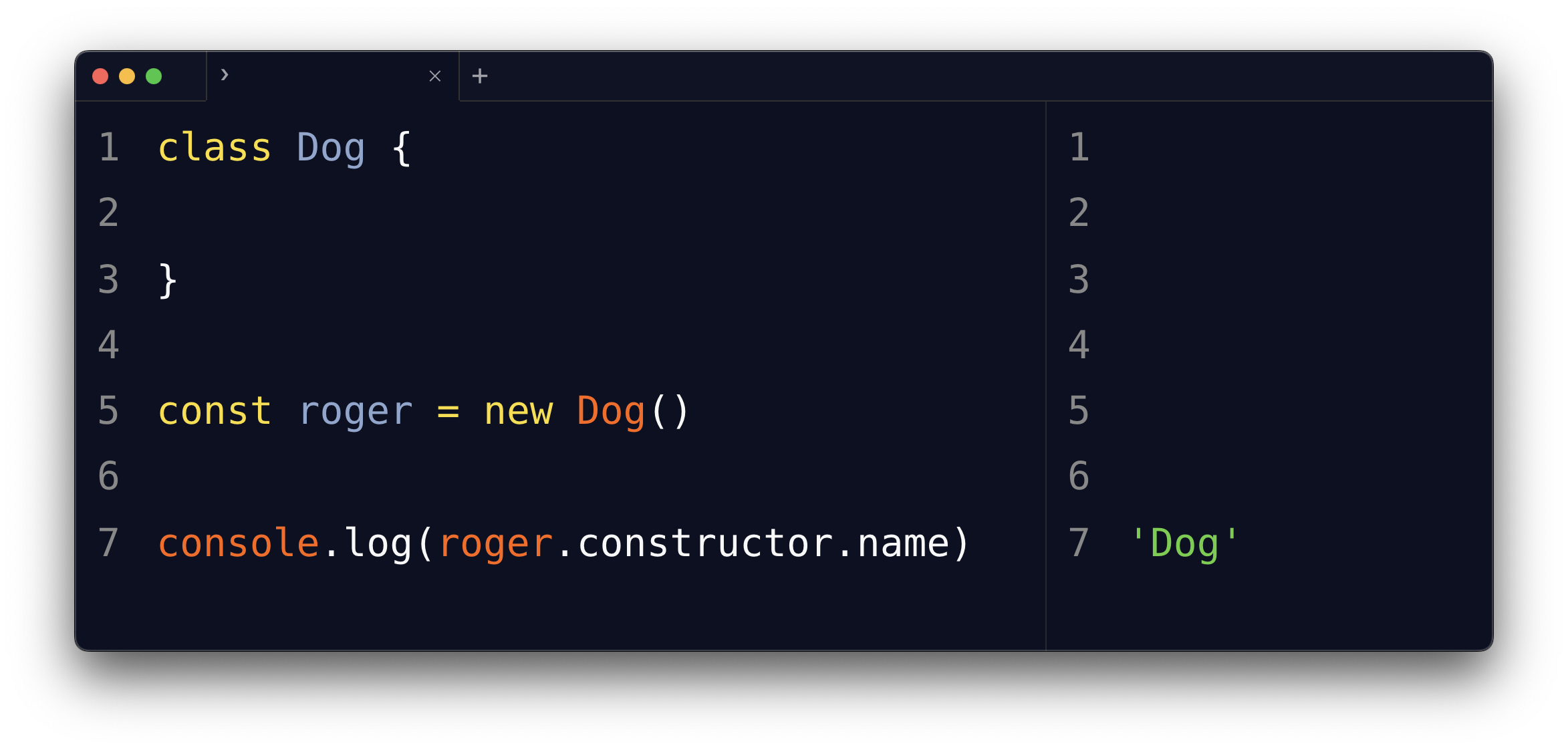
This method returns a string that represents the class name.
With inheritance, you get the most specific class, the one used with new:
class Beagle extends Dog {

}

const pippo = new Beagle()
pippo.constructor.name // 'Beagle'
It also works on primitives, because JavaScript wraps them in their object counterpart when you access a property:
(5).constructor.name // 'Number'
'hi'.constructor.name // 'String'
Comparing the constructor directly
You can also directly compare the constructor property to the class, like this:
class Dog {

}

const roger = new Dog()

roger.constructor === Dog //true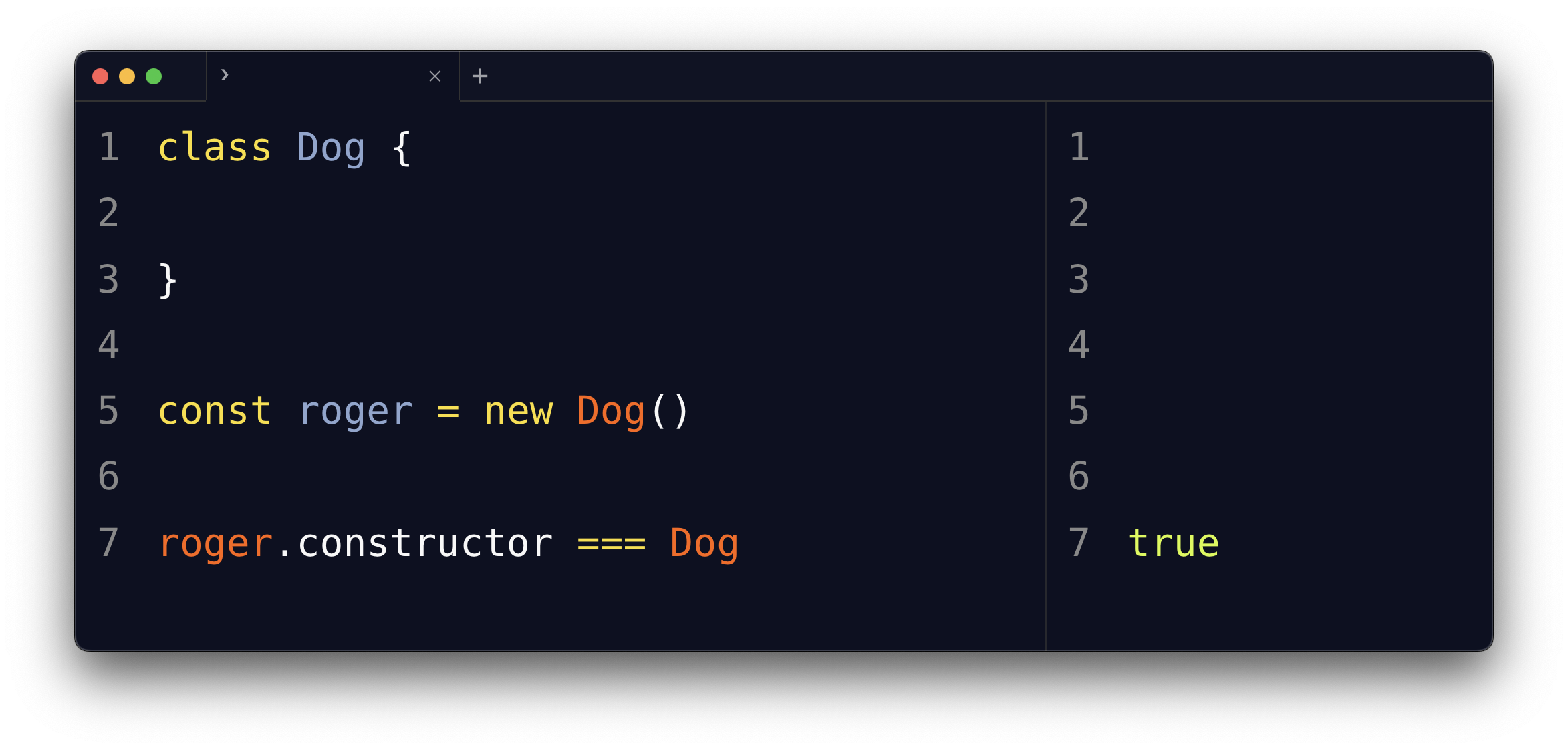
This is stricter than instanceof. An instanceof Dog check is true for a Beagle instance too, since Beagle extends Dog. The constructor === Dog comparison is only true for objects created directly from Dog.
Watch out for minification
Here’s the pitfall: build tools that minify your code rename classes to save bytes. In production, roger.constructor.name might return 'a' instead of 'Dog'.
So don’t write logic that depends on the name string, like if (obj.constructor.name === 'Dog'). It works in development and breaks in the minified build. Compare the constructor to the class itself, or use instanceof. Those survive minification, because they compare references instead of strings.
One more edge case: objects created with Object.create(null) have no prototype, so constructor is undefined and reading .name on it throws. Rare, but worth knowing if you’re inspecting objects you don’t control.
Want me to talk about your product? You can sponsor this site.
Related posts about js: