How to add a simple dark mode
By Flavio Copes
Add a simple dark mode with CSS custom properties and prefers-color-scheme, without inverting images or changing the meaning of existing colors.
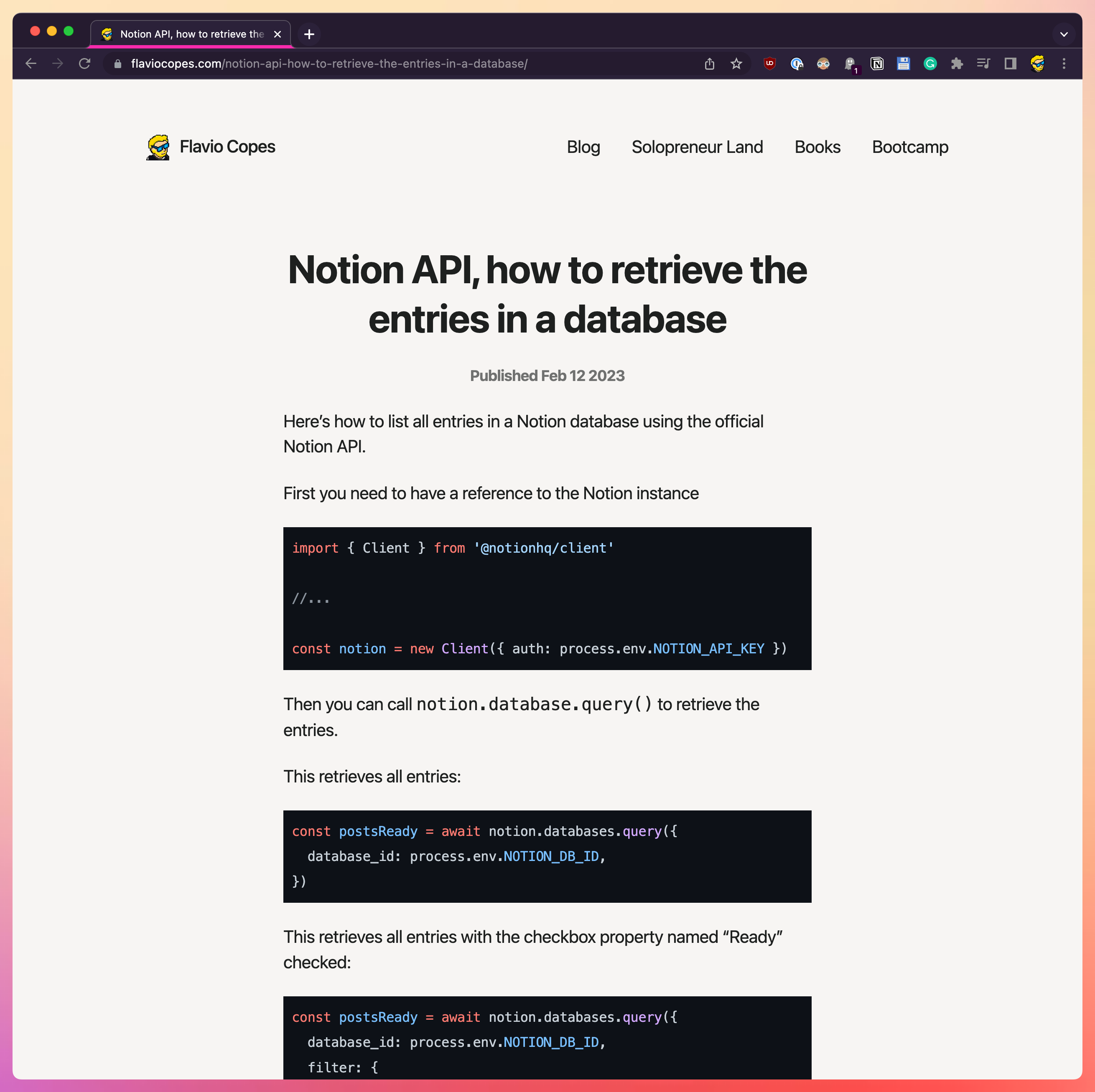
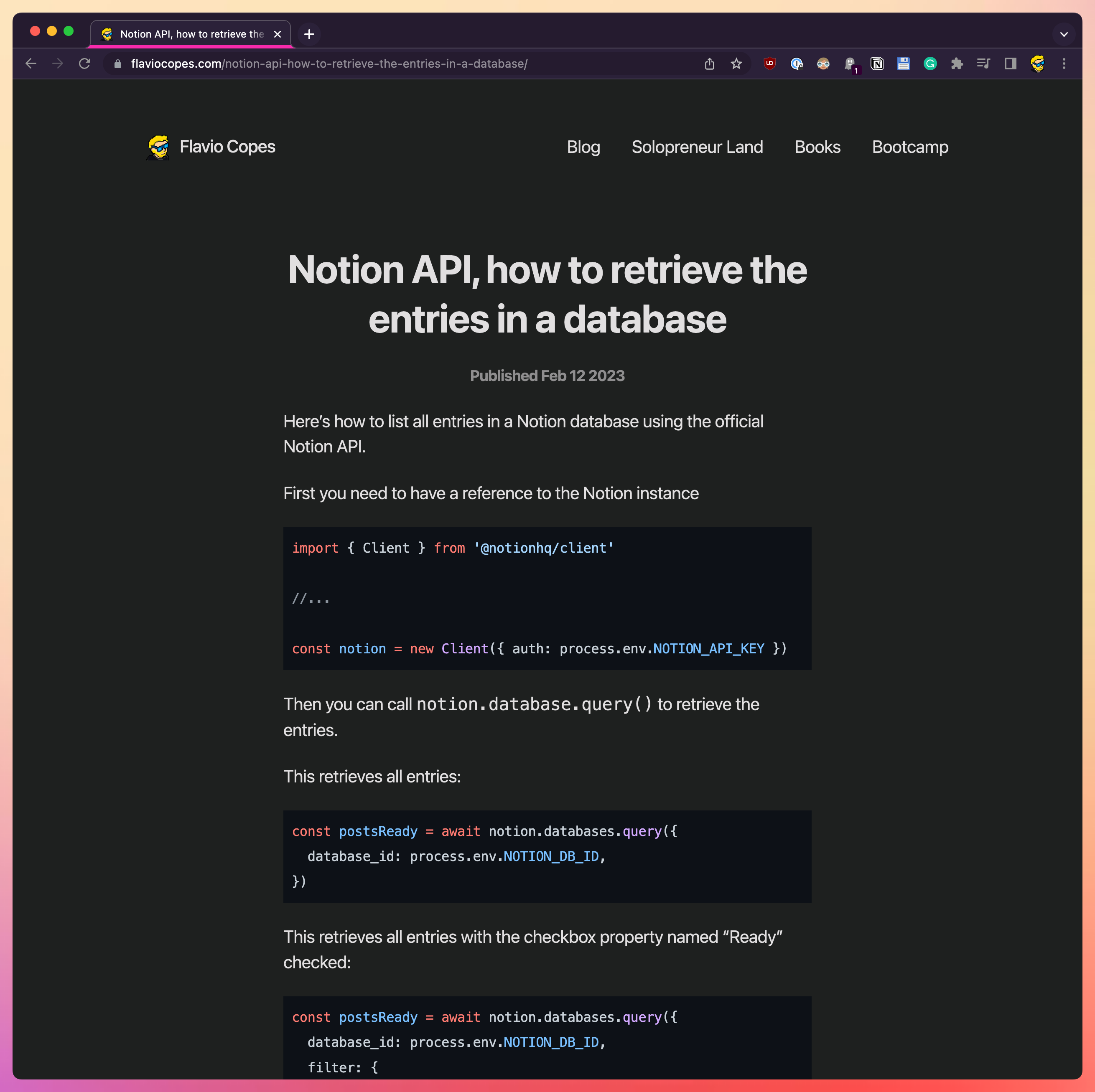
The simplest reliable dark mode defines colors once, then changes their values when the operating system prefers a dark theme:
:root {
  color-scheme: light dark;
  --background: #ffffff;
  --text: #171717;
  --link: #0057b8;
}

@media (prefers-color-scheme: dark) {
  :root {
    --background: #171918;
    --text: #f2f2f2;
    --link: #8ec5ff;
  }
}

body {
  color: var(--text);
  background: var(--background);
}

a {
  color: var(--link);
}
color-scheme also tells the browser that the page supports both themes, so built-in controls and scrollbars can match.
Avoid applying filter: invert() to the entire page. It also changes photos, brand colors, shadows, and embedded content, which forces you to add exceptions and can produce poor contrast.
Test both themes with real content. In particular, check links, form controls, code blocks, focus states, and disabled text rather than changing only the page background and body text.
Want me to talk about your product? You can sponsor this site.
Related posts about tutorial: