Gatsby, how to change the favicon
By Flavio
Tagged: JavaScript
How to change the favicon in a Gatsby site: replace static/favicon.ico or point the gatsby-plugin-manifest icon option to your new image in gatsby-config.js.
To change the favicon in a Gatsby site you either replace the static/favicon.ico file, or you point the icon option of gatsby-plugin-manifest to your new image in gatsby-config.js. Which one applies depends on how your site is set up.
I created a site using Gatsby and I wanted to change the favicon. I quickly looked at how to change it, and the process was very simple.
The plain approach
If your site does not use a manifest plugin, the favicon is the image static/favicon.ico. Everything you put in the static folder gets copied to the site root as-is.
Just change that file, and you’re set.
Using gatsby-plugin-manifest
Most Gatsby starters ship with gatsby-plugin-manifest. It generates the web app manifest, and it also takes care of favicons.
In that case, the favicon comes from the icon option in gatsby-config.js. The default starter points it at src/images/gatsby-icon.png:
{
  resolve: 'gatsby-plugin-manifest',
  options: {
    name: 'flaviocopes.com',
    start_url: '/',
    icon: 'src/images/gatsby-icon.png'
  }
}
Change that path to your own image. You don’t have to use the same location, or the same format. The image can also be an SVG.
For example I put my new favicon image in src/images/logo-small.svg and I changed that configuration property to point to it.
Use a square image, and make it big. The plugin scales it down to every size it needs, so 512x512 pixels or larger works well. Scaling a small image up looks blurry.
I ran gatsby develop and I could immediately see Gatsby updated all the favicon images, in different sizes:
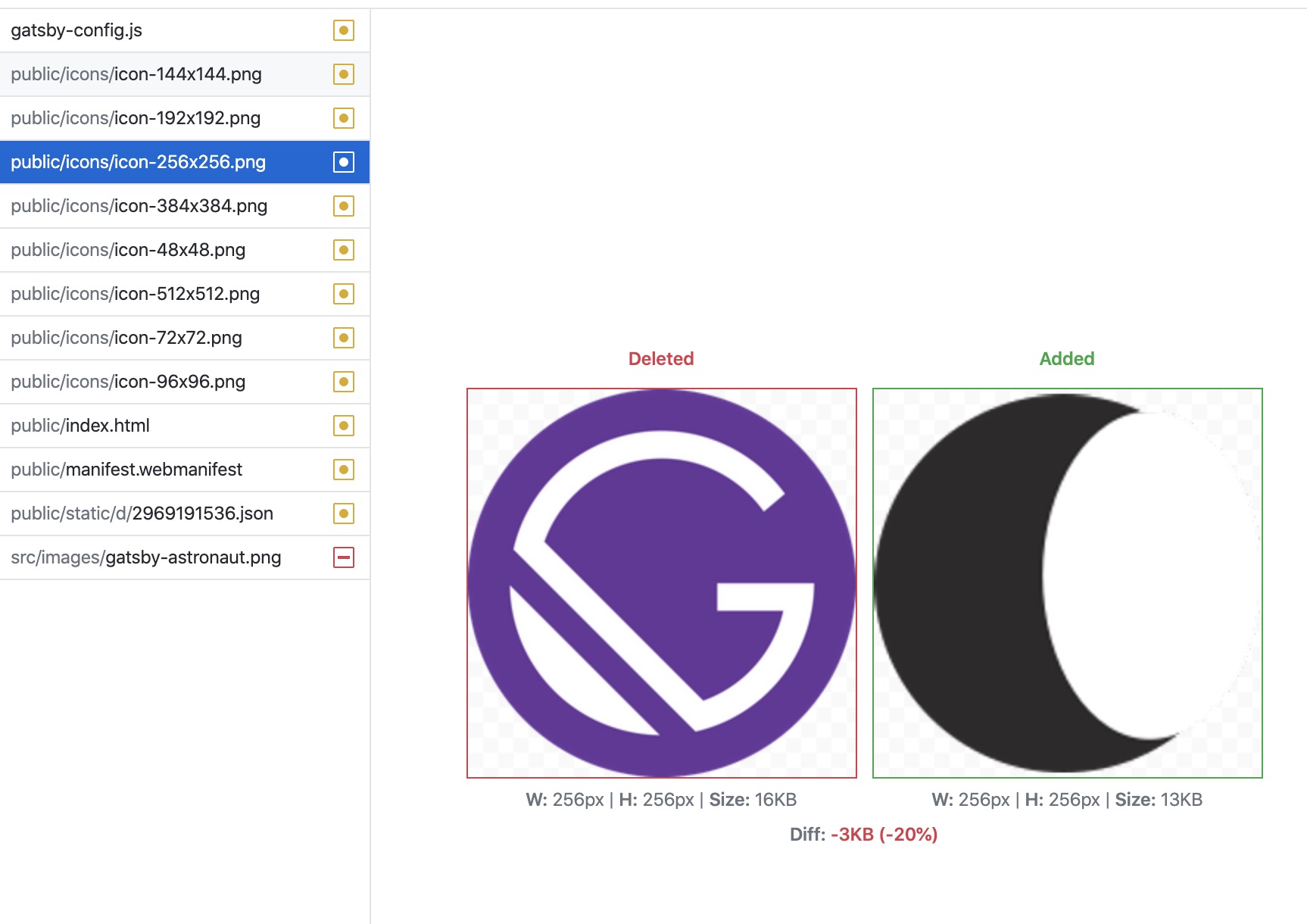
The plugin generates each size at build time, and adds the matching link tags to every page. You don’t write any HTML for this.
The favicon doesn’t update?
Be careful with caching. Browsers hold on to favicons longer than to any other asset.
If you changed the image and the tab still shows the old one, first try a hard refresh, or open the site in a private window. Chances are the new favicon was generated fine.
If that’s not it, clear Gatsby’s own cache with gatsby clean and run the build again. Gatsby caches generated assets in the .cache and public folders, and a stale entry there can keep serving the old icon.
If you’re handling favicons manually instead, my free favicon checklist covers all the files and link tags you need.
Want me to talk about your product? You can sponsor this site.
Related posts about js: