What is .DS_Store, and can I delete it from a USB drive?
By Flavio
A TV or a Windows PC shows a .DS_Store file in your folders. Here's what the Mac keeps in it, how it ends up on a USB stick, why the Finder won't show it, and how to remove it.
You put a folder of holiday photos on a USB stick for the TV, and next to the photos the TV lists a file called .DS_Store. A Windows PC shows it too.
The Finder made it. A .DS_Store file remembers how folders look in the Finder. I looked inside one: it held the size and place of a folder’s window, whether its sidebar and toolbar show, and the size of an app in the folder. A TV or a PC has no use for that, so you can delete it from a stick. The worst that happens is that the Finder opens that folder with its default look.
How does it get on the stick?
Not the way you’d expect. I tried it on two stand-in sticks, disk images formatted like USB sticks: CAR USB in FAT32 and TV PHOTOS in exFAT, on macOS Sequoia. They work like real sticks on the Mac, except that plugging one in and taking it out is opening and closing a file. Each had a folder of made-up files.
On both, I opened folders in the Finder, switched them between icons and list, closed the windows, waited minutes and ejected the stick. On TV PHOTOS I also ticked Always open in icon view in View > Show View Options and moved an icon. No .DS_Store appeared on either.
Then I made a third stand-in, formatted Mac OS Extended, the Mac’s own format, opened a folder on it and switched the view. The .DS_Store was there within seconds.
Where TV PHOTOS did get one was from the Mac. I’d opened the Lake holiday folder on the Mac and switched it to icons, so the Finder had written a .DS_Store inside it there. When I copied the folder to the stick with the Finder, the .DS_Store came along, with a ._.DS_Store next to it:
| What I did | Format | .DS_Store on the stick |
|---|---|---|
| Opened folders, changed the view, ejected | FAT32 | None |
| The same, plus Always open in icon view and a moved icon | exFAT | None |
| Opened a folder, changed the view | Mac OS Extended | Yes, within seconds |
| Copied a folder I’d opened on the Mac | exFAT | Yes, 6 KB, plus a 4 KB ._.DS_Store |
So on these sticks, the only .DS_Store came from a folder I’d opened on the Mac and then copied.
Can I delete it in the Finder?
No. The Finder doesn’t list .DS_Store files, even with Command-Shift-Period, which shows hidden files. With it on, the Lake holiday folder on the stick showed the eight photos and nothing else:
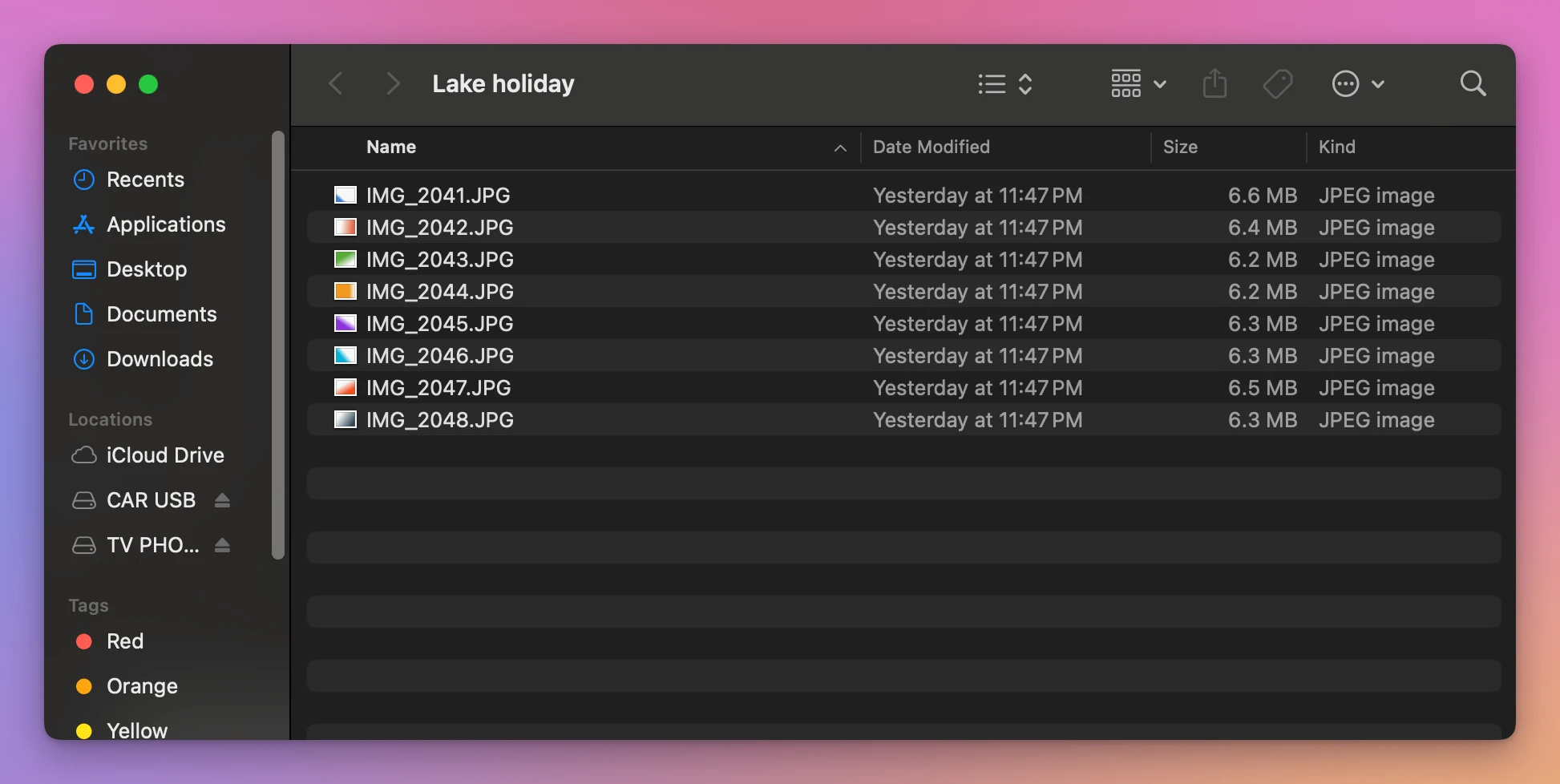
The tutorial about hidden files on a USB drive shows what that shortcut does show. You can delete a .DS_Store from the TV or the PC that shows it, if they let you delete files, but on the Mac there’s nothing to click.
The next time you open that folder on a Mac in the Mac’s own format, the Finder writes a new one. On these FAT32 and exFAT sticks it didn’t.
Remove it with Clean Eject
Clean Eject is a Mac app I made to clean a stick before it goes into a TV, a car or a PC. It costs $20, paid once. Clean & Eject lists what the Mac left, and removes it when you confirm.
On TV PHOTOS it found the .DS_Store the Finder hides, and the two ._ files:
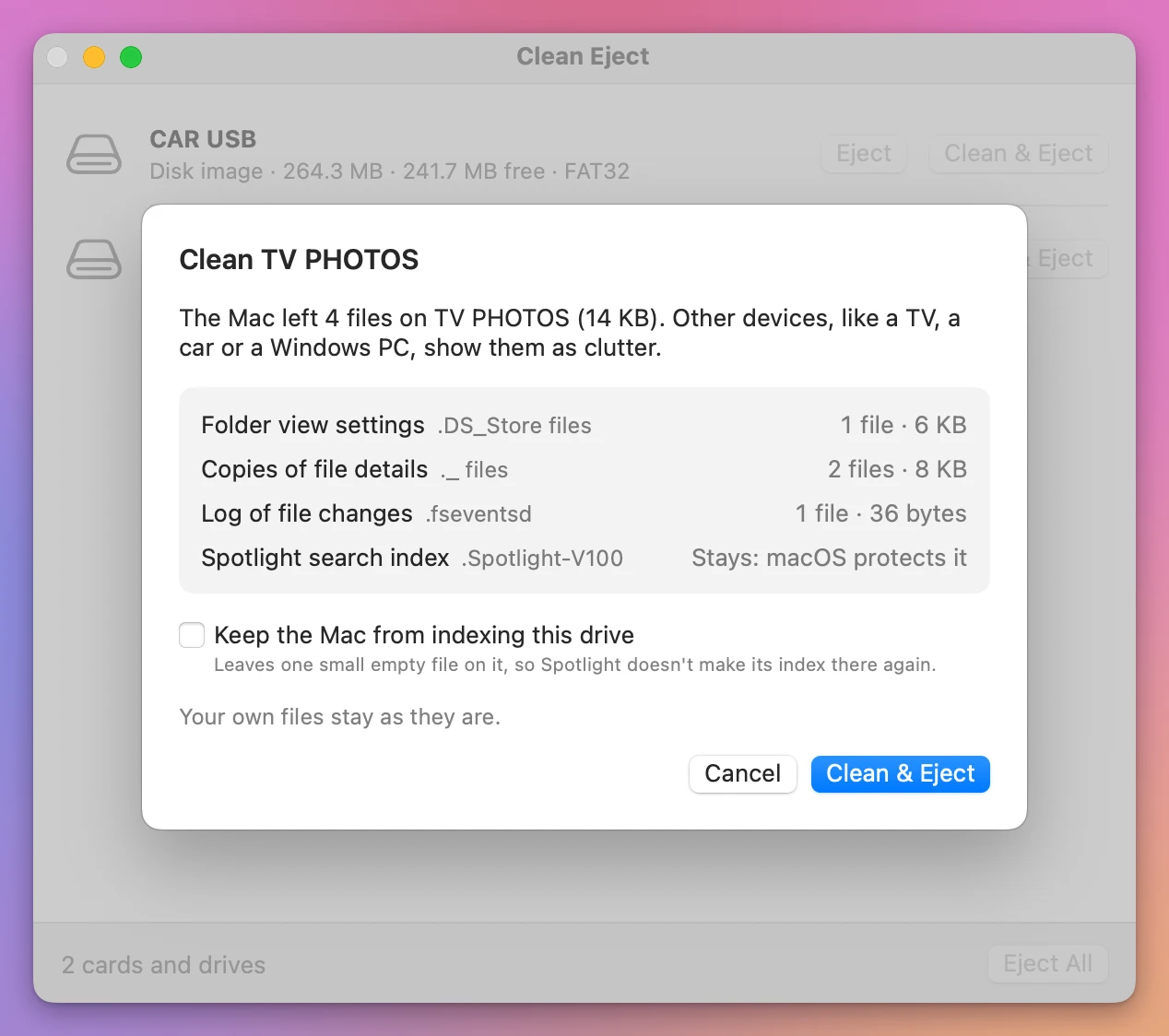
“Folder view settings” is the app’s name for .DS_Store. The two ._ files are the one next to the .DS_Store and one next to a photo I’d opened in Preview on the Mac. I clicked Clean & Eject:
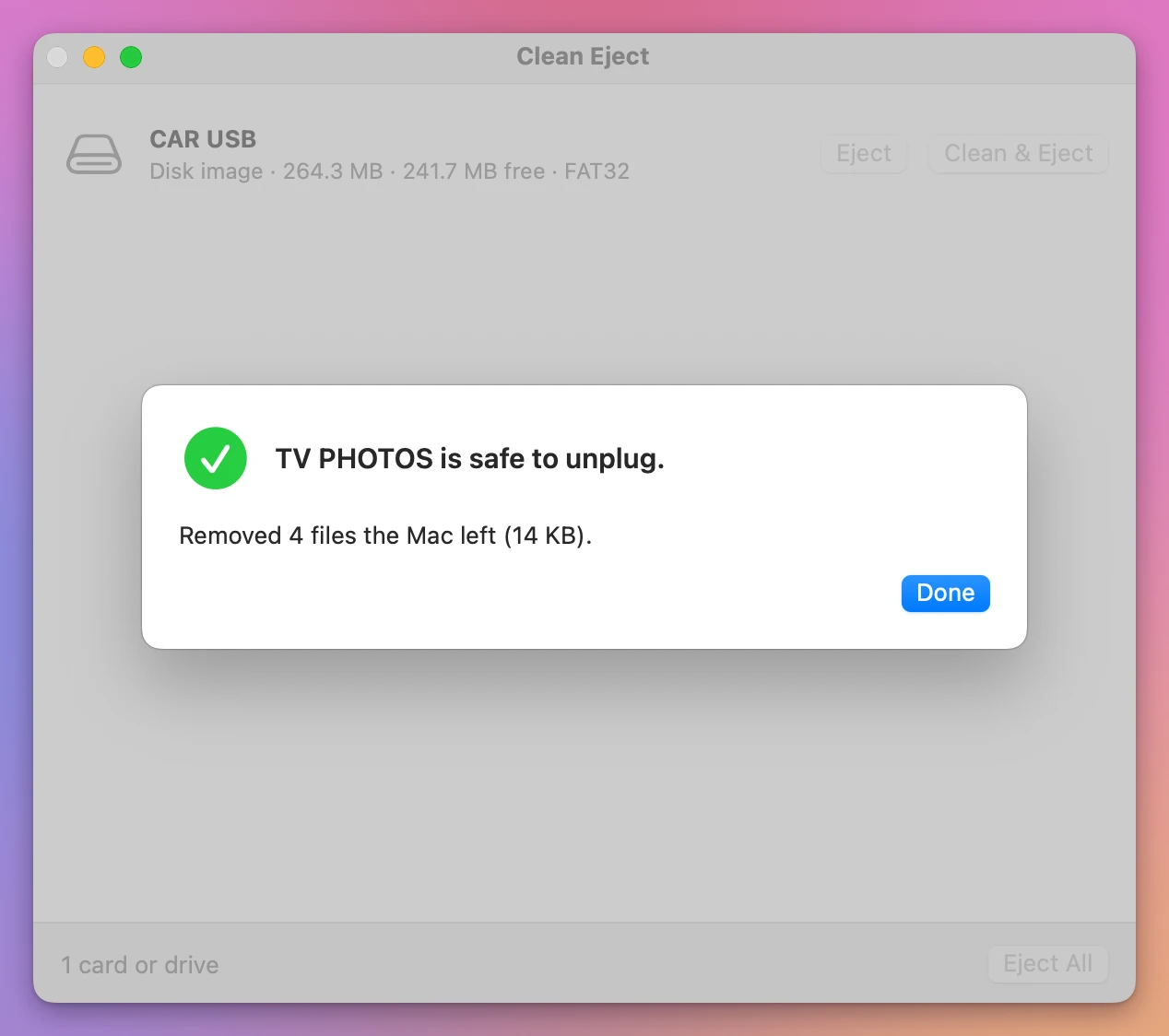
Plugged back in, the stick had the eight photos, with no .DS_Store and no ._ files. Each kind has a checkbox in Clean Eject > Settings…, so you can keep the .DS_Store files if you want the folders to keep their look.
For a stick in the Mac’s own format, Clean Eject only offers Eject. That’s a Mac’s working disk, and the Finder’s files belong on it.
Get Clean Eject
Remove the hidden files your Mac leaves on memory cards and USB drives, the ._ and .DS_Store files a TV, a car or a Windows PC shows, then eject. When a drive won't eject, see which apps are using it and quit them.
See Clean Eject → · Read the docs · $20. See the app page for tax details.
Want me to talk about your product? You can sponsor this site.