JavaScript regex to capture a URL without query string
By Flavio
Tagged: JavaScript
Learn how to use a JavaScript regular expression to capture a URL without its query string parameters, removing anything after the ? or # symbol.
Here’s the regex that captures a URL without its query string parameters:
/^(http[^?#]+).*/gmI had the need to capture a URL without query parameters, for both http and https links, and this is what I came up with.
(Want to tweak it for your case? Paste it into my regex tester to see the matches live.)
Here’s an example:
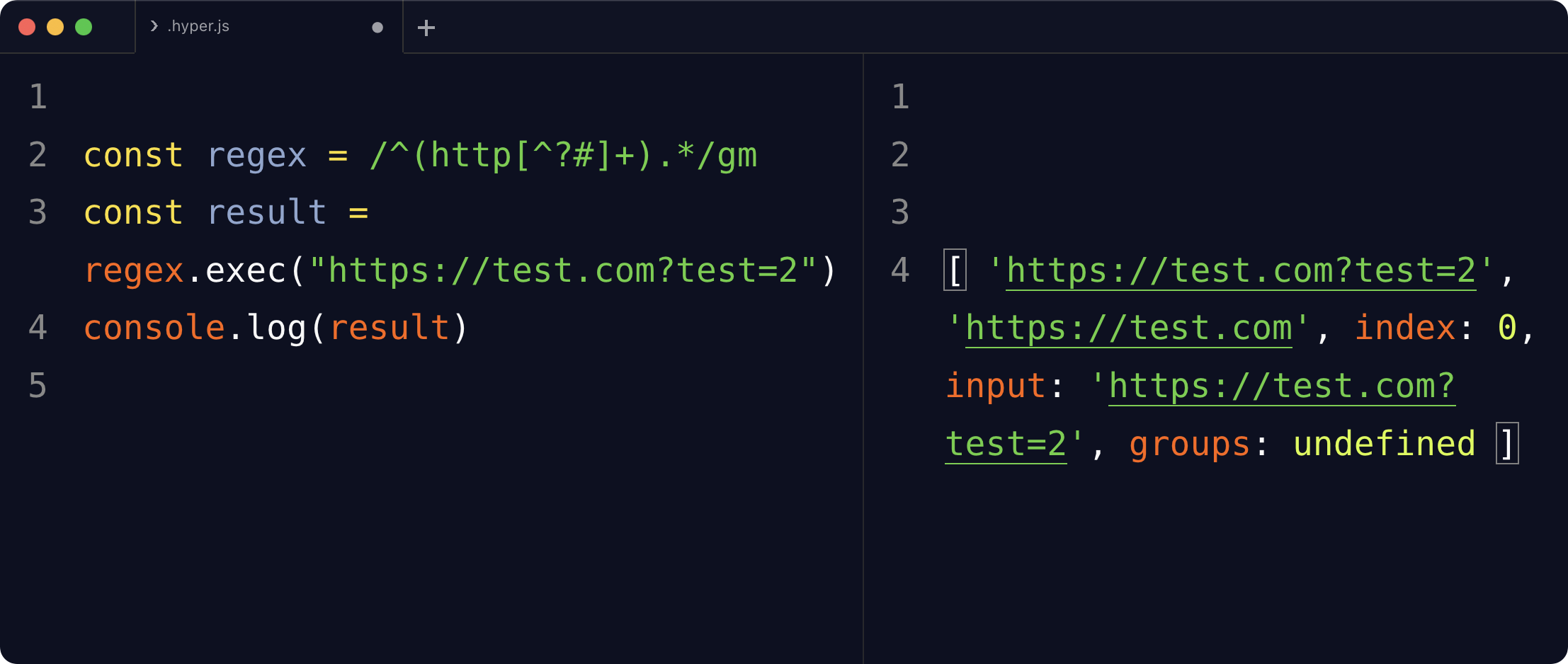
const regex = /^(http[^?#]+).*/gm
const result = regex.exec("https://test.com?test=2")
console.log(result)

/*
[ 'https://test.com?test=2',
'https://test.com',
index: 0,
input: 'https://test.com?test=2',
groups: undefined ]
*/
The first element of the array is the full match. The clean URL is the captured group, at index 1. So result[1] gives you 'https://test.com'.
How the regex works
Let’s break it down:
^anchors the match at the start of the linehttpmatches the beginning of bothhttp://andhttps://URLs[^?#]+matches one or more characters that are not?and not#, and the parentheses capture them.*consumes whatever is left, so the full match covers the whole line
The capture stops at the first ? or #. That means the regex strips fragments too, not just query strings:
const regex = /^(http[^?#]+).*/
'https://flaviocopes.com/tags/js/?page=2'.match(regex)[1]
//'https://flaviocopes.com/tags/js/'

'https://flaviocopes.com/blog/#topics'.match(regex)[1]
//'https://flaviocopes.com/blog/'
Watch out for the g flag with exec()
Be careful with one thing. When a regex has the g flag, exec() remembers where the last match ended, in the lastIndex property. Calling it again on the same regex object continues from there:
const regex = /^(http[^?#]+).*/gm
regex.exec('https://test.com?test=2') //matches
regex.exec('https://test.com?test=2') //null!
The second call returns null because the regex starts searching past the end of the previous match. If you’re testing one URL at a time, drop the g flag, or use string.match() as I did above.
The gm flags are useful when you have many URLs in a multiline string and want to process them all: g finds every match, m makes ^ match the start of each line.
Want me to talk about your product? You can sponsor this site.
Related posts about js: