Render app deploy stuck on in progress
By Flavio Copes
Learn how to fix a Render deploy stuck forever on in progress, caused by binding to 127.0.0.1, by starting your app on host 0.0.0.0 instead.
If your Render deploy never finishes and stays “in progress” forever, the cause is almost always your app binding to 127.0.0.1 instead of 0.0.0.0. Render can’t detect the open port, so it keeps waiting.
Here’s how it looked for me. I was trying to deploy an app on Render but stuck in a forever cycle of “in progress” build, the build never ended processing:
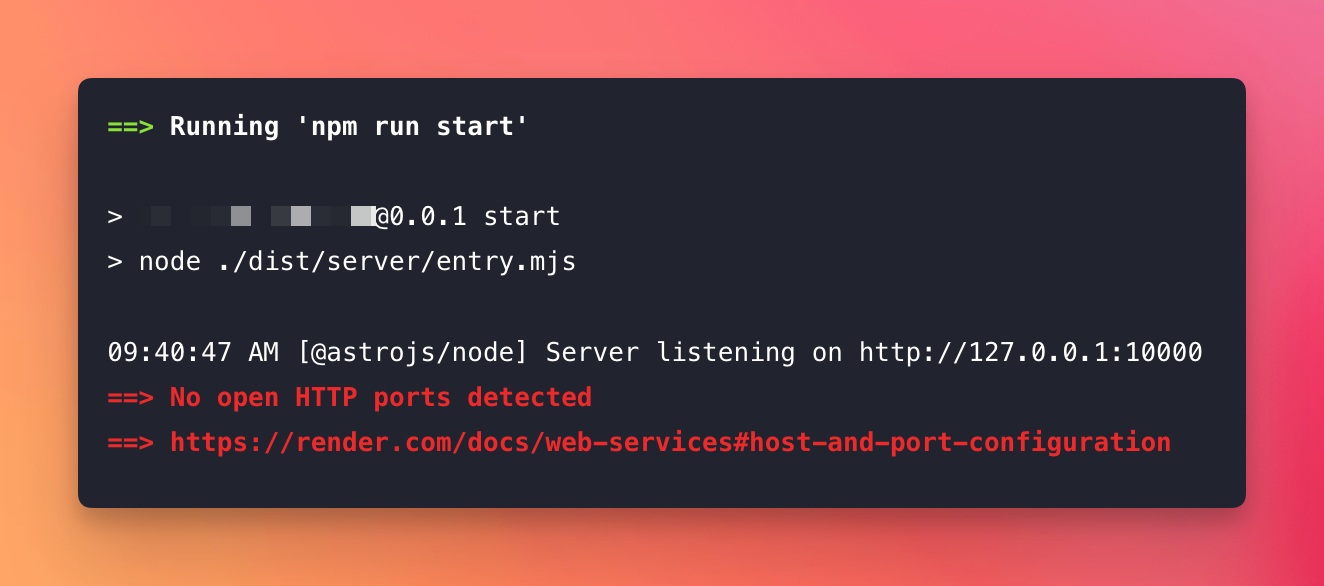
Notice 127.0.0.1? That’s the problem.
Render doesn’t “pick it up”.
You have to bind the server to host 0.0.0.0 instead of 127.0.0.1.
For Node scripts, you can do this by prepending HOST=0.0.0.0:
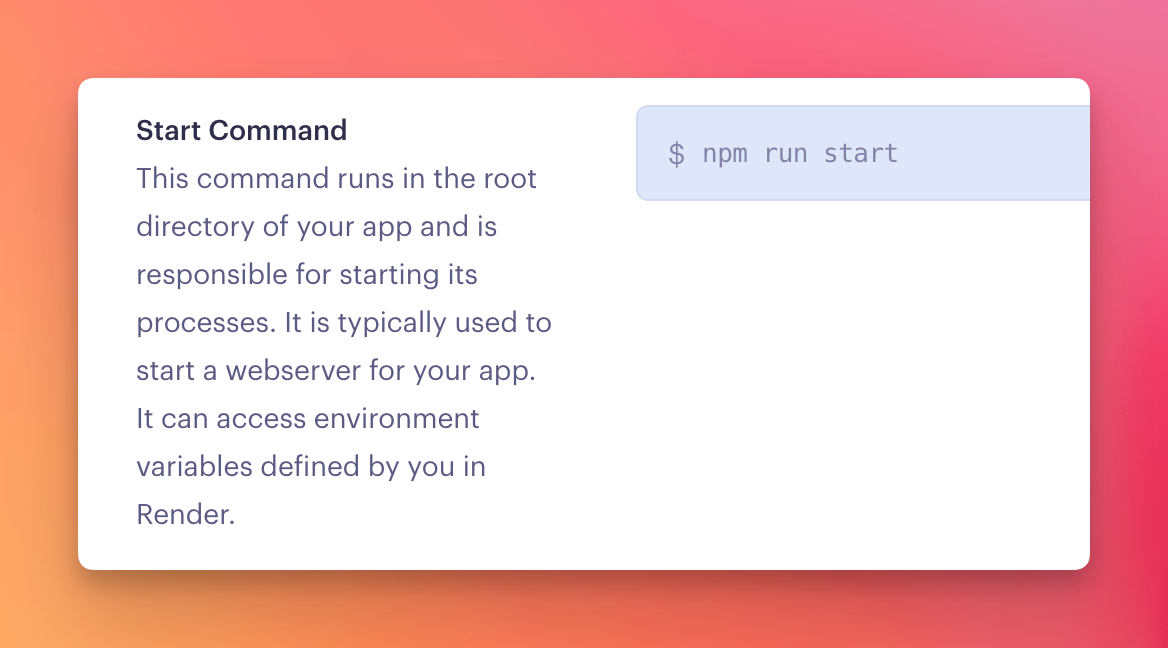
HOST=0.0.0.0 node app.jsI used this in package.json, and used npm run start in my Render site setting “Start Command” for an Astro site:
{
  ...
  "scripts": {
    "dev": "astro dev",
    "start": "HOST=0.0.0.0 node ./dist/server/entry.mjs",
    "build": "astro build",
    "preview": "astro preview",
    "astro": "astro"
  },
  ...
}
Why does the host matter?
127.0.0.1 is the loopback address. A server bound to it only accepts connections coming from inside the same machine, or in Render’s case, from inside the same container. Nothing outside can reach it.
Render runs a port scan after your app starts. When it finds a port listening on 0.0.0.0, it marks the deploy as live and starts routing traffic to it. That’s the “Detected open port” message you want to see in the logs.
Bound to 127.0.0.1, your app runs fine but is invisible to that scan. Render waits, retries, and the deploy sits on “in progress” until it eventually gives up.
Most web frameworks default to 127.0.0.1 in development, because that’s the safe choice on your laptop. On a hosting platform you need the opposite.
Watch the port too
The host is half of it. Render also tells your app which port to use through the PORT environment variable.
The Astro Node adapter reads both HOST and PORT from the environment, so on Render the port part worked without me doing anything. If you’re running something like Express, pass both explicitly:
const port = process.env.PORT || 3000

app.listen(port, '0.0.0.0', () => {
  console.log(`Listening on ${port}`)
})
One more mistake visible in my first screenshot: the start command was running astro dev, the development server. Always run the production build on Render. Build with astro build, then start the compiled entry file, like the start script above does.
Want me to talk about your product? You can sponsor this site.
Related posts about services: