How to remove the shadow from window screenshots in macOS
By Flavio Copes
Learn how to remove the drop shadow from macOS window screenshots with a single defaults write com.apple.screencapture disable-shadow terminal command.
To remove the drop shadow macOS adds around window screenshots, run one defaults write command in the terminal. I’ll show you the command, what it does, and how to undo it.
I take lots of screenshots for my blog posts or courses.
I typically use cmd-shift-4 and then I press the spacebar to screenshot the whole application window.
Like this:
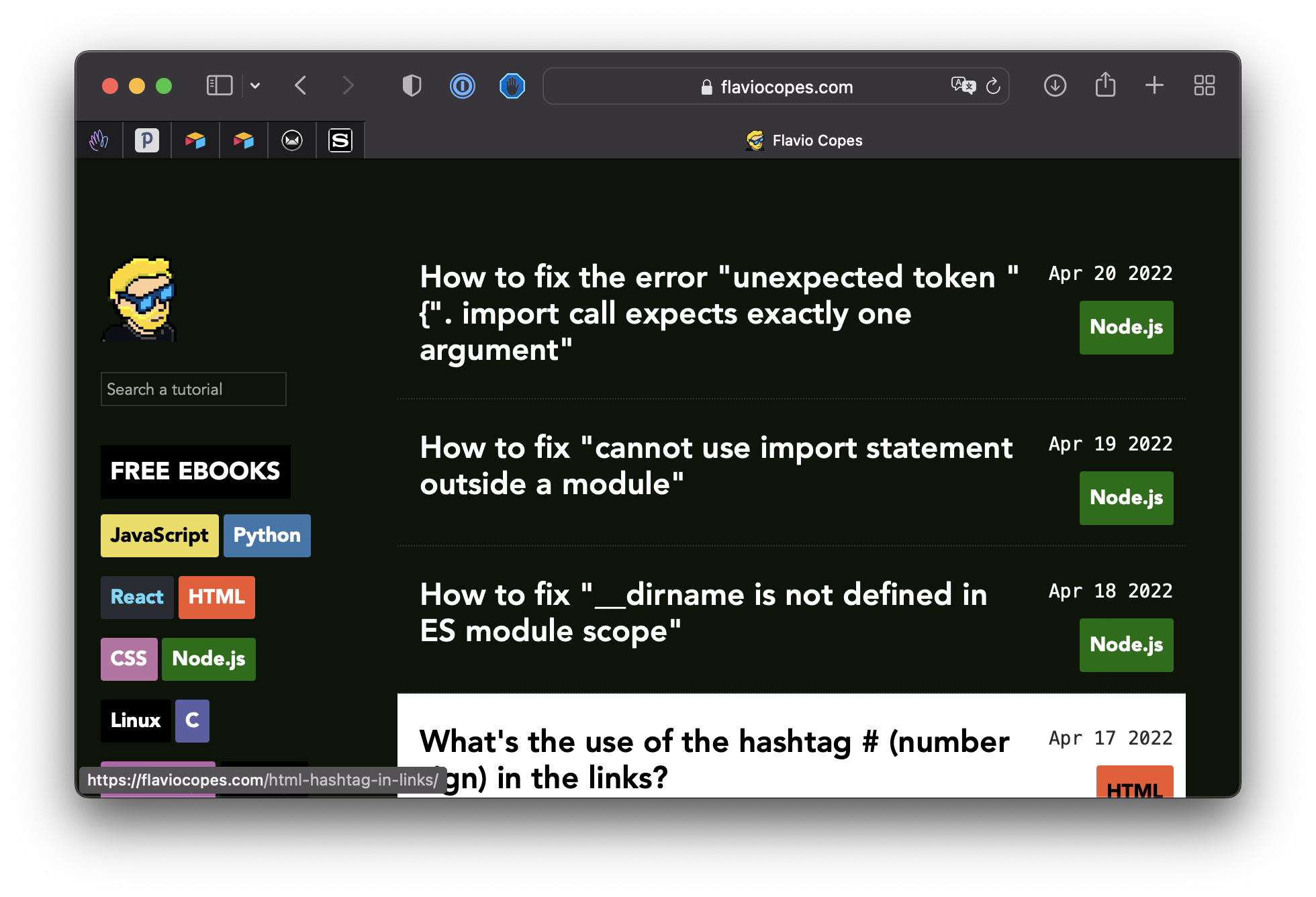
By default macOS adds that drop shadow which makes it look pretty nice. But it also adds a lot of transparent padding around the window, which gets in the way when you place the image on a page or crop it.
If you want you can remove it using this command in the terminal:
defaults write com.apple.screencapture disable-shadow -bool true ; killall SystemUIServerHere’s the same screenshot without drop shadow:
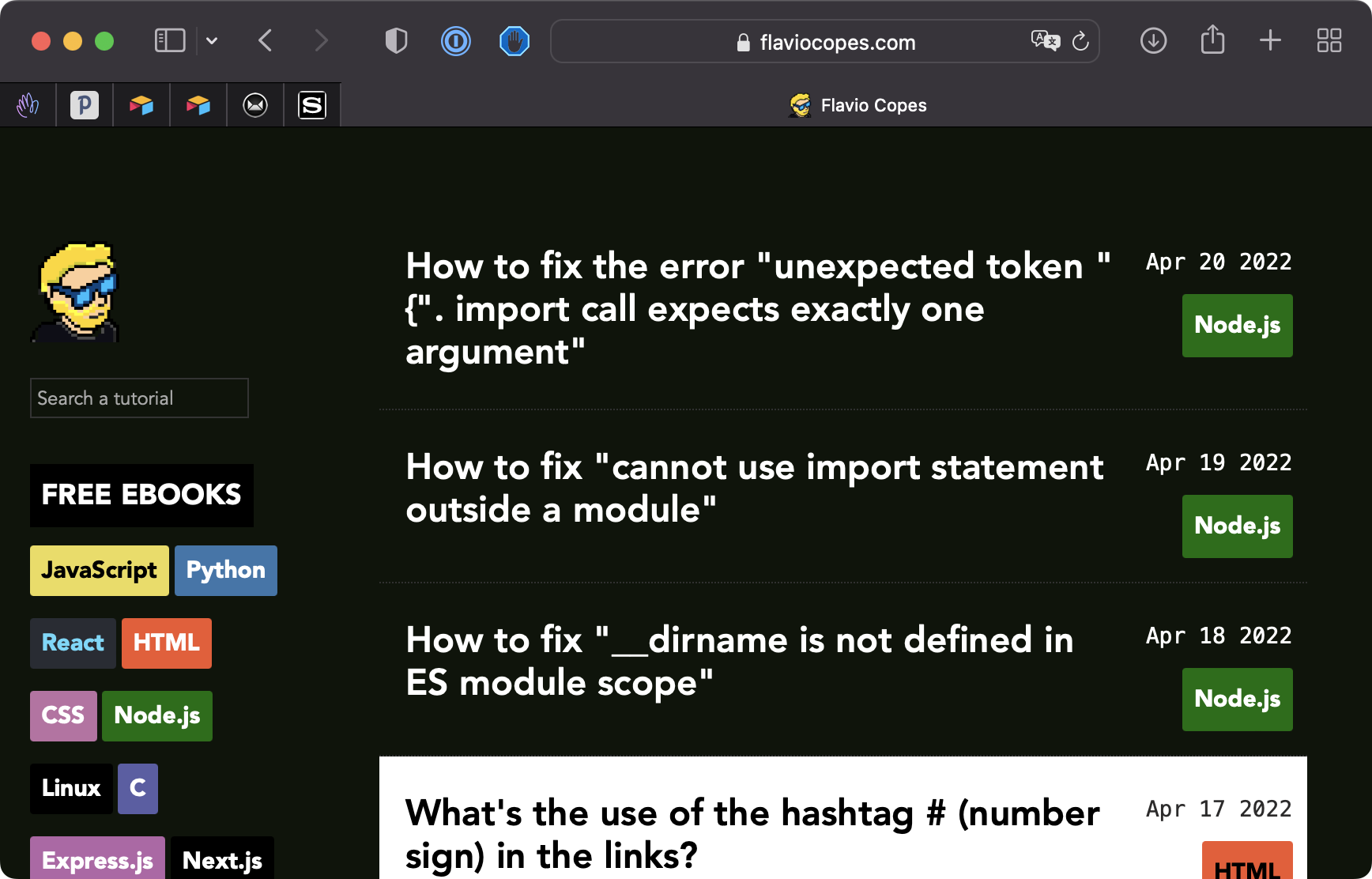
Add it back with:
defaults write com.apple.screencapture disable-shadow -bool false ; killall SystemUIServerWhat does the command do?
defaults write stores a preference in the com.apple.screencapture domain, the settings the screenshot tool reads. disable-shadow set to true tells it to skip the shadow.
The killall SystemUIServer part restarts the process that handles this system UI, so the new setting applies right away. This is the step people forget. If you run the defaults write part alone, screenshots keep their shadow and you’ll think the command didn’t work.
You can check the current value with:
defaults read com.apple.screencapture disable-shadowIt prints 1 when the shadow is disabled, 0 when it’s not. If you never changed the setting, it prints an error saying the pair does not exist, which means you’re on the default (shadow on).
Removing the shadow for a single screenshot
If you like the shadow in general and want to skip it just once, there’s no need to change the setting. In window capture mode (cmd-shift-4, then spacebar), hold the Option key while you click the window. That single screenshot is saved without the shadow.
Want me to talk about your product? You can sponsor this site.
Related posts about mac: