npm run dev: what it does, how to stop it, change the port
By Flavio
Learn what npm run dev does, why it keeps running, how to stop it with Ctrl-C, and how to pass a custom port or host to the development server.
npm run dev runs the command stored in the dev script of your project’s package.json file.
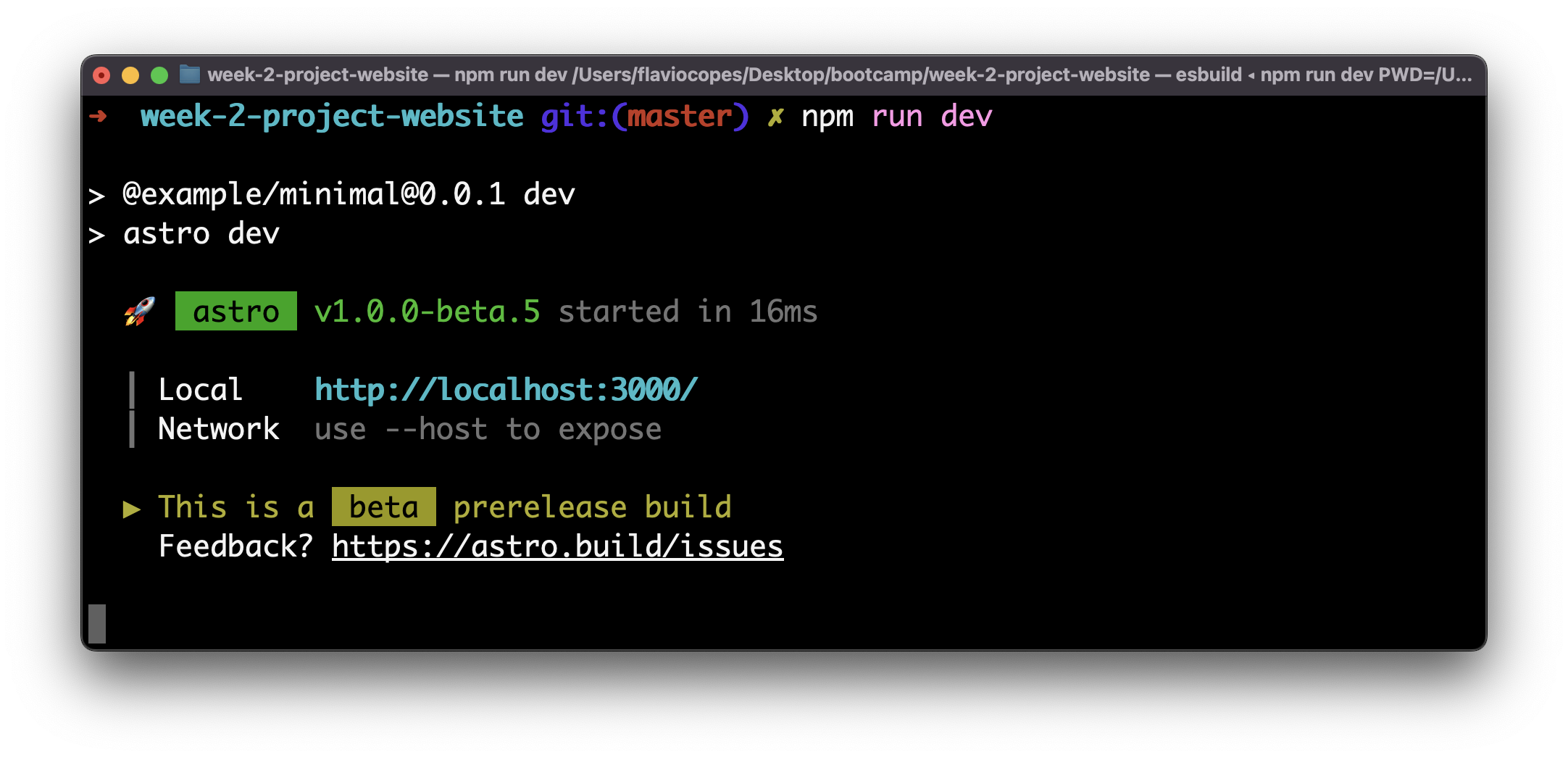
It usually starts a development server. The command keeps running because that server must stay available while you work.
What command does npm run dev run?
Look at the scripts field in package.json:
{
  "scripts": {
    "dev": "astro dev"
  }
}
With this configuration, npm run dev runs astro dev, the Astro 7 development server.
dev is not a special built-in npm command. A project can define it using Astro, Next.js, Vite, Node, or any other program.
You can run npm run without a script name to list the scripts available in the current project. My npm guide explains how project scripts work.
How do you stop npm run dev?
To stop npm run dev, go back to the terminal where the server is running and press Ctrl-C. That sends an interrupt signal to the process, so the development server stops and you get the terminal prompt back. On a Mac it’s Ctrl-C too, not Cmd-C, which only copies text.
If you close the terminal or start the command again elsewhere, the first process may still own its port. This is why a second server sometimes starts on the next port up, like 3001 instead of 3000.
How do you run the development server on a specific port?
Arguments after -- are passed to the command in the npm script:
npm run dev -- --port 3000This works when the underlying development server supports a --port option. Check that tool’s documentation because the available arguments belong to Astro, Next.js, Vite, or whichever program the script runs.
The default port changes from tool to tool too. Astro 7 starts on 4321, Next.js 16 on 3000 and Vite 8 on 5173.
The same rule applies to options such as --host:
npm run dev -- --hostDon’t drop the -- in the middle. In npm run dev --host, npm reads --host as one of its own options, so the development server never sees it.
Astro 7 and Vite 8 accept --host. Next.js 16 calls the same option --hostname.
If port 3000 is already occupied, stop the other development server first. Then run the command again.
What is npm.cmd run dev?
npm.cmd run dev is the same command on Windows. Node.js installs three npm launchers there: npm.cmd for Command Prompt, npm.ps1 for PowerShell, and a plain npm script for Git Bash. When you type npm, the shell picks one. Editors like WebStorm call npm.cmd directly, so that’s what you see at the top of their run panel.
You can type it yourself too. Windows 10 and 11 block PowerShell scripts by default, so in PowerShell npm run dev can fail with this error:
npm : File C:\Program Files\nodejs\npm.ps1 cannot be loaded because running scripts is disabled on this system.npm.cmd run dev skips the PowerShell script and works right away. To fix it for good, allow local scripts for your user:
Set-ExecutionPolicy -Scope CurrentUser RemoteSignedWant me to talk about your product? You can sponsor this site.
Related posts about node: