Auto trigger deploys on Netlify
By Flavio Copes
Learn how to auto-trigger daily Netlify deploys for scheduled posts with a build hook called by a Netlify Scheduled Function, or by IFTTT and Zapier.
Note: this does not just work on Netlify but also works for other providers that offer webhooks for manual deploys.
I have a list of scheduled posts that I want to publish every week on my blog, and I try to stay a few days ahead of that queue to have room for when I’m unable to write, or if I want to take a break.
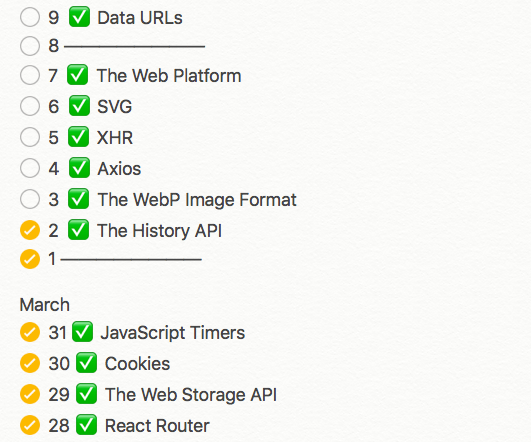
I find consistency is very important to keep the momentum going for my work. Since two months I post every day from Monday to Saturday, and I want to do so in the future as well, as I really like doing it.
I use the Hugo Static Site Generator, hosted on Netlify.
It’s an amazing combination of tools, and I’m very happy with the blog setup.
Today I was out hiking on a mountain when I realized I got past my usual posting time, and I didn’t publish the blog post I already scheduled.
With Hugo I can set a post date in the future, and when the site is rebuilt using the hugo CLI command, that post is not included in the resulting HTML, as it’s a future post.
Netlify has this nice concept of building the Hugo site on their servers, so what I need to do is just trigger a new deploy. Usually deploys happen when I push something to GitHub - Netlify is alerted automatically and deploys in a minute or less.
In this case I needed to manually trigger a deploy on Netlify so I logged in using my iPhone, and clicked “Trigger deploy”.
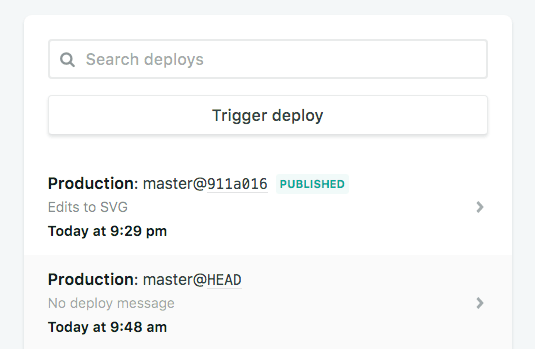
This action rebuilt the static site using Hugo, on the server side, and I just put my phone back in the pocket.
The blog post launched 🎉 and I just tweeted about it.
As I was walking, I realized I can automate all this stuff.
I just need to trigger a deploy automatically every day at 9AM, somehow.
Netlify has no “redeploy every day” setting. But it gives you a build hook: a URL that starts a new deploy every time you send it a POST request.
So the plan has two parts. First we create the build hook. Then we call it on a timer.
Create a build hook
In the Netlify UI, open your project and go to Project configuration > Developer settings > Continuous deployment > Build hooks. Click Add build hook, give it a name, and pick the branch to build.
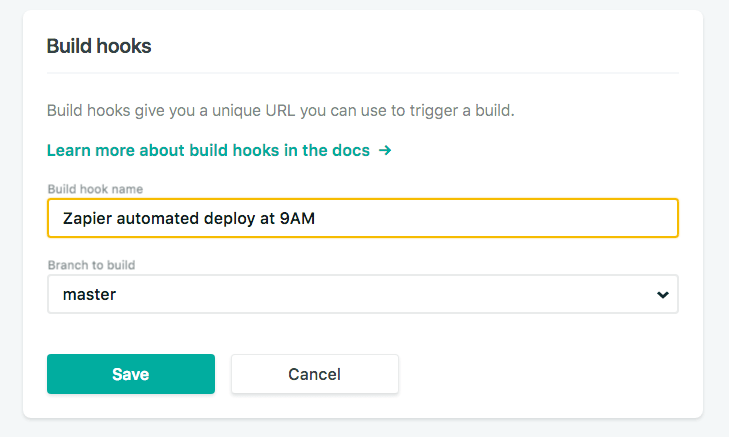
Netlify gives you a custom URL to call:
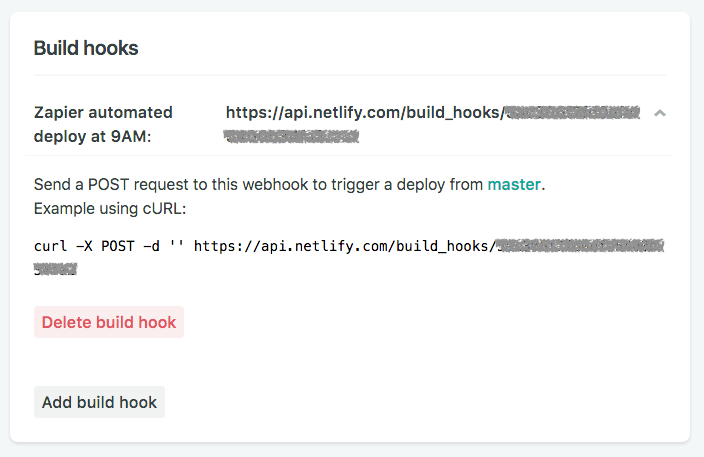
You can test it from the terminal right away:
curl -X POST -d '{}' https://api.netlify.com/build_hooks/<your-hook-id>A new deploy shows up in your deploys list a moment later.
Treat that URL like a password. Anyone who has it can trigger builds on your site.
Call the build hook every day with a Scheduled Function
When I first set this up, Netlify had no way to run code on a timer. Now it does: Netlify Scheduled Functions, serverless functions that run on a cron schedule.
That’s the best option today. The timer lives in your repository, next to the site, and you don’t need a third-party account.
First, store the build hook URL as an environment variable, so it never ends up in your Git history. Go to Project configuration > Environment variables and add a variable called BUILD_HOOK_URL with the URL as its value.
Then create this file in your repository:
netlify/functions/daily-deploy.mjs
export default async () => {
  const response = await fetch(process.env.BUILD_HOOK_URL, {
    method: 'POST',
  })

  console.log('Build hook responded with', response.status)
}

export const config = {
  schedule: '0 7 * * *',
}
The function sends a POST request to the build hook with the Fetch API, and Netlify starts a new deploy.
The schedule value is a cron expression. 0 7 * * * means every day at 07:00.
Watch out: Netlify runs schedules in UTC, not in your timezone. 07:00 UTC is 9AM in Italy during summer time, and 8AM in winter. Adjust the hour to your own timezone.
Push the file and wait for the deploy to finish. The function appears on the Functions page of the Netlify UI with a Scheduled badge and the time of its next run.
A few things to keep in mind:
- Scheduled functions only run on the published production deploy. Deploy Previews and branch deploys don’t trigger them.
- You can’t call a scheduled function from a URL. To test it without waiting until tomorrow, open it on the Functions page and click Run now.
- Locally, start
netlify devand runnetlify functions:invoke daily-deployto run it once.
The older way: IFTTT or Zapier
Before Scheduled Functions existed, I used an external service to call the build hook. This still works if you’d rather not add a function to your site.
I used Zapier (works too) but then switched to IFTTT, which allowed me to do the same thing for free at the time.
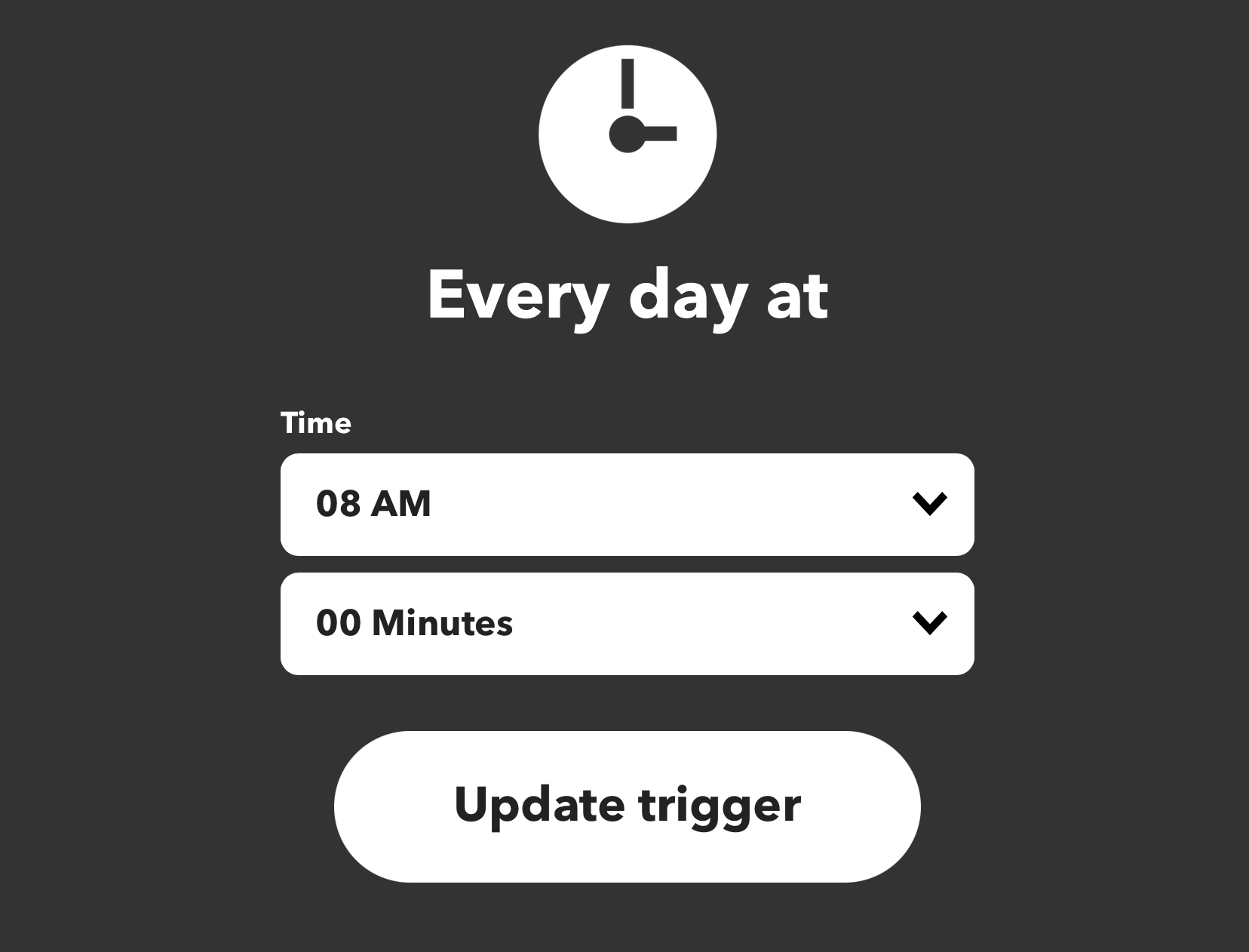
I created an “applet” on IFTTT that fires at 8AM every day:
And makes a web request to the deploy hook on Netlify.
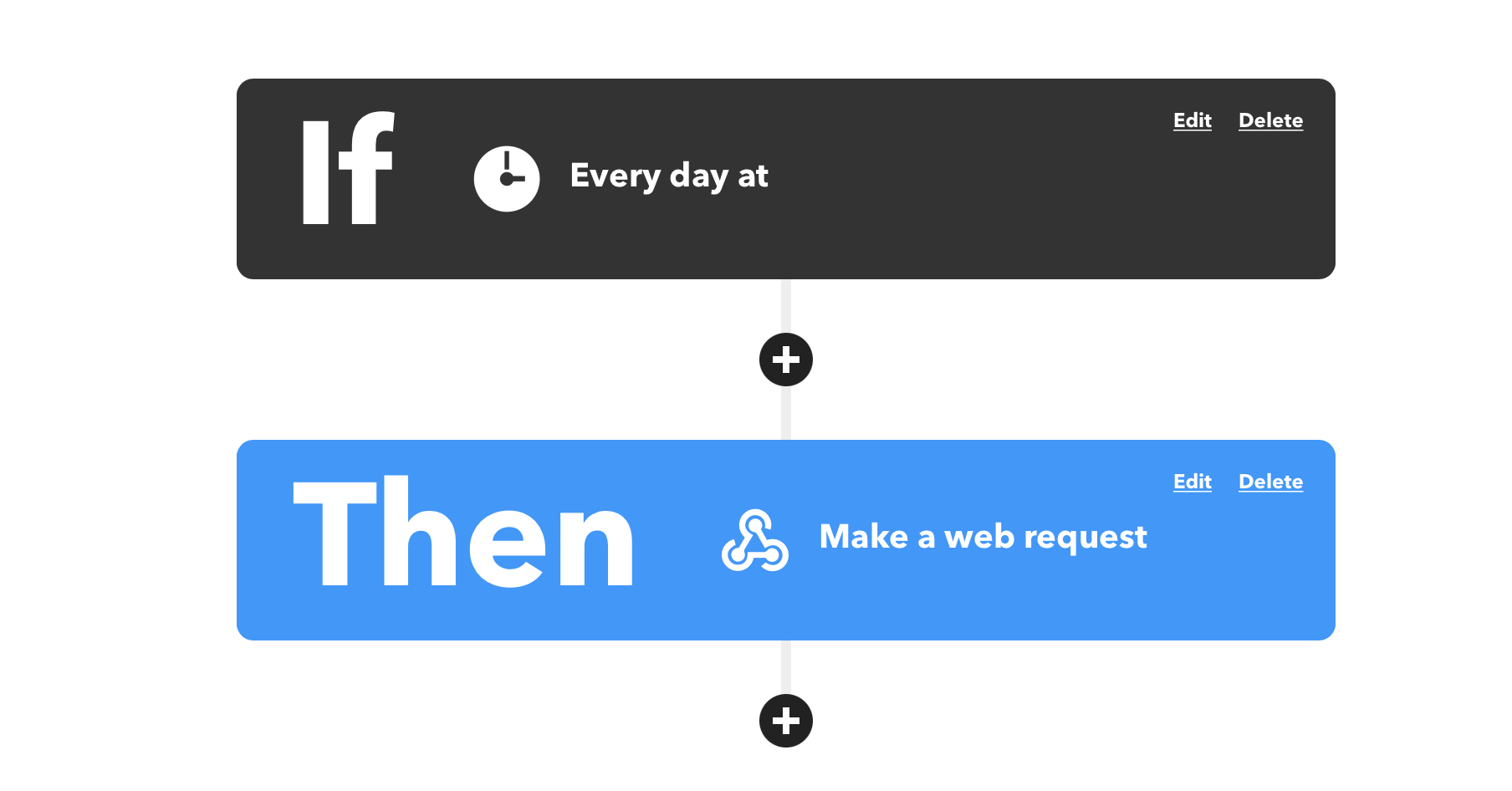

Whichever way you pick, the result is the same. I just create content, push it to GitHub with the scheduled date, and never deploy by hand again! 🎉 👨🏼💻
Want me to talk about your product? You can sponsor this site.
Related posts about services: