Build a language model on your Mac with Language Model Builder
By Flavio Copes
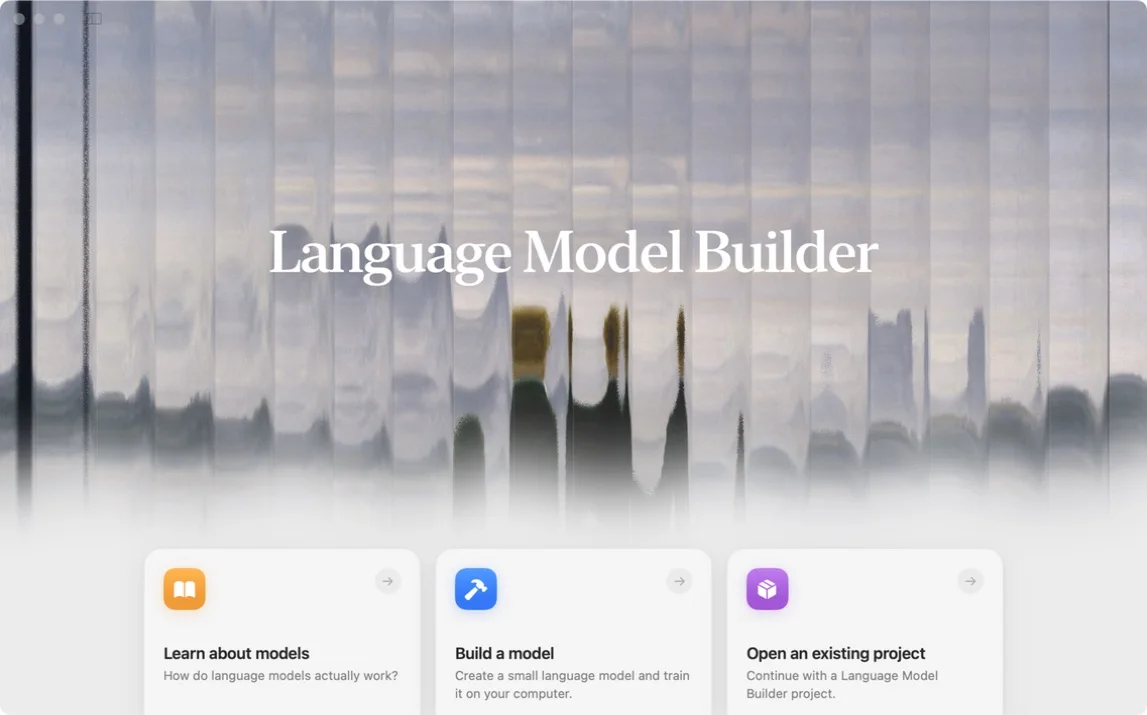
Language Model Builder teaches how LLMs work and lets you train a small GPT locally on an Apple Silicon Mac, without writing code.
Language Model Builder is a free macOS app that teaches you how language models work, then lets you train one yourself.
Everything happens on your Mac. You pick the data, watch the training run, fine-tune the result, and chat with the model you made. No Python, no cloud GPU, no machine learning background needed.
I really like this idea. Language models feel a lot less magical once you’ve watched each part do its job.
What is Language Model Builder?
Language Model Builder is an educational app created by Felix Rieseberg.
It has two parts. The first is an interactive introduction to language models. It takes about 90 minutes and covers next-token prediction, tokenization, embeddings, attention, transformers, training data, gradient descent, and fine-tuning.
The second is a native workbench where you put those ideas to work. You build a tokenizer, pick a dataset, start a training run, look at samples along the way, and talk to the finished model.
On the default path you create a small model from scratch and train its weights yourself, instead of downloading a finished chatbot and renaming it.
What do you need?
You need an Apple Silicon Mac running macOS 15 or later. The app uses MLX, Apple’s machine learning framework for Apple Silicon, so Windows, Linux, and Intel Macs are out for now.
The app is free, with no account and no subscription. Download the current build from the official website or from the GitHub releases.
Start with the interactive textbook
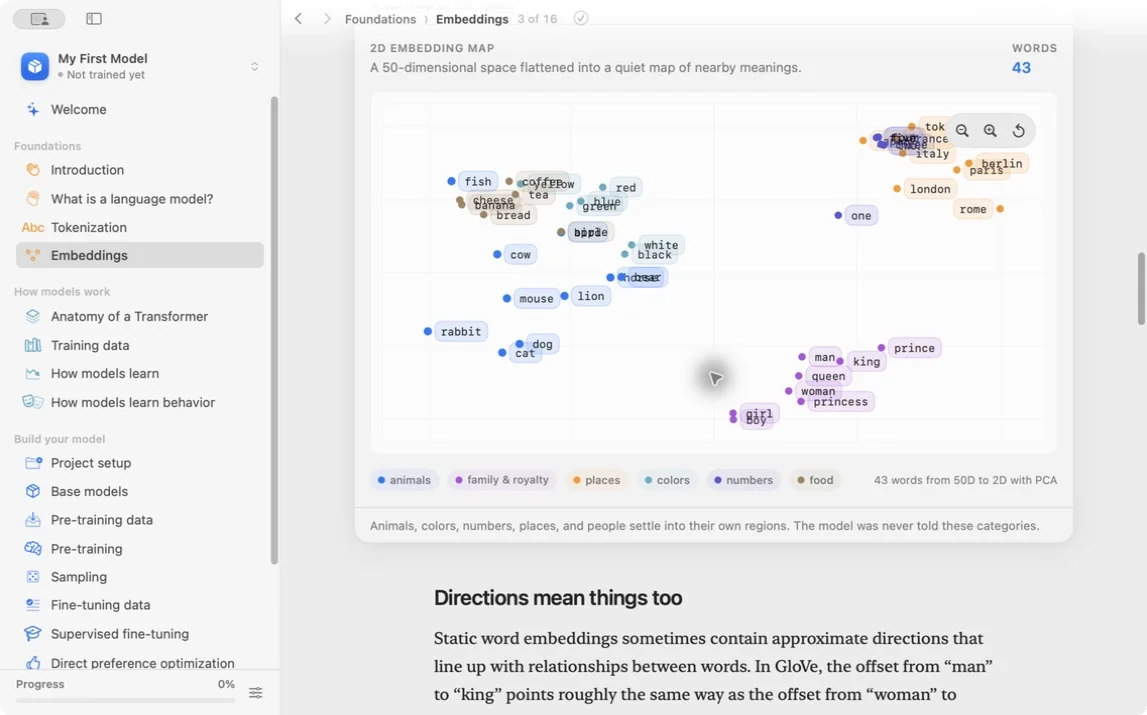
My advice is to resist the temptation to start training right away. Go through the introduction first. The lessons build the mental model you need to make sense of the training screens later.
It starts from one idea: a language model predicts what comes next. Then it walks through the pieces that make this possible.
Tokenization
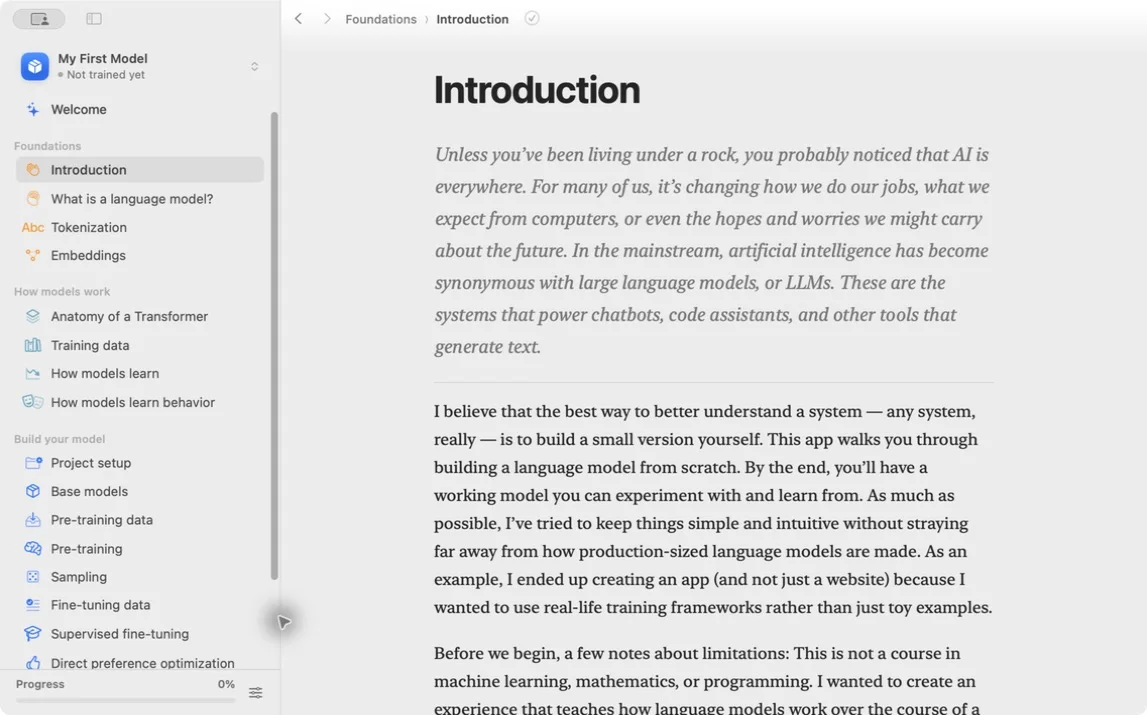
A model does not read text as words. It receives a list of numbers called tokens.
Tokenization turns text into those numbers. Different tokenizers split the same sentence in different ways, and that changes what the model sees and how efficiently it learns.
In most tools this is a hidden preprocessing step. Here you build the tokenizer yourself and look at what it does to your text.
Embeddings and attention
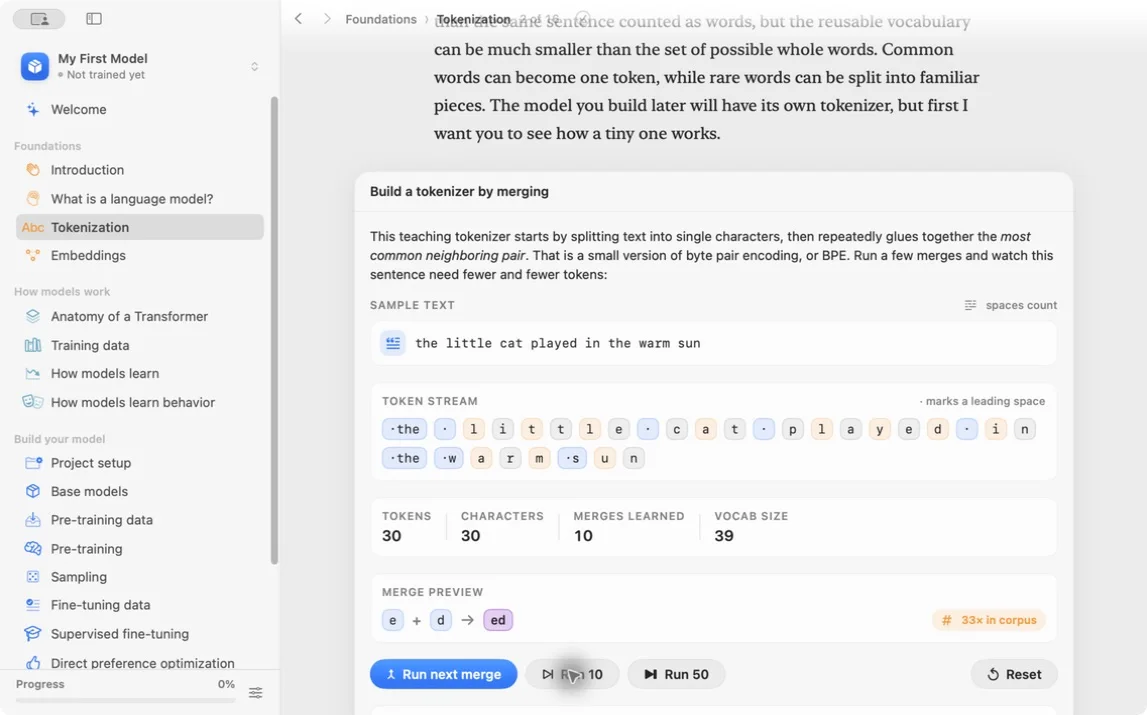
An embedding represents each token as a position in a large numerical space. Tokens used in similar ways can develop similar representations.
Attention lets each token look at the other tokens in its context. This is how the model connects a word to the earlier parts of a sentence.
The app has interactive playgrounds for both. You move around in embedding space and inspect attention weights, instead of only reading definitions.
The transformer
The transformer combines embeddings, attention, and other layers into the architecture behind modern language models.
You don’t need to memorize the equations. What matters for the second half of the app is understanding how information moves through the model and how a prediction turns into a training signal.
Build your model
The full from-scratch workflow looks like this:
- configure the tokenizer and model
- choose or import training data
- pre-train the model
- inspect samples and checkpoints
- run supervised fine-tuning
- optionally run direct preference optimization
- chat with the result
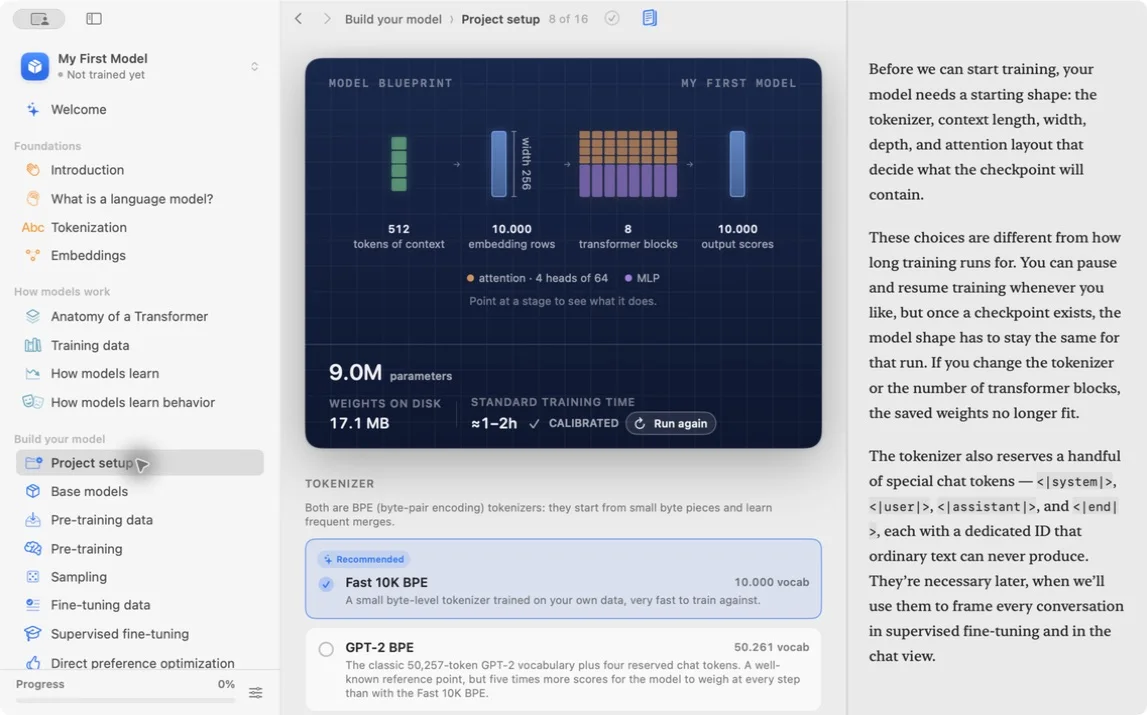
The Starter blueprint uses a 10,000-token BPE vocabulary, a 512-token context, 256-wide embeddings, eight transformer blocks, and four attention heads. On my M4 Pro, the app estimated one to two hours for its standard 20,000-step run.
You can also import a base model
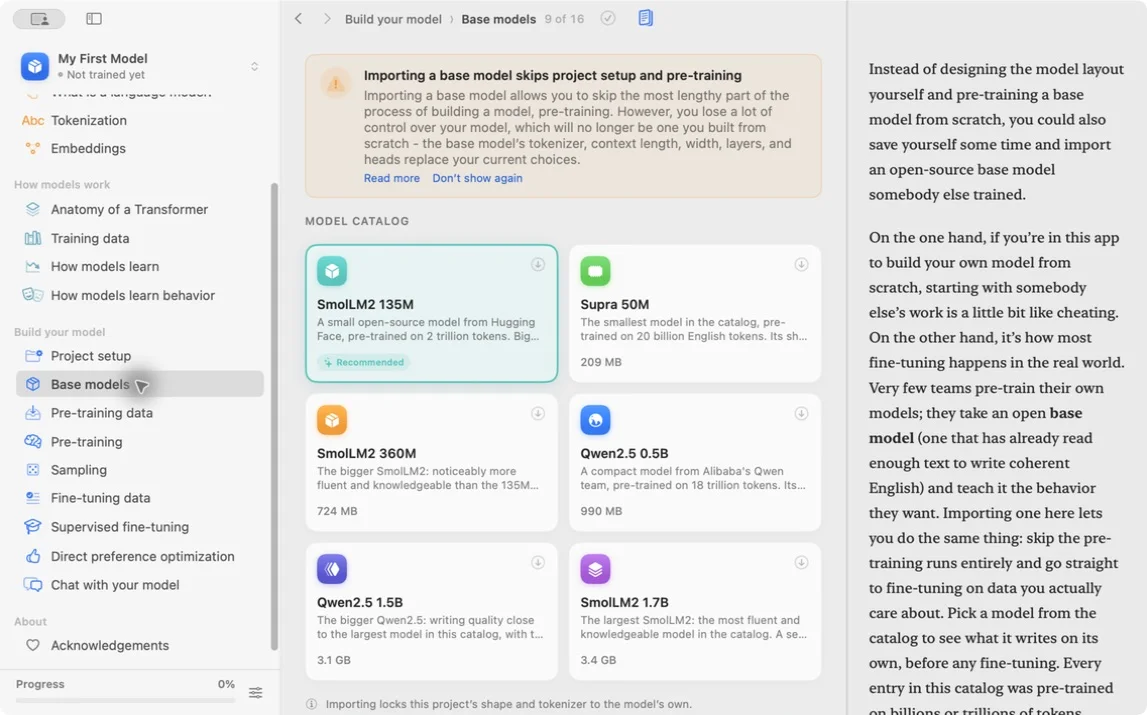
There is a shortcut. You can import an open base model and skip project setup and pre-training.
The catalog includes SmolLM2, Supra, and Qwen2.5 models. The smallest ones are easier to fine-tune. The larger ones need much more unified memory.
Importing locks the project’s architecture and tokenizer to the selected model. You can still run SFT, DPO, sampling, and chat.
This is how most real fine-tuning projects start. Still, if you want to understand the whole process, build the small model first.
Pre-training
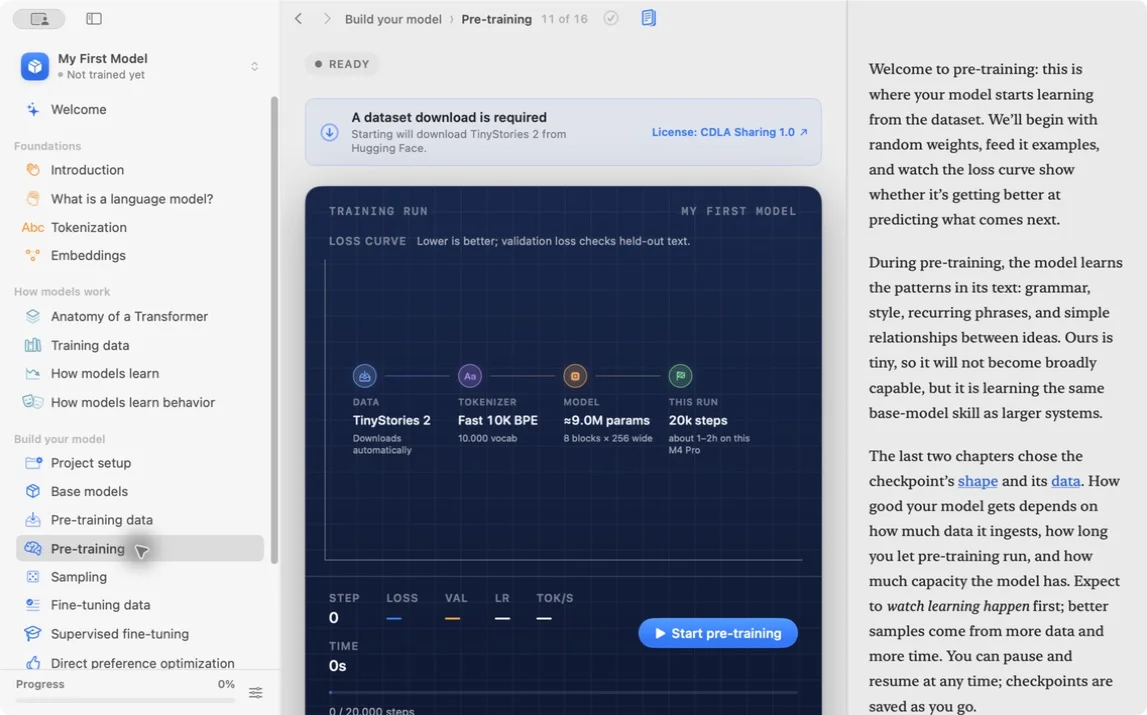
During pre-training, the model learns to predict the next token from a large text collection.
At first its output is mostly noise. Each training step compares its prediction with the correct token and adjusts the weights a little.
Language Model Builder plots the training and validation loss as the run progresses. A falling loss means the model is getting better at predicting the data.
You also see throughput, saved samples, and the checkpoint history. In a training script all of this is numbers scrolling by in a terminal. Here you can follow it.
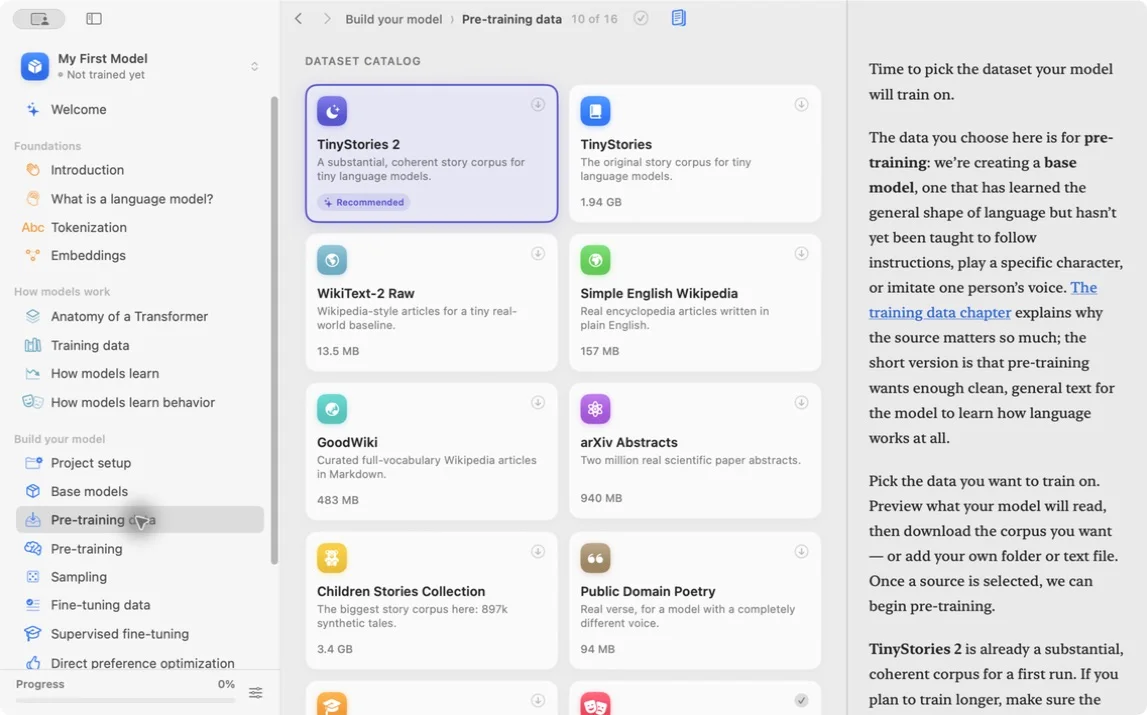
The app ships a catalog of datasets with explanations: TinyStories, WikiText, Simple English Wikipedia, arXiv abstracts, poetry, and other text collections. Each entry shows its size, source, license, and a preview. You can also bring your own text.
Be careful with data you did not create. A local training run does not remove copyright, privacy, or licensing concerns.
Checkpoints and sampling
Training can take hours or days, and you don’t have to sit through it in one session.
The app saves checkpoints, snapshots of the model’s weights. You can stop a run, close the app, and pick up from a checkpoint later.
You can also sample text while training. As training progresses, the output moves from random characters toward something that looks like language.
The sampling view has controls for temperature, top-k, top-p, and min-p, and it shows the token probabilities, so you can see why different settings produce different text.
Supervised fine-tuning
Pre-training teaches a model to continue text. It doesn’t teach it to answer a question like an assistant would.
Supervised fine-tuning, or SFT, trains the model on examples of prompts and good responses. This is the stage that teaches a base model what kind of response you want from it.
The app includes fine-tuning datasets with conversations, instructions, and math problems. You can also bring your own.
Direct preference optimization
Direct preference optimization, or DPO, teaches the model from comparisons. You give it a preferred answer and a rejected answer, and training pushes the model toward the preferred one.
Language Model Builder shows this as a ballot with two candidate answers, and you pick the better one. Casting those votes yourself shows you what preference data looks like.
For a first experiment, SFT is enough. Add DPO later when you want to see how preference data changes the result.
Chat with the model
The last step is chatting with what you built.
The chat interface has an X-ray view that shows the generated tokens, their probabilities, and the alternatives the model didn’t pick. I find this more useful than a normal chat window, because it keeps reminding you that the model produces one token at a time from a probability distribution.
You can export models in the safetensors format, so the weights can be loaded in other compatible tools.
What kind of model can you build?
Small ones. Language Model Builder trains educational models. Its website says the default settings can produce coherent, grammatical text in about a day.
The higher-end example it gives is a MacBook Pro with an M5 Max training a GPT-2-small-class model, around 100 to 150 million parameters, on a few billion tokens in about a week.
That is tiny next to current frontier models, and that’s fine. The goal is to find out what training a model involves, and small models are the right size for that. Their mistakes are easier to inspect, and experiments finish on hardware you already own.
Memory still matters. Model size is only part of the calculation, because training also needs memory for gradients, optimizer state, and intermediate values. If you want the basic model-memory math, read how much VRAM an LLM needs.
Does everything stay local?
Your projects, imported data, weights, prompts, preferences, and training results stay on your Mac. There is no account and no cloud training service.
A few network connections do happen. Dataset downloads go to their hosting service, such as Hugging Face. The direct-download version of the app checks for updates. Crash reports are sent only with your permission, and you can read them before they go out.
The privacy policy spells all of this out.
Who is this for?
Language Model Builder is for people who use language models every day without really knowing what happens inside, and who learn better by changing something and watching what happens. It also suits anyone who wants to experiment without assembling a Python toolchain or paying an API bill, and anyone who teaches AI concepts to other people.
It won’t train a production frontier model, and it only runs on recent Apple Silicon Macs. The app removes the setup work so you can watch each training stage and change its settings.
For a longer software-engineer walkthrough of training a small GPT on a Mac with Language Model Builder, see How to build an LLM from scratch.
Download Language Model Builder, go through the introduction, and train the smallest model first. Watching it go from nonsense to recognizable text teaches you more than another hour of reading about AI.
Want me to talk about your product? You can sponsor this site.
Related posts about ai: