How to remove all CSS from a page at once
By Flavio Copes
Learn how to strip all the CSS from a page at once by running one console command that selects every style and stylesheet link and calls remove() on each.
To remove all the CSS from a page at once, open the browser console and run this command:
document
  .querySelectorAll('style,link[rel="stylesheet"]')
  .forEach((item) => item.remove())
The page instantly renders as plain unstyled HTML. Here’s why I needed this, and how it works.
I wanted to see how a page looked like without CSS. It’s a great way to check the actual structure of your HTML. If the page is still readable and in a logical order with no styling, your markup is in good shape. That’s roughly what screen readers and some crawlers work with.
The manual way
One way I know is to open the DevTools, and in the Sources panel you’ll see the list of CSS files. You can remove the content in the CSS file in there, and the page will change. For example here’s my <thereactcourse.com> site.
It has 3 CSS files, and I can go and delete the whole content of one:
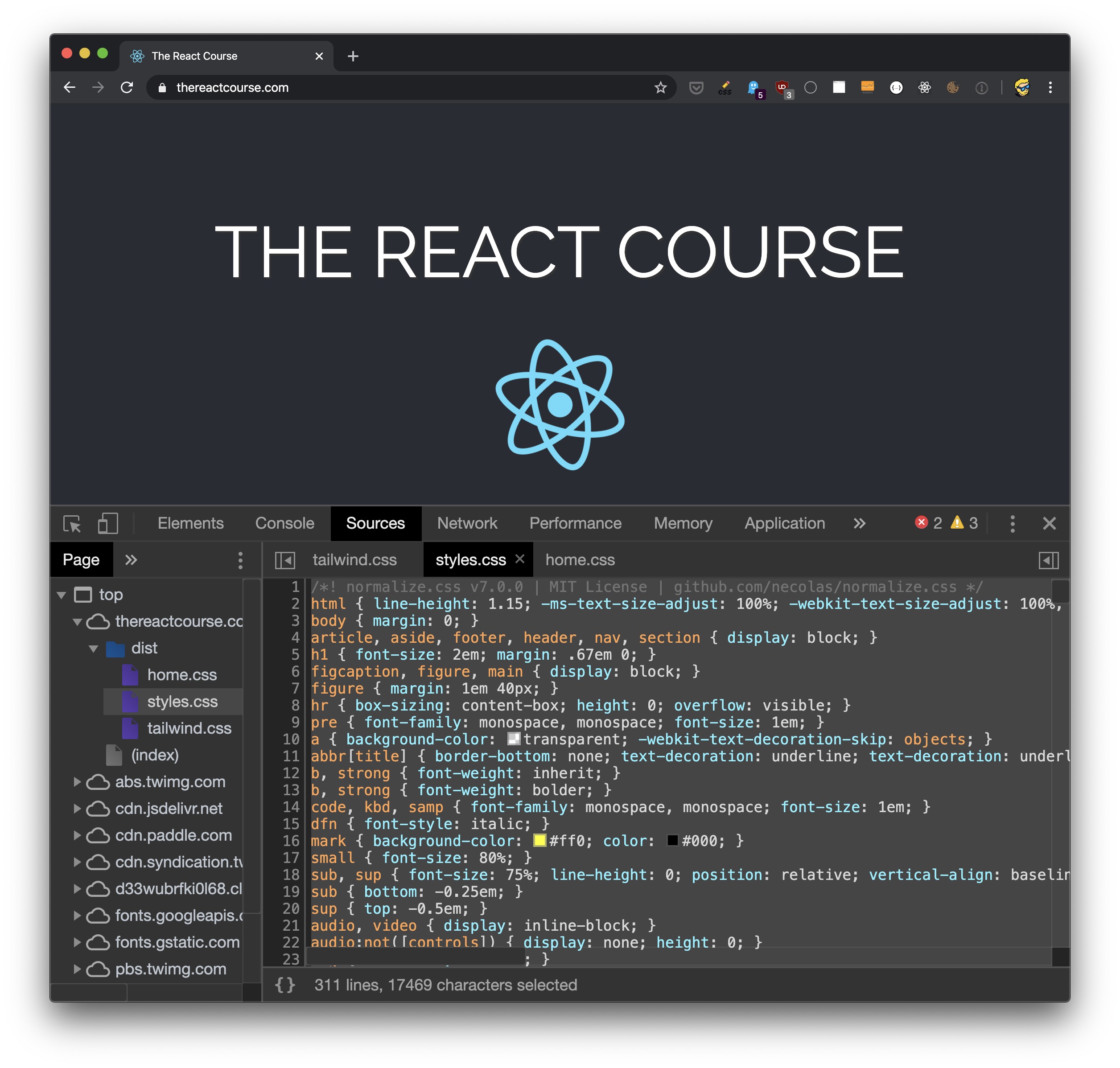
and this is what happens, the page changes because we removed the CSS:

Note that this just changes the browser’s version of the CSS, does not interact in any way with your file, even if it’s local
But some sites today embed the CSS in a style tag (including mine), and some have loads of CSS files scattered around, and it’s not practical to empty them one by one.
How the console command works
CSS reaches a page in two main ways: <link rel="stylesheet"> tags pointing to CSS files, and <style> tags with CSS written directly in the HTML.
The command selects both at once. querySelectorAll() accepts multiple selectors separated by a comma, so 'style,link[rel="stylesheet"]' matches every style element and every stylesheet link on the page.
Then forEach() goes through the matched elements and remove() deletes each one from the DOM. With the elements gone, the browser drops their rules and repaints the page unstyled.
Nothing is permanent here. Reload the page and all the CSS comes back.
The one thing it misses
There’s a third way CSS gets applied: inline style attributes on individual elements, like <div style="color: red">. Those are not style tags, so the command above leaves them untouched, and you may still see some styled elements.
To clear those too, run this after the first command:
document
  .querySelectorAll('[style]')
  .forEach((item) => item.removeAttribute('style'))
This selects every element with a style attribute and removes the attribute. Between the two commands, the page is fully unstyled.
Want me to talk about your product? You can sponsor this site.
Related posts about platform: