How to install Next.js
By Flavio
Learn how to install Next.js 16 with create-next-app, or manually with npm i next react react-dom, then start the App Router dev server.
To install Next.js, you need to have Node.js installed.
Next.js 16, the current major as I update this post (October 2026), needs Node.js 20.9 or newer. Check with node -v in your terminal. If you’re behind, install the current LTS from https://nodejs.org/.
After you install Node.js, you will have the npm command available into your command line.
If you have any trouble at this stage, I recommend the following tutorials I wrote for you:
- how to install Node.js
- how to update Node.js
- An introduction to the npm package manager
- Unix Shells Tutorial
- How to use the macOS terminal
- The Bash Shell
The recommended way: create-next-app
The quickest way to start a Next.js app is the official create-next-app tool. Run it with npx, so you always get the latest version without installing anything globally:
npx create-next-app@latest my-appIt asks you a few questions: TypeScript or not, which linter (ESLint, Biome or none), Tailwind CSS, a src/ folder, the App Router, Cache Components, Agent feedback, the import alias. Answer “Yes, use recommended defaults” to the first one and you skip all of them.
You can also skip the questions from the command line:
npx create-next-app@latest my-app --yes--yes picks the defaults: TypeScript, ESLint, no React Compiler, Tailwind CSS, no src/ folder, the App Router, Cache Components, the @/* import alias, an AGENTS.md file, and Agent feedback. One thing to know: create-next-app remembers the answers you gave last time, and --yes reuses those instead of the defaults.
Then go into the folder and start the development server:
cd my-app
npm run dev
Open http://localhost:3000 in your browser to see the app. next dev uses Turbopack as the bundler by default, so you don’t need to pass any flag for that.
Manual install
If you want to wire the packages yourself, to understand what create-next-app does for you, create an empty folder anywhere you like, for example in your home folder, and go into it:
mkdir my-app
cd my-app
Now use the npm command to initialize it as a Node project:
npm init -yThe -y option tells npm to use the default settings for a project, populating a sample package.json file (see my tutorial on it).
Now install Next.js and React:
npm i next@latest react@latest react-dom@latestOpen the project folder using your favorite editor. Mine is VS Code. If you have that installed, you can run code . in your terminal to open the current folder in the editor.
Open package.json and replace the scripts section with:
"scripts": {
  "dev": "next dev",
  "build": "next build",
  "start": "next start"
}
These are the Next.js build commands, which we’re going to use soon.
Next.js uses the App Router by default: pages live in the app folder. Create app/page.js, and in it your first React component, used as the default export:
export default function Home() {
  return (
    <div>
      <h1>Home page</h1>
    </div>
  )
}
Now using the terminal, run npm run dev to start the Next development server.
This will make the app available on port 3000, on localhost. A single app/page.js is enough to get started, you’ll add a root app/layout.js when you need a shared <html> and <body> wrapper. (Next.js 16 also drops an AGENTS.md and a CLAUDE.md file in the project on first run, for coding agents. Set agentRules: false in next.config.js if you don’t want them.)
Open http://localhost:3000 in your browser to see it.
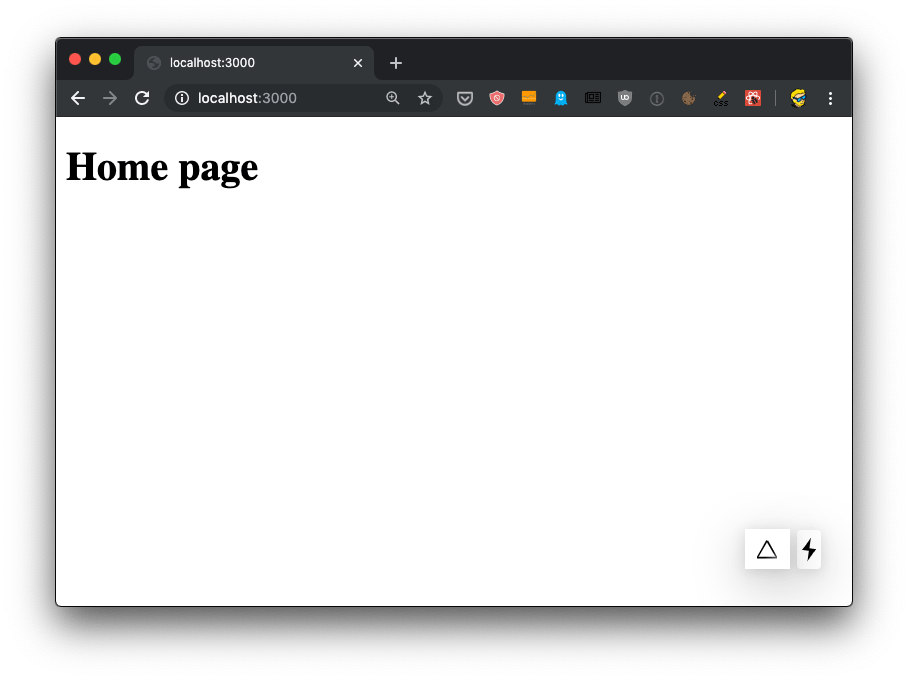
(The screenshot is from the first version of this post, a Next.js 9 project with the Pages Router and a pages/index.js file instead of app/page.js. The flow is the same: install, add a page, run npm run dev.)
Want me to talk about your product? You can sponsor this site.
Related posts about next: