Linux commands: passwd
By Flavio Copes
Learn how the Linux passwd command changes your password through an interactive prompt, and how root can set another user's password without the old one.
~~~
Users in Linux have a password assigned. You can change the password using the passwd command.
There are two situations here.
The first is when you want to change your password. In this case you type:
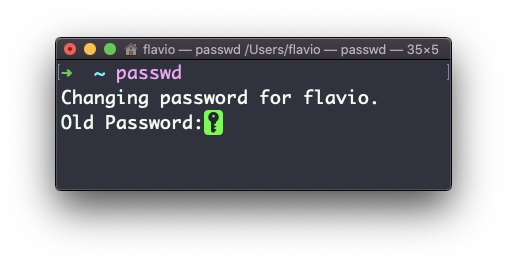
passwdand an interactive prompt will ask you for the old password, then it will ask you for the new one:
When you’re root (or have superuser privileges) you can set the username of which you want to change the password:
passwd <username> <new password>In this case you don’t need to enter the old one.
The
passwdcommand works on Linux, macOS, WSL, and anywhere you have a UNIX environment
~~~
Related posts about cli: