How to update Pi-hole
By Flavio
Tagged: Networking
Learn how to update Pi-hole on your Raspberry Pi by running the pihole -up command over SSH, and how to automate it on a schedule with a cron job.
To update Pi-hole, log in to the machine that runs it and run pihole -up in the terminal. There’s no update button in the web interface: the update has to happen from the command line.
I installed my Raspberry Pi as a network-wide adblocker with Pi-hole.
It works great.
Sometimes it’s necessary to update the Pi-hole software because new releases are available. Updates bring bug fixes and security patches, and since Pi-hole handles the DNS for your whole network, you want to stay current.
You will see this notice at the bottom of the Pi-hole admin interface:
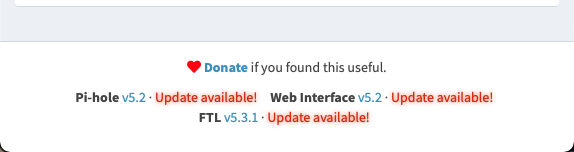
That footer tracks the three components Pi-hole is made of: the core scripts, the web interface, and FTL, the DNS engine. Each one has its own version, and pihole -up updates all of them in one go.
Running the update
Log in to the Raspberry Pi, using VNC or SSH, and then run:
pihole -up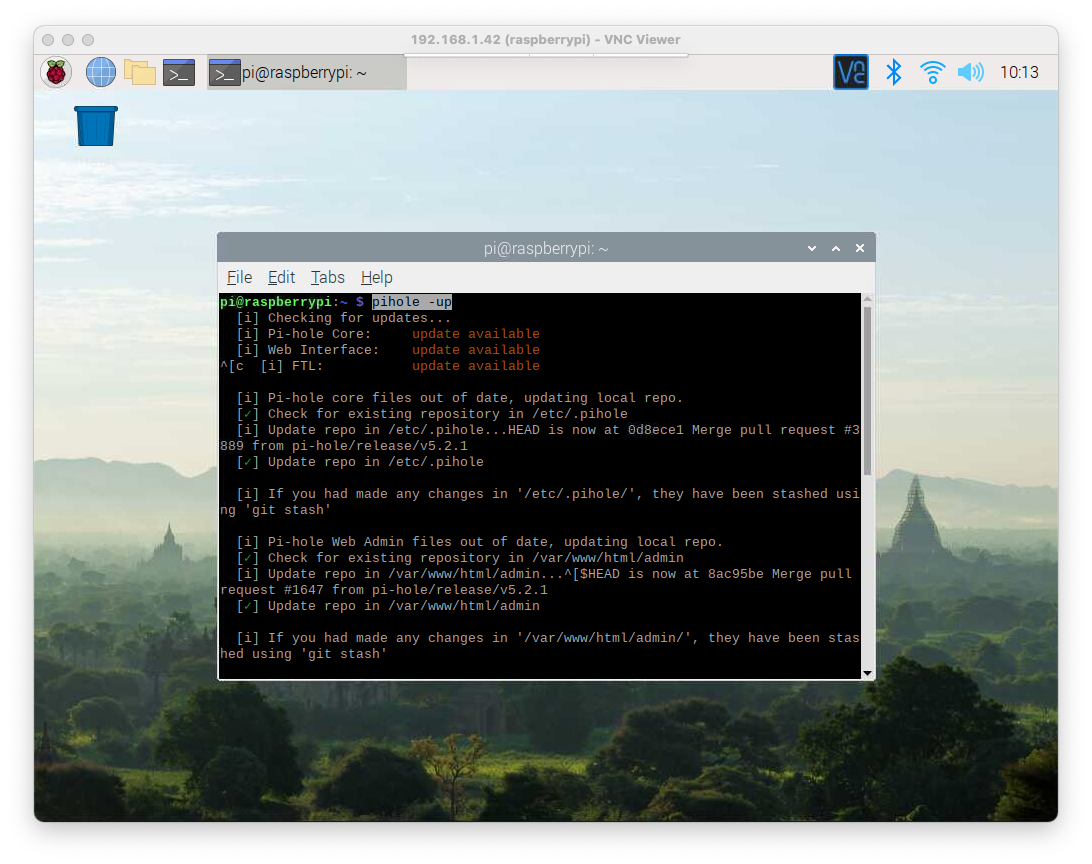
The command checks each component, downloads the new versions, and restarts the DNS service. If everything is already current, it tells you so and exits without changing anything, so running it “just in case” is harmless.
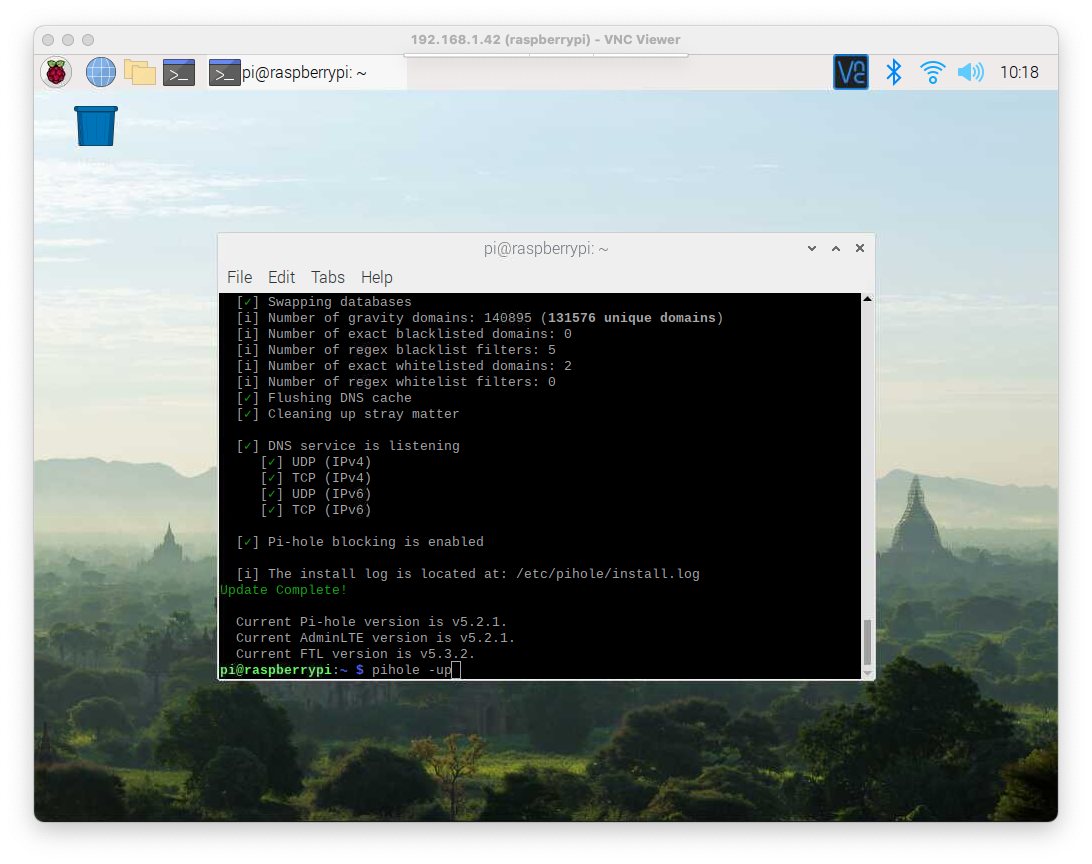
And the version will be updated:
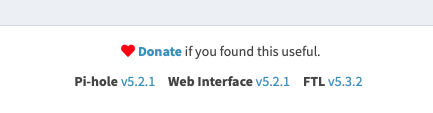
You can also check the installed versions from the terminal with pihole -v.
Updating automatically with cron
You can set up a script to run pihole -up from time to time automatically, using a cron job.
Run sudo crontab -e (the update needs root privileges, so put it in root’s crontab) and then at the bottom add:
0 6 * * * pihole -upto run it every day at 6am.
One warning about this. Major Pi-hole releases occasionally change things that need your attention, and a cron job runs unattended. If ads start slipping through or DNS stops resolving after an automatic update, SSH in and look at the output of pihole -up yourself. Running pihole -r and choosing the repair option fixes most broken installs.
For me the convenience wins, but glance at the admin interface every now and then to check everything is healthy.
Want me to talk about your product? You can sponsor this site.
Related posts about network: