How to fix the Chrome blue noise/lines rendering problem
By Flavio Copes
How to fix the blue lines and noise rendering glitch in Chrome on macOS by turning off the Use hardware acceleration when available option in settings.
I had this problem today - I woke my computer (MacBook Pro 16” 2019) from sleep and I saw this:
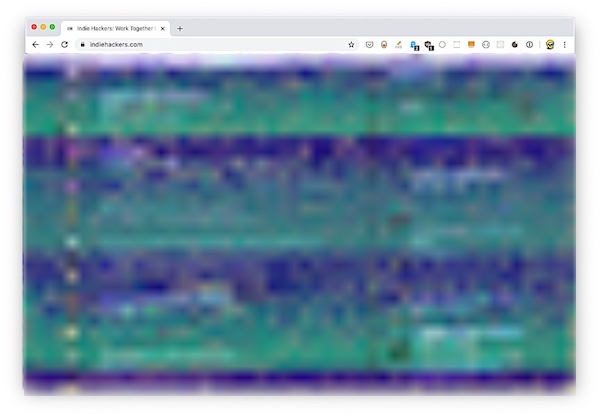
Weird, right?
I reloaded the page - same thing.
I remembered I had the same problem a few weeks ago.
Back then I rebooted, and the problem went away. But I don’t like rebooting. If I can, I go months without rebooting.
So I tried closing Chrome - no fix.
I also noticed the problem manifested on an Electron based app, Workflowy.
But it didn’t happen for all Chrome tabs.
So I tweeted the problem, and a kind random Internet person told me to disable hardware acceleration in the Chrome settings.
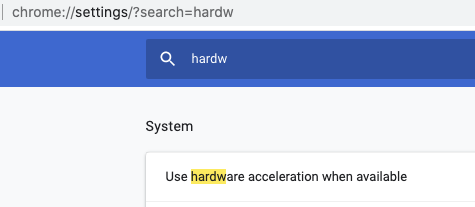
So I went and found the “Use hardware acceleration when available” option and I disabled it, restarted chrome, and the problem went away:
I then re-enabled that, until the next time I’ll see this problem.
Hardware acceleration exists for a reason, and that’s to make browsing faster, since Chrome can take advantage of the powerful GPU to render animations, for example, and to enable WebGL.
It has been reported through the Google Support channels but so far no fix.
Related posts about platform: