Fetching data from the network in Astro
By Flavio Copes
Learn how to fetch data from the network in Astro at build time, using fetch() and top-level await inside a component's frontmatter, with no async wrapper.
One thing I really like about Astro is the frontmatter.
We can put any JavaScript in there, and one of the most useful things we can do is to fetch data at build time.
We do so using fetch(), the Fetch API.
The nice thing about Astro is that it makes it possible to use top-level await in the frontmatter, so we don’t have to do anything fancy like an IIFE or calling an async function in order to use fetch(), which is a promise-based API.
In other words, you can use await directly:
---
const res = await fetch('https://api.sampleapis.com/coffee/hot')
const data = await res.json()
---
<ul>
  {data.map(item => (
    <li>{item.title}</li>
  ))}
</ul>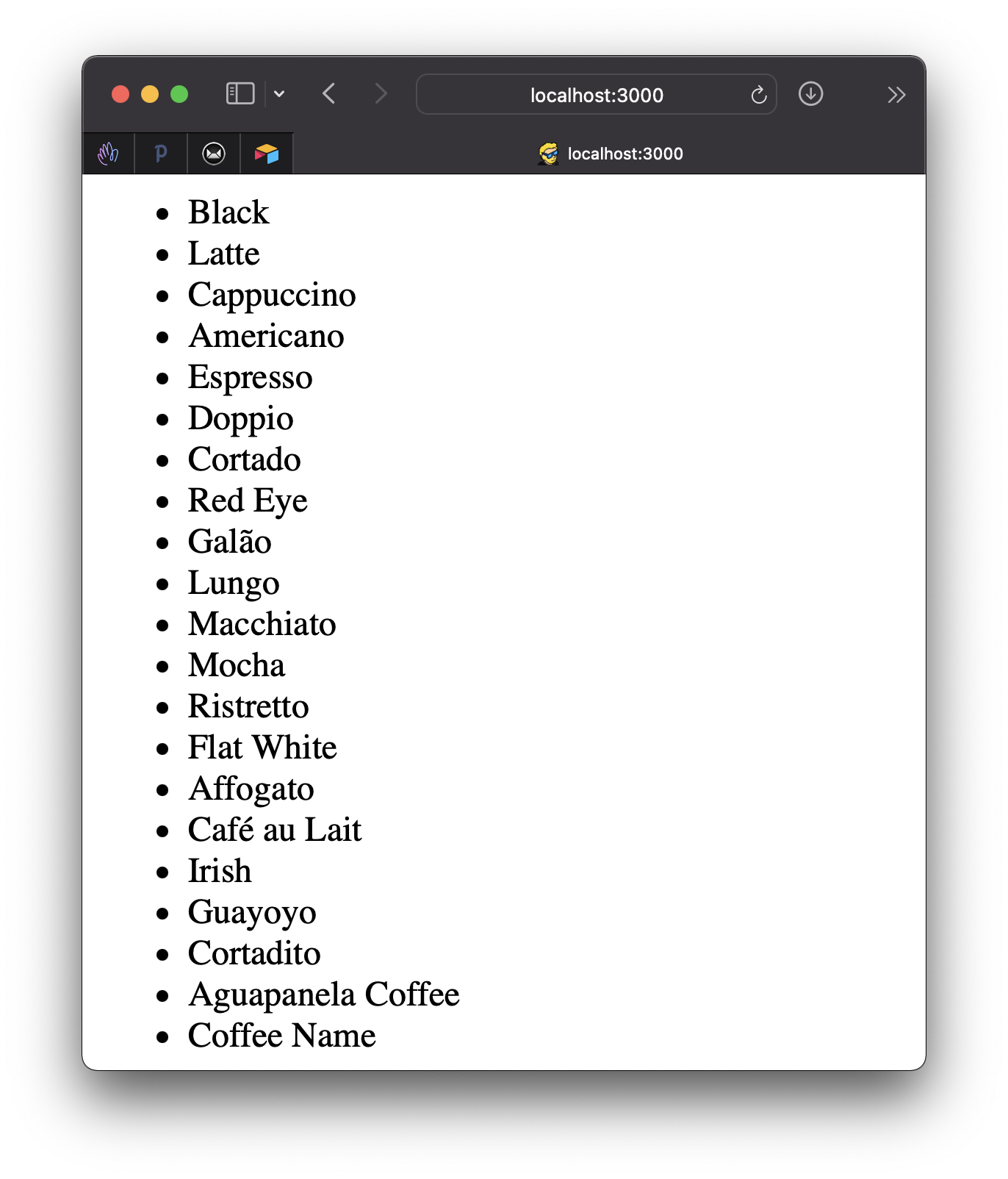
It’s worth mentioning again that this network request is made at build time, so it’s done just once when the site is deployed.
And of course when it’s deployed again.
So any time we make a change in the API, if you want the site to show the new data, you have to trigger a rebuild which is something all platforms offer via webhooks.
Want me to talk about your product? You can sponsor this site.
Related posts about astro: