# I built vimeo-cli, a command line tool for Vimeo

> vimeo-cli is my free, open source command line tool for Vimeo. One command uploads a video, applies the player preset I use on every video, and prints the link to share.

Author: [Flavio Copes](https://flaviocopes.com/about/) | Published: 2026-10-05 | Topics: [News](https://flaviocopes.com/tags/news/) | Canonical: https://flaviocopes.com/vimeo-cli/
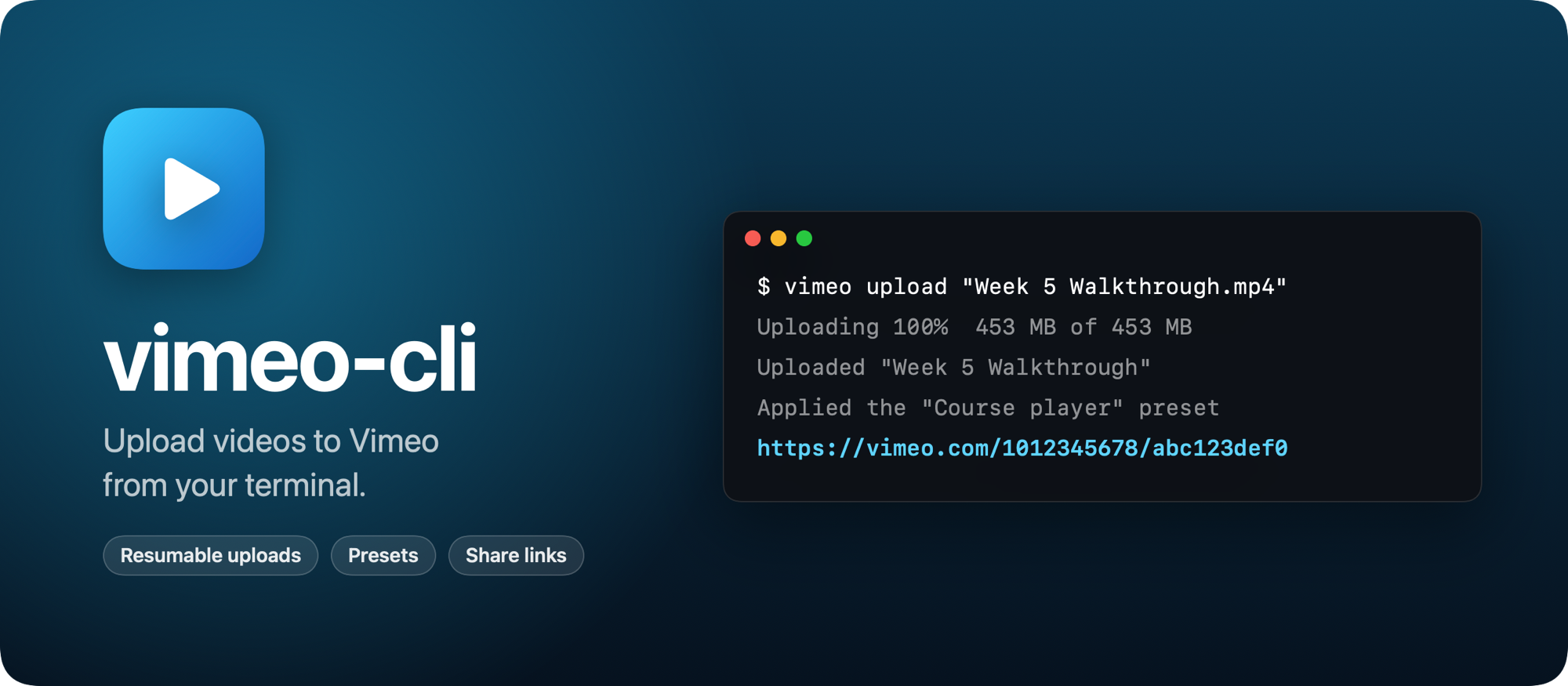
![vimeo-cli, upload videos to Vimeo from your terminal](https://flaviocopes.com/images/vimeo-cli/banner.png)

I built vimeo-cli, a free and open source command line tool for Vimeo. One command uploads a video, applies the player appearance preset I use on every video, and prints the link to share.

```sh
vimeo upload "Week 5 Walkthrough.mp4"
```

Here's how it works in 30 seconds:

<video controls playsinline preload="metadata" poster="/images/vimeo-cli/demo-poster.jpg" width="1920" height="1080" style="width: 100%; height: auto;">
  <source src="https://flaviocopes.com/images/vimeo-cli/demo.mp4" type="video/mp4" />
</video>

I host the lesson videos of my bootcamp on Vimeo, and every week has new ones. Uploading one on vimeo.com means dragging the file into the browser, waiting for the upload, opening the player settings to pick my preset, and copying the link. Vimeo doesn't have an official command line tool, so I made one.

The first real video I uploaded with it was the walkthrough for week 5 of the bootcamp: 453 MB in about 80 seconds, with my preset applied, and the link ready to paste in the course page.

## Upload a video, get the link

The title comes from the file name, so this video is called "Week 5 Walkthrough". While it uploads you see the progress, and at the end, the link:

```
Uploading 100%  453 MB of 453 MB
Uploaded "Week 5 Walkthrough"
Applied the "Course player" preset
https://vimeo.com/1012345678/abc123def0
```

The link is the only thing printed on stdout. The progress and the other messages go to stderr, so a script can save the link in a variable:

```sh
link=$(vimeo upload week5.mp4 --name "Week 5: Recipe Finder")
```

You can also set the description and who can watch it. `--privacy` takes `public`, `unlisted`, `private`, `password` or `hidden`. When the video is unlisted, the link includes its private hash, so it works for anyone you send it to.

## The same preset on every video

A Vimeo appearance preset is a saved set of player settings: the colors, the logo, which buttons show up. I apply the same one to every course video, and I didn't know if the API could do that.

It can. The API calls them embed presets, and it can attach one to a video. So vimeo-cli lists your presets and lets you save one as the default:

```sh
vimeo presets
vimeo config set preset "Course player"
```

From then on, every upload gets it. The CLI looks the preset up before it starts uploading, so a typo fails right away, not after a 2 GB upload. A default folder and privacy work the same way, and `vimeo preset <video>` applies the default preset to a video you uploaded before.

## Managing your videos

Once a video is on Vimeo, the CLI can find it and change it. Every command takes the video ID or any Vimeo link to it:

```sh
vimeo list --query "recipe"
vimeo link 1012345678
vimeo edit 1012345678 --name "Week 5: Recipe Finder" --privacy unlisted
vimeo move 1012345678 "Bootcamp 2026"
vimeo replace 1012345678 week5-fixed.mp4
vimeo wait 1012345678
```

`replace` uploads a new file for a video and keeps its link, so a fixed recording doesn't break the pages that embed the old one. `wait` checks every 10 seconds until Vimeo has processed the video and it's ready to play. There's also `embed` for the `<iframe>` code, `info`, `folders` and `delete`, which only deletes when you add `--yes`.

## Letting agents upload videos

I wanted my coding agents to upload videos too, so every command that prints data takes `--json`, and errors exit with a non-zero code and a message that says what to do next.

Agents can also run `vimeo capabilities --json` to learn what the tool can do, without a token or a network connection. It's the same command all my command line tools answer, and [CLI Tools](https://flaviocopes.com/cli-tools/) collects them, so an agent on my Mac finds the right tool for a task with one command.

That week 5 upload went this way: I asked my agent to upload the file and apply my preset, and it came back with the link.

## How it works

vimeo-cli is written in Rust, so it's one small binary with nothing else to install.

Uploads use Vimeo's resumable [tus](https://tus.io) protocol. The CLI asks the API to create the video, then sends the file to the upload link in 128 MB chunks. When a chunk fails because of a network problem, it asks Vimeo how many bytes arrived and continues from there.

The API doesn't take your Vimeo password. You create a personal access token once on Vimeo's developer site, and `vimeo login` checks it and saves it in a config file only your user can read. The login screen shows where to get the token and which permissions to tick, and it tells you when one is missing.

## Get it

The code is on GitHub at [flaviocopes/vimeo-cli](https://github.com/flaviocopes/vimeo-cli), MIT licensed.

On a Mac, download it from the [latest release](https://github.com/flaviocopes/vimeo-cli/releases/latest), or from the terminal:

```sh
curl -LO https://github.com/flaviocopes/vimeo-cli/releases/latest/download/vimeo-macos.zip
unzip vimeo-macos.zip
sudo mkdir -p /usr/local/bin
sudo mv vimeo/vimeo /usr/local/bin/
```

It runs on macOS 11 Big Sur or later, on Apple silicon and Intel Macs. It's signed with my Apple Developer ID and notarized by Apple, so macOS runs it without warnings. On Linux and Windows, install it with Cargo, Rust's package manager:

```sh
cargo install --git https://github.com/flaviocopes/vimeo-cli
```

Then run `vimeo login`. The [README](https://github.com/flaviocopes/vimeo-cli#readme) covers every command and option.
