# How to use PHP Cookie-based Sessions
> Learn how to use cookie-based sessions in PHP with session_start, store data server-side in $_SESSION, and clear it with session_unset.
Author: [Flavio Copes](https://flaviocopes.com/about/) | Published: 2022-09-01 | Topics: [PHP](https://flaviocopes.com/tags/php/) | Canonical: https://flaviocopes.com/php-sessions/
One very interesting use case for cookies is cookie-based sessions.
PHP offers us a very easy way to create a cookie-based session using `session_start()`.
Try adding
```php
```
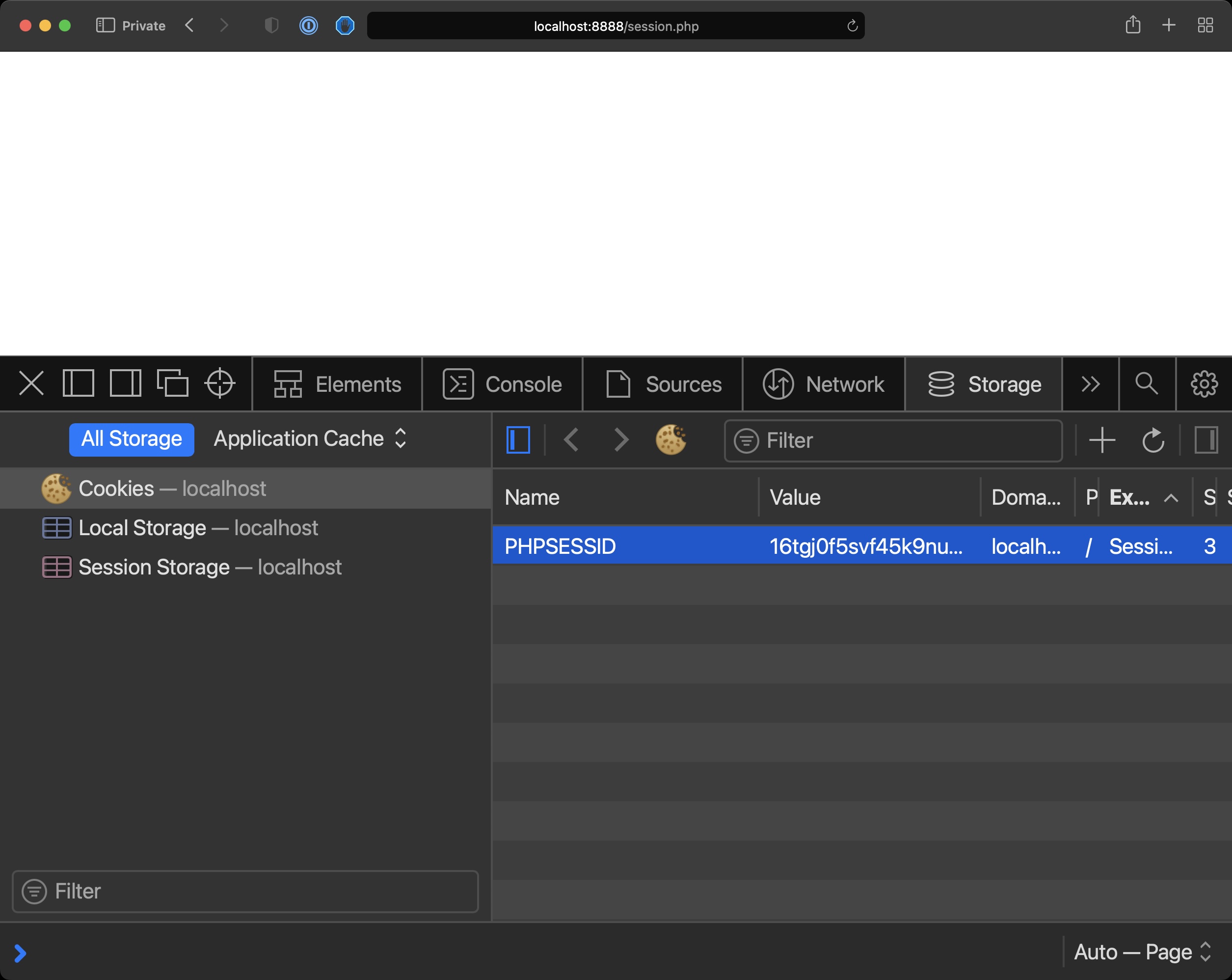
in a PHP file, and load it in the browser.
You will see a new cookie named by default `PHPSESSID` with a value assigned.
That’s the session ID. This will be sent for every new request and PHP will use that to identify the session.
Similarly to how we used cookies we can now use `$_SESSION` to store the information sent by the user, but this time it’s not stored client-side.
Only the session ID is.
The data is stored server-side by PHP.
```php
Hello ' . $_POST['name'];
} else {
if (isset($_SESSION['name'])) {
echo 'Hello ' . $_SESSION['name'];
}
}
?>
```
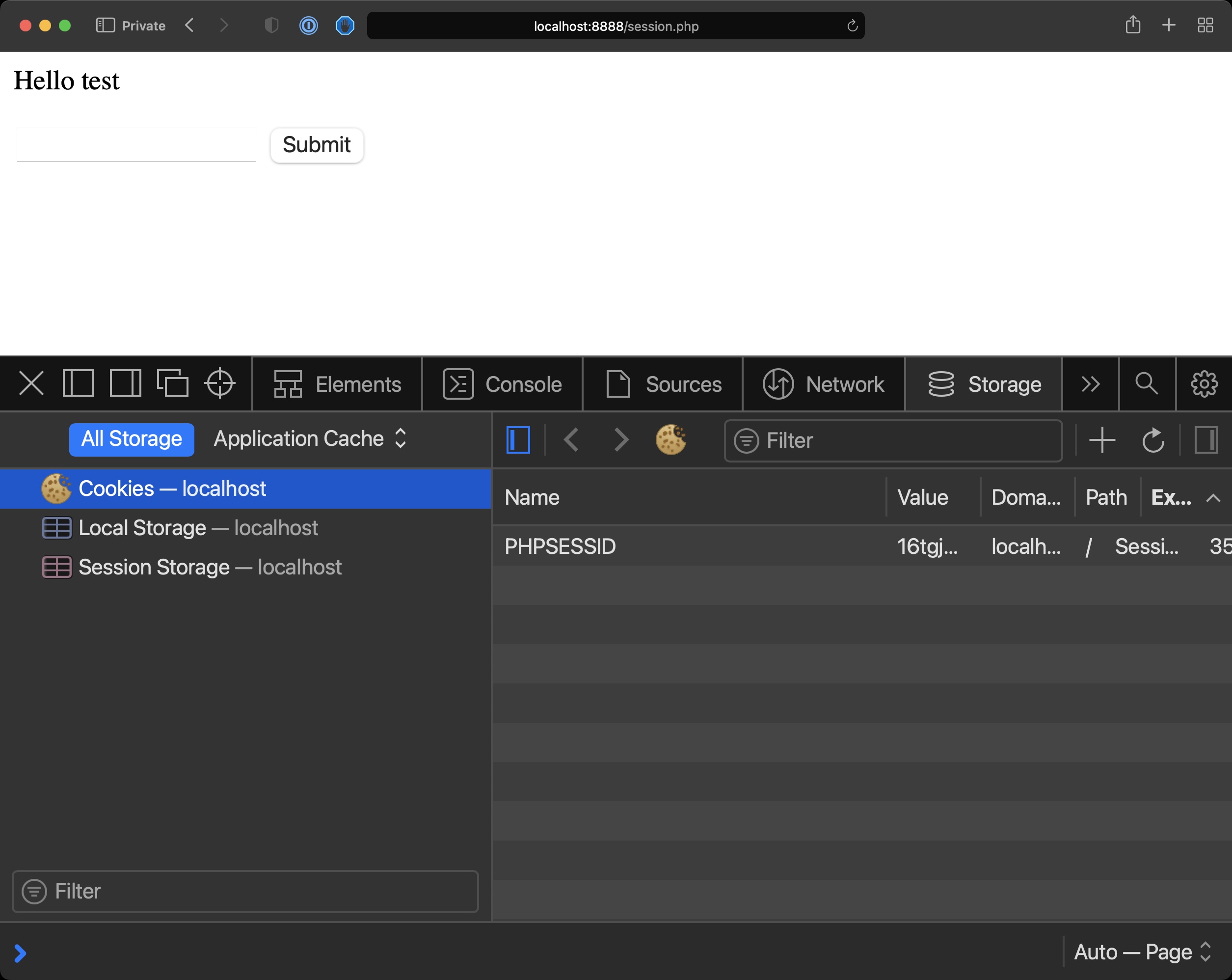
This works for simple use cases, of course for intensive data you will need a database.
To clear the session data you can call `session_unset()`.
To clear the session cookie use:
```php
setcookie(session_name(), '');
```