# How to use forms in PHP
> Learn how to handle forms in PHP, reading submitted data from the $_GET and $_POST superglobals and moving the form handler into a separate post.php file.
Author: [Flavio Copes](https://flaviocopes.com/about/) | Published: 2022-08-29 | Topics: [PHP](https://flaviocopes.com/tags/php/) | Canonical: https://flaviocopes.com/php-forms/
Forms are the way the Web platform allows users to interact with a page and send data to the server.
Here is a simple form in HTML:
```php
```
You can put this in your `index.php` file like it was called `index.html`.
A PHP file assumes you write HTML in it with some “PHP sprinkles” using ``, so the Web Server can post that to the client. Sometimes the PHP part takes all of the page, and that’s when you generate all the HTML via PHP - it’s kind of the opposite of the approach we do here now.
So we have this `index.php` file that generates this form using plain HTML:
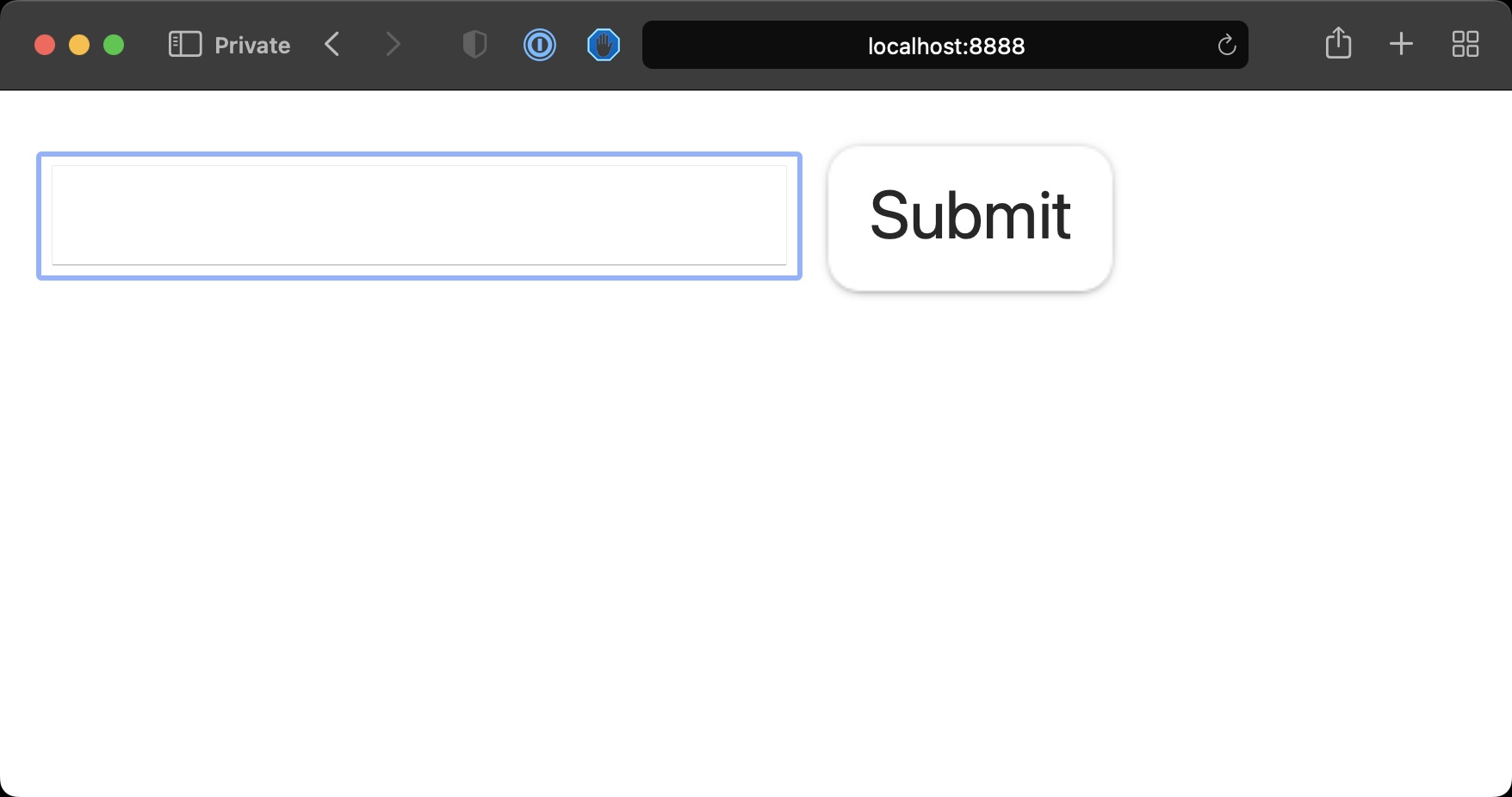
Pressing the Submit button will make a GET request to the same URL sending the data via query string, notice the URL changed to [localhost:8888/?name=test](http://localhost:8888/?name=test)
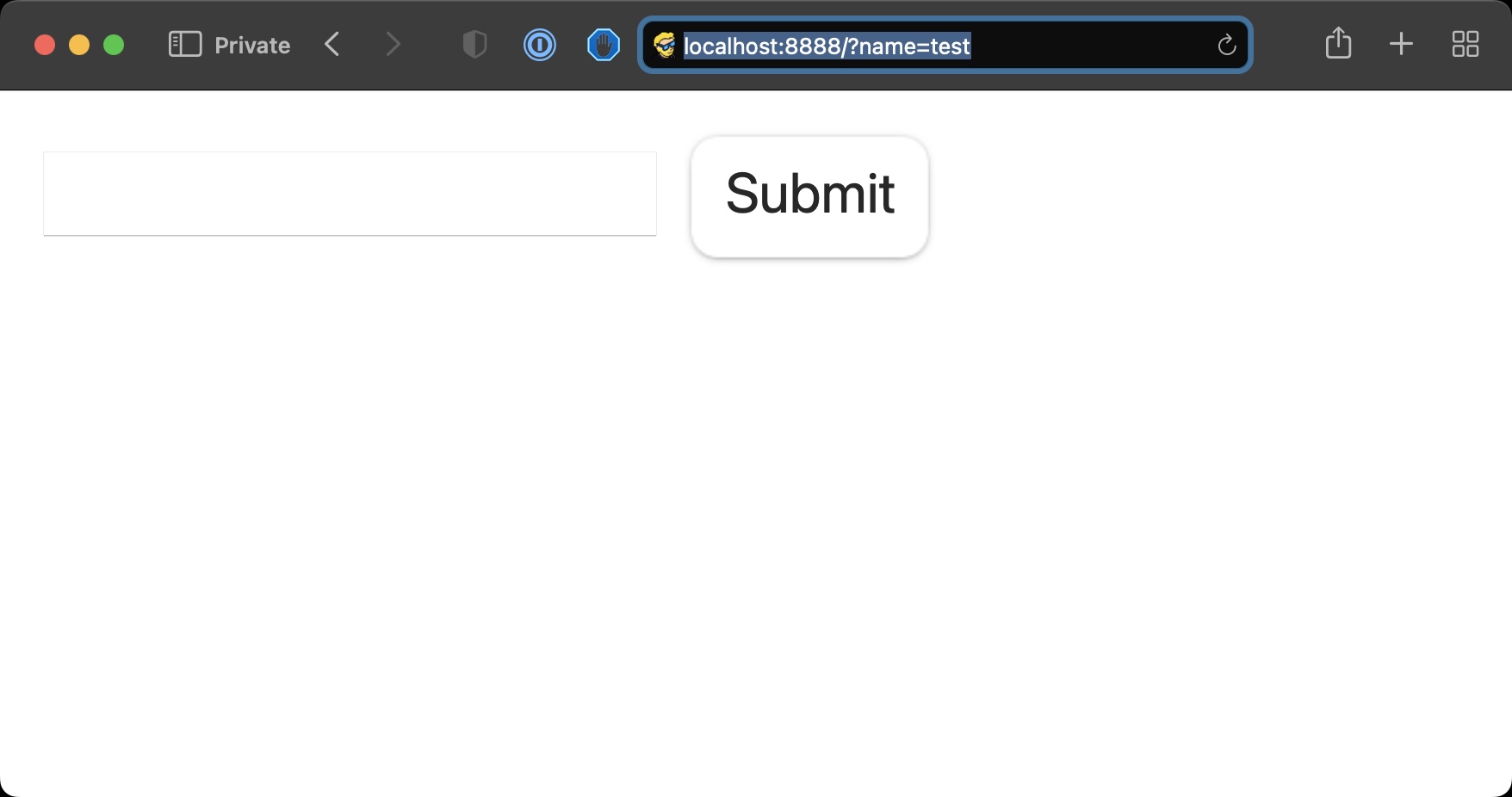
We can add some code to check if that parameter is set using the [`isset()`](https://www.php.net/manual/en/function.isset.php) function
```php
The name is ' . $_GET['name'];
}
?>
```
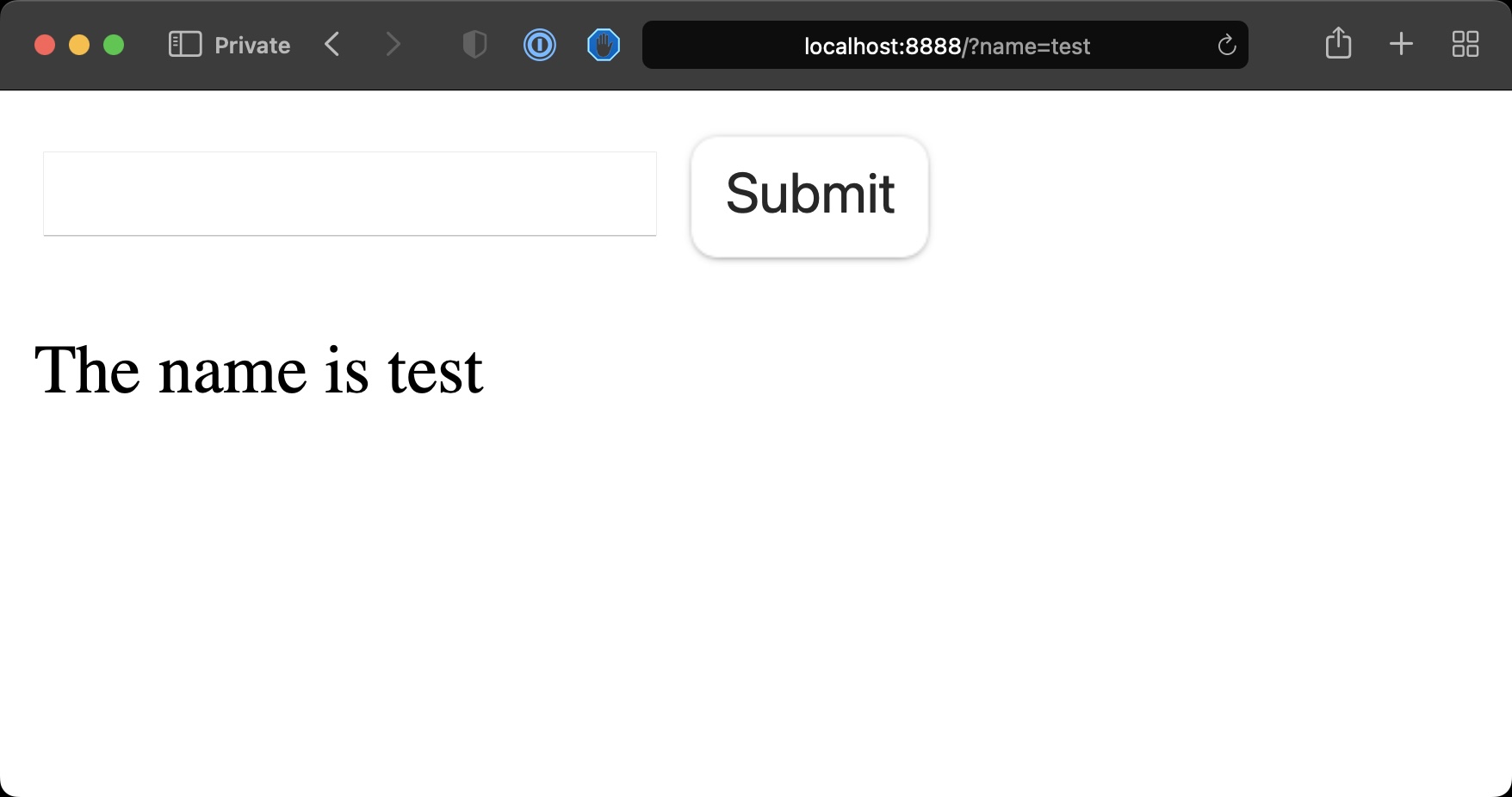
See? We can get the information from the [GET request](https://developer.mozilla.org/en-US/docs/Web/HTTP/Methods/GET) query string through `$_GET`.
What you usually do with forms however is, you perform a POST request:
```php
The name is ' . $_POST['name'];
}
?>
```
See, now we got the same information but the URL didn’t change, the form information was not appended to the URL.
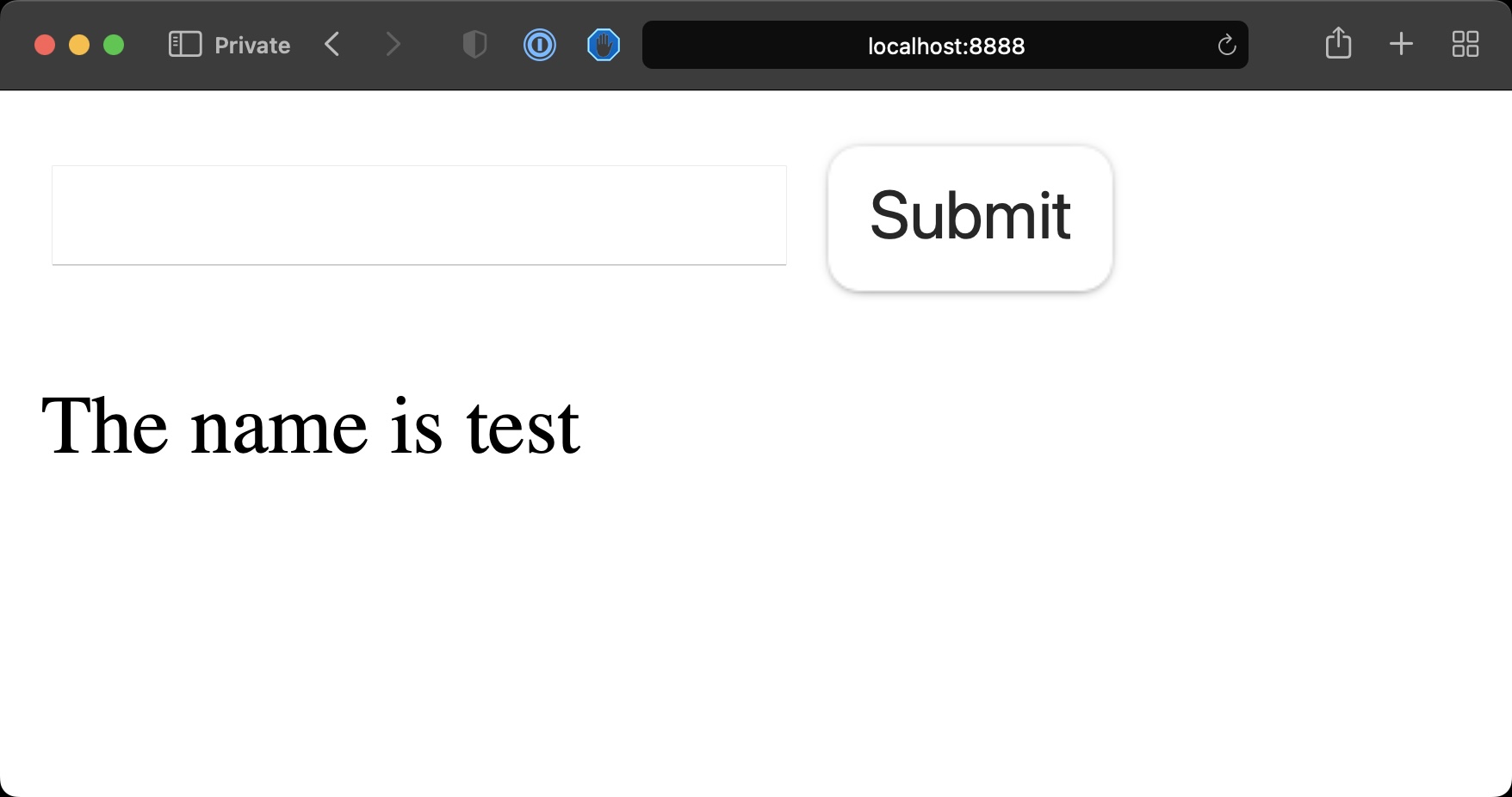
This is because we’re using a [POST request](https://developer.mozilla.org/en-US/docs/Web/HTTP/Methods/POST), which sends the data to the server in a different way, through urlencoded data.
As mentioned, PHP will still serve the `index.php` file as we’re still sending data to the same URL the form is on.
We’re mixing a bunch of code and we could separate the form request handler from the code that generates the form.
So we can have in `index.php` this:
```php
```
and we can create a new `post.php` file with:
```php
The name is ' . $_POST['name'];
}
?>
```
PHP will display this content now after we submit the form, because we set the `action` HTML attribute on the form.
This example is very simple, but the `post.php` file is where we could for example save the data to the database, or to a file.